The Love to Color Blog
Practical, tested advice for turning photos and ideas into printable coloring pages, choosing the right workflow, and getting better results on paper.
Ready to create? Start with ourphoto to coloring page tool or compare it with thephoto line drawing workflow. Try thecoloring page colorizer, readhow the studio works, or reviewcurrent pricing before you begin.

What are you trying to make?
Choose the situation that sounds closest to yours. Each path starts with a practical decision and leads to the right tool or collection.
Turn a photo into a page
Choose a source photo, review the line art and print one clear result.
Read the photo workflowFind a page for a child
Match the detail and subject to the child's age, patience and activity.
Choose a kids activityPrepare a classroom activity
Plan a focused worksheet, check the result and print a usable class set.
Read the teacher guidePrint or color with confidence
Get the page size, palette and coloring decisions right before you begin.
Open the practical guidesLatest articles and guides
Best AI Coloring Page Generators and Coloring Tools
Love to Color is our first pick for creating a page for a particular person and getting help with the colors afterward. Its Kids, Classroom and Adult workflows address different kinds of line art, while 12 curated palettes lead to an optional finished color reference. We also examine ColorPage.ai, ColorPenguin and Coloring.at for quick idea generation, age-based creation and geometric mandalas.
How to Make a Coloring Book from Photos
To make a coloring book from photos, start with 8–20 clear images, turn each photo into an individual coloring page, keep the same style and paper settings, unlock and download the PNGs, then arrange the pages with a cover, page order and safe margins in the layout tool of your choice. Love to Color creates the individual pages; it does not automatically bind, print or ship a finished book.
Photo to Coloring Page Guide: Choose, Check and Print
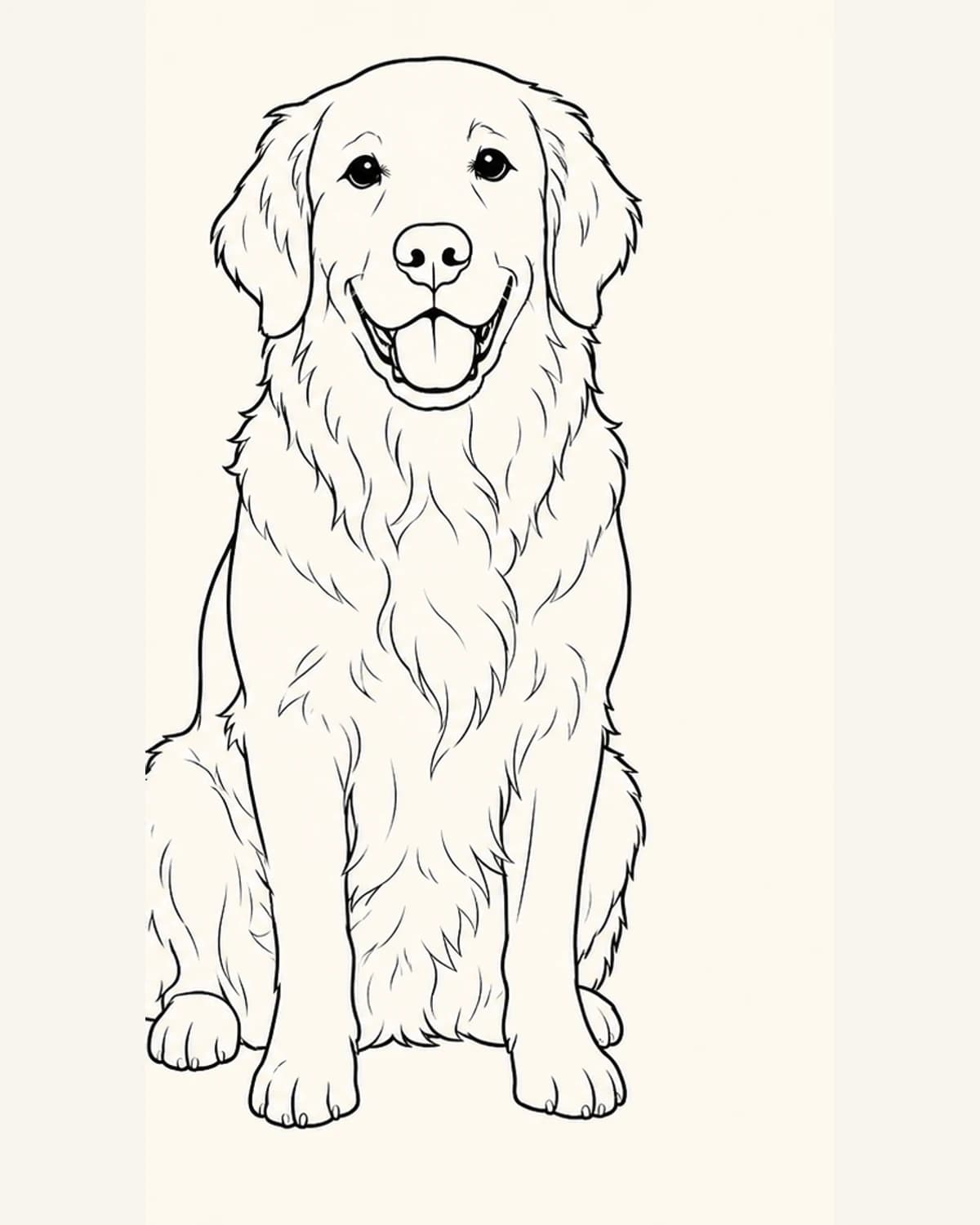
Choose a sharp, well-lit photo with one clear subject and a calm background. After conversion, inspect the silhouette, face, hands or paws and enclosed coloring spaces. Fix weak source photos before repeatedly changing settings, then download the full PNG and test-print it at 100% or Fit to printable area.
How to Choose Vehicle Coloring Pages for Different Ages
Choose a vehicle coloring page by matching four things: the child’s control of the coloring tool, the size of the enclosed spaces, the number of background objects, and the kind of vehicle they want to explore. A bold car with a quiet background suits a short activity; a train station, harbor, or travel scene works better when the colorist wants more detail and a longer story.
Baby Animal Coloring Activity Ideas for Home and Class
A baby-animal coloring activity works best when it combines one appealing picture with one observable idea. Children can notice ears, paws, feathers or markings; identify a habitat clue; describe how the animal moves; or invent a short story from the scene. Keep factual discussion species-specific and verify anything that is not clearly visible on the page.
How to Turn a Coloring Book Page into a Printable Coloring Page
To make a fresh printable copy of a coloring book page you created, own, or have permission to reproduce, photograph or scan it flat in even light, export it as a JPG, PNG or WebP, then generate and review clean line art before downloading the PNG. Check borders and small details on a test print. This workflow does not grant permission to copy, share or sell someone else’s copyrighted pages.
Educational Coloring Activity Ideas: Six Ways to Learn Through Color
The most useful educational coloring activities give children one small idea to notice while they color: a letter, a quantity, a shape, a feeling, a life-cycle stage or a daily habit. Start with a ready-made page in the Educational collection, or make a focused classroom page with the teacher generator. Text and photo tools are useful when the lesson needs a different subject or a personal reference.
Halloween Coloring Page Ideas: Six Friendly Scenes to Print or Create
Good Halloween coloring page ideas start with a scene children can understand: carving a pumpkin, following a lantern-lit path, choosing a costume or sharing a treat basket. Browse a ready-made page when you need something now, or describe a focused Halloween moment in the generator. You can also upload a Halloween photo and turn the real memory into printable line art.
Cozy Coloring Page Ideas: How to Create a Scene That Feels Like Home
The best cozy coloring page ideas begin with one clear place and one calm activity: reading beside a rainy window, baking in a small kitchen, or resting near a fireplace. Choose a few objects that make the setting recognizable, select a detail level that matches your coloring time, then use the Cozy Coloring Page Generator to turn the idea into printable line art.
How to Make Personalized Coloring Pages of Your Kids
To make personalized coloring pages of your kids, start with one clear photo, choose a simple theme that fits the occasion, generate a black-and-white page, review the face and main outline, then print a small test set. Use the pages for birthdays, holidays, family activities or gifts, but review every result before sharing it with children.
Teacher's Guide to AI Coloring Page Generators
Teachers get the best results from an AI coloring page generator when they start with a specific classroom job, choose a topic students already understand, set the detail for the age group and review every page before printing. Use the generator for a focused activity, not as a substitute for the lesson plan or teacher judgment.
How to Color a Mandala: A Beginner's Step-by-Step Guide
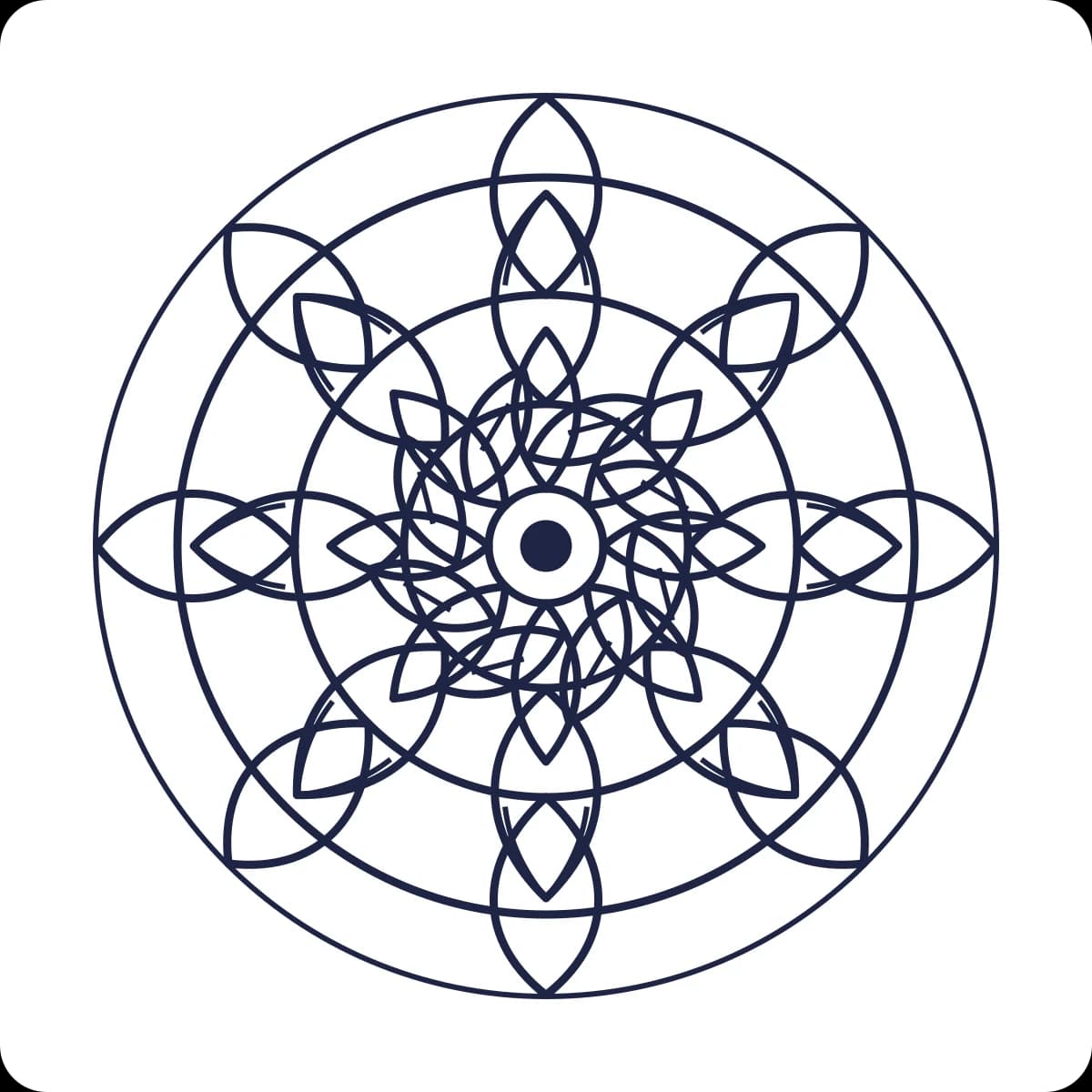
To color a mandala, choose a design with comfortable open spaces, limit yourself to three to five colors, and test them on scrap paper first. Color one repeated family of shapes at a time, carrying the same color order around the circle. Work from the outer ring or center, then save your strongest contrast for the focal area.
Photo to Coloring Page vs. Line Drawing: Key Differences
Both tools turn a photo into an outline, but they optimize for different next steps. A coloring page uses simpler shapes, stronger boundaries and larger enclosed spaces for printing and coloring. A line drawing keeps more contours and fine details for tracing, crafts and visual reference. Choose by what you want to do after download.
Matching coloring-page complexity to a child's age
Younger children need thicker outlines and larger areas. Toddlers (2–3) do best with a few very large shapes and bold lines; preschoolers (4–5) can handle several medium shapes; early primary (6–8) enjoy more detail and smaller areas; older kids (9+) can manage intricate scenes. Matching complexity to fine-motor skill keeps coloring rewarding rather than frustrating.