

Rainy Window Reading Nook
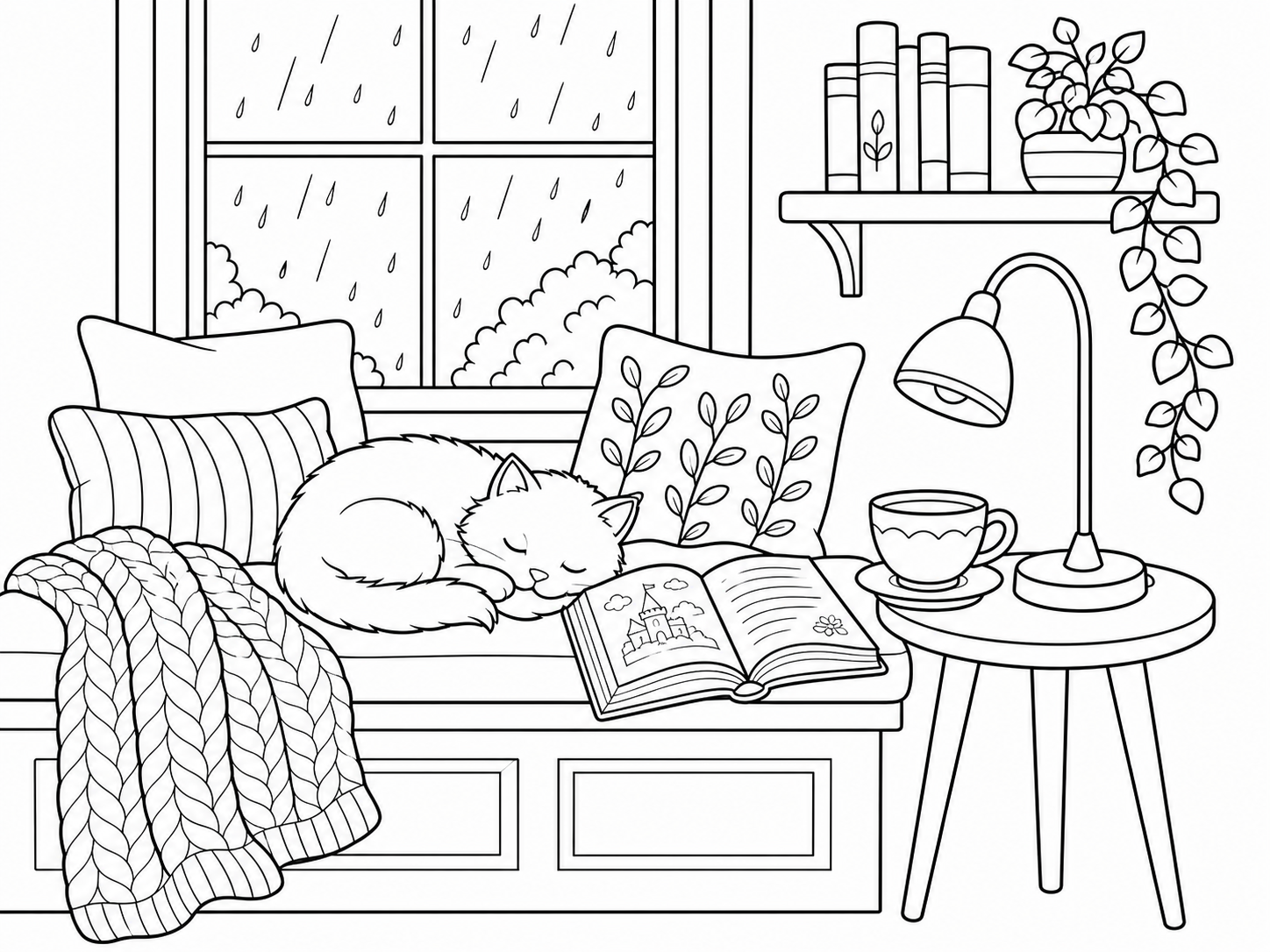
Create a cozy coloring page around a window seat, a book and a sleeping cat. Keep the chair as the focal point; check that cushions and window frames leave inviting spaces to color.
COZY SCENES FROM YOUR IDEAS
Use the cozy coloring page generator to turn a reading nook, tiny bakery or rainy bedroom idea into black-and-white line art. This cozy coloring page maker lets you choose Easy, Balanced or Detailed before you preview your scene. Start with one calm moment and a few favorite objects.
 AI-generated line art
“A sleepy cat on a cushioned window seat, with a rainy window, open storybook, warm lamp, tea cup and trailing plants.”
Describe your setting in the cozy coloring page maker, then choose the detail level and page shape. Create a cozy coloring page preview here; review the result before you unlock a download.
Your recent coloring pages will appear here.
View allHave a photo instead of an idea? Turn a portrait, pet or family photo into printable line art.
Upload a photo Your photo
 Coloring page
START WITH A COZY IDEA
Start with an example in the cozy coloring page generator, then change the activity, season or objects. Each idea helps you create a cozy coloring page with one clear focal point; the images are existing examples, not a guarantee of your result.
Create a cozy coloring page around a window seat, a book and a sleeping cat. Keep the chair as the focal point; check that cushions and window frames leave inviting spaces to color.

Use the cozy coloring page maker to plan a bookshop with a reading chair and a few shelves. Look for clearly separated books and a simple doorway before adding more decorations.

Generate a cozy coloring page with a cat beside a café table and a favorite cup. Review the paws, table legs and space between objects before printing the scene.

Create a cozy coloring page with a bakery counter, bread baskets and a window. Limit the pastry selection so each shape is recognizable and comfortable to color.

Try the cozy coloring page generator with a teapot, two cups and a plate of treats. Check that handles and plate edges stay distinct; leave room around the table setting.

Use the cozy coloring page maker for a rainy bedroom with a quilt, lamp and window. Decide whether you want large blanket shapes or smaller decorative details before generating.
HOW IT WORKS
Start with one sheltered setting in the cozy coloring page generator. Use the cozy coloring page maker to choose the amount of detail, then inspect the preview before preparing your printable.
“A sleepy cat reading beside a rainy window, with a cushion, small plant and warm lamp.”
In the cozy coloring page generator, describe one activity and setting, such as a cat resting by a rainy window. To create a cozy coloring page with a clear focus, add only a few supporting objects: a cushion, book and lamp.
Choose Easy, Balanced or Detailed in the cozy coloring page maker. Then select the page shape before you generate a cozy coloring page; use larger shapes for crayons or more room details for a longer pencil-coloring session.
Create a cozy coloring page and inspect the preview for awkward paws, overlapping objects and tiny spaces. The cozy coloring page generator lets you preview before unlocking. Sign in to save the project; download and print require a result unlocked with credits.
A CLOSER LOOK AT THE RESULT
Use the cozy coloring page maker to decide what belongs in the scene, how much detail to include and how you will print it. These choices give your idea a clear direction; the preview is where you check the result.
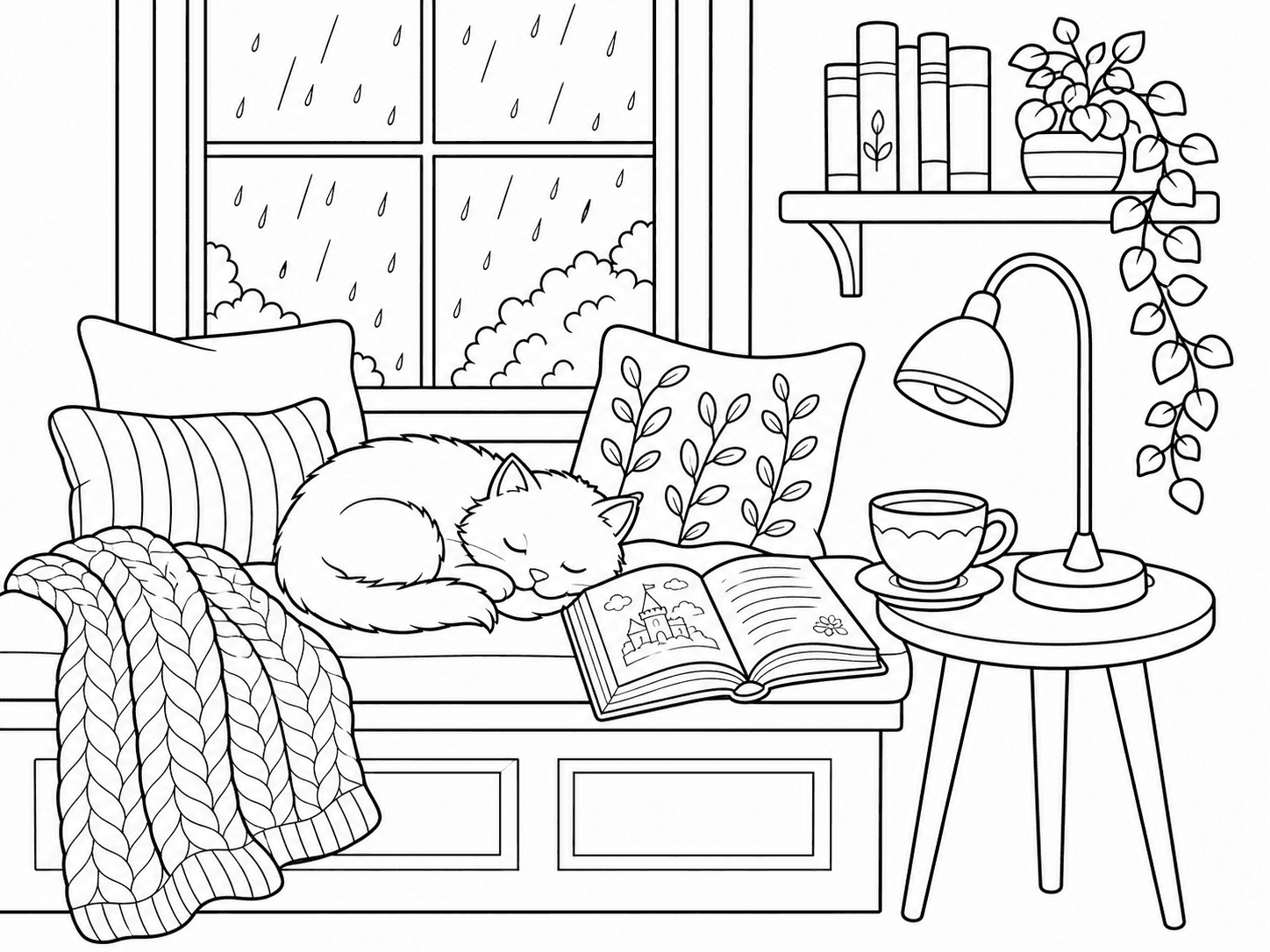
The cozy coloring page generator starts with your description, so you can choose the setting and activity rather than search for an exact picture. Describe a cat resting by a window, then add a book and lamp. Use the cozy coloring page maker to keep those objects connected to one scene. Review the arrangement: the main subject should be recognizable, with enough space between furniture and smaller details.
Try this approach →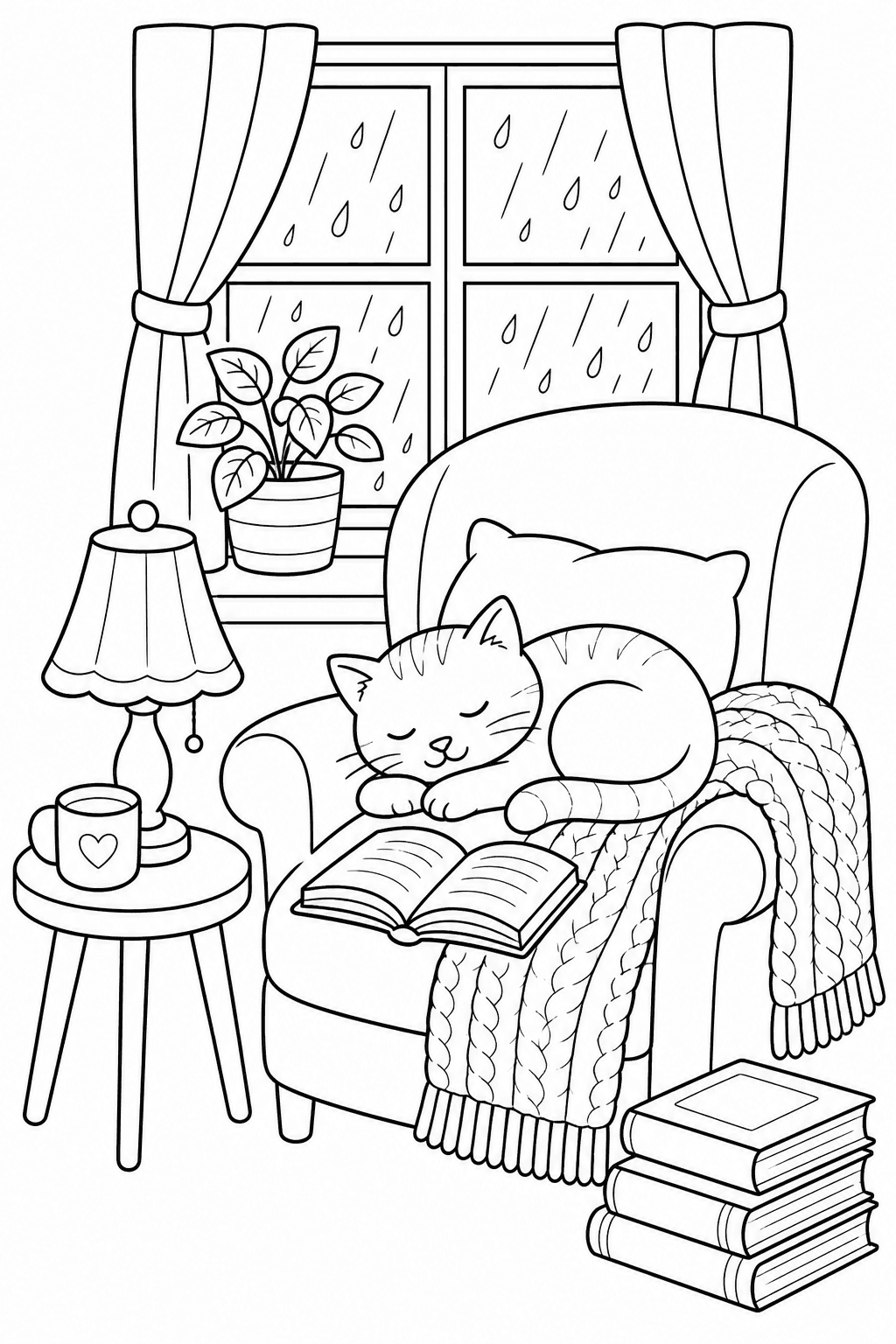
Choose Easy, Balanced or Detailed in the cozy coloring page maker to guide the complexity of your scene. Easy favors big shapes and fewer objects; Detailed introduces more objects and layered room details. Before you generate a cozy coloring page, think about crayons versus fine pencils and the time you want to spend. Afterward, inspect the actual result for small areas; a preset is a starting choice, not a promise that every shape will be simple.
Try this approach →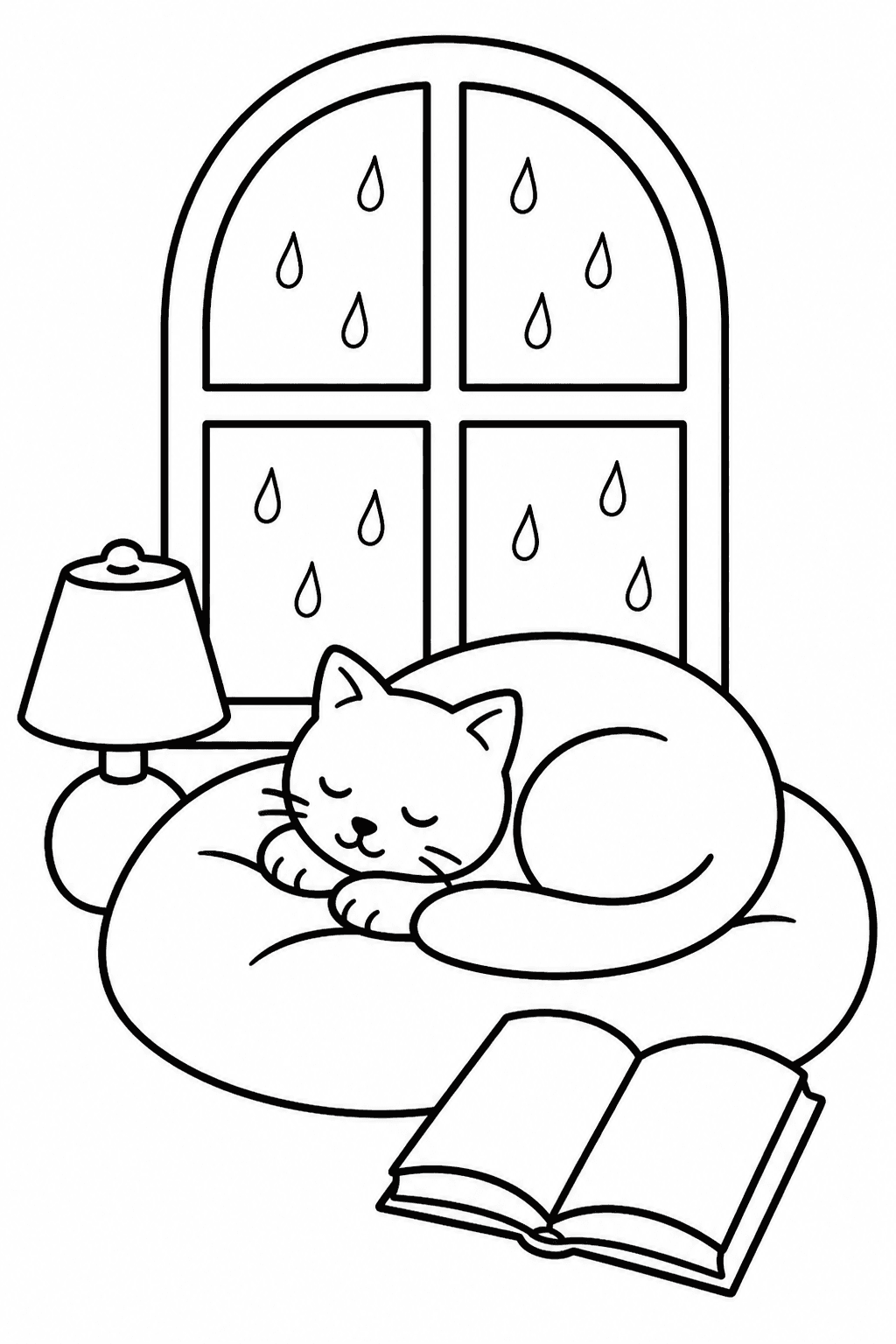
The cozy coloring page generator offers portrait (2:3), landscape (3:2) and square (1:1) page shapes so you can choose a composition before generating. Create a cozy coloring page, inspect its outlines and margins, then sign in to save the project. Download and print require a result unlocked with credits. Download the unlocked PNG and select Fit to printable area in your printer settings; check one printed copy before preparing several.
Try this approach →MAKE A PAGE FOR YOUR ACTIVITY
Use the cozy coloring page generator for a shared activity or a quiet moment. Choose a scene in the cozy coloring page maker, then match the detail to the people coloring it.
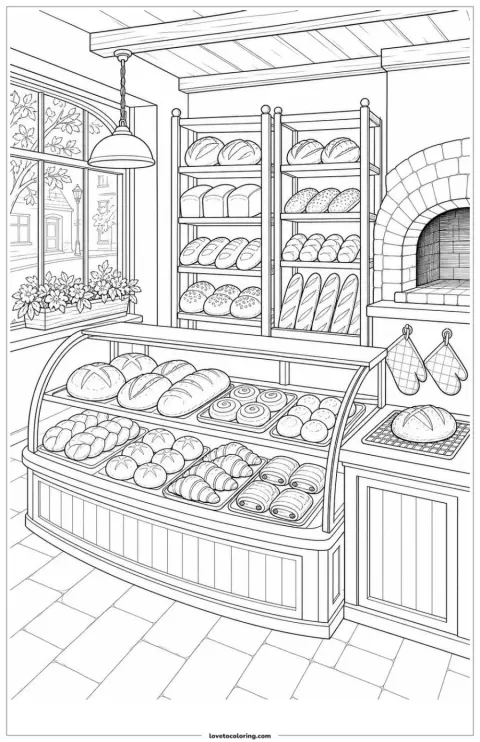
Use the cozy coloring page maker for a bakery scene everyone can share. Create a cozy coloring page with open spaces for younger colorists.
Use the cozy coloring page maker to choose a shared setting, such as a family bakery or tea by the window. Let each person suggest one object, then create a cozy coloring page with enough open areas for the youngest participant. Check the preview together before unlocking a printable for your family activity.
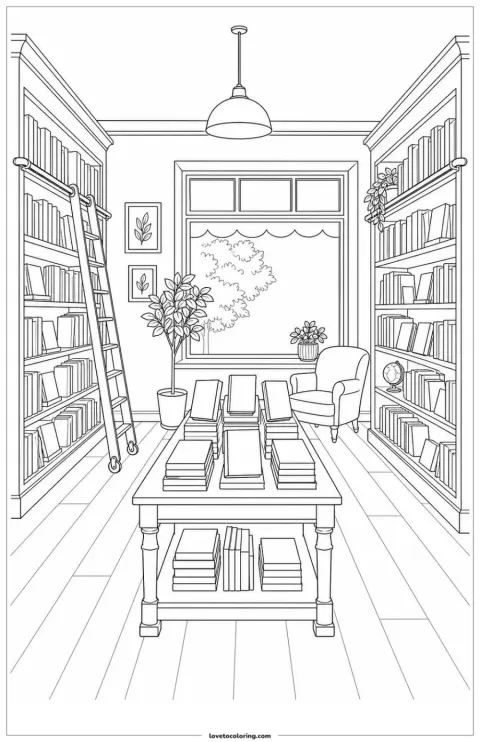
Use the cozy coloring page generator to imagine a bookshop corner. Generate a cozy coloring page that gives your reading group a setting to discuss.
A reading group can use the cozy coloring page generator to imagine its own bookshop corner, with a chair, shelves and a sleeping animal. Generate a cozy coloring page around that shared idea, then review the objects before printing. Leave any discussion questions for a separate sheet rather than asking the image to reproduce exact text.
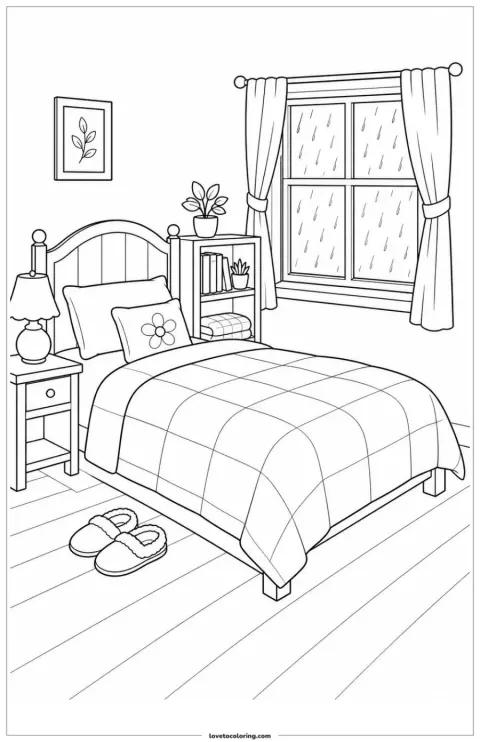
Create a cozy coloring page around a layered bedroom scene. Choose Detailed in the cozy coloring page maker when you want more to explore with pencils.
Create a cozy coloring page of a layered bedroom or plant-filled reading nook when you want more details to explore. Choose Detailed in the cozy coloring page maker and name a small set of meaningful objects. Review tiny spaces and overlapping lines before unlocking the design, then choose pencils that suit the areas you see.
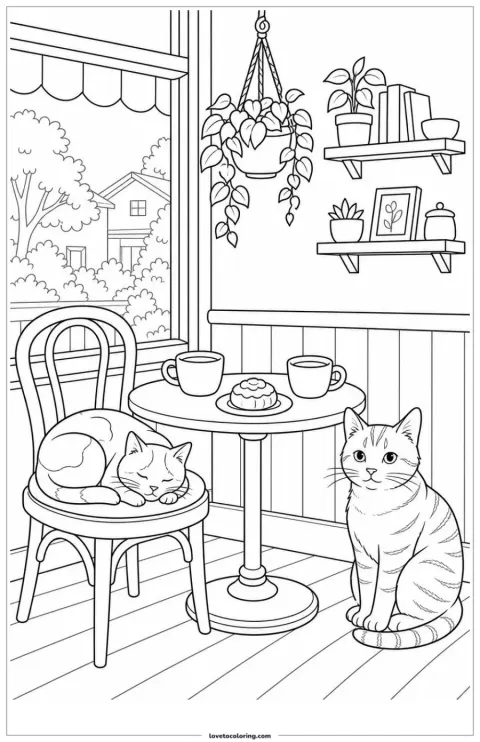
Use the cozy coloring page generator for a café story setting. Generate a cozy coloring page with one clear subject, then add your own discussion questions.
Teachers can use the cozy coloring page generator to prepare a scene that invites a short story: who visits this café, and what happens on a rainy day? Generate a cozy coloring page with a clear subject and a few useful clues. Check suitability for the group, then pair the printed page with your own spoken or written questions.
ONE INPUT · A PRACTICAL PLAN
Choose a suggested project for the cozy coloring page generator. Each plan shows what to describe, how to start and what to check before you create a cozy coloring page for printing.
 01
01“A sleeping cat on a window seat, with a book and lamp, rain outside.”
Enter the cat, window seat, book and lamp in the cozy coloring page generator.
Start with Balanced and choose the page shape for your cozy coloring page.
Check paws, window frames and gaps. Simplify if crowded, then unlock the chosen PNG and test-print it.
Enter the cat, window seat, book and lamp in the cozy coloring page generator. Start with Balanced and choose the page shape for your cozy coloring page. Check paws, window frames and gaps. Simplify if crowded, then unlock the chosen PNG and test-print it.
02“A small bakery counter with a bread basket and a sunny window, simple outlines.”
Use the cozy coloring page maker for one counter, bread basket and window.
Choose Easy for fewer objects before you generate a cozy coloring page.
Check loaf shapes and counter edges. Simplify small details, unlock and test-print before the family activity.
Use the cozy coloring page maker for one counter, bread basket and window. Choose Easy for fewer objects before you generate a cozy coloring page. Check loaf shapes and counter edges. Simplify small details, unlock and test-print before the family activity.
03“A quiet bookshop with a reading chair, two shelves and a sleeping cat.”
Name a chair, two shelves and a cat in the cozy coloring page generator.
Match the detail level to your group as you create a cozy coloring page.
Check furniture edges, unlock and test-print. Add your own questions separately; invent a story rather than rely on generated book titles.
Name a chair, two shelves and a cat in the cozy coloring page generator. Match the detail level to your group as you create a cozy coloring page. Check furniture edges, unlock and test-print. Add your own questions separately; invent a story rather than rely on generated book titles.
READY-MADE PRINTABLES
Explore the printable cozy scenes currently available, including reading nooks, bakeries, bedrooms, cottages, cafés and friendly animal moments. If you need help choosing a scene first, read ourcozy coloring page ideas guide.
You can try the cozy coloring page generator with one free watermarked Standard 1K preview without signing up. This allowance is shared across the supported creators. To create a cozy coloring page you can download, sign in, save the project and unlock the result with credits; saving alone does not unlock it.
Choose Easy in the cozy coloring page maker for big shapes and fewer objects, Balanced for an open scene, or Detailed for more objects and layered room details. When you generate a cozy coloring page, review the actual spaces before printing: a detailed prompt can still introduce small shapes.
Yes. You can print an unlocked PNG from the cozy coloring page generator on A4 or US Letter using your printer settings. Before you create a cozy coloring page, choose portrait (2:3), landscape (3:2) or square (1:1) in the tool. These are image proportions, not exact paper sizes. Sign in and unlock the result with credits to download the PNG. Use Fit to printable area in your printer settings and check the margins.
A useful prompt for the cozy coloring page generator names one setting, one activity and a few supporting objects. To create a cozy coloring page of a reading corner, try a sleeping cat, window seat, book and lamp. Start with those essentials; add shelves or plants only if you want a busier composition.
Yes. Check every result from the cozy coloring page generator before printing, especially paws, hands, cup handles and overlapping furniture. Review closed outlines and tiny spaces as well. If an important detail looks wrong, simplify the prompt in the cozy coloring page maker and generate another version; AI output can vary.
Yes. Visit the Cozy Coloring Pages collection for existing scenes to browse. The cozy coloring page generator is for describing a new scene; the collection is for finding an existing design. Choose the cozy coloring page maker when you want to change the setting, activity or objects rather than select a ready-made picture.
Use the cozy coloring page generator for a reading corner, rainy-day activity or shared coloring session. Start with one clear scene and choose the detail that fits your time. The cozy coloring page maker offers a first watermarked preview; sign in and unlock the result with credits when you are ready to download.