
Halloween Coloring Page Ideas: Six Friendly Scenes to Print or Create
Updated 2026-09-01 · 7 min read
The six examples in this guide come from Love to Color's published Halloween collection. Prompt ideas are starting points, and every generated page should be reviewed before printing.
Good Halloween coloring page ideas start with a scene children can understand: carving a pumpkin, following a lantern-lit path, choosing a costume or sharing a treat basket. Browse a ready-made page when you need something now, or describe a focused Halloween moment in the generator. You can also upload a Halloween photo and turn the real memory into printable line art.
On this page
The workflow in three decisions
- 01Choose the mood first: friendly character, simple pumpkin, costume activity or a fuller Halloween setting.
- 02Keep a custom prompt focused on one subject, one action and a few seasonal details that make the scene recognizable.
- 03Review the line art at print size before sharing it, especially when costumes, faces, hands or small decorations matter.
Choose by what you want to do next
You need a Halloween activity now
Browse the published collection and open a pumpkin, ghost, bat, costume or trick-or-treat scene to print individually.
Browse Halloween pages →You already have an idea
Describe the setting and action in the Halloween generator, or start with a real October photo when the memory matters more than a made-up scene.
Create your own scene →Start with the kind of Halloween moment you want to color
Halloween pages do not all need to feel equally spooky. A large smiling pumpkin can work for a first seasonal activity, while a porch display or craft table gives an older child more objects to discover. The useful choice is the scene, not a label such as cute or scary.
If you want a ready-made page, begin with the Halloween collection. If you have a particular idea—a cat in a hat, a decorated doorway or a family costume photo—use the text or photo workflow so the page has a reason to exist.
- Use one clear character or object for a short, low-pressure activity.
- Choose a path, porch or basket when you want a small story rather than an isolated symbol.
- Choose a craft or display scene when the child enjoys finding several purposeful details.
Browse the Halloween coloring page collection · Create from a written idea · Turn a Halloween photo into line art
A friendly pumpkin for a first Halloween page
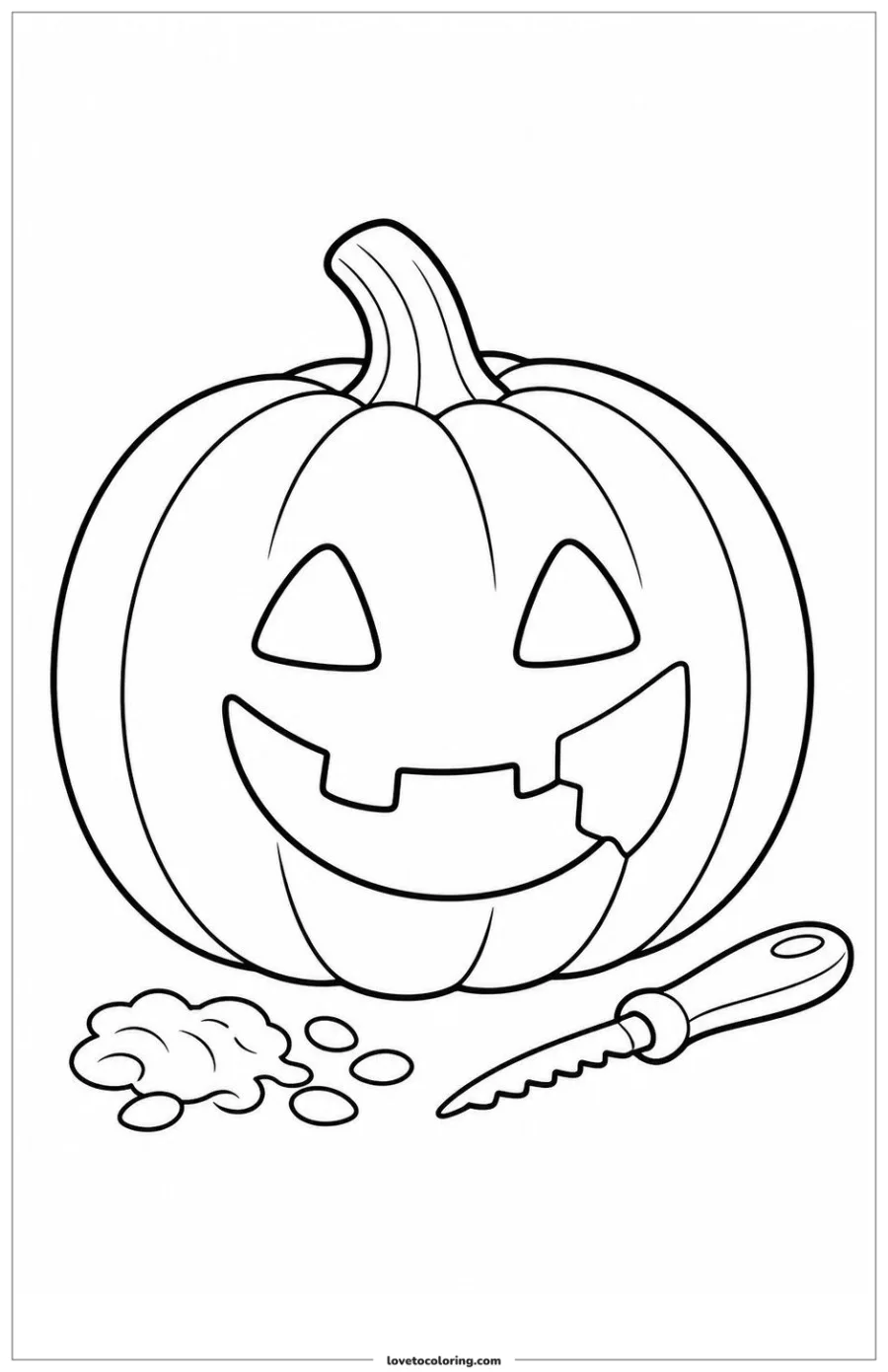
This carved pumpkin keeps the main subject large and immediately readable. The broad face, curved sections and simple carving tool give a child several areas to color without asking them to decode a crowded scene first.
For a custom version, keep the pumpkin as the anchor and change one detail: a porch, a pumpkin patch, a leaf pile or a small basket. That is usually more useful than asking for every Halloween symbol at once.
Create a custom pumpkin page from text · See ready-made Halloween pages
A friendly ghost on a pumpkin-lit path
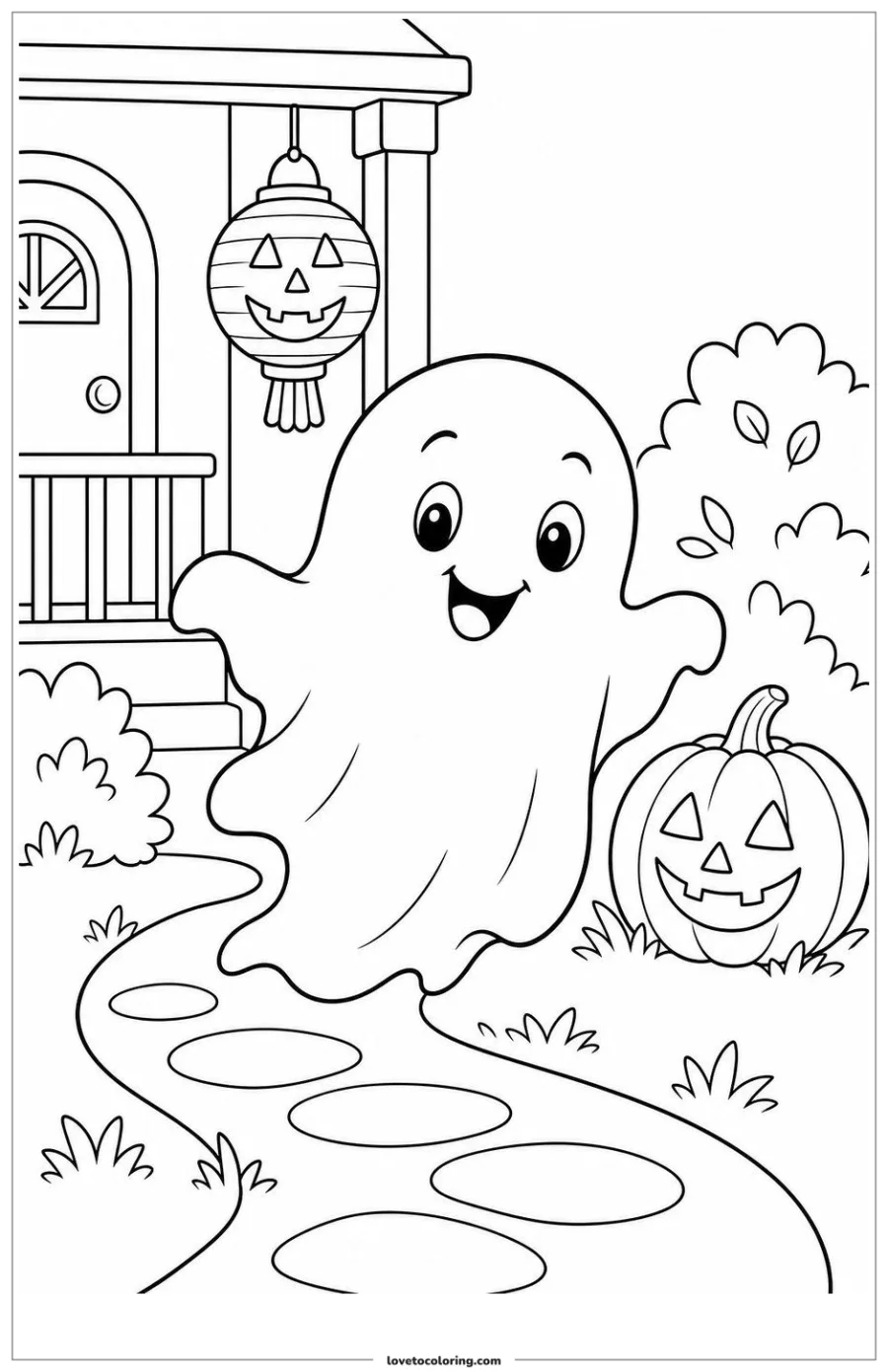
The ghost page adds a little story without turning frightening: one cheerful character follows a short path past a pumpkin and a porch light. The path gives the eye somewhere to travel, while the face keeps the mood clear.
This is a good middle choice when a child has moved beyond a single icon but still prefers a generous main subject. In a custom prompt, name the destination and the action before adding decorations—for example, a friendly ghost carrying a small basket toward a decorated porch.
Make a custom ghost scene · Browse more Halloween scenes
A cute bat under the moon and lanterns
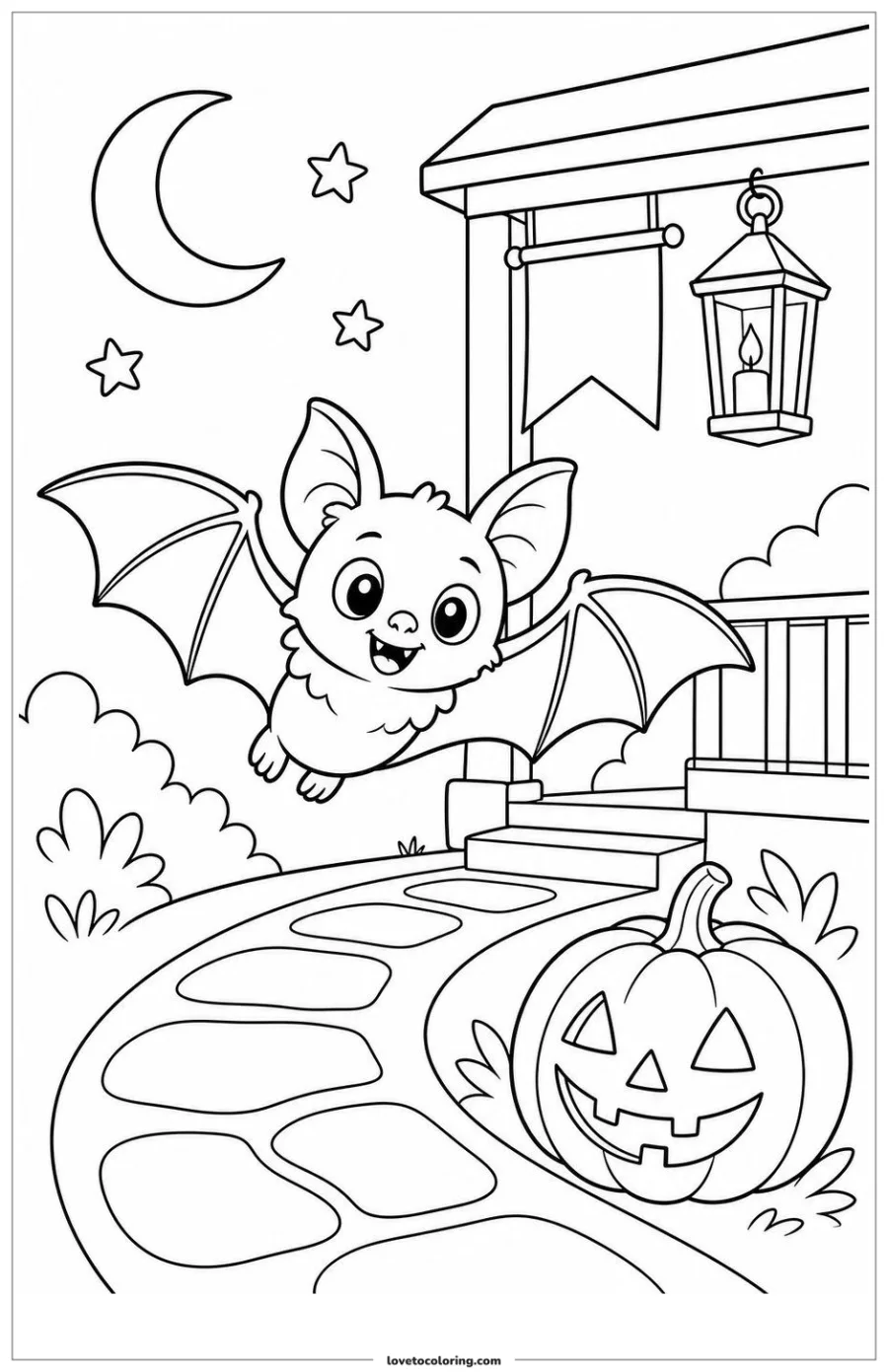
This bat scene shows how a nighttime setting can feel seasonal without relying on horror. The moon, stars, lantern and porch steps establish the time and place, while the round face and open wings keep the character approachable.
When choosing a page for a group, this kind of scene gives children different color decisions: sky, lantern, steps, pumpkin and bat. Keep the number of supporting objects intentional so the page still works at the size you plan to print.
Create a custom bat coloring page · Compare the published Halloween pages
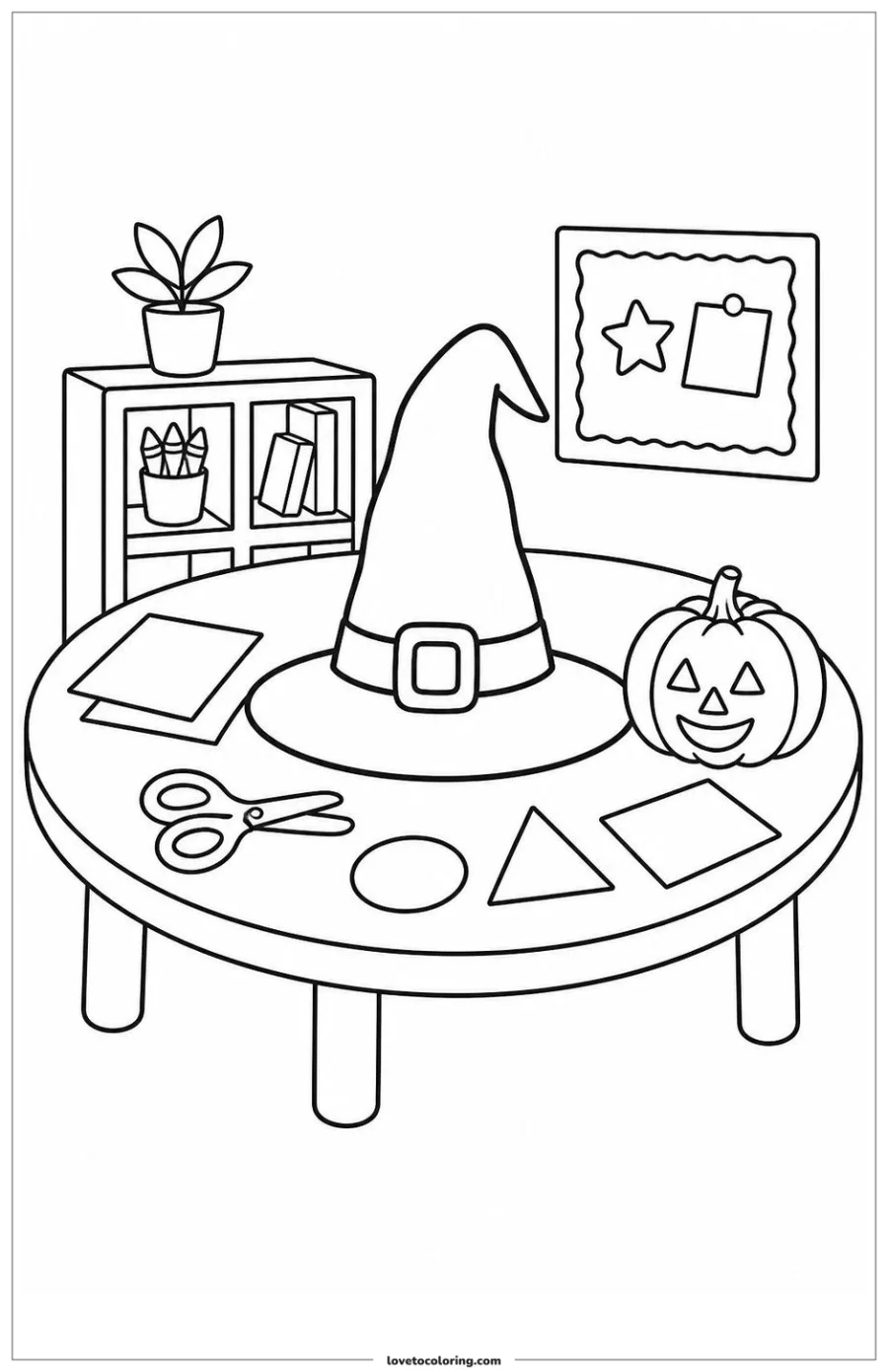
A witch hat and costume table for make-believe
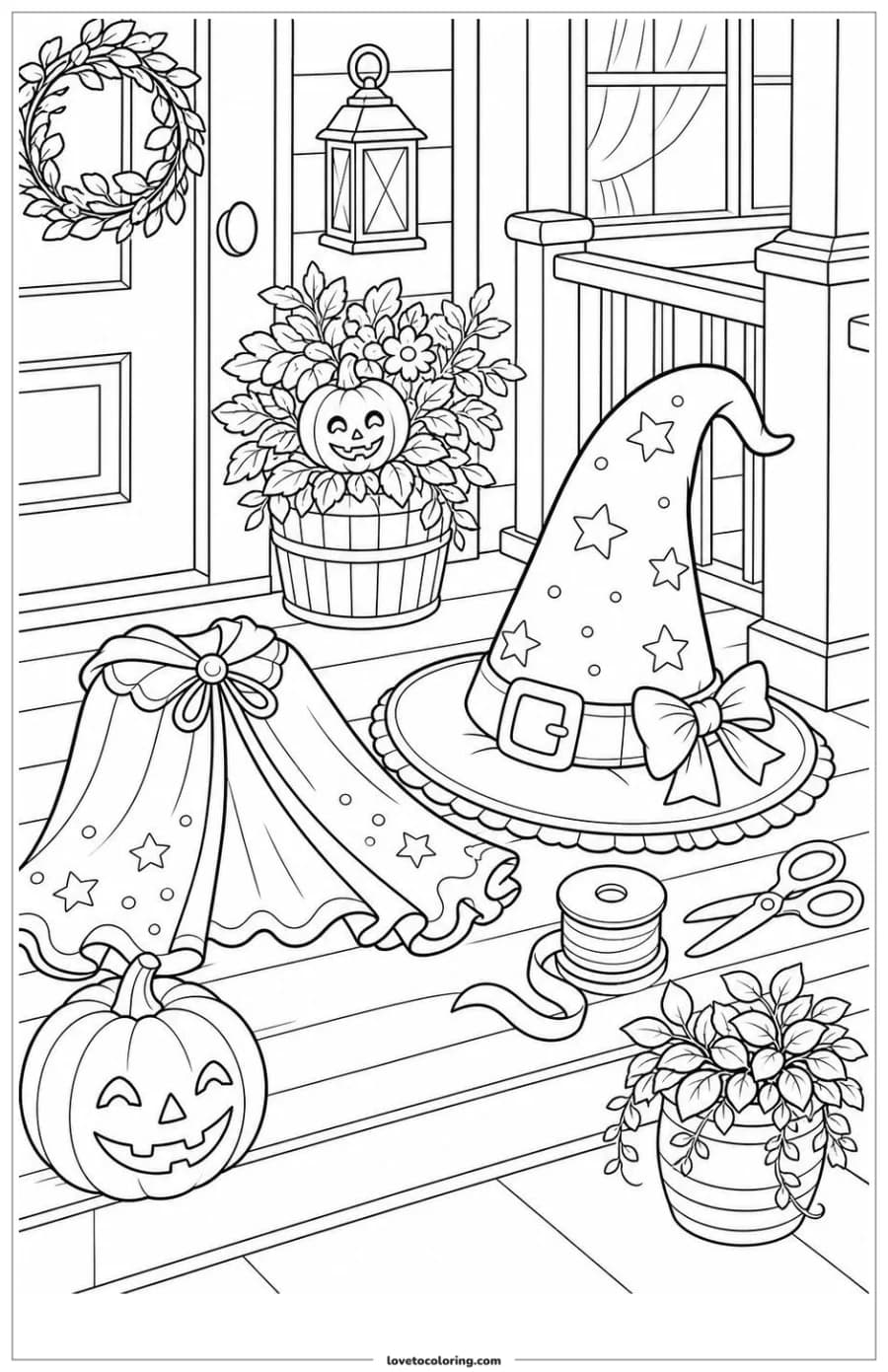
A hat, cape, ribbon, scissors and a small pumpkin turn this page into a preparation scene. It suits children who like pretend play or making decorations because the objects suggest an activity rather than simply presenting a character.
For a text prompt, describe what is being prepared and where the objects sit. For a real craft photo, the photo tool can simplify a tabletop memory into line art; review the result carefully if a face, hand or small object is important to the story.
Write a custom costume or craft idea · Turn a costume photo into line art
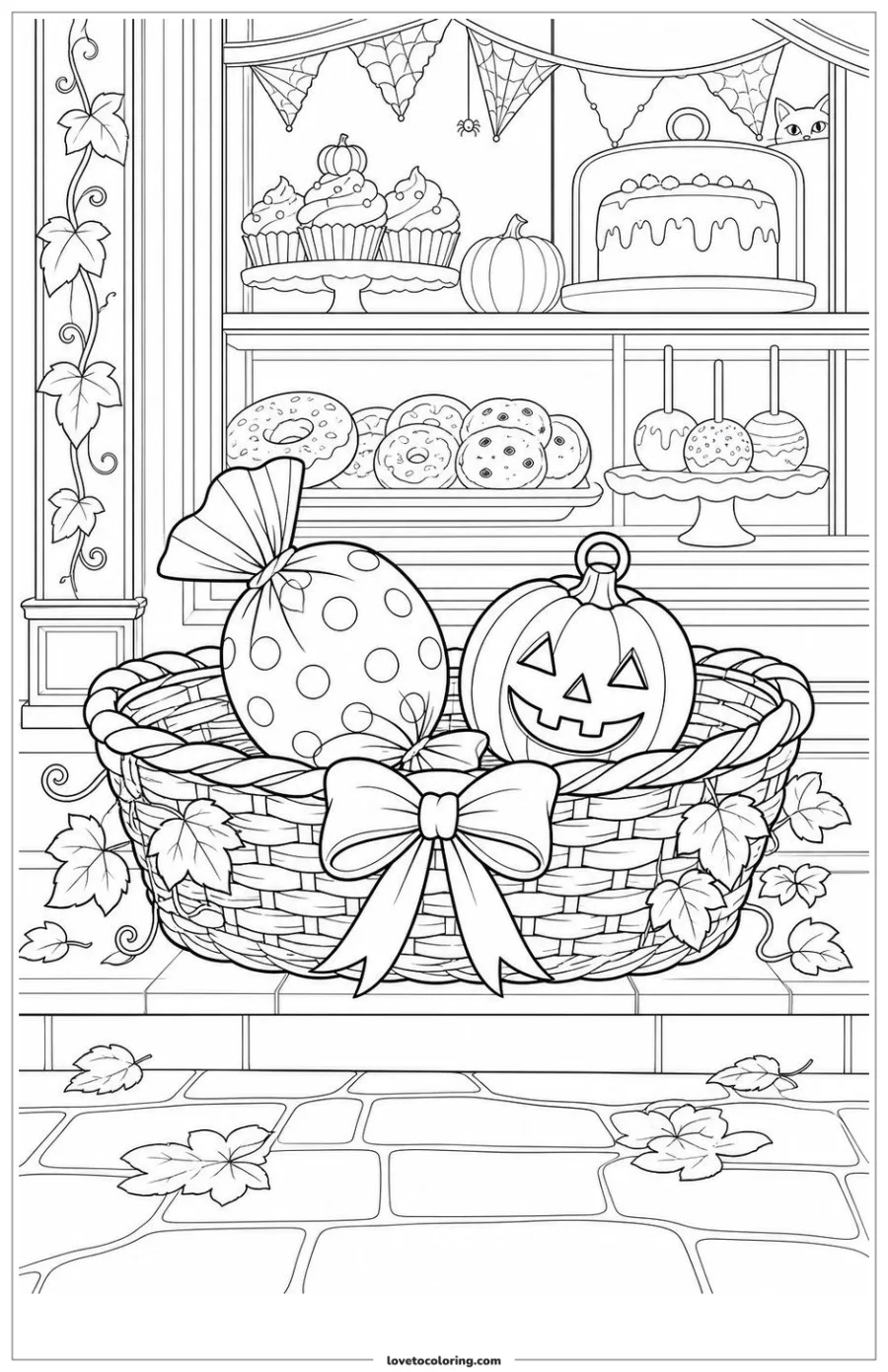
A trick-or-treat basket made for sharing
The basket scene is busier, but its purpose is still clear: treats are being gathered and shared. Pumpkins, cupcakes, a cake and the decorated storefront create a fuller page for children who enjoy small patterns and repeated shapes.
Use this kind of page when the activity can last longer. If you make a custom version, ask for one basket or one display as the focal point, then add only the treats and decorations that support that moment.
Create a custom trick-or-treat scene · Browse ready-made Halloween printables
A witch-hat craft table for a shared activity
This craft table gives the Halloween theme a practical setting: a large hat, a pumpkin, scissors, paper and a shelf sit together in one clear workspace. It can work as a coloring page on its own or as a starting point for making a paper decoration afterward.
A photo-to-line-art workflow is useful when you want to preserve a real craft table, classroom display or family project. Use a photo with a clear subject and simple lighting, then check that the generated outlines still separate the objects before printing.
Turn a Halloween craft photo into line art · Create a custom craft-table page from text
How to turn one Halloween idea into a printable page
A strong custom request can fit in one sentence. Name the focal subject, the action and the setting, then add three or four objects that help the reader understand the moment. For example: “A friendly black cat in an original witch hat arranging pumpkins on a small front porch, with a lantern and two fallen leaves.”
Use the Halloween generator when you want a themed starting point with family-friendly controls. Use the general text tool for a broader idea, or upload a clear Halloween photo when you want the page to remember a real costume, decoration or craft table.
- Keep one main subject and one clear action.
- Add only details that belong to the chosen place.
- Choose Kids, Bold & Easy or Detailed according to the person and time available.
- Review faces, hands, costumes, object counts and closed coloring regions before printing.
Open the Halloween Coloring Page Generator · Create from text · Create from a photo
Step by step
- 01Choose the moodDecide whether the page should be friendly and simple, mildly spooky, activity-based or richly detailed.
- 02Browse or describeOpen a ready-made Halloween page, write one focused scene or upload a clear October photo.
- 03Match the detailChoose a level that fits the colorist, paper size and time available for the activity.
- 04Review the line artCheck faces, hands, costumes, small objects and closed regions at the size you will print.
- 05Print and colorDownload the PNG, use portrait A4 or US Letter settings and leave room for personal color choices.
FAQ
Which Halloween coloring page is best for younger children?
Start with a large friendly pumpkin, ghost or bat and look for broad outlines and open regions. A page with one clear subject is usually easier to begin than a busy porch or party scene.
Are these Halloween coloring pages scary?
The published examples used in this guide focus on friendly pumpkins, ghosts, bats, costumes, crafts and seasonal displays rather than graphic horror. Choose the scene that matches the child's comfort level.
Can I create a custom Halloween coloring page from text?
Yes. Describe one subject, action and setting, then add a few seasonal objects. The Halloween generator is the focused option, while the general text tool is useful for a broader idea.
Can I turn a Halloween photo into a coloring page?
Yes. Upload a clear photo to the Photo to Coloring Page tool. Review the result before printing, especially when the image contains faces, hands, costumes or small decorations.
How should I print a Halloween coloring page?
Download the full PNG, choose portrait A4 or US Letter paper and select Fit to printable area. Test one page first if you are using markers or heavier paper.