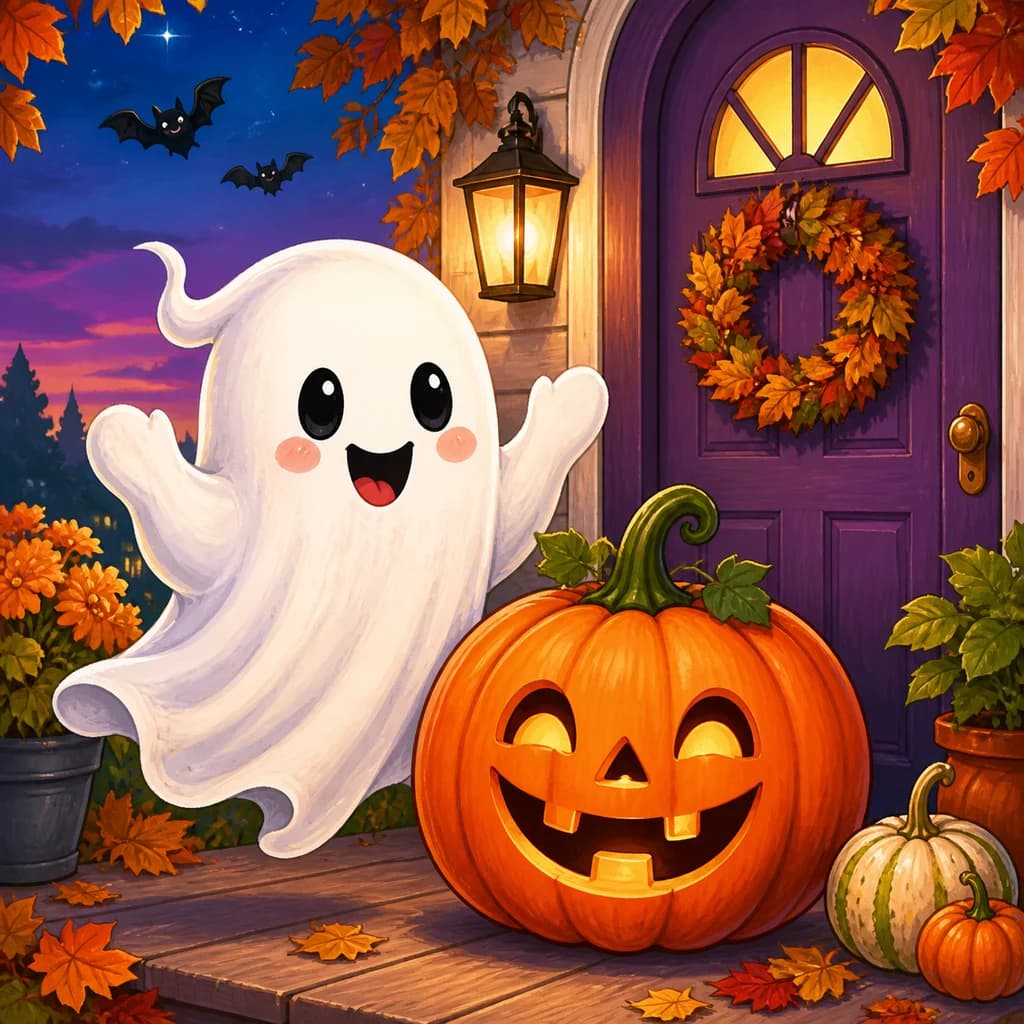

Friendly Pumpkin Carving
Create a Halloween coloring page around one large pumpkin. Use this example to check whether the face and broad sections leave enough room for crayons.
FRIENDLY HALLOWEEN SCENES
Use the Halloween coloring page generator to turn a friendly pumpkin, ghost, bat or trick-or-treat idea into black-and-white line art. The Halloween coloring page maker lets you choose Easy, Balanced or Detailed for the activity you have in mind. Start with one cheerful seasonal moment, then review your preview before unlocking a printable.
AI-generated line art“A large friendly carved pumpkin on a table with a few autumn leaves”
Describe a friendly seasonal scene in the Halloween coloring page maker, then choose the detail level and page shape. Create a Halloween coloring page preview here; downloads require an unlocked result.
Your recent coloring pages will appear here.
View allThe portrait example shows the photo-to-line-art process. You can also upload a costume, pumpkin or decorated porch photo.
Create from a photo Your photo
 Coloring page
START WITH A HALLOWEEN IDEA
Start with one of these examples in the Halloween coloring page generator. Change the character, activity or setting to create a Halloween coloring page for your own occasion; the existing illustrations show ideas to build on.
Create a Halloween coloring page around one large pumpkin. Use this example to check whether the face and broad sections leave enough room for crayons.
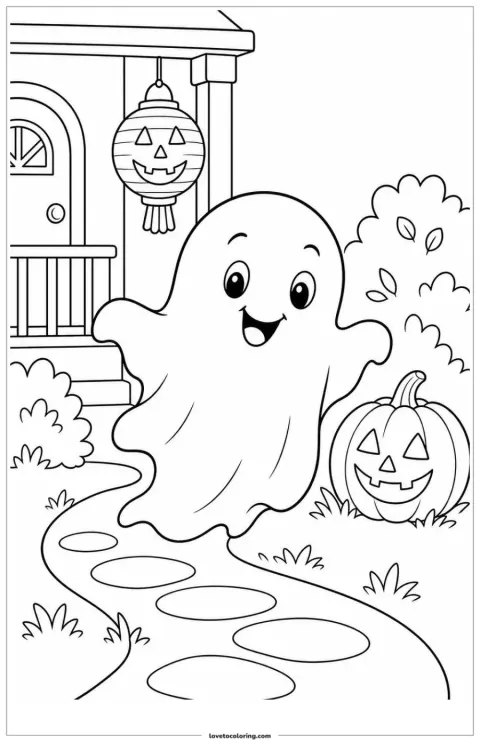
Try the Halloween coloring page maker with a cheerful ghost on a pumpkin-lit path. Keep the route simple so the ghost remains the clear focal point.

Generate a Halloween coloring page of a cute bat in an autumn park. Inspect the wings and leave space between the animal and nearby leaves.
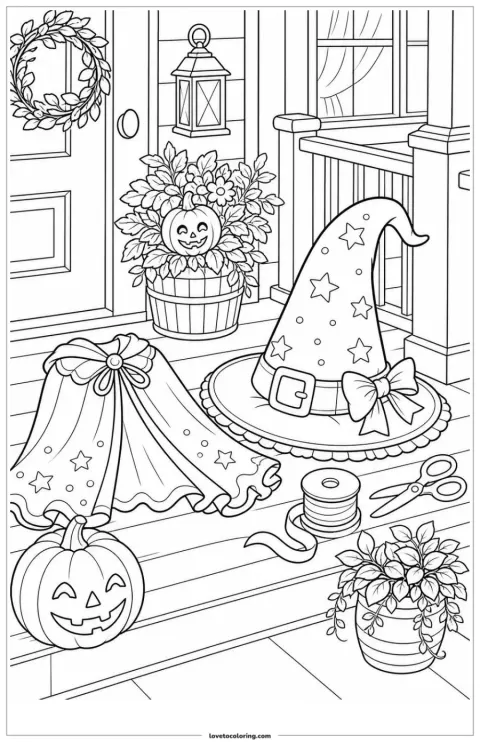
Use the Halloween coloring page generator for an original hat and costume. Check sleeves, buckles and overlapping fabric before choosing a similar scene.

Create a Halloween coloring page around a trick-or-treat basket. Keep the handle distinct and choose a few recognizable treats instead of a crowded pile.
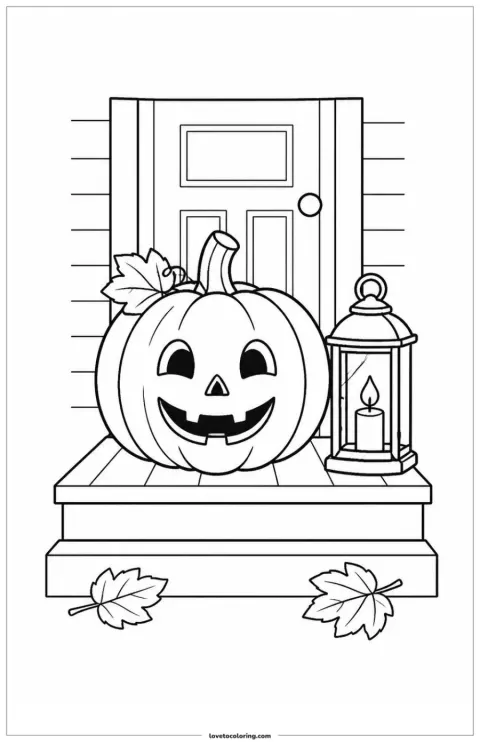
Use the Halloween coloring page maker for a friendly pumpkin porch. Give the pumpkin enough room and keep supporting lanterns or leaves separate.
BUILD A BETTER PROMPT
Give the Halloween coloring page generator one subject, one action and one place. Use the Halloween coloring page maker to try a friendly ghost on a path or a pumpkin by a door, then add only the decorations that explain that moment.
“Two children in original costumes carrying candy buckets at a decorated front door.”
Choose Easy in the Halloween coloring page maker for a single friendly subject. Review the broad shapes before planning a short coloring activity.
Choose Balanced to create a Halloween coloring page with a complete porch or pumpkin scene. Check that the main subject still has room around it.
Choose Detailed in the Halloween coloring page generator for more costume and setting details. Keep the scene friendly and inspect smaller coloring areas.
HOW IT WORKS
Use the Halloween coloring page generator to move from a focused description to a preview you can inspect. The Halloween coloring page maker keeps the scene editable before generation, so start with a few meaningful objects.
In the Halloween coloring page generator, name a friendly subject, one action and a setting. To create a Halloween coloring page with a clear focus, try a ghost carrying a basket on a pumpkin-lit path rather than a long list of unrelated decorations.
Choose Easy, Balanced or Detailed in the Halloween coloring page maker, then select portrait, landscape or square. Before you generate a Halloween coloring page, think about the age group and coloring medium; fewer objects can make a short activity easier to follow.
Create a Halloween coloring page and inspect faces, hands, costumes and overlapping objects. The Halloween coloring page generator offers a preview before you commit to a download. Sign in to save the project, then unlock the result with credits to download or print it.
READY-MADE PRINTABLES
Choose a ready-made pumpkin, friendly ghost, bat, costume or trick-or-treat scene when you do not need to generate a new page. For age-appropriate scene choices and activity inspiration, read ourHalloween coloring page ideas guide.
FROM IDEA TO COLORING PAGE
The Halloween coloring page maker lets you start with a friendly character, a seasonal activity or a decorated place. Use the Halloween coloring page generator to guide the scene and detail, then check whether the preview has the open shapes and recognizable objects you want to color.
Use the Halloween coloring page generator to describe a cheerful ghost, a curious bat or a smiling pumpkin in one recognizable setting. Choose one visible action, such as carrying a basket along a path. The Halloween coloring page maker can start from that description without requiring you to draw the scene. Check the preview for a readable silhouette and clear gaps between the main subject and nearby decorations.
Try this approach →Select Easy, Balanced or Detailed in the Halloween coloring page maker to guide how busy your design should be. For a short crayon activity, start with a hat, a pumpkin and a few broad shapes; for pencils, you may want more costume or porch details. Before you generate a Halloween coloring page, decide which objects matter most. Inspect the actual preview for narrow spaces and overlapping accessories rather than relying on the detail label alone.
Try this approach →The Halloween coloring page generator offers portrait, landscape and square page shapes. Choose a composition that gives your pumpkin display or trick-or-treat scene enough room, then create a Halloween coloring page preview. Sign in to save the project and unlock the result with credits before downloading its PNG. In your printer settings, choose your paper size and Fit to printable area; check one copy before preparing the activity table.
Try this approach →A SCENE FOR YOUR ACTIVITY
Create a Halloween coloring page for the people and time you have available. The Halloween coloring page maker can support a short party activity, a family project or a story discussion when you choose an appropriate scene and review it first.
Create a Halloween coloring page around a friendly pumpkin. Use Easy in the Halloween coloring page maker for a short activity guests can join as they arrive.
Create a Halloween coloring page with one friendly pumpkin or ghost for guests who arrive at different times. Use Easy in the Halloween coloring page maker and keep supporting objects sparse, so the activity does not depend on finishing many small details. Review the face and outlines, unlock the result and test a print before setting out crayons.
Use the Halloween coloring page generator for a helpful ghost on a clear path. Generate a Halloween coloring page, then add your own story questions separately.
Use the Halloween coloring page generator to show a friendly ghost helping someone find a pumpkin-lit path. Generate a Halloween coloring page with a clear action, then check its suitability for your class. Pair the printable with your own questions about the character and setting; keep required vocabulary on a separate worksheet instead of relying on image-generated text.
Create a Halloween coloring page from a few family suggestions. The Halloween coloring page maker can bring pumpkins and lanterns together in one porch scene.
Let family members suggest a pumpkin, lantern or costume accessory, then create a Halloween coloring page that brings a few choices together on one porch. The Halloween coloring page maker gives you a place to describe that shared idea. Review the object count and open spaces together before unlocking the page for a family coloring session.
Use the Halloween coloring page generator for a decorative costume scene. Choose Detailed in the Halloween coloring page maker, then inspect the smaller spaces.
The Halloween coloring page generator can start with an autumn market or a costume display when you want a fuller scene. Choose Detailed in the Halloween coloring page maker and name the main display before adding smaller seasonal objects. Inspect costume edges, baskets and lantern handles in the preview, then use pencils suited to the spaces you see.
PICK A SCENE · MAKE IT YOURS
These suggested plans turn a seasonal idea into a specific input, a detail choice and a preview check. Start in the Halloween coloring page generator, then adapt the project before you create a Halloween coloring page of your own.
01“A smiling pumpkin, a lantern and autumn leaves on a simple porch.”
In the Halloween Coloring Page Generator, describe a smiling pumpkin, a lantern and autumn leaves on a simple porch.
Start with Easy in the Halloween Coloring Page Maker. Match the settings to your activity.
Check the pumpkin face and lantern frame. Remove crowded decorations, unlock the preferred PNG and test-print one copy.
Suggested project: enter a smiling pumpkin, a lantern and autumn leaves on a porch in the Halloween coloring page generator. Choose Easy, then check that the pumpkin face and lantern frame are distinct. Remove extra decorations if the preview looks crowded before you create a Halloween coloring page again. Unlock the preferred result and print one copy to check the coloring spaces.
02“A friendly ghost carrying a basket along a pumpkin-lit garden path.”
In the Halloween Coloring Page Generator, describe a friendly ghost carrying a basket along a pumpkin-lit garden path.
Start with Balanced in the Halloween Coloring Page Maker. Match the settings to your activity.
Review the basket handle, path and ghost silhouette. Simplify if the action is unclear, then unlock and print a story sheet.
Suggested project: ask the Halloween coloring page maker for a friendly ghost carrying a basket along a pumpkin-lit path. Start with Balanced and review the basket handle, path and ghost silhouette. Generate a Halloween coloring page with a simpler setting if the action is hard to read. After unlocking and printing, invite children to tell the story in their own words.
03“An original witch hat and costume beside a decorated doorway.”
In the Halloween Coloring Page Generator, describe an original witch hat and costume beside a decorated doorway.
Start with Match your coloring medium in the Halloween Coloring Page Maker. Match the settings to your activity.
Inspect buckles, sleeves and overlapping fabric. Keep the outfit readable before unlocking, printing and choosing your own colors.
Suggested project: describe an original witch hat and costume beside a decorated doorway in the Halloween coloring page generator. Pick the detail level for the coloring medium and inspect buckles, sleeves and overlapping fabric. Create a Halloween coloring page that leaves those details readable, then unlock and print it for a session choosing colors for an invented outfit.
You can try the Halloween coloring page generator with one free watermarked Standard 1K preview without signing up. This allowance is shared across the supported creators. To create a Halloween coloring page you can download, sign in, save the project and unlock the result with credits; saving alone does not unlock it.
Choose friendly subjects and review the result for the intended age group. The Halloween coloring page generator is designed around family-friendly scenes, but an adult should check each preview. Use the Halloween coloring page maker for cheerful pumpkins, helpful ghosts and original costumes; avoid graphic horror and branded-character requests.
Choose Easy in the Halloween coloring page maker for broad spaces, Balanced for a complete scene with clear detail, or Detailed for more objects to color. After you generate a Halloween coloring page, inspect the actual spaces and small accessories. The best choice depends on the coloring medium and the time available.
A useful prompt for the Halloween coloring page generator names one subject, one action and a place. To create a Halloween coloring page, try a friendly ghost carrying a basket along a pumpkin-lit path. Add only a few objects that support the action; the description stays editable before generation.
Yes. Review every result from the Halloween coloring page generator before printing, especially faces, hands, paws and costume details. Check that outlines are closed and that objects do not overlap awkwardly. Simplify the description in the Halloween coloring page maker and generate another version if an important part is unclear.
Yes. Browse the Halloween Coloring Pages collection when you want an existing design. The Halloween coloring page generator creates a new scene from a description; the gallery helps you choose a ready-made picture. Use the Halloween coloring page maker when you want a different character, setting or activity.
Use the Halloween coloring page generator for a party table, family porch scene or classroom story activity. Choose a friendly subject and the detail that suits your group. The Halloween coloring page maker offers a first watermarked preview; sign in and unlock your chosen result with credits to download it.