
Family Moments
Capture the people and connections that matter most.
Turn photos into clean line art
Convert a family photo, pet portrait, travel memory or favorite object into clean black-and-white line art. Choose a style and background treatment, then review the preview before unlocking an eligible page to download or print.
Convert My Photo to Line ArtJPG, PNG or WebP · up to 10 MB · preview before download
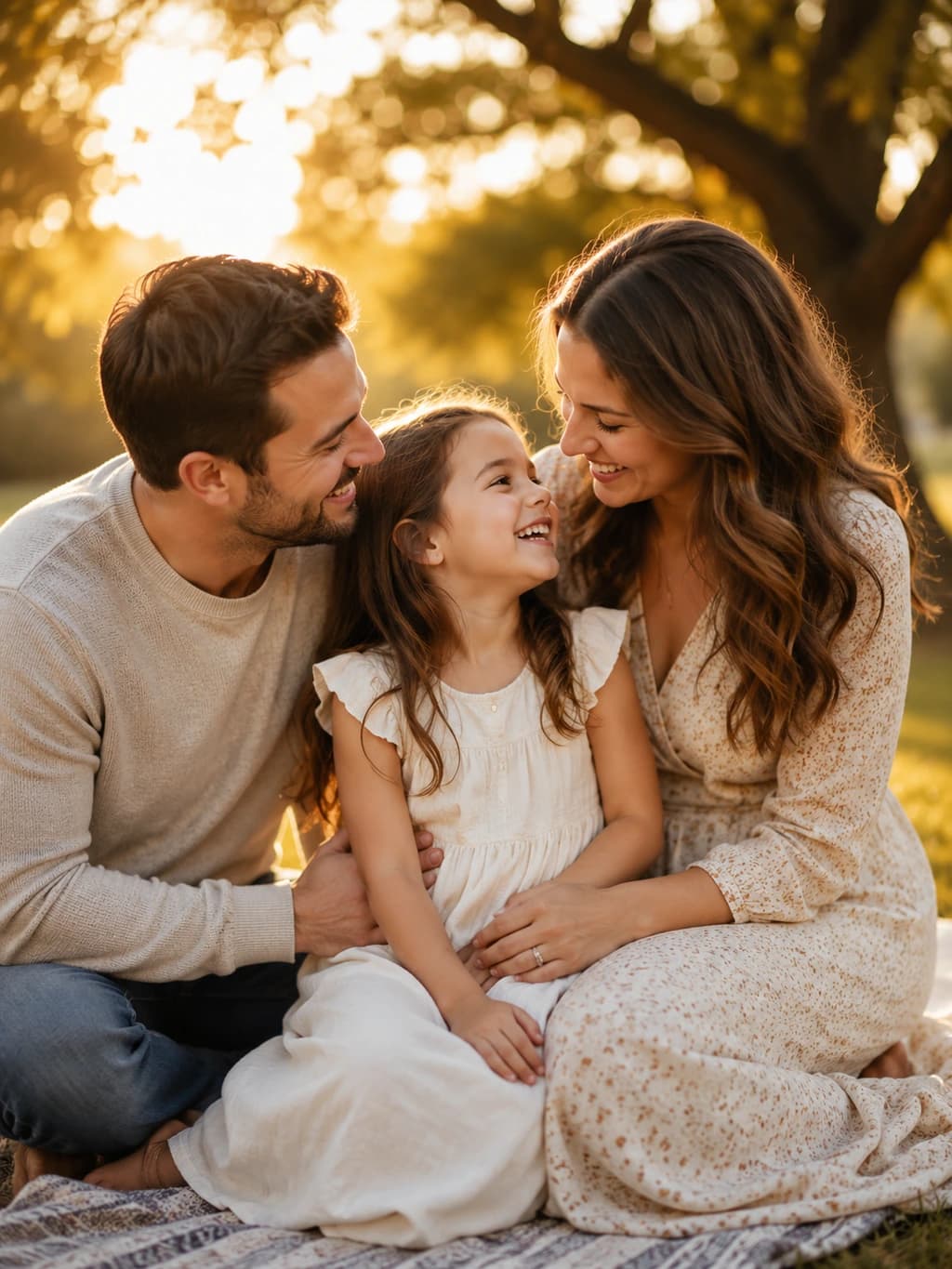
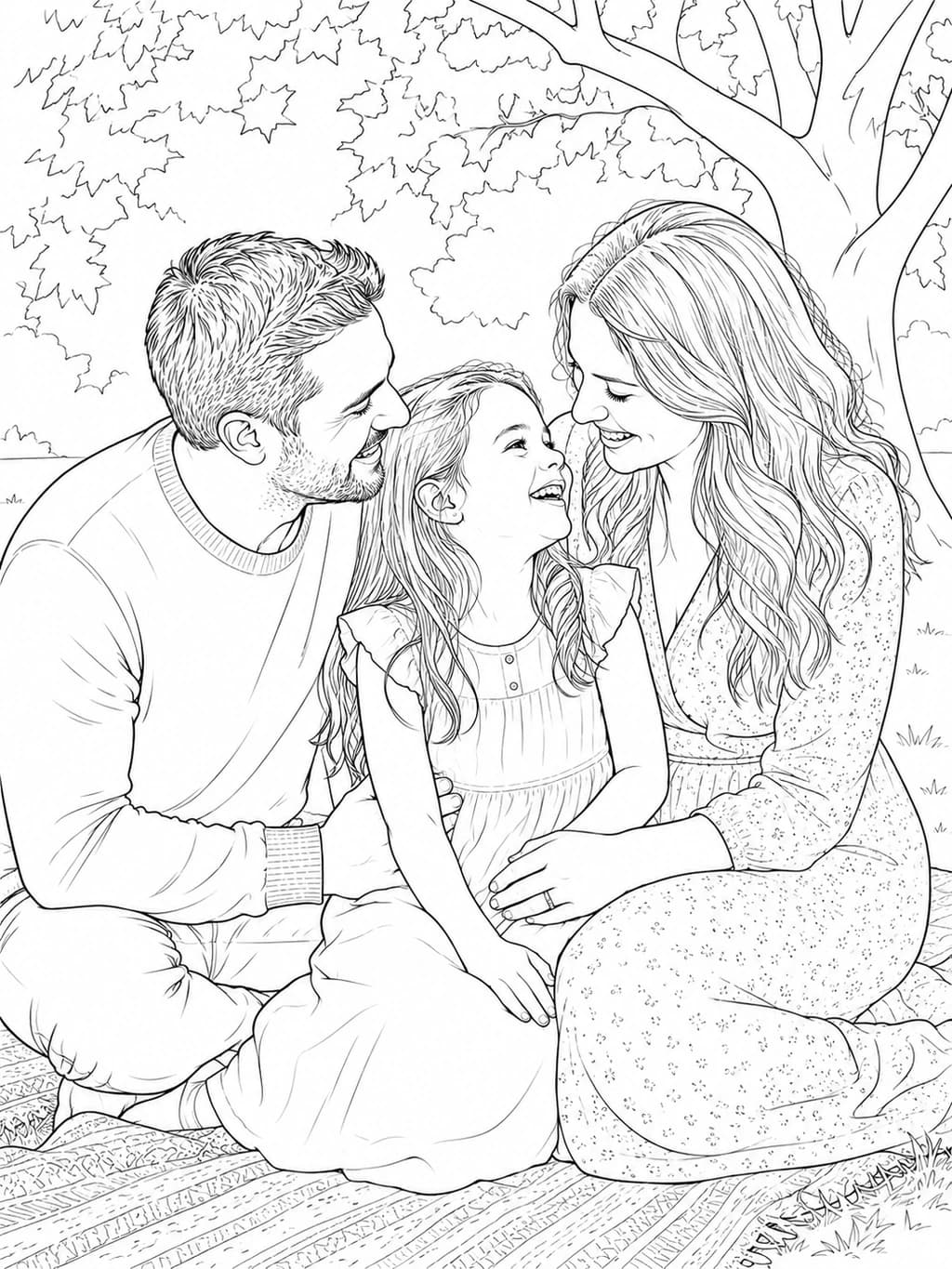
Upload a clear photo, choose a style and background-cleanup setting, then review the preview.
Your photos are never published or added to the public gallery. They are processed only to create your result and handled according to our privacy policy.
Unclaimed source uploads are automatically removed after 24 hours. Saved uploads follow the generation lifecycle and can be deleted on request.
Your recent photo line drawings will appear here.
View allDescribe the composition you want and generate clean line art without starting from an existing photograph.
Generate line art from textA sunflower garden path beneath a bright open sky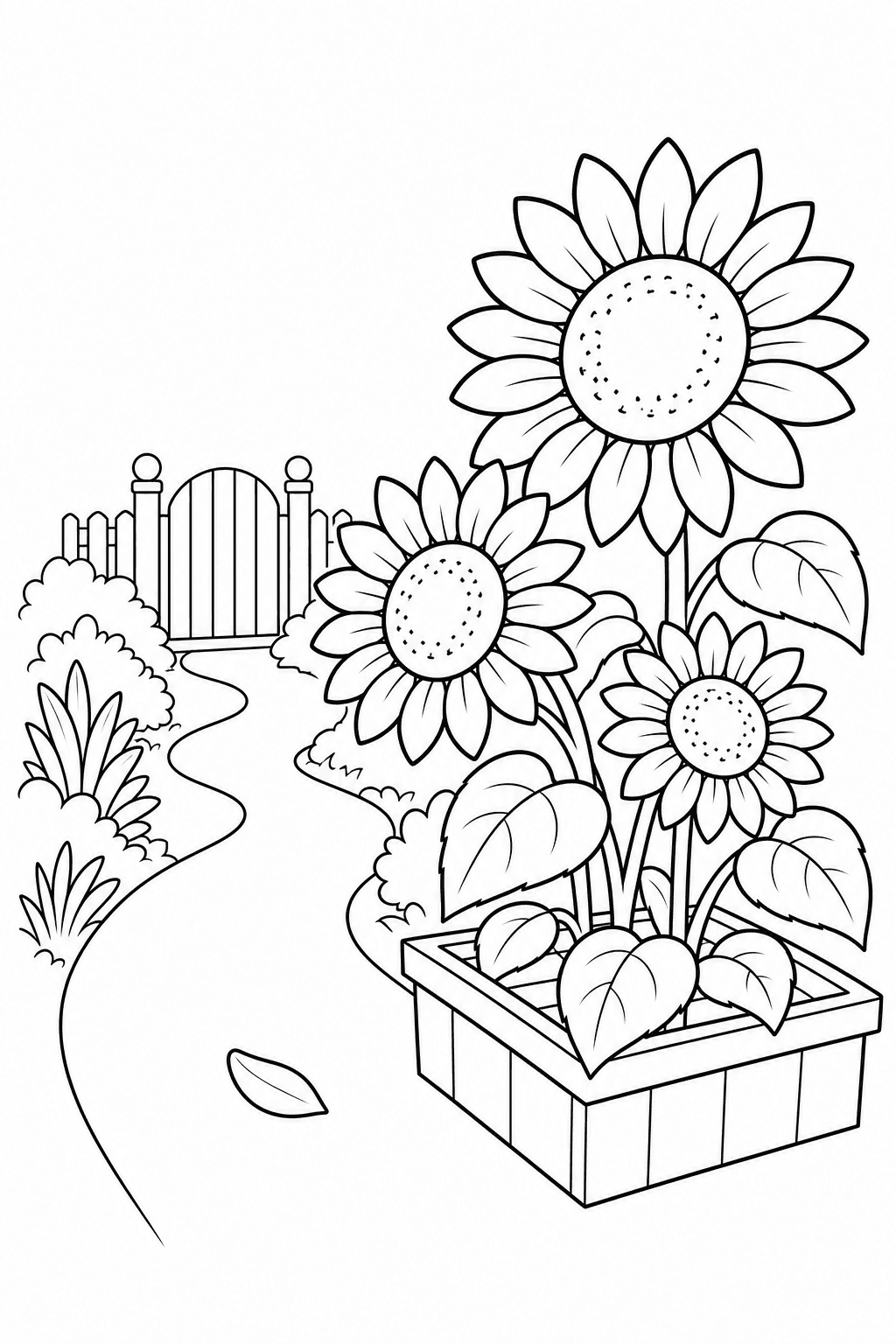 Generated coloring page
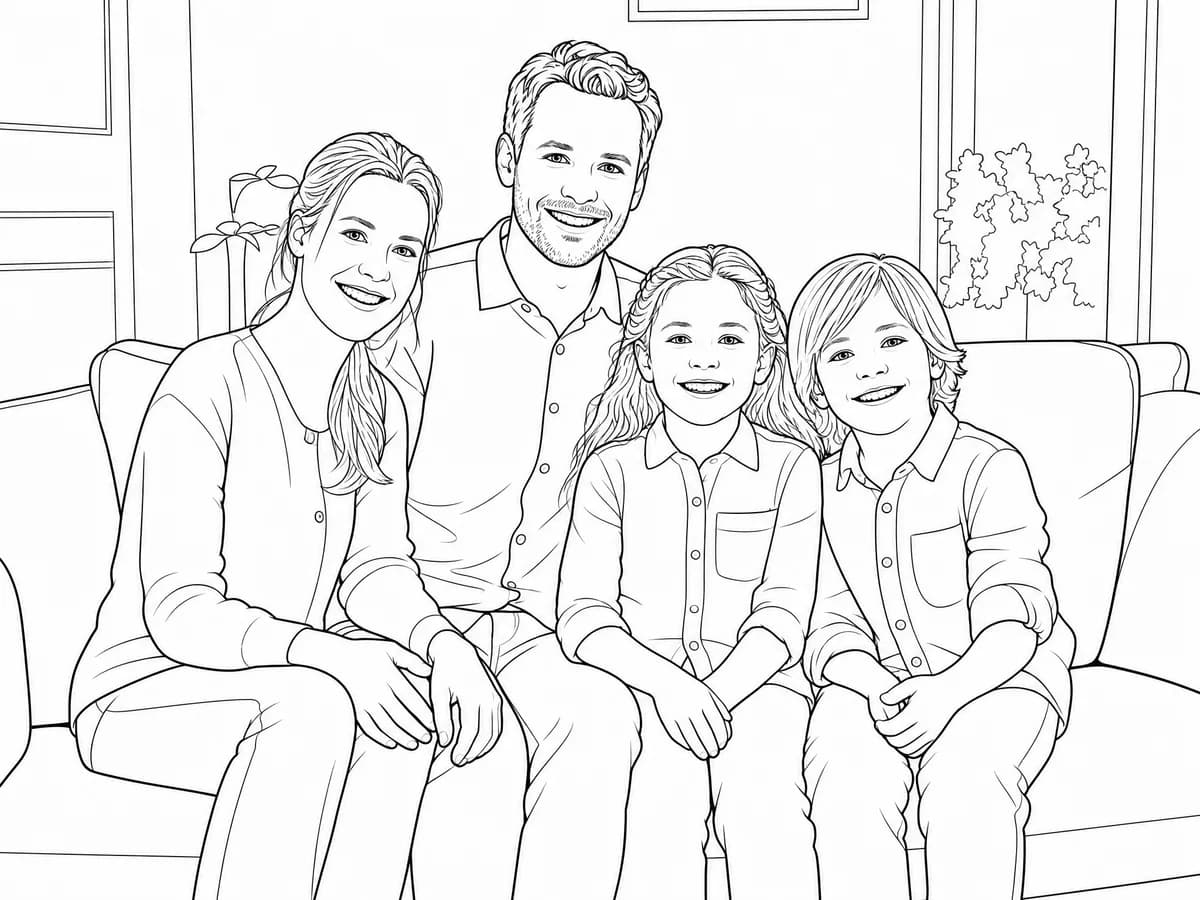
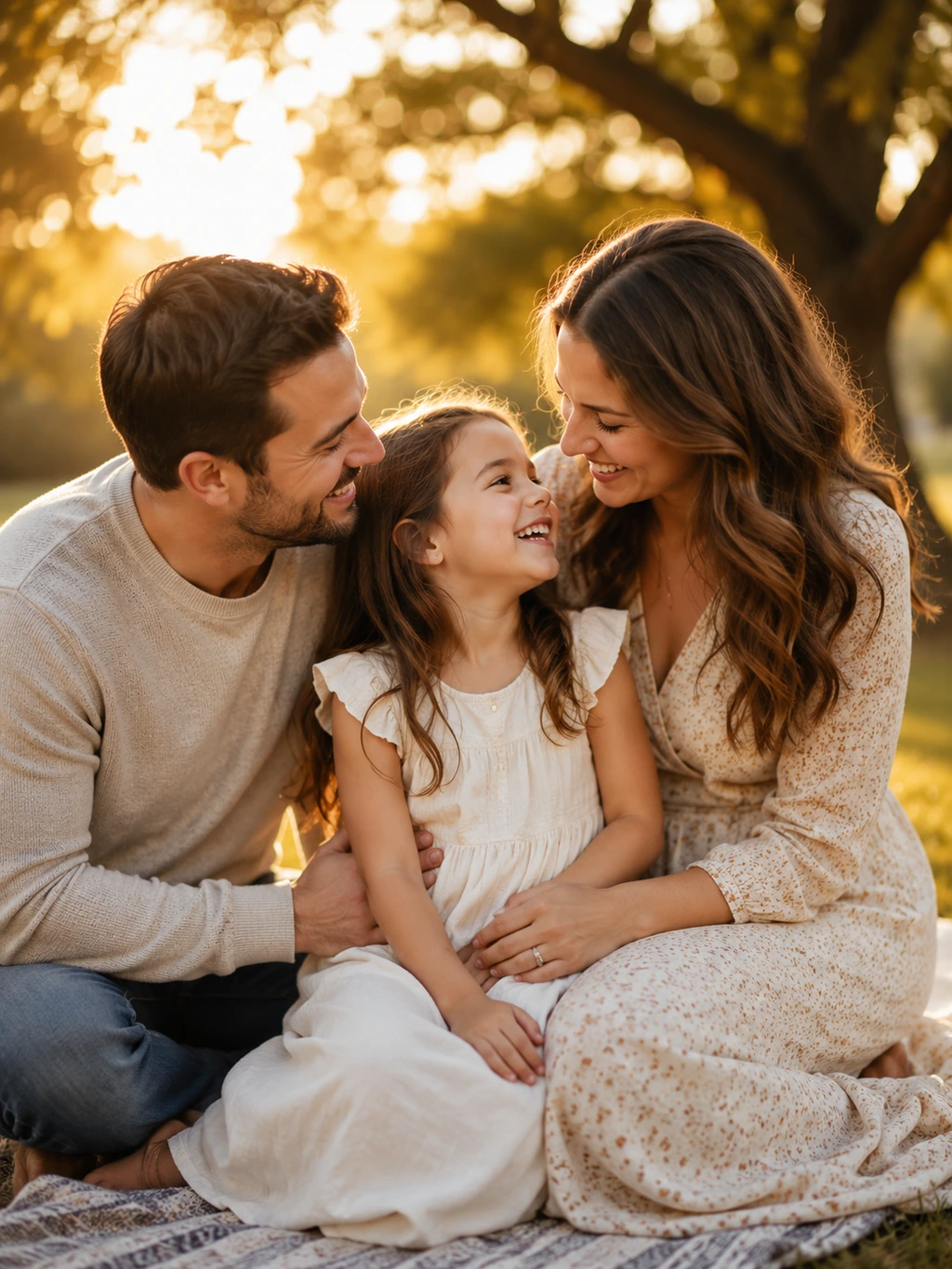
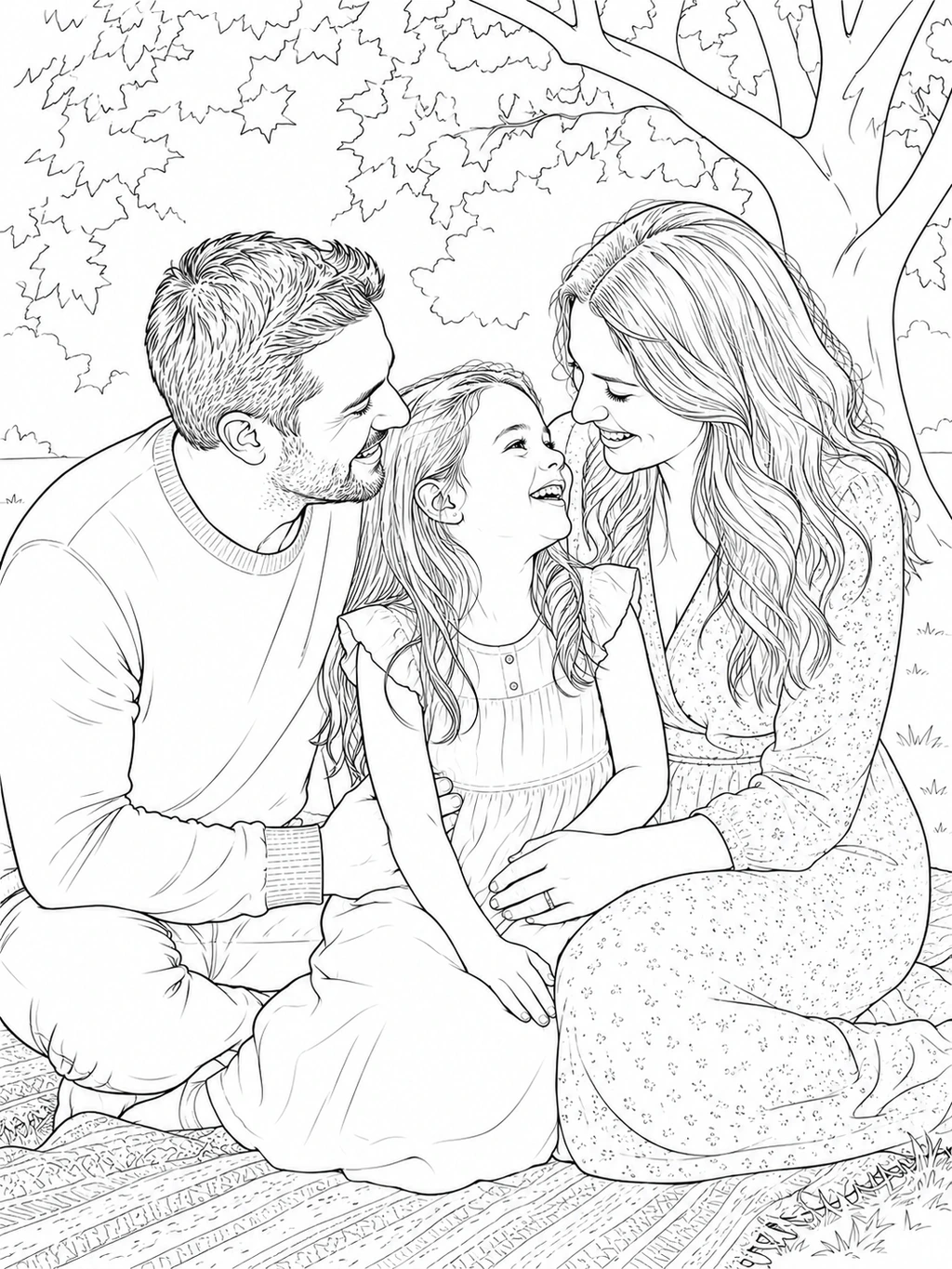
Compare each source image with its line-art example to see how people, pets, places and keepsakes can be simplified.
Capture the people and connections that matter most.

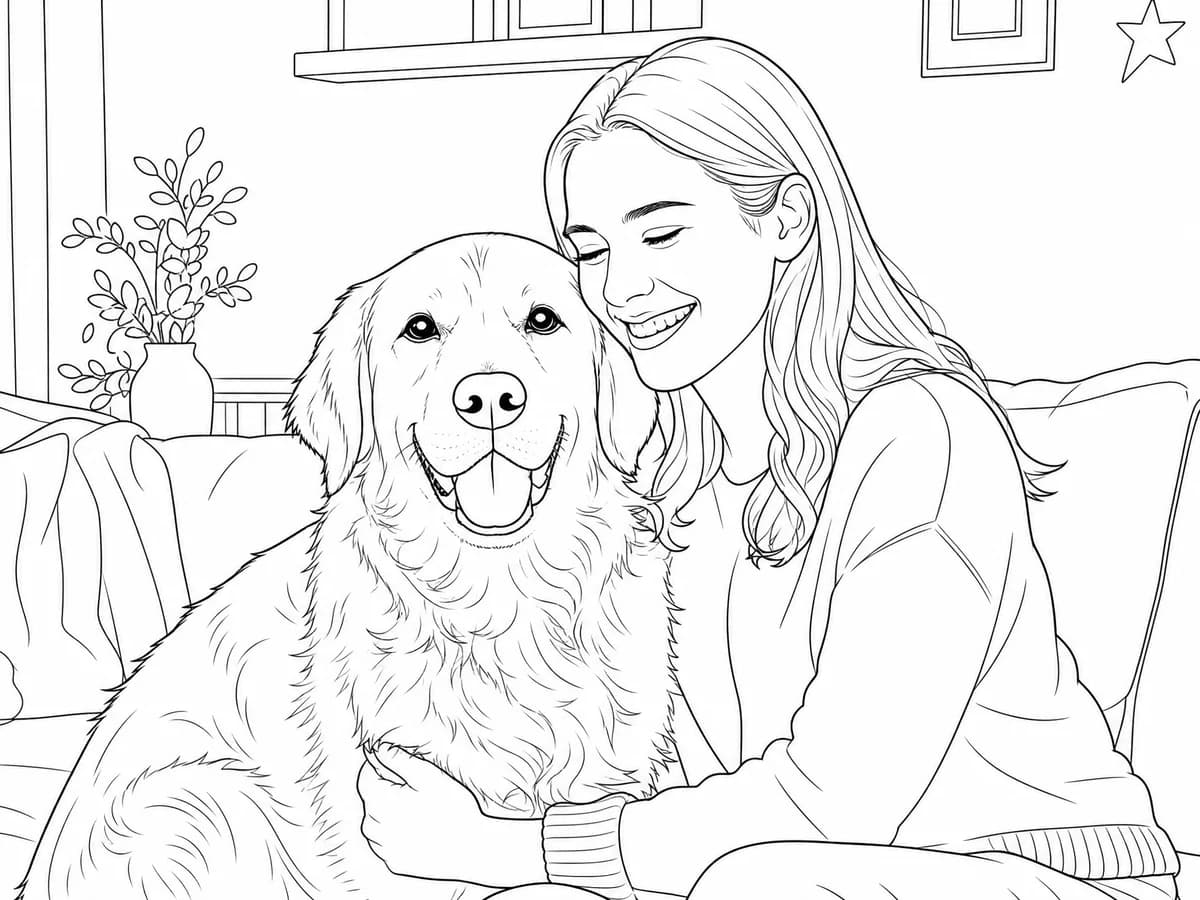
Turn your pet's personality into simple line art.
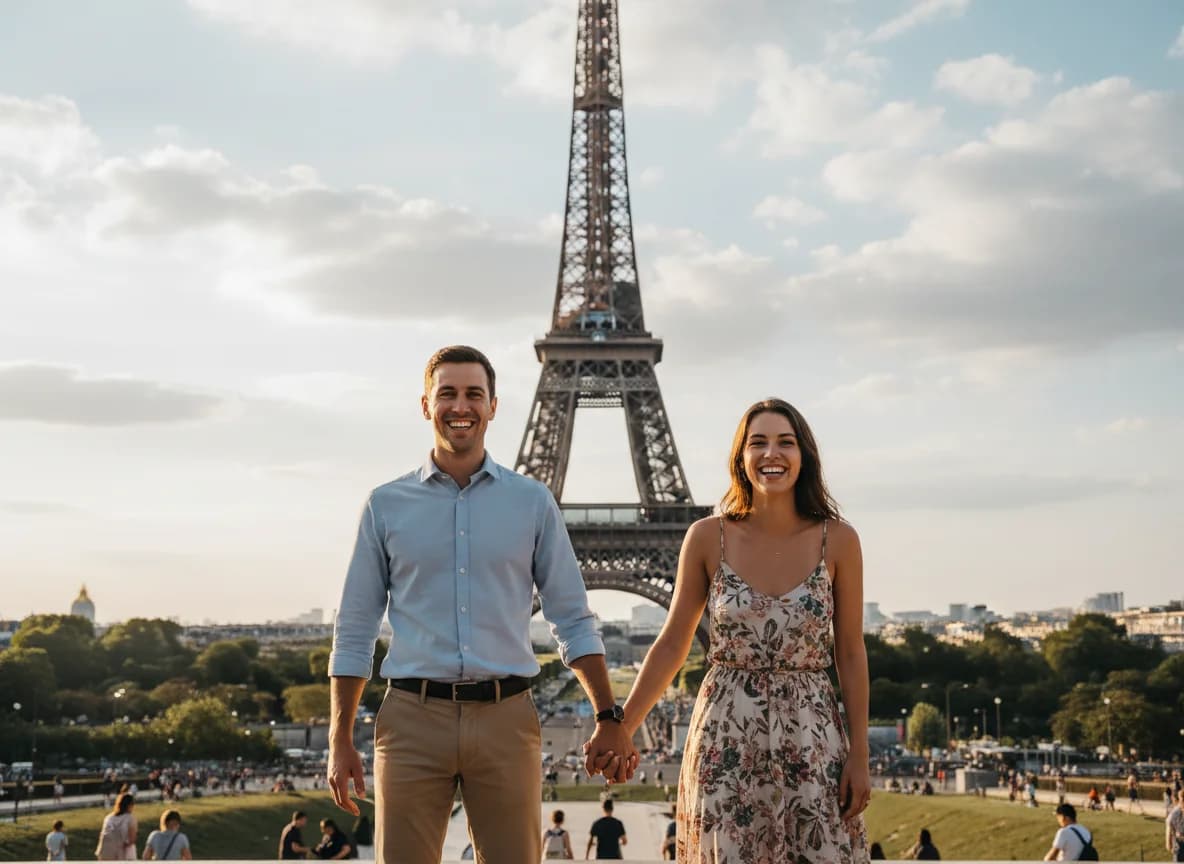
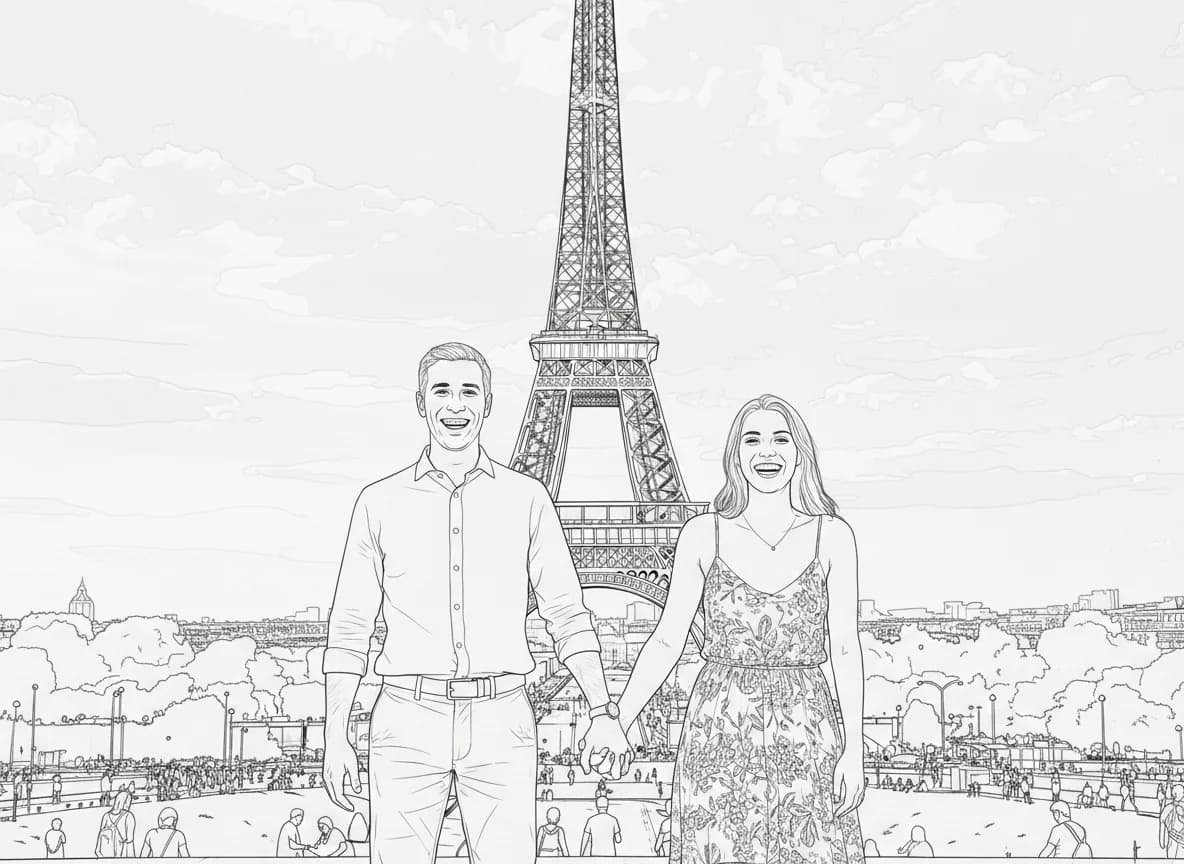
Preserve your favorite places and memories.

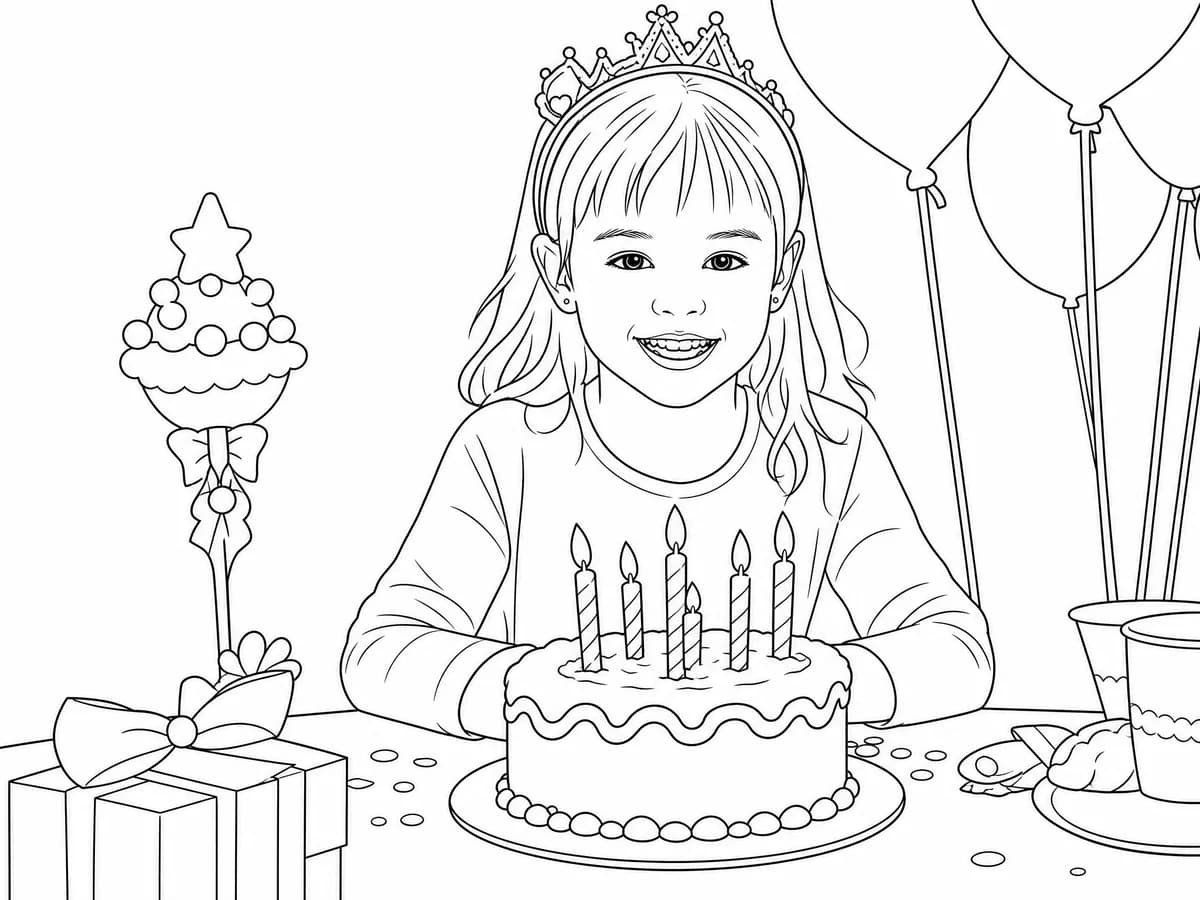
From everyday moments to special keepsakes.
Select Simple, Balanced or Detailed in the photo-to-line-art converter to tune how much detail appears in your result.
Use fewer details and larger open spaces for an easy-to-color result.
Keep clean lines and recognizable details without excess texture.
Preserve more facial features and meaningful details from the photo.
Start with a JPG, PNG or WebP image up to 10 MB. Clear lighting helps preserve recognizable details.
Select Simple, Balanced or Detailed, then adjust background cleanup and page settings.
Check the watermarked Standard 1K preview. Sign in to save and unlock an eligible page before downloading or printing.
Once you have unlocked the page, print it, trace it, color it or use it as a creative reference for a personal project.
Photo-to-line-art conversion turns the main shapes and contours of an image into clean black-and-white linework. Choose whether the background is kept, simplified or removed, and adjust the style and detail to suit your intended project.
A line drawing emphasizes contours, while a pencil sketch typically adds softer strokes, texture and tonal shading. Review the generated preview for likeness and details before unlocking it for printing or another creative use.

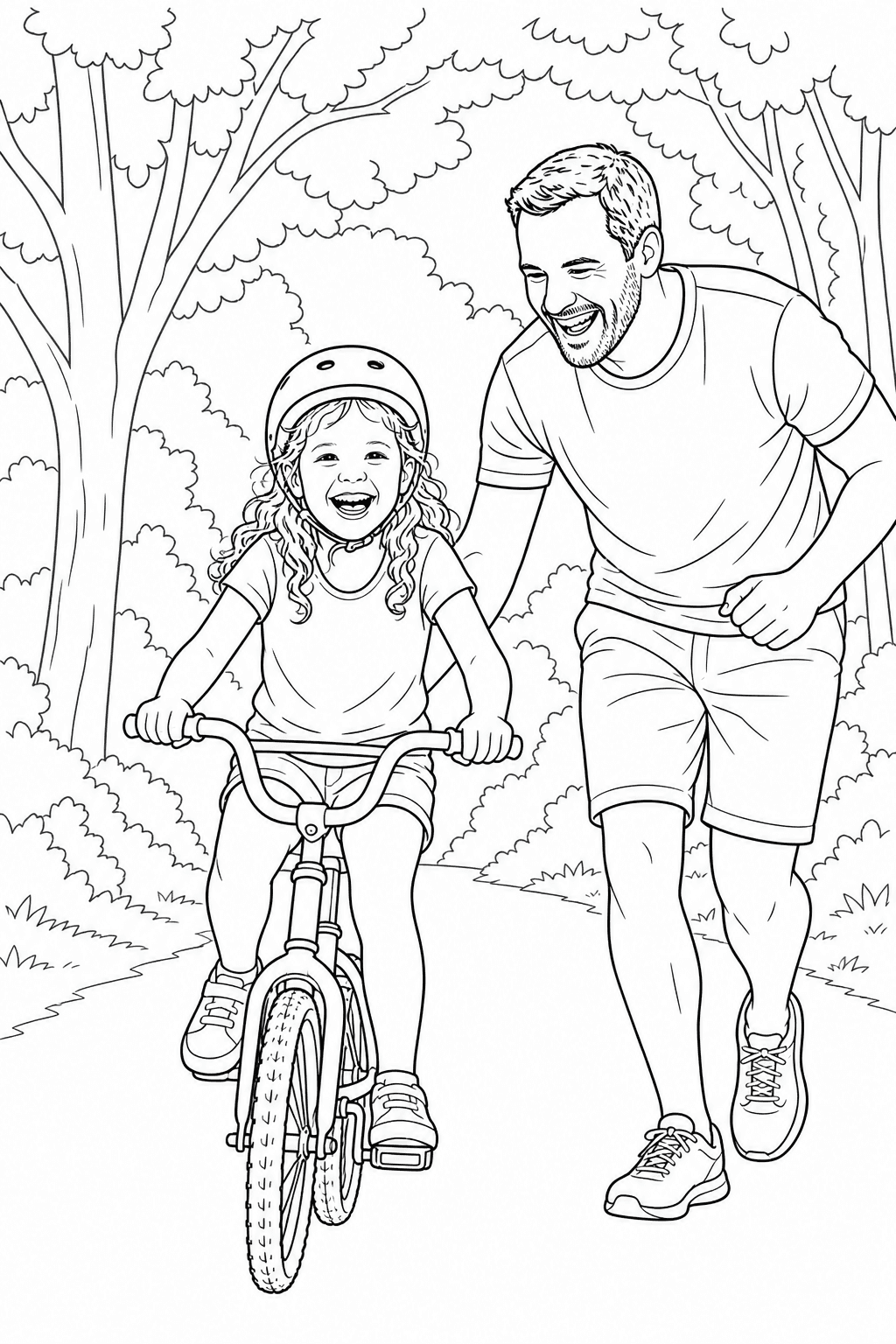
Upload a clear JPG, PNG or WebP image up to 10 MB. Choose a line-art detail level and background-cleanup setting, generate a preview, and review the result. Sign in to save and unlock an eligible page before downloading or printing.
Create 1 free watermarked Standard 1K preview without signing up. Sign in to save the project to your account; claiming it does not unlock the result. Sign in to save your project. Download and print require an unlocked result funded with credits.
Upload a JPG, PNG or WebP image. Files must be no larger than 10 MB; a sharp, well-lit image with a clearly visible subject usually gives the tool more useful detail to work from.
Yes. Choose Simple for fewer details and larger spaces, Balanced for clean lines with recognizable details, or Detailed to preserve more facial features and important photo details.
Use the Background cleanup control in the photo workspace to reduce distracting scene details while keeping the main subject recognizable. It is a cleanup toggle, rather than a separate Keep, Simplify and Remove selector.
Yes. For the clearest result, use a photo where faces and poses are visible and the people are not too small in the frame. Review the generated preview to make sure everyone remains recognizable.
The result is printable line-art imagery. Sign in to save your page; downloading and printing require an unlocked page. The free Standard 1K preview includes a watermark.
Your photos are never published or added to the public gallery. They are processed only to create your result and handled according to our privacy policy. Unclaimed source uploads are automatically removed after 24 hours. Saved uploads follow the generation lifecycle and can be deleted on request.