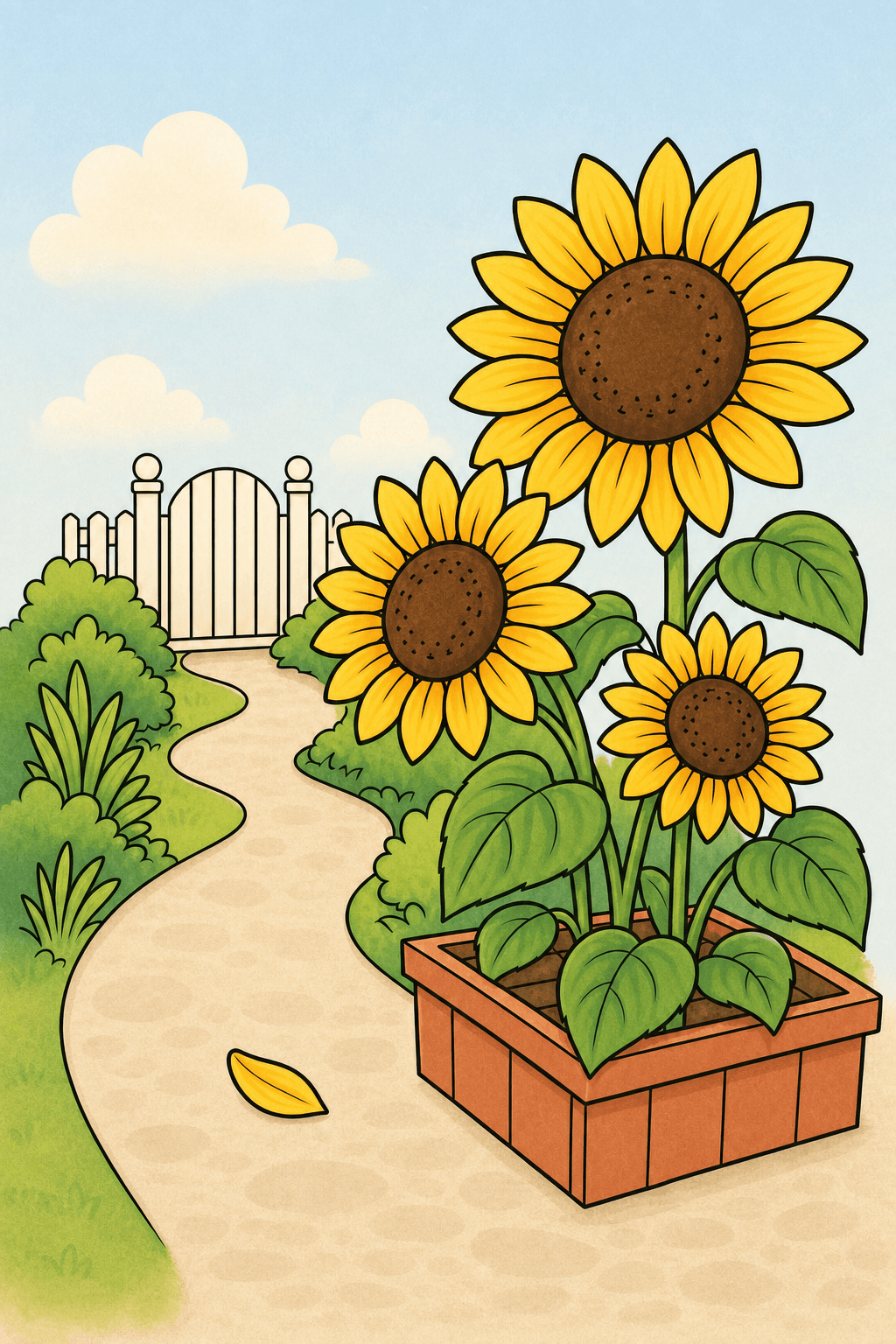
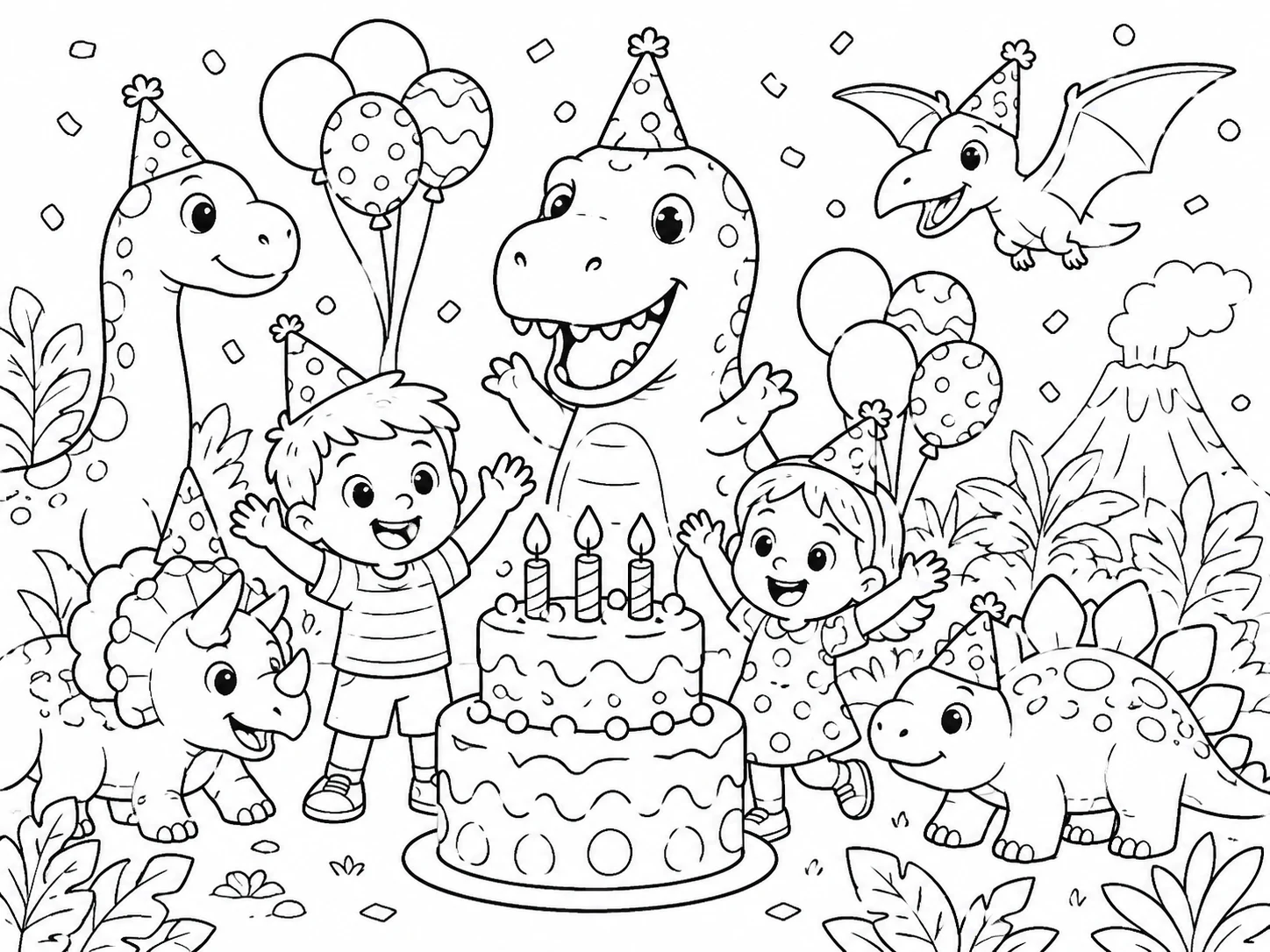
Use the text to coloring page generator to turn a written idea into black-and-white line art. Describe a subject, a story moment or a lesson; the coloring page generator from text creates a new scene to review. Try one free watermarked preview, then unlock a PNG when it fits your activity.
One free watermarked 1K preview, no sign-up required
Create Printable Coloring Pages from a Text Prompt
Start with one focused scene, choose who the page is for and select the right level of detail. The generator turns those choices into clean, printable black-and-white line art.
01
Describe one visible scene
Start your text to coloring page with a subject, an action and a setting. Give the text to coloring page generator the details that distinguish your scene; avoid adding unrelated objects simply to make the prompt longer.
A friendly dragon in a magical sky libraryOne subject · one clear scene
One clear scene works better than a list of unrelated objects.
02
Match the audience, detail and page shape
Use the coloring page generator from text to choose the available audience and detail controls. Plan the text-generated coloring page for the person coloring it and the paper you intend to use, then review the preview to see how those choices were interpreted.
KidsClassroomAdults
03
Review the drawing before preparing the printable
Inspect your text to coloring page for complete objects, useful coloring spaces and correct teaching details. The text to coloring page generator preview is watermarked; sign in to save and use eligible credits to unlock a PNG before downloading and printing.
A text to coloring page generator starts with your description. These choices help you specify the subject, control the intended complexity and review the resulting scene.
For an overview of photo and text creation, visit our AI coloring page generator. This text tool starts with a written description.
Inspect whether the main subject is complete and the objects stay separate.
Turn a specific idea into a scene to color
A text to coloring page project starts with what someone will see: one subject, an action and a setting. Use the text to coloring page generator to describe a rabbit gardening, an astronaut exploring or another scene you can explain clearly. A focused description gives you useful things to check in the preview instead of a long list of competing details.
Compare narrow spaces with the paper size and pencils you intend to use.
Choose detail for the person using the page
The coloring page generator from text offers kids, classroom and adult workflows. Match a text-generated coloring page idea to the audience: broader spaces for a short coloring activity, or more layered forms for a longer pencil project. Review the actual output at print size; a selected mode describes your direction rather than guaranteeing every small shape will be ideal.
Check the stages and factual details yourself before adding teaching labels.
Make a visual starting point for one learning goal
Use a text to coloring page for an object, habitat or simple sequence connected to a lesson. The text to coloring page generator can provide an illustration to review and adapt, but written labels, counts and factual relationships need checking. Ask for one concept at a time, then add exact teaching instructions in your own document before preparing the activity.
Check the page edges and small outlines in the printer preview.
Prepare line art for paper and optional color planning
A text-generated coloring page result can stay black and white for crayons or pencils. Use the coloring page generator from text to choose the page shape, inspect the preview and unlock a PNG before downloading. If you want help planning colors, the separate Finished Look is optional; it does not replace the original line art or assemble your pages into a book.
Browse example coloring pages for kids, classrooms and adults. Categories stay visible so it is easy to find the kind of page you want to create.
OPTIONAL COLOR REFERENCE
Color Palettes for Text-Generated Coloring Pages
Preview 12 five-color palettes on one example. Your original black-and-white page stays ready to print.
COLORING PAGEFINISHED COLOR GUIDE
Compare by harmony, mood, or theme
Color harmonies
Color moods
Color themes
Same example artwork / Different palette
Selected palette
Complementary
Example preview; create a personalized color reference separately.
MADE FOR REAL MOMENTS
Custom Coloring Page Ideas for Kids, Classrooms and Adults
Create a page for a quiet afternoon, a classroom lesson, a celebration or a longer adult coloring session. Start with the purpose, then choose a subject and level of detail that fit the moment.
FOR PARENTS & KIDS
A page about the child’s current interest
Make a text to coloring page activity about a favorite animal or imaginary adventure. Use the text to coloring page generator to keep the scene focused and choose a child-appropriate direction. Check the spaces in the preview, then print an unlocked test page for a quiet afternoon or a journey.
When
Quiet time, travel or a rainy afternoon
Create
Dinosaurs, animals, vehicles and story scenes
Best mode
Kids
Detail
Simple or Balanced
The image is a style example. The elephant prompt is a separate idea to try, not the original prompt for this image.Create a kids coloring page
FOR TEACHERS & HOMESCHOOLERS
One illustration for one lesson
Use the coloring page generator from text to prepare a visual prompt about a single topic. A text-generated coloring page illustration can support a classroom discussion or take-home activity. Review the science, counts and sequence yourself, and add precise labels separately so the printed task teaches what you intend.
Describe a celebration with the text to coloring page generator, including a familiar theme and one clear action. A text to coloring page can become a party activity or a card insert. Keep exact names and messages in your own layout, inspect the scene and make a test print before preparing copies.
Use a text-generated coloring page idea with a garden, botanical forms or a repeated pattern for a longer pencil project. The coloring page generator from text lets you choose an adult direction. Check narrow regions at the final print size and keep an optional color reference beside your original line art.
When
Relaxing evenings, creative breaks or mindful coloring
Plan one text to coloring page project from a precise prompt through inspection and printing. These text to coloring page generator examples explain what to enter, what to check and how to use the result.
Plan a rabbit-garden story page
Enter “a rabbit watering two large flowers in a small garden” in the text to coloring page workflow. Choose a kids direction, then check the rabbit’s hands, watering can and flower count. Unlock the text to coloring page generator result when it fits, print a test sheet and ask the child to tell what happens next.
Plan a plant-observation activity
Ask the coloring page generator from text for one flowering plant with visible roots, stem and leaves. Review the text-generated coloring page anatomy yourself and reject an unsuitable result. Add the correct labels in your own document, then use the printed drawing beside a real plant for a comparison activity.
Plan an evening botanical page
Describe a circular arrangement of broad leaves and flowers in the text-generated coloring page prompt and choose an adult direction. Inspect the narrow regions at print size before unlocking the text to coloring page. Print on suitable paper and test a few pencil colors on a separate swatch sheet before starting.
TEXT TO COLORING PAGE GENERATOR FAQ
AI Coloring Page Generator from Text FAQ
Learn how to create a coloring page from text, write better prompts, use classroom and adult modes, download printable line art and continue with Trial or credits.
1.What is a text to coloring page generator?
A text to coloring page generator uses a written description to create black-and-white line art. The text to coloring page generator makes a new interpretation of the scene rather than simply selecting a finished template. Give it a clear subject and review the result before unlocking.
2.What should I write in my prompt?
Start a text-generated coloring page prompt with a subject, an action and a simple setting. The coloring page generator from text is easier to direct when the scene has one main job. Specify the audience or detail if it matters, and leave exact names or labels for a dedicated word tool or your own layout.
3.Can I try it without an account?
Yes. The text to coloring page generator offers one free watermarked Standard 1K preview without sign-in. For a text to coloring page, saving a project after sign-in does not automatically unlock it; downloading and printing generated results require an eligible unlock.
4.Can I make classroom illustrations?
Yes. Use the coloring page generator from text for one topic, object or visual sequence. Review a text-generated coloring page result for facts, counts and missing elements before teaching with it. Add exact labels and instructions separately instead of treating generated text as authoritative.
5.Can I make detailed pages for adults?
Yes. A text to coloring page can use a botanical, ornamental or nature theme for a longer session. Choose the adult workflow in the text to coloring page generator, describe the density you want and inspect small coloring regions at the intended print size.
6.Can I print the result or create a collection?
Use the coloring page generator from text to prepare individual images, then unlock the results and download PNGs. Arrange your text-generated coloring page files in a document tool if you want a book or activity pack. The generator does not automatically assemble a book or PDF.
7.Do I need Finished Look to use the page?
No. A text to coloring page is already a black-and-white coloring activity. The text to coloring page generator can lead into a separate optional color reference if you want planning help. Personalized Finished Look requires sign-in and 5 credits; the original line art remains separate.
8.Can I use a generated page commercially?
The rights for a text-generated coloring page result depend on the credit source and underlying content. Eligible paid creations from the coloring page generator from text can support commercial use under the terms. Welcome-credit creations are personal and non-commercial classroom use; do not ask for artwork you lack rights to use.
Turn Your Idea into a Coloring Page
Describe the scene that would make the activity personal. Use the coloring page generator from text to create a text to coloring page, inspect the details and unlock the PNG when the result is ready for your project.



 Your photo
 Coloring page


 Coloring page