
Cute Animals
Bunnies, cats, foxes and other friendly characters.
FREE ONLINE AI GENERATOR
Turn a cute little idea into clean, printable black-and-white line art. Describe a kawaii animal, dessert, room, school scene or fantasy world, then choose the detail level that fits your coloring time.
 Example preview
“A kawaii bunny preparing a picnic in a sunny park with a basket and flowers.”
Name one character or object, its action, setting and a few supporting details. Then choose Kids, Bold & Easy or Detailed before creating your page.
Your recent coloring pages will appear here.
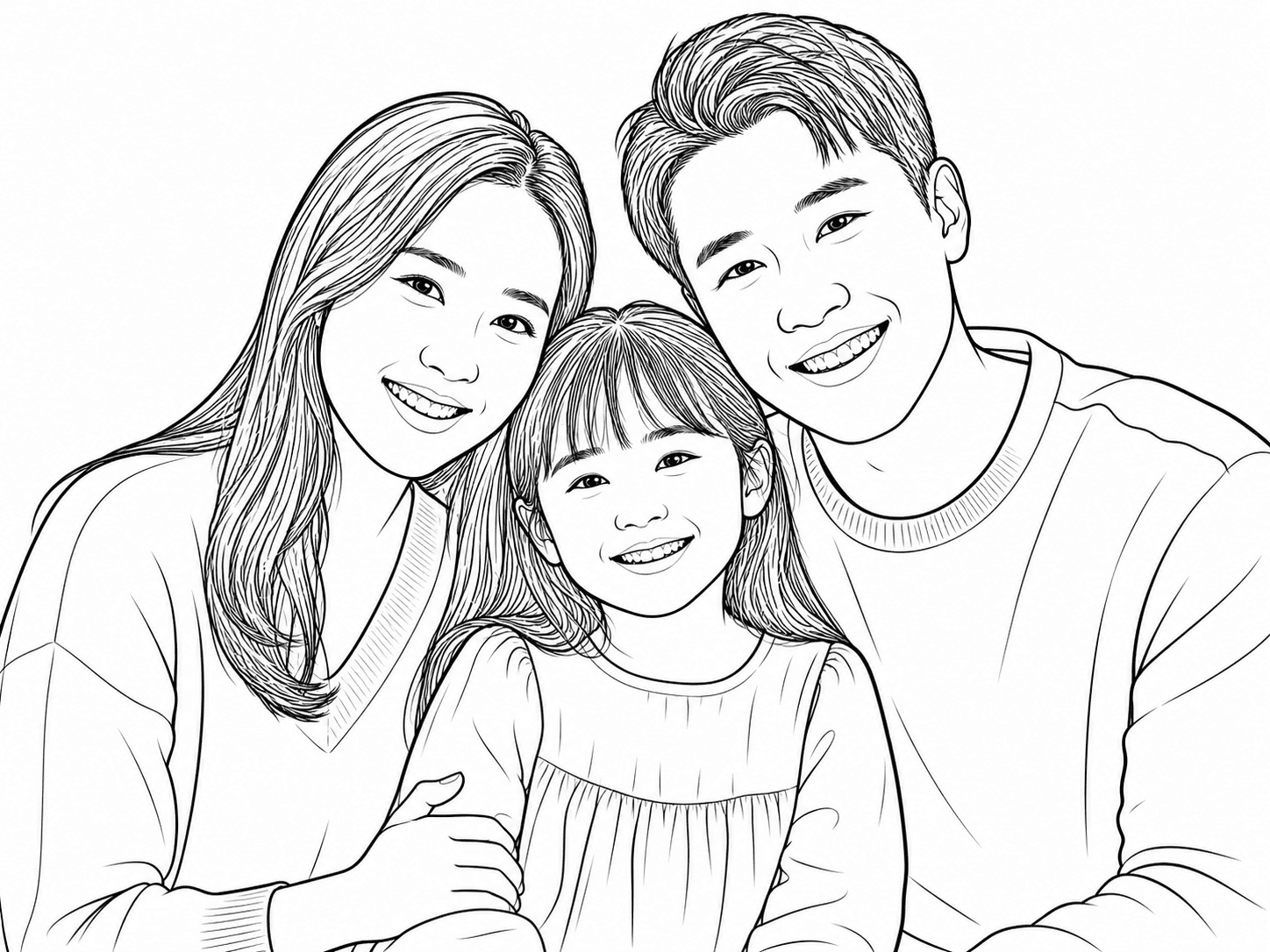
View allHave a photo instead of an idea? Turn a portrait, pet or family photo into printable line art.
Upload a photo Your photo
 Line art
KAWAII SCENES TO CREATE
Start with a familiar subject, then add one simple action and a friendly setting. These real Kawaii examples show the range of printable pages you can build.
Bunnies, cats, foxes and other friendly characters.

Cupcakes, tea parties, ice cream and sweet little counters.

Bedrooms, libraries, schools and helpful little robots.

Cloud castles, dragons, snowmen and open coloring spaces.
A SIMPLE PROMPT FORMULA
A clear subject, action, setting and a few supporting details give the generator enough direction without making the scene crowded.
START WITH A KAWAII IDEA
Browse these real printable kawaii coloring pages for a starting point, then change the character, activity or setting to make the idea yours.
A cheerful cat watering a potted plant beside a sunny window.
A cute bunny setting up a picnic basket among flowers.
A friendly fox reading in a cozy little library.
A happy cupcake waiting on a bakery counter with trays behind it.

A strawberry tea party scene with a sweet cup and simple details.

A friendly ice cream truck ready for a sunny neighborhood stop.

A snug kawaii bedroom prepared for a calm bedtime routine.

A cheerful school bus arriving at a welcoming school.

A tiny robot tidying a room with friendly everyday objects.
A cloud castle scene with soft fantasy shapes and open coloring spaces.

A cute dragon reading in a library above the clouds.

A smiling snowman in a simple winter scene made for easy coloring.
BEFORE YOU PRINT
A quick review helps keep the final printable page clear, comfortable to color and ready for your paper size.
Look for clean, closed shapes around the character and the largest objects.
Check hands, paws, facial features and object counts before you print.
Use A4 Portrait or US Letter Portrait for the page format that matches your printer.
Download the final PNG and select Fit to printable area in your printer dialog.
HOW IT WORKS
Keep the prompt focused on one friendly moment. Add only the objects that support it, then use the detail level to decide how full the page should feel.
“A kawaii fox reading in a small library, with a stack of books, a round window and a potted plant.”
Name one character or object, what it is doing and where the scene takes place.
Pick Kids for large open areas, Bold & Easy for a complete scene, or Detailed for more supporting objects.
Check the watermarked preview, then sign in to save and unlock the final download and print workflow.
READY-MADE PRINTABLES
Explore the printable kawaii scenes currently available, including cute animals, sweet treats, everyday moments, fantasy worlds and seasonal ideas. If you need a specific subject, return to the generator and describe it in your own words.
Kawaii coloring pages use rounded forms, friendly expressions, recognizable subjects and simplified details to create a cheerful printable activity.
Yes. You can create a free watermarked Standard 1K preview. Sign in to save and unlock the final download workflow.
Choose Kids for a clear subject and large spaces, Bold & Easy for a complete open scene, or Detailed for more objects and background details.
Describe one subject, one action, a setting and a few supporting objects. For example, name a fox reading in a library rather than listing unrelated decorations.
Yes. Describe your own original subjects. The preset avoids licensed characters, logos and branded costumes.
Yes. Choose A4 Portrait or US Letter Portrait before generating. Review the final page, download the PNG and print with Fit to printable area selected.
MAKE THE PAGE YOU IMAGINED
Describe it in your own words and choose the amount of detail that feels right.