
Teacher's Guide to AI Coloring Page Generators
Updated 2026-08-22 · 7 min read
Teachers get the best results from an AI coloring page generator when they start with a specific classroom job, choose a topic students already understand, set the detail for the age group and review every page before printing. Use the generator for a focused activity, not as a substitute for the lesson plan or teacher judgment.
The workflow in three decisions
- 01Start with the classroom task — center work, a topic review, quiet table work or an early-finisher activity.
- 02Ask for one visible subject, a restrained background and line detail that matches the age group.
- 03Preview and print one page before preparing a full class set.
A classroom page has three jobs
The examples below show the visual path from a lesson idea to a printable worksheet and then to the student activity. Use the pictures to check whether a generated page supports the task you have in mind.

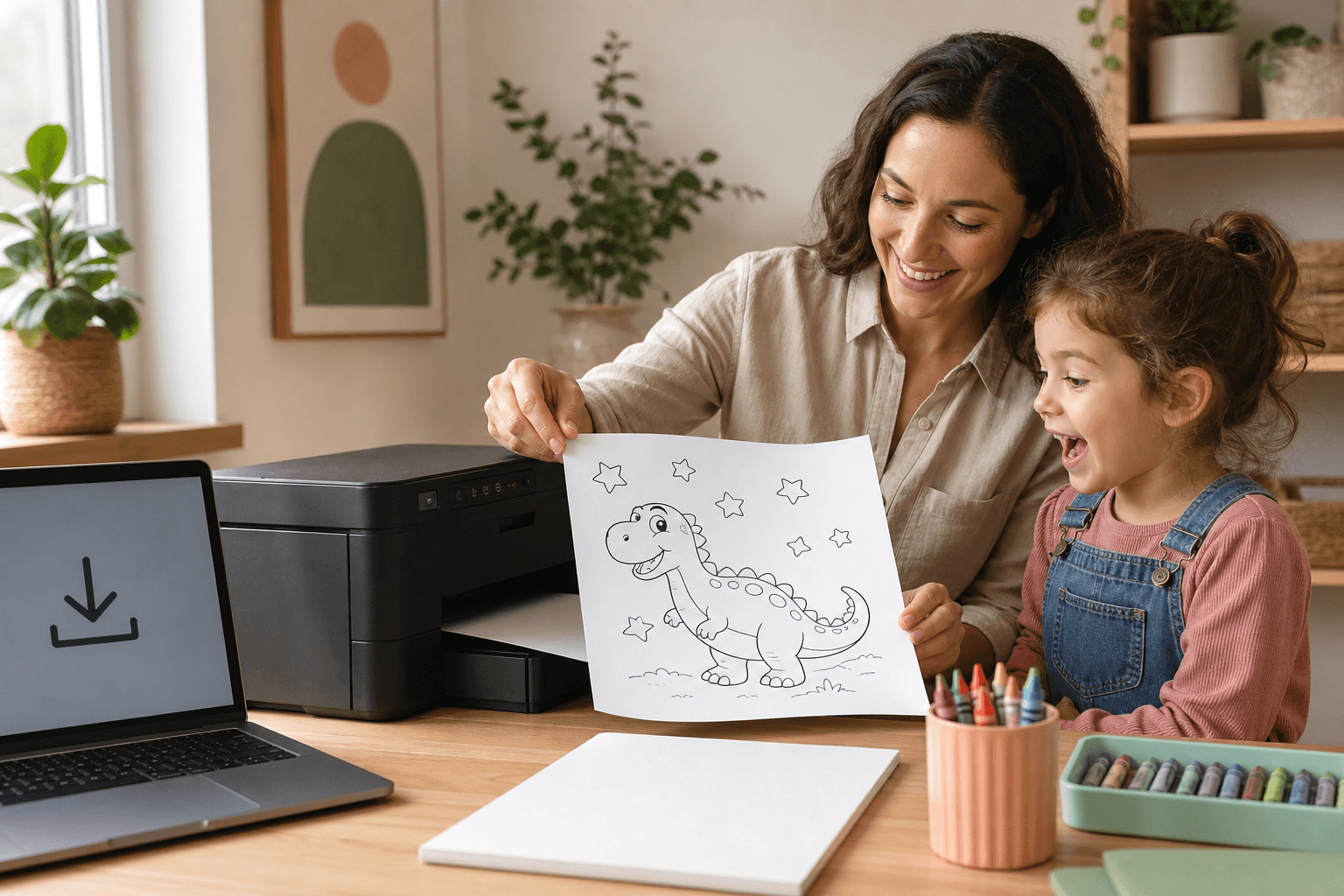

These workflow visuals explain the classroom sequence. They are not presented as proof of a particular student outcome; the teacher still decides whether each page fits the lesson.
Choose by what you want to do next
Set up a center activity
Use one clear subject and generous spaces for a table students can complete with little explanation.
Create a classroom page →Browse a classroom page
Choose a real printable when you need something dependable without generating a new worksheet.
Browse classroom pages →Start with the activity, not the AI prompt
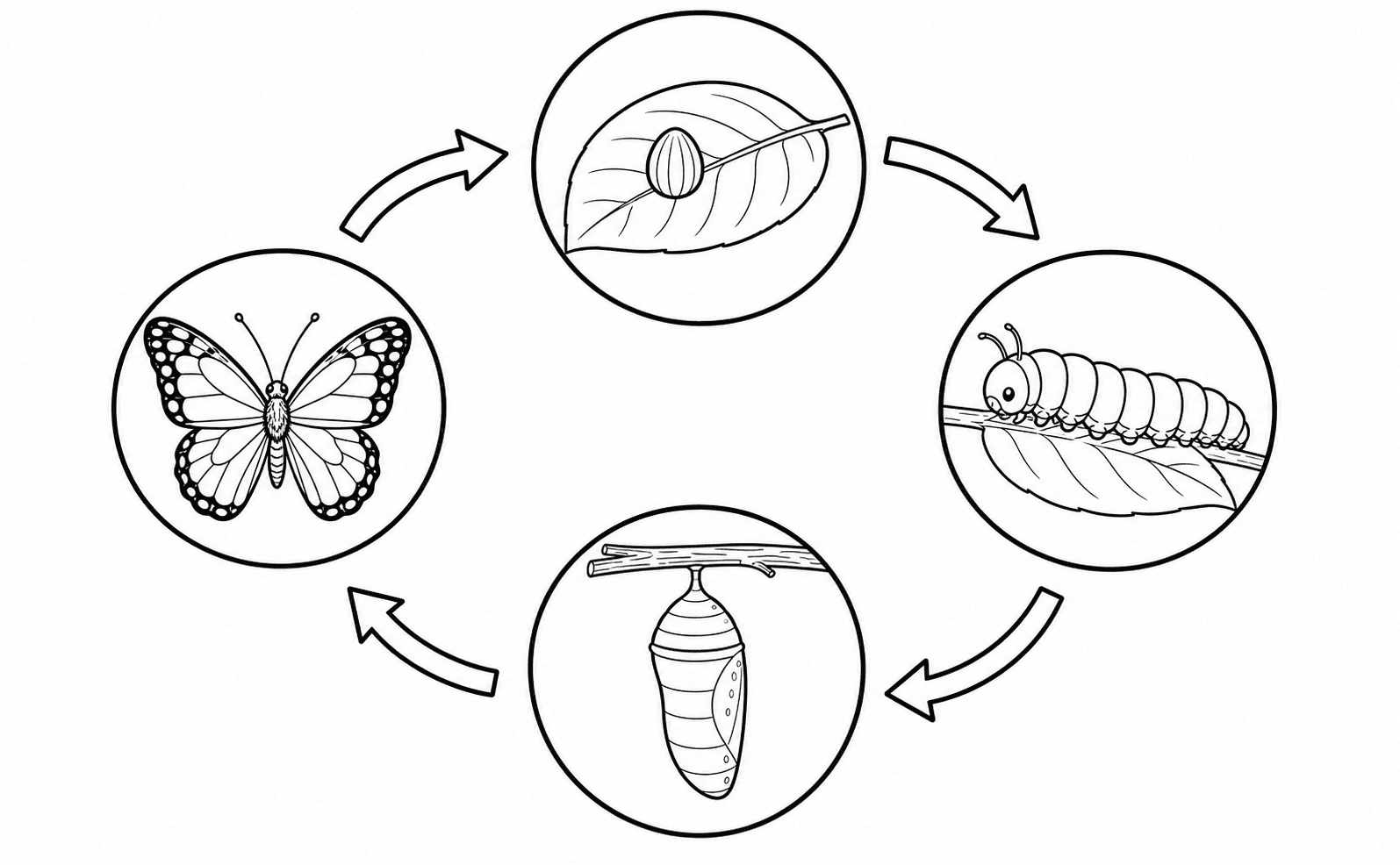
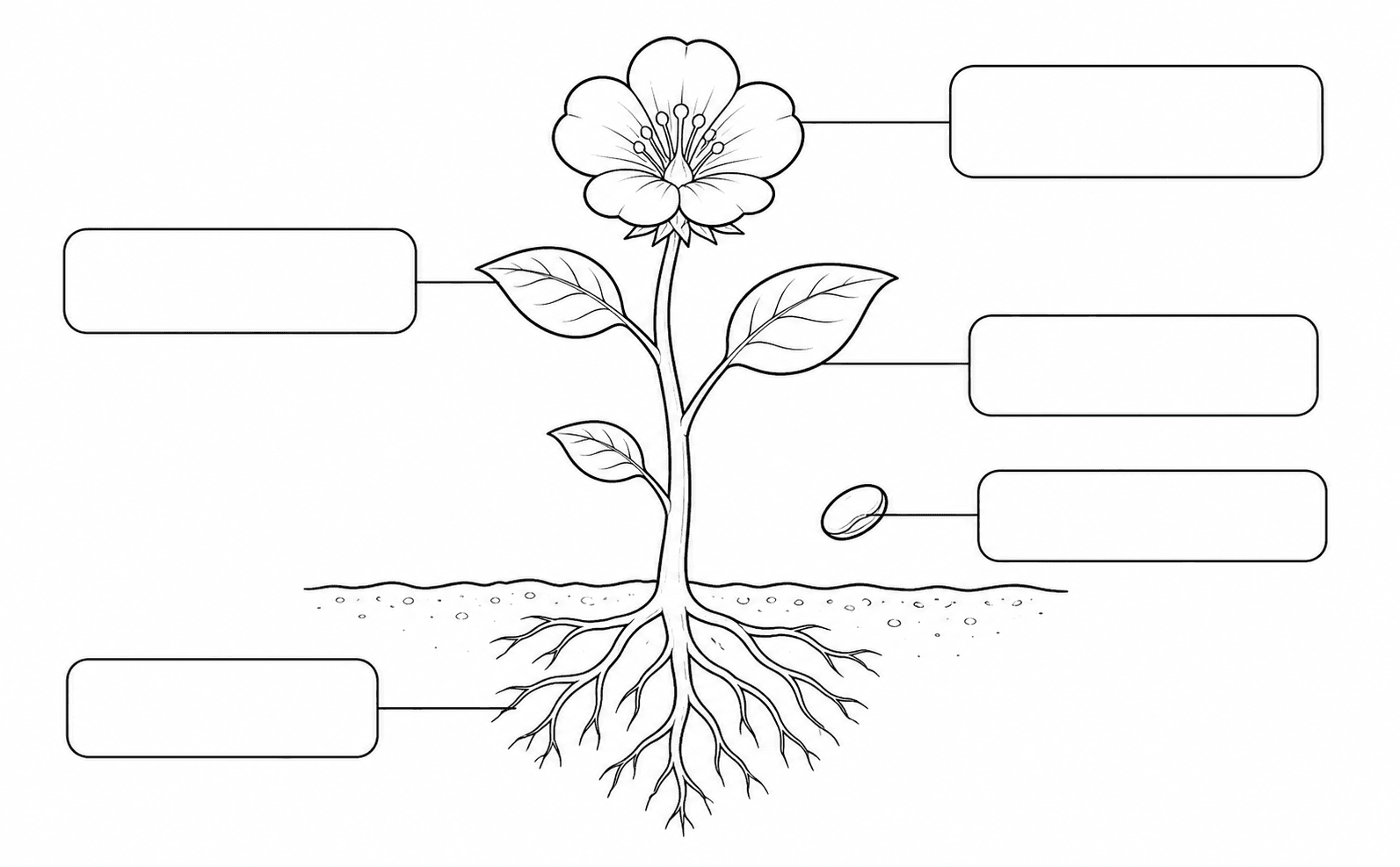
A coloring page is easiest to use when its job is clear. Decide whether students will identify parts of a plant, revisit a vocabulary word, choose a quiet table activity or simply complete a short themed task. That decision tells you how much detail and text the page can carry.
For a lesson, keep the page subordinate to the discussion. A simple animal, weather scene or community helper can give students something concrete to observe without turning the worksheet into a crowded poster.
Browse classroom coloring pages · Explore educational coloring pages
Write a prompt with one clear learning context
The most useful prompt names the subject, the age group and the practical shape of the page. For example: 'A simple garden scene for ages 5–7, with a large flower, leaf, sun and watering can, thick outlines and open areas for crayons.' That is easier to review than a long request for every possible object.
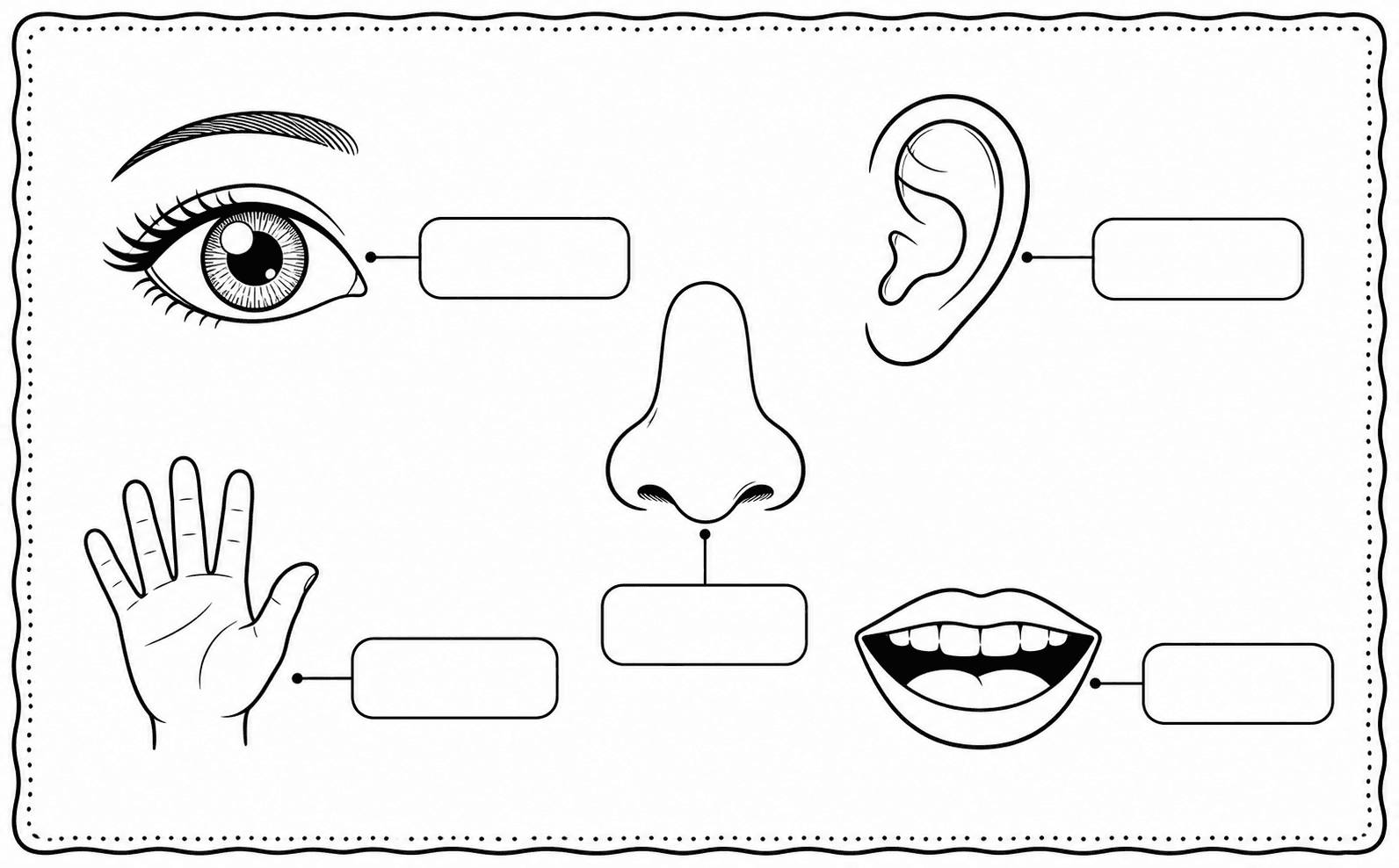
Avoid asking the generator to carry the whole lesson. Put explanations, questions and vocabulary in your own worksheet or discussion, then let the image handle the visual activity. If you need a name, number or short word on the page, check the spelling and placement before printing.
Open the teacher coloring page generator · Compare coloring page generators and coloring tools
Match line detail to the students in front of you
Younger children usually need large regions, bold boundaries and one main subject. Older students can manage more background objects or smaller areas, but detail is not automatically better. A page that takes too long to explain can lose the activity's purpose.
Use the gallery filters as a practical reference. The kids and easy collections make it faster to find pages with clear shapes, while classroom pages help you browse by common classroom use cases rather than by visual style alone.
Choose coloring pages for kids · Find easy printable pages · Read the age-and-complexity guide
Review every generated page before class
AI-generated pages need a teacher's review. Look for incorrect objects, strange anatomy, unreadable words, tiny regions and backgrounds that are too busy for photocopying. If the page is tied to a lesson, confirm that the picture actually shows the idea you intend to discuss.
Keep a small backup folder of public gallery pages for days when a custom generation misses the brief. A ready-made animal, learning or nature page can preserve the activity without making students wait for another attempt.
Browse the full printable library · Create a color reference from line art
Print for real classroom conditions
Print one sample on the paper you plan to use. Check that the outlines survive grayscale printing, the page sits inside the printer margins and the smallest regions are still usable with the class's usual crayons, pencils or markers.
For a full set, use clear filenames and keep a master copy. The printing guide covers A4, US Letter, scale and DPI; the classroom decision is usually simpler: can every student see the subject, understand the task and finish the page with the materials available?
Step by step
- 01Define the classroom jobChoose a center, review activity, quiet table task or early-finisher use before writing the prompt.
- 02Write one focused promptName the subject, age group, line style and the few objects that must appear.
- 03Match the detailUse larger regions and thicker outlines for younger students; add detail only when it serves the activity.
- 04Review the pageCheck accuracy, text, anatomy, region size and photocopy readability before making a class set.
- 05Print a sampleTest the actual paper, printer settings and coloring materials before distributing the pages.
FAQ
What should teachers use an AI coloring page generator for?
It works well for a focused visual activity: a themed center, early-finisher page, observation prompt or simple lesson companion. It should support the teaching plan rather than replace the explanation or review.
How detailed should a classroom coloring page be?
Choose the least detail that still supports the activity. Younger students generally need large enclosed regions and bold outlines; older students can handle more objects and smaller spaces when the extra detail has a clear purpose.
Should I use generated pages or the printable gallery?
Use generated pages when you need a specific topic or scene. Use the public gallery when you need a ready-made starting point and can choose from classroom, learning, easy or theme collections. Check the chosen page against your lesson before printing.
Do I need to check AI coloring pages before printing?
Yes. Review the subject, any words, the line quality, the smallest regions and the page's fit with the lesson. Printing one sample is cheaper than discovering a problem after preparing the whole set.