How to Make Personalized Coloring Pages of Your Kids
Updated 2026-08-27 · 7 min read
Planning note: the examples show a practical activity format, not a guarantee of exact facial likeness or a ready-made activity kit.
To make personalized coloring pages of your kids, start with one clear photo, choose a simple theme that fits the occasion, generate a black-and-white page, review the face and main outline, then print a small test set. Use the pages for birthdays, holidays, family activities or gifts, but review every result before sharing it with children.
On this page
The workflow in three decisions
- 01Use a photo where the child’s face, hair and body outline are visible; a clear source matters more than a large file.
- 02Choose a photo with a clear subject and a simple setting; use the text generator separately if you want an imagined scene.
- 03Print one test page and review every result before using it as an activity or gift.
A personalized page can fit three everyday moments
The same idea can become a shared activity, a small take-home gift or a short themed set. Choose the format before you start generating so you know how many pages to prepare.
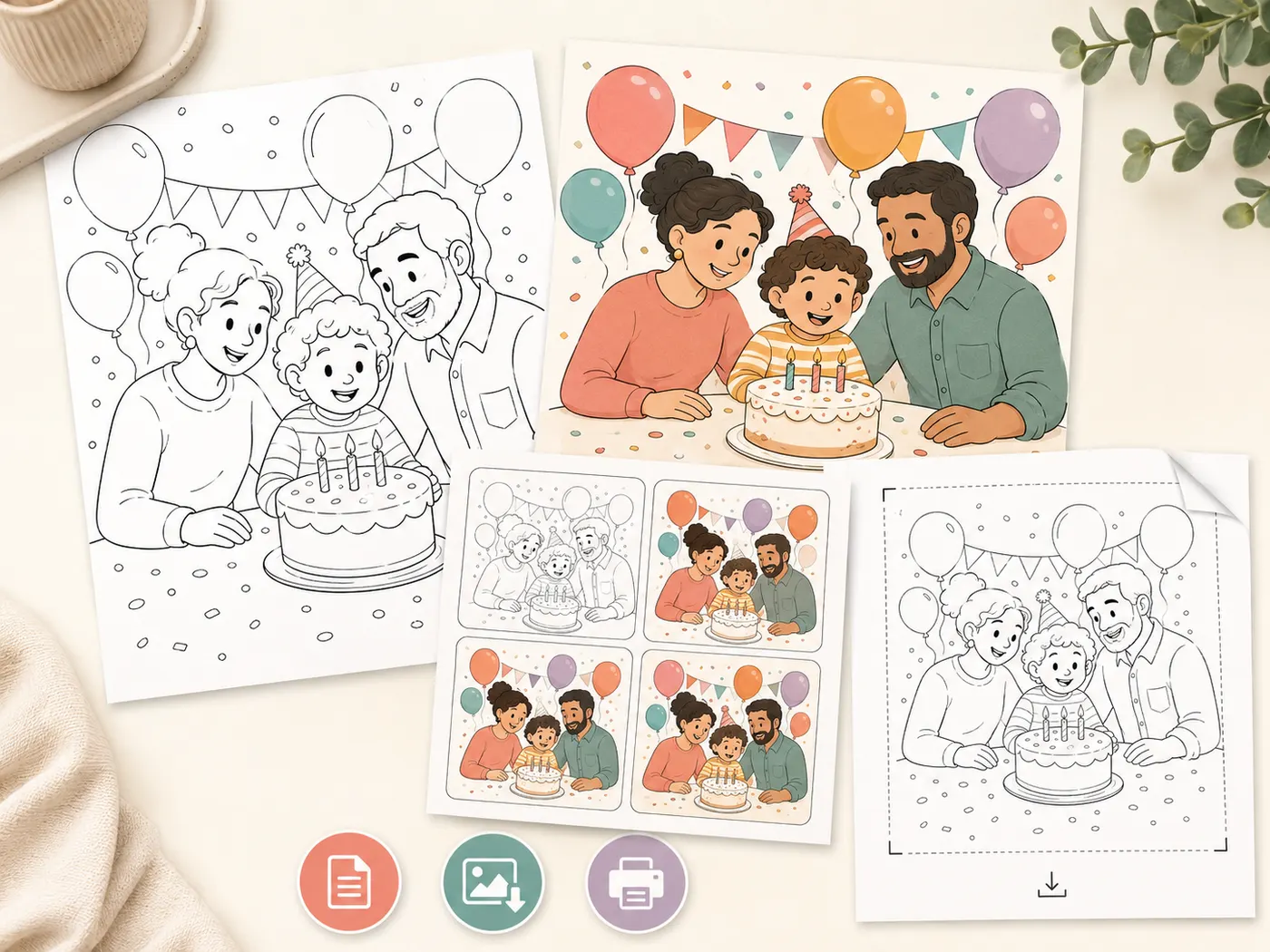
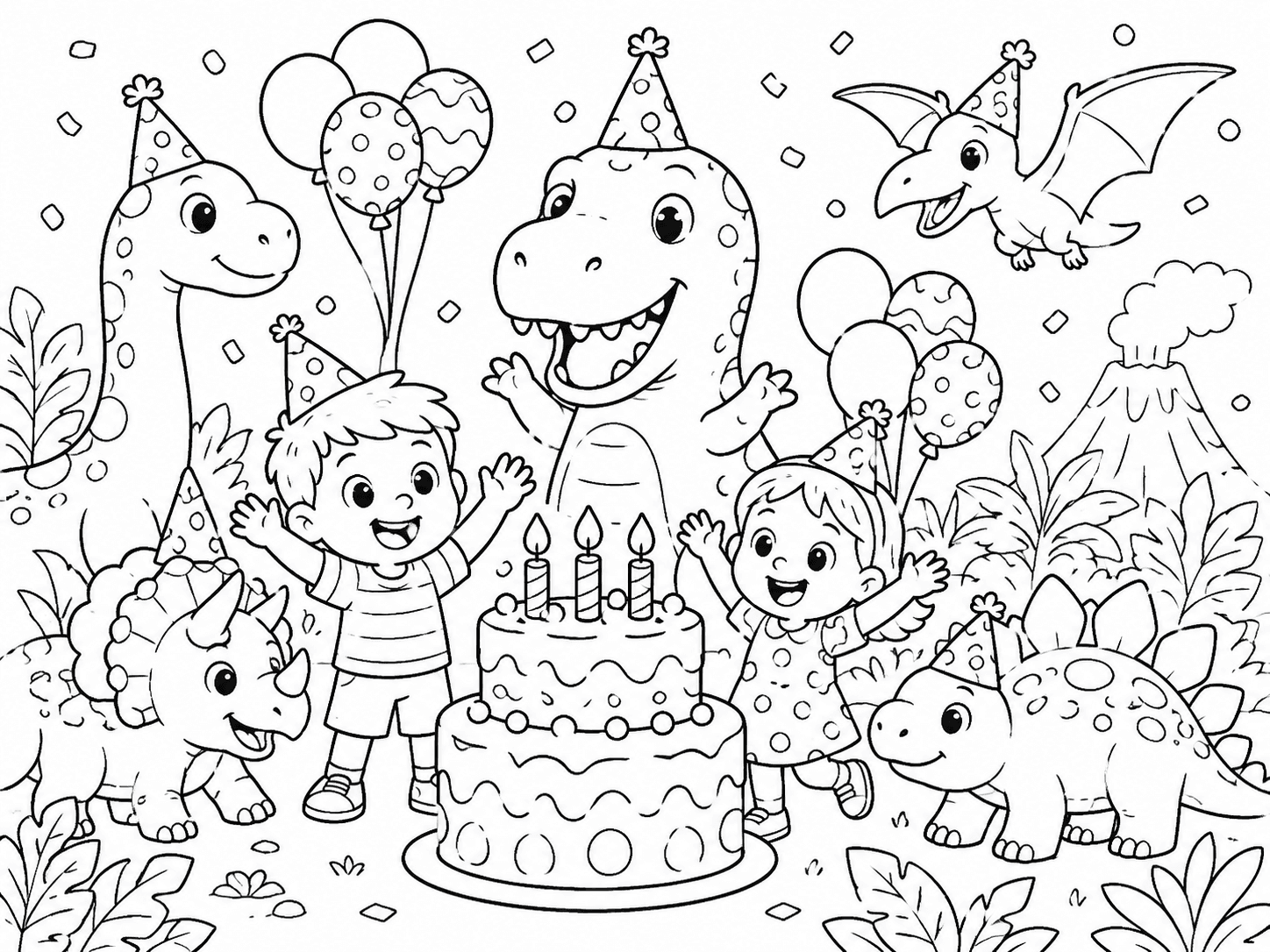
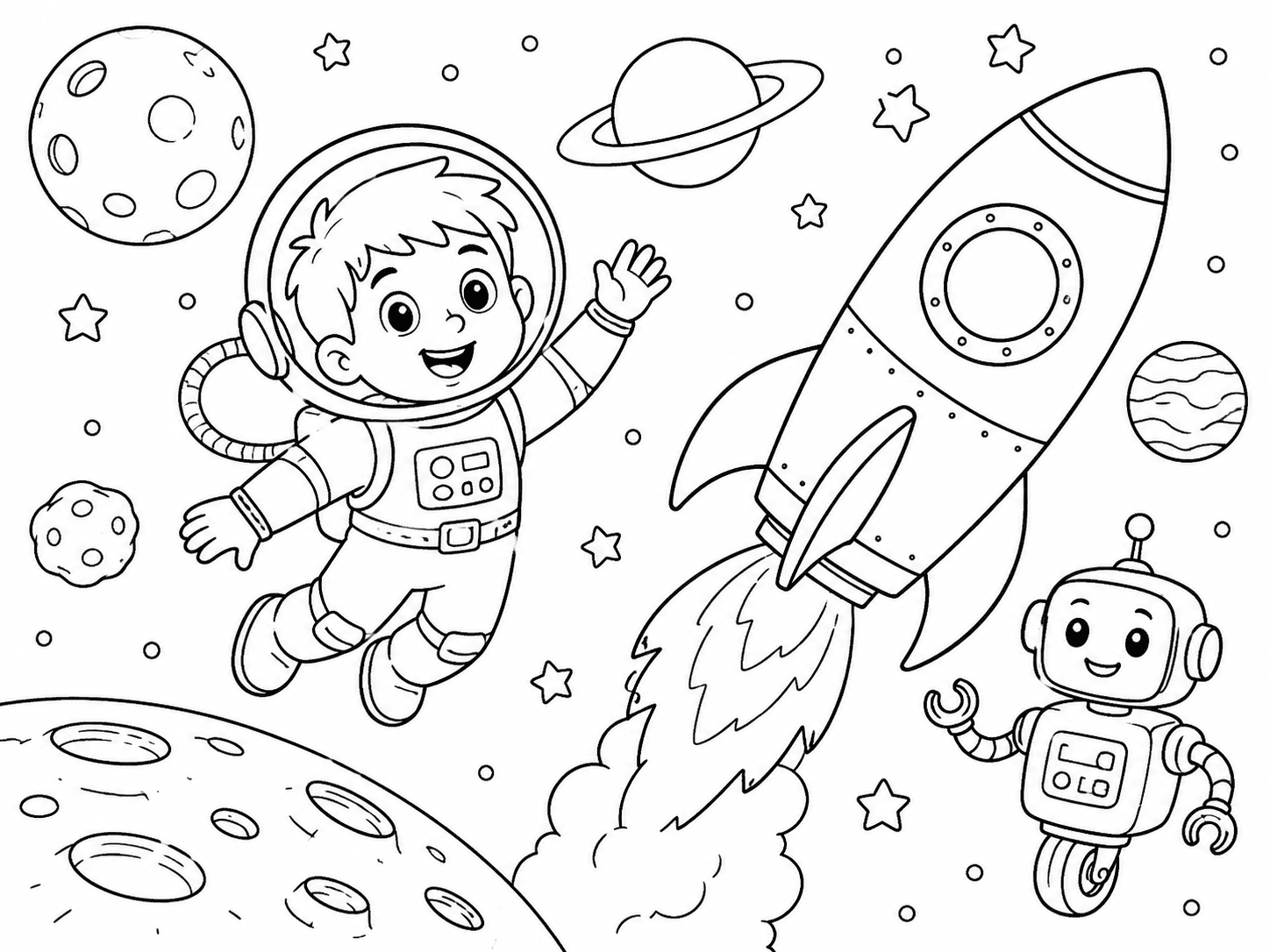
These are activity and theme examples, not before-and-after results from the child-photo tool. A photo-based page will be a stylized interpretation; inspect each generated result before using it.
Choose by what you want to do next
Print one for each child
Start with a clear photo of your child, review the printable line art, then set out crayons or pencils.
Use your child's photo →Make a small page set
Create two or three different scenes, add a simple cover if you like and test the print before assembling favors.
Plan a page set →Use ready-made pages
A themed gallery is the safer choice when you need dependable pages immediately or do not have time to review a custom result.
Browse kids pages →Decide how the pages will be used
Start with the moment, not the prompt. A shared activity needs a page that can be understood quickly, while a take-home gift can include a little more detail or two different scenes. If children will color for only a few minutes, one clear subject is usually enough.
You also do not need a personalized page for every child or every occasion. One featured page for your child, plus ready-made pages for everyone else, can be a sensible balance when time is short.
Plan a larger set from individual pages · Browse ready-made kids' coloring pages
Choose a photo that still looks like your child
Use a photo with the face visible, enough light on the subject and a complete body or upper-body outline. Front-facing or lightly turned poses are easier to recognize than a dark silhouette, a face hidden by sunglasses or a child partly covered by another person.
A generated page is a stylized interpretation, not an identity-preserving portrait. If the result changes important features or makes the pose confusing, choose another photo or simplify the scene. The activity will be more enjoyable with a clear, friendly page than with a complicated result that is supposed to be exact.
Use the photo quality checklist · Read the photo-to-coloring-page workflow
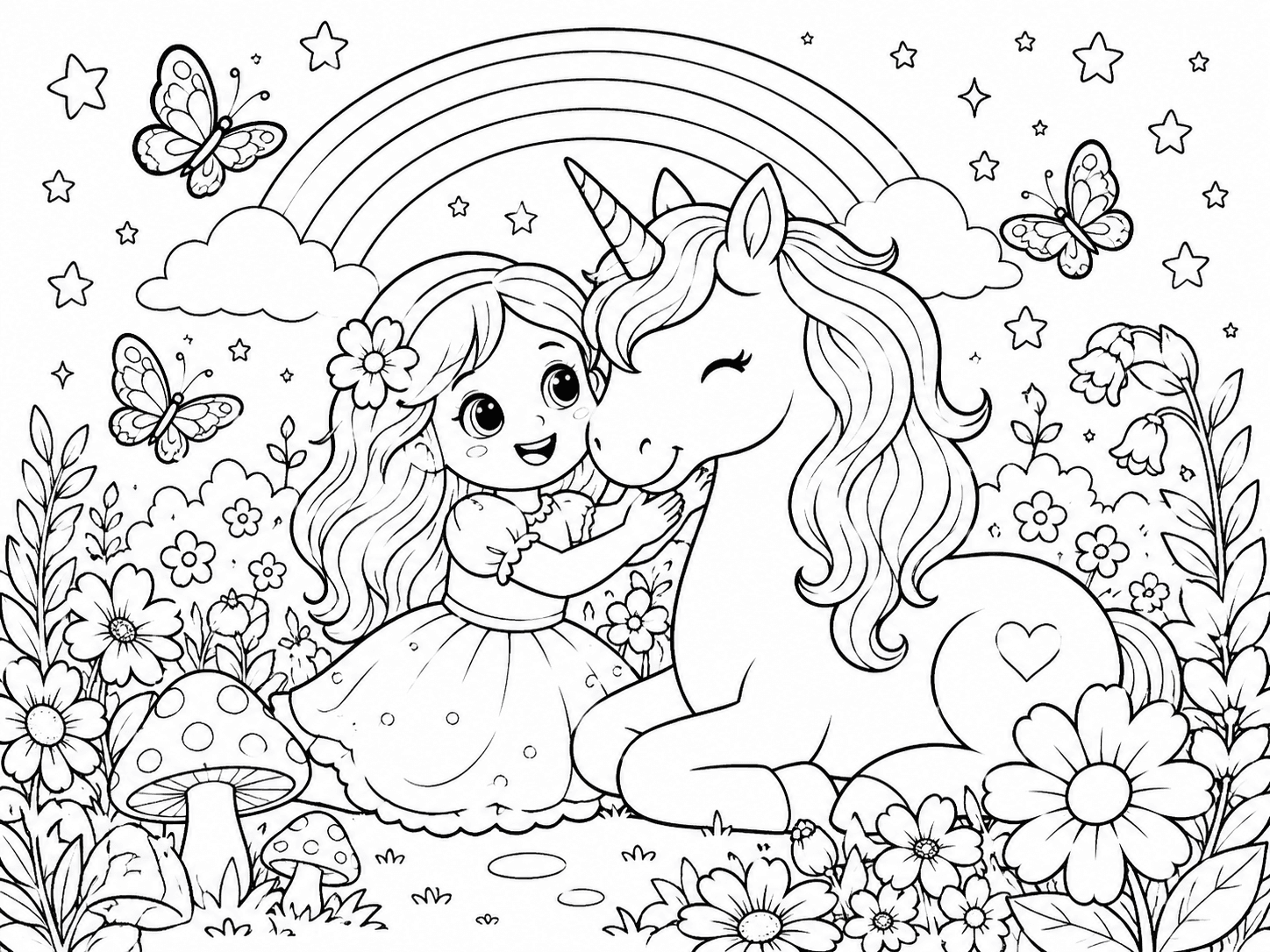
Pick an occasion and theme with room to color
If you start from a photo, pick a moment that already fits the occasion and keep the background simple. An astronaut beside a rocket or an explorer near a dinosaur is a different job: describe that imagined scene in the kids text generator instead of expecting a photo converter to invent it.
If the occasion already has a strong visual theme, use the gallery as a starting point. A ready-made dinosaur, space or fantasy page may fit the moment better than a rushed custom result, and it gives children more variety.
Turn your child's photo into a coloring page · Create an imagined kids scene from text · Browse dinosaur coloring pages · Browse space coloring pages · Browse fantasy coloring pages
Generate the page and review it before sharing
For a page based on your child’s real photo, upload that photo in the child-photo tool and choose a child-friendly line-art style and background treatment. If you want a child astronaut beside a friendly rocket without starting from a real photo, use the kids text generator and describe that scene instead. Neither route guarantees an exact likeness.
Review the result at the size you plan to print. Check the face, hands, feet, outside silhouette, accidental letters and any objects that are important to the theme. If something looks strange, regenerate with a simpler scene or switch to a ready-made gallery page.
Make a coloring page from your child's photo · Create an imagined kids scene from text · Compare page complexity by age
Print for a shared activity or gift
Print one test copy before making the stack. Use the paper size that matches your printer, keep the page at 100% or Fit to printable area and avoid Fill or Stretch. Regular printer paper is fine for a short activity; cardstock can work better for a take-home favor if your printer accepts it.
Put the pages, crayons or pencils and a small sign in one place. For younger children, use larger shapes and fewer objects. For a mixed-age group, offer two levels rather than expecting every child to enjoy the same page.
Check A4, US Letter and print settings · Browse easy pages for younger children
Make the activity personal without making it complicated
The page does not have to carry the whole occasion. A child’s name can go on a separate cover or small sign, while the coloring page stays free of text if you want clean outlines. You can also print one personalized page for your child and let everyone choose from a broader themed collection.
The best test is simple: would a child recognize the subject, know where to start and have enough open space to enjoy the page? If yes, it is ready for the table. If not, simplify it or use a ready-made page and save the custom experiment for another day.
Browse the full kids' coloring page library · Create a small coloring book from photo pages
Step by step
- 01Choose the activity formatDecide whether the page will be a shared activity, a take-home gift or part of a small set.
- 02Select a clear photoUse a well-lit photo where the child’s face and main outline are visible.
- 03Choose one simple themeGive the child one role and add only a few supporting objects for the occasion.
- 04Generate and reviewInspect the face, hands, silhouette, accidental text and coloring spaces.
- 05Print one test pageMatch the paper size, check the margins and confirm the page is comfortable to color.
- 06Set up the activityPlace pages and coloring tools together, and keep ready-made alternatives available for guests.
FAQ
Can I make a coloring page that looks exactly like my child?
Not reliably. A generated page is a stylized interpretation, so use a clear photo and review the result rather than promising an exact likeness. If important features change, try a simpler scene or choose a ready-made page for the occasion.
What photo works best for a personalized kids coloring page?
Choose a sharp, well-lit photo with the face visible and the child separated from the background. Avoid heavy shadows, sunglasses, motion blur and poses where the body is hidden by another person or object.
Should I make one page for every child?
Only if the group is small and you have time to review the pages. For a larger group, one or two personalized pages for your child plus ready-made themed pages for everyone else is easier to prepare and still feels special.
What should I do if the generated page has strange hands or letters?
Do not use that page as-is. Regenerate with a simpler pose and no text, choose a clearer source photo, or use a ready-made gallery page. Always review the page at printed size before sharing it with children.
What paper should I use for personalized coloring pages?
Regular printer paper works for a short coloring station. Use heavier paper only if your printer supports it and you want a sturdier take-home favor. Test one page first so the lines, margins and coloring tools work together.