Original photo
Line artFamily Photo to Coloring Page
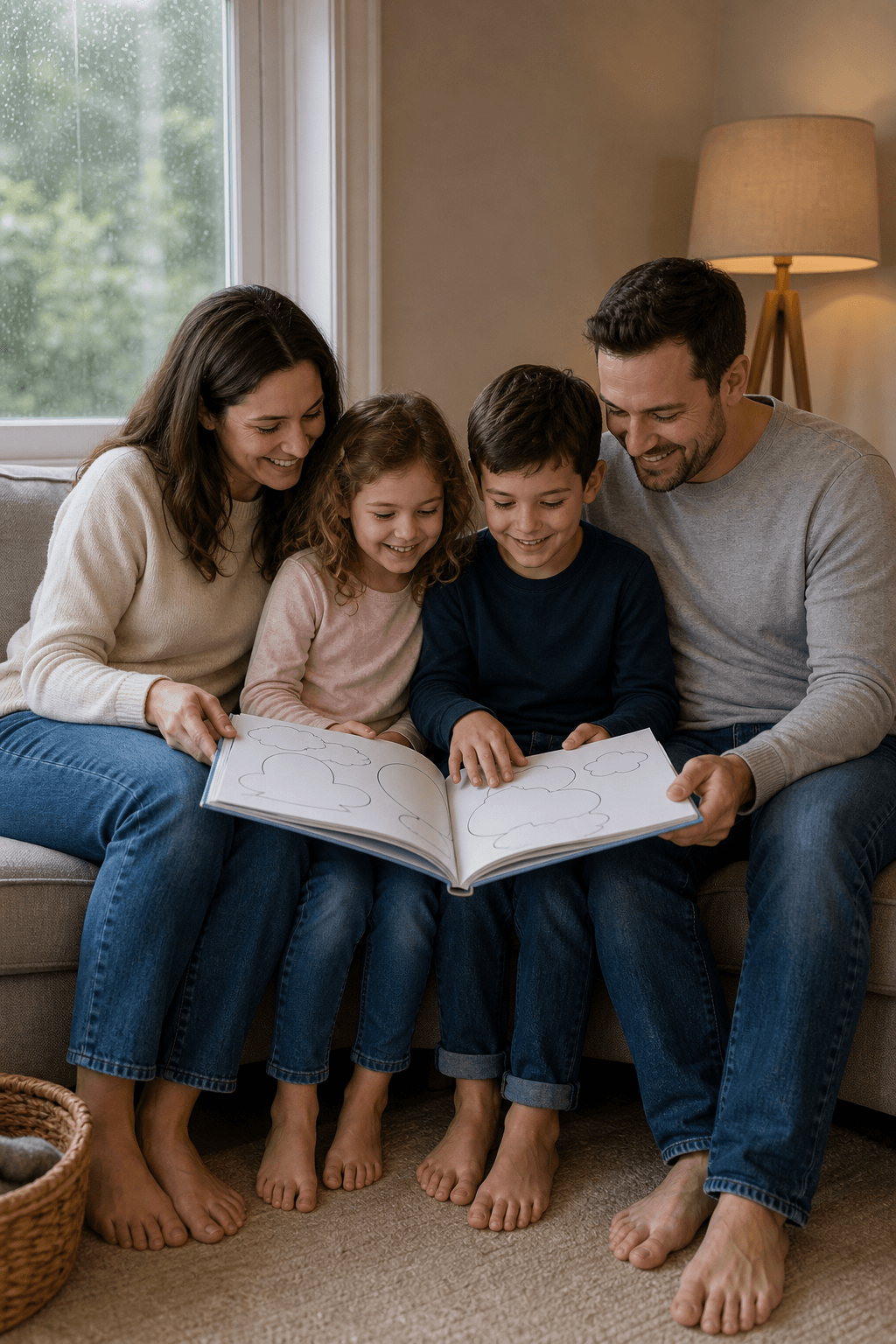
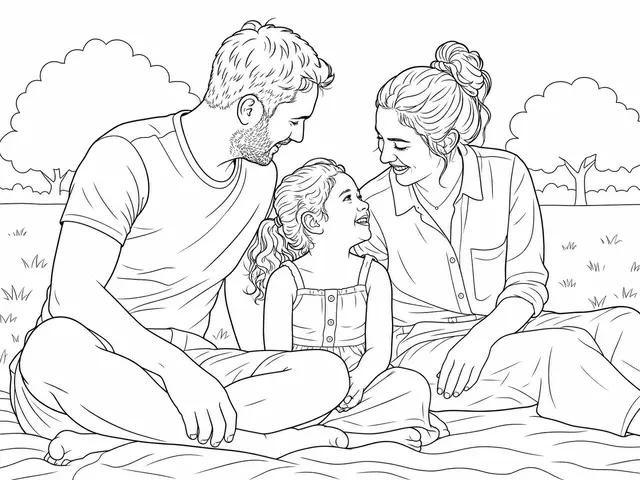
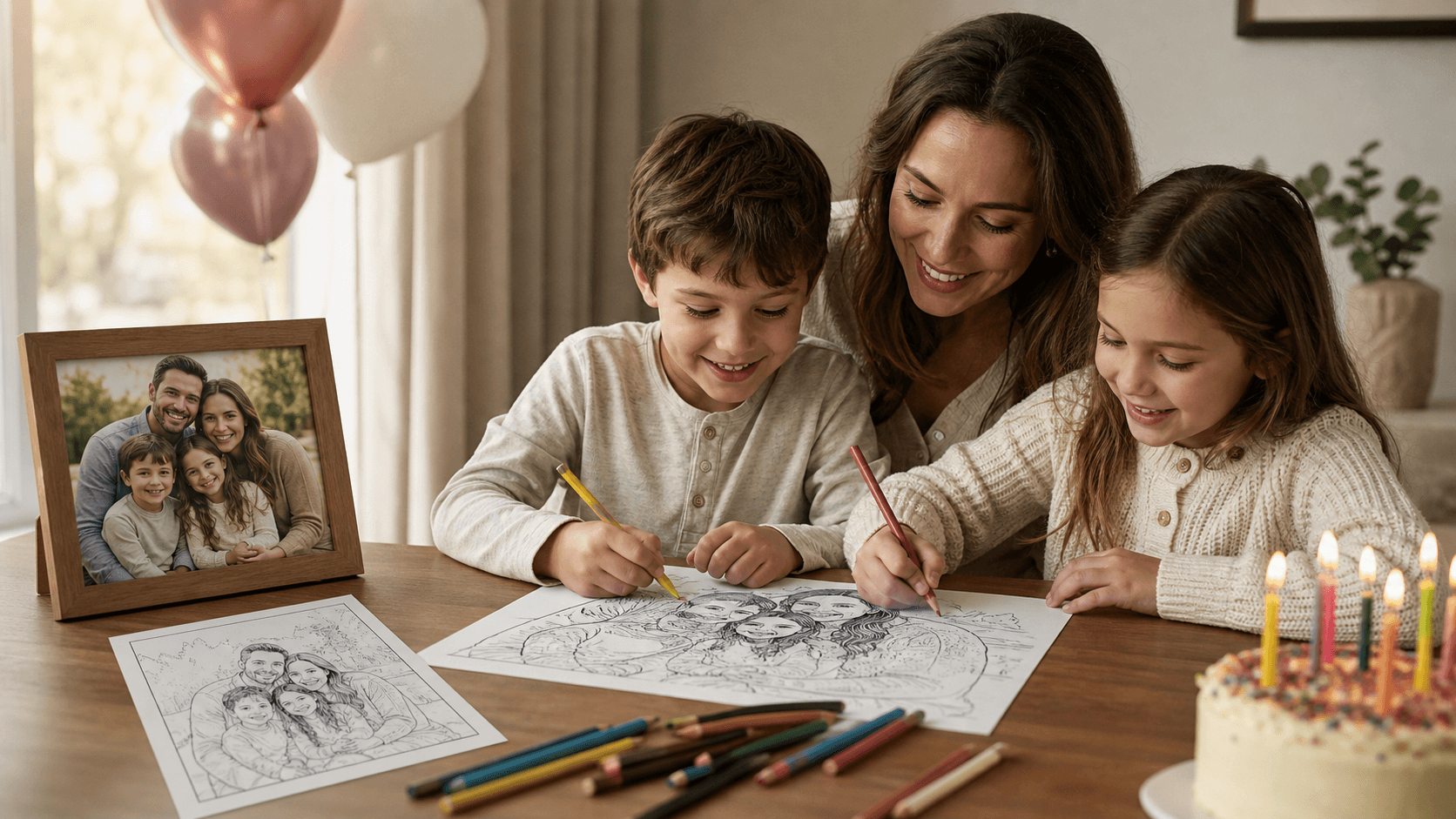
The family remains central while smaller room details are simplified.
Turn a portrait, pet, family or object photo into clean, printable black-and-white line art. AI keeps the main subject recognizable while you choose the style, background and detail.
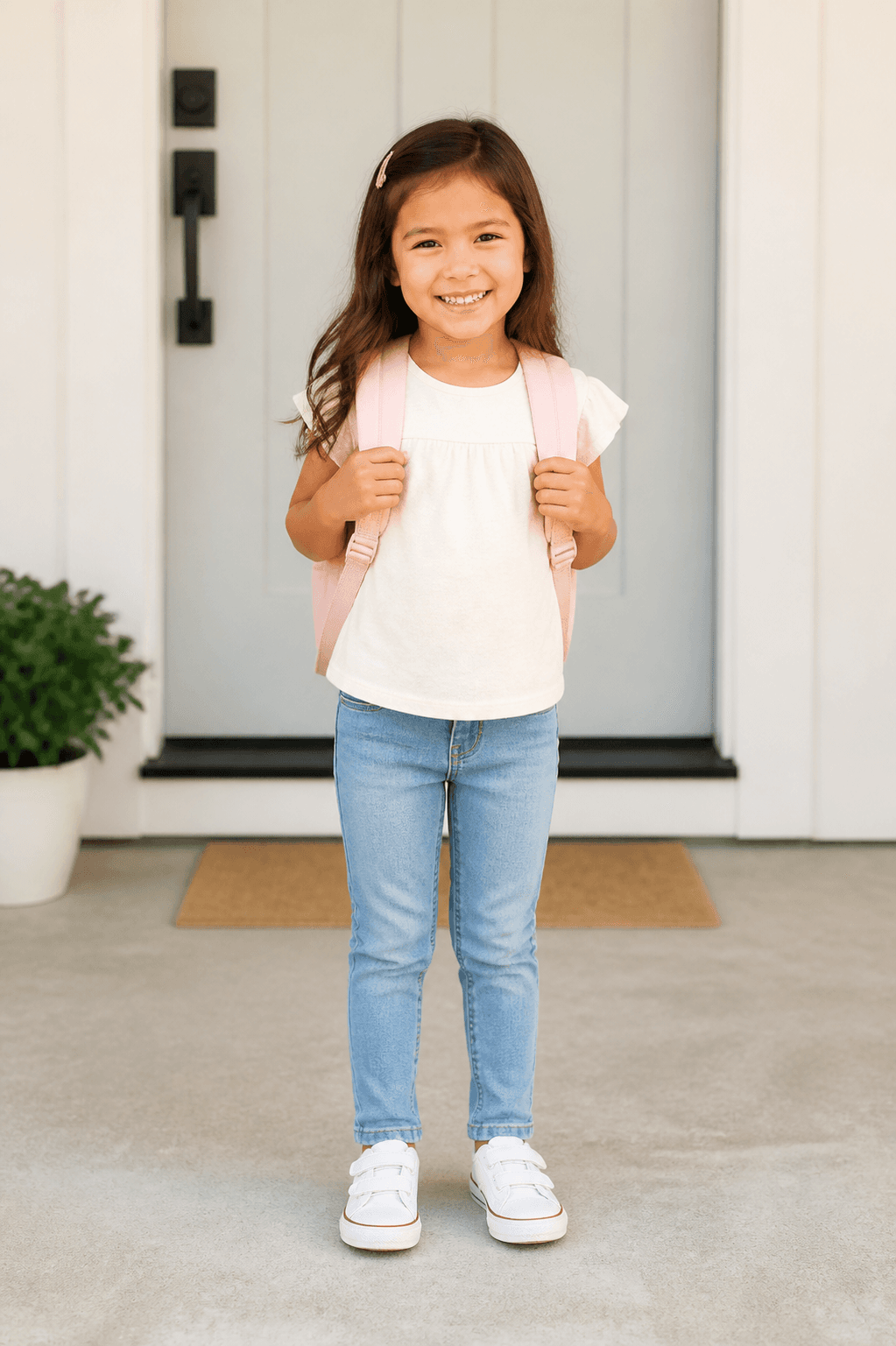
Original photo
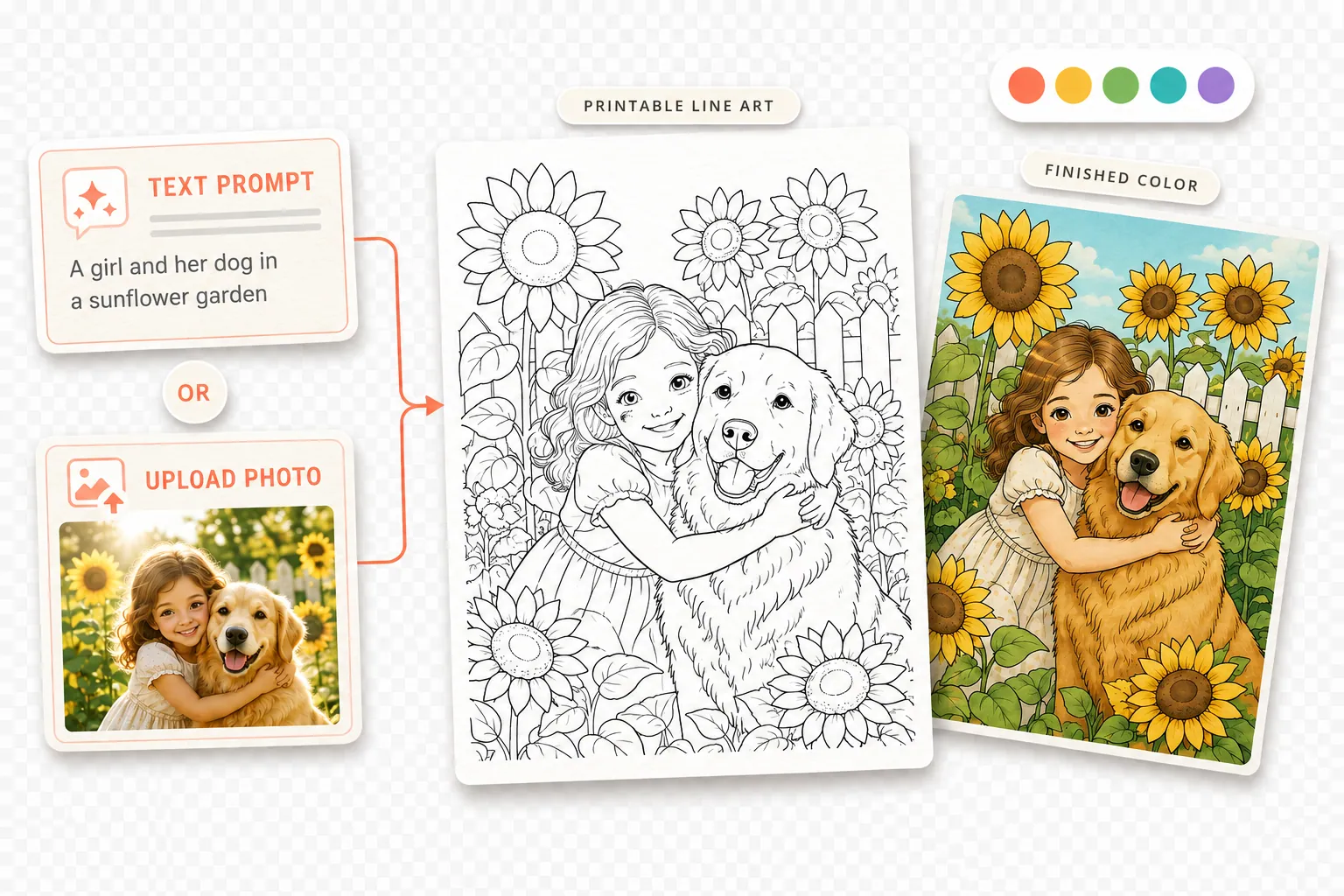
Printable line artUpload one clear photo, choose the line-art settings, then generate and review your preview.
Upload a clear picture, make a few choices about the result, then review your printable line art before downloading.
Upload one clear JPG, PNG or WebP photo with a visible main subject.
Pick an art style, background treatment and linework settings, then select Generate photo coloring page.
Check faces, hands, paws and important objects in the preview, then unlock and download the printable PNG.
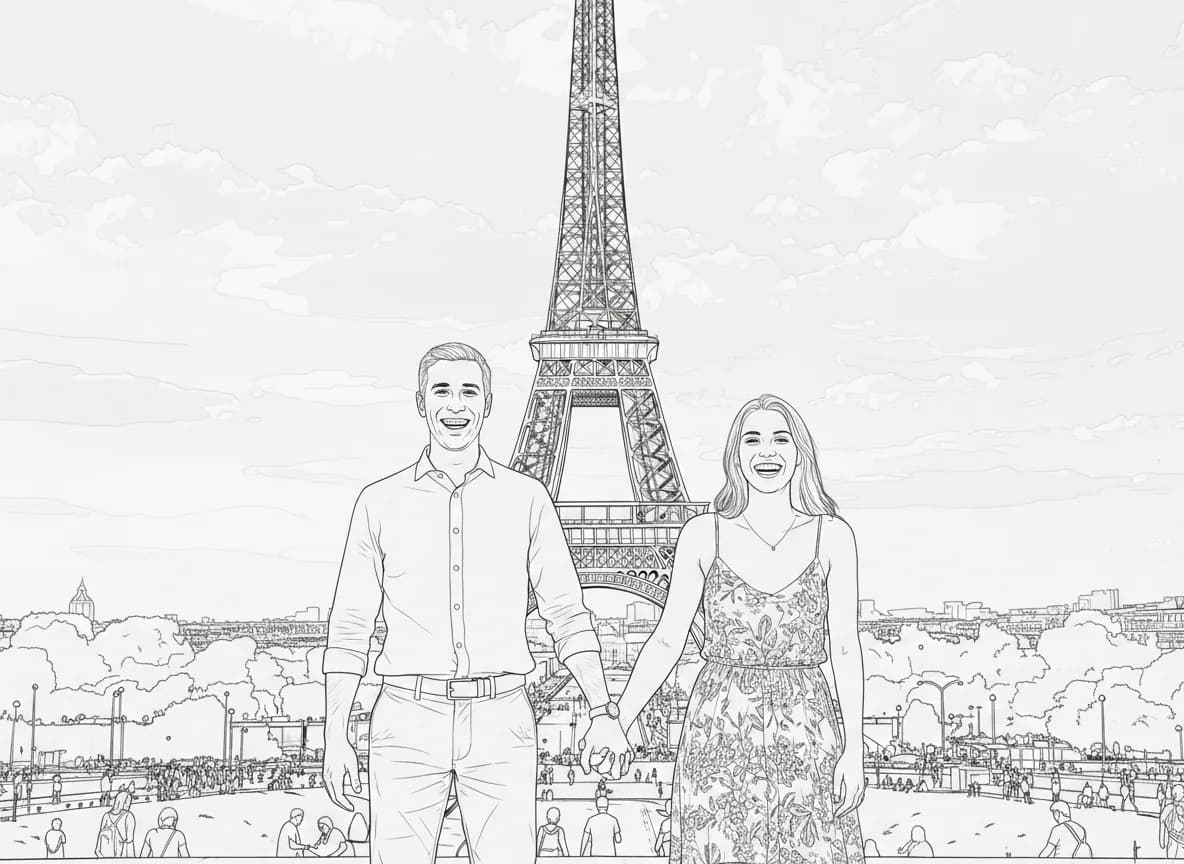
Compare the original photo with its generated line art. Start with family, pet, baby and birthday examples, then open the remaining couples, wedding and travel results when you need them.
Original photo
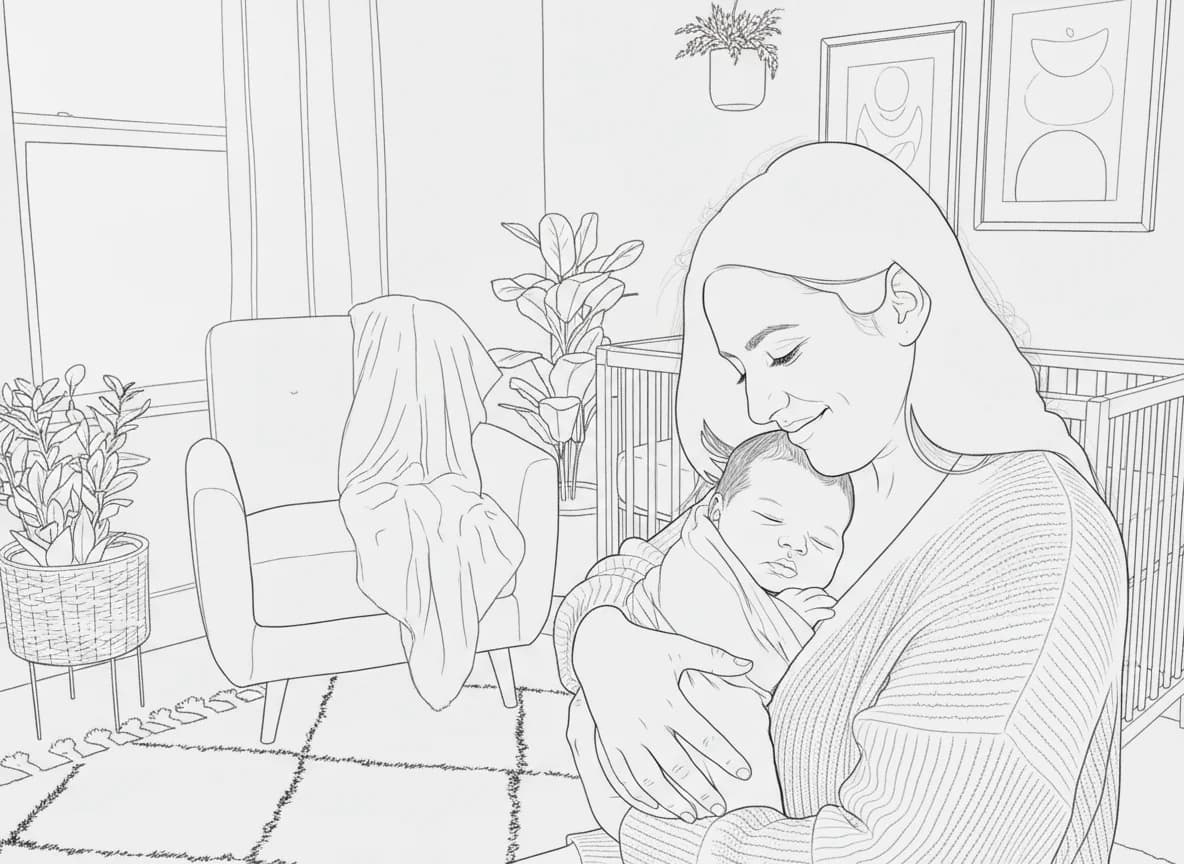
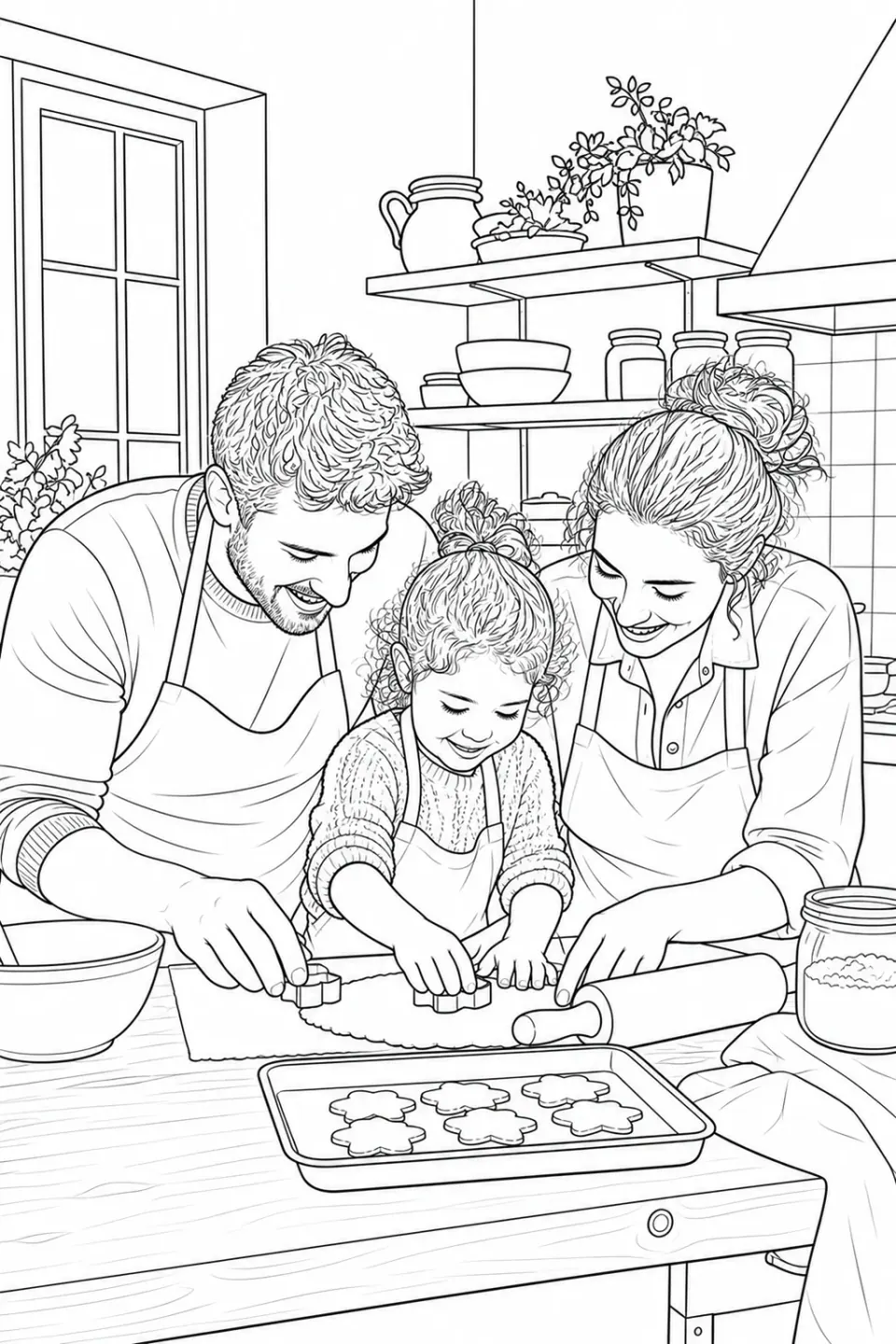
Line artThe family remains central while smaller room details are simplified.
Original photo
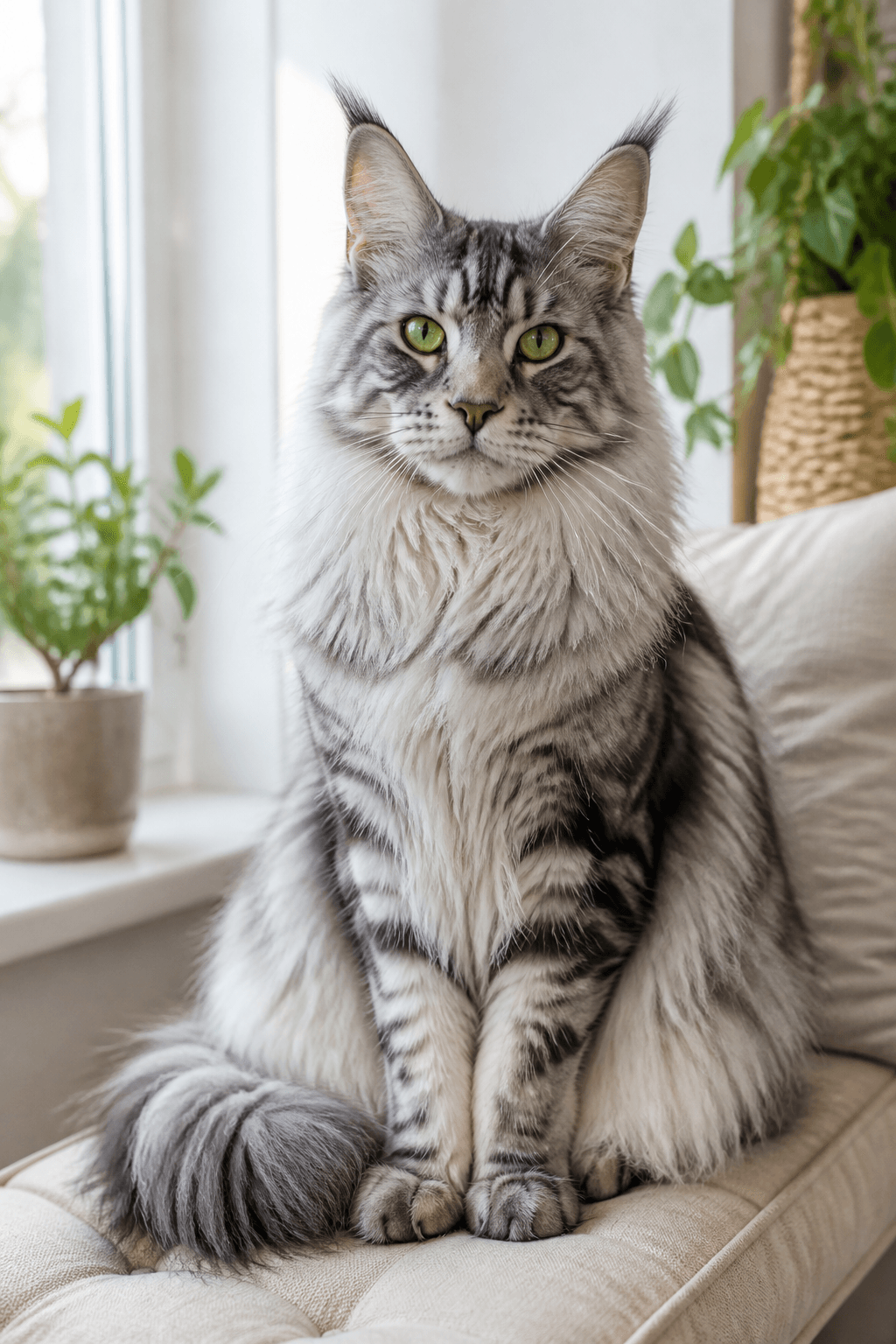
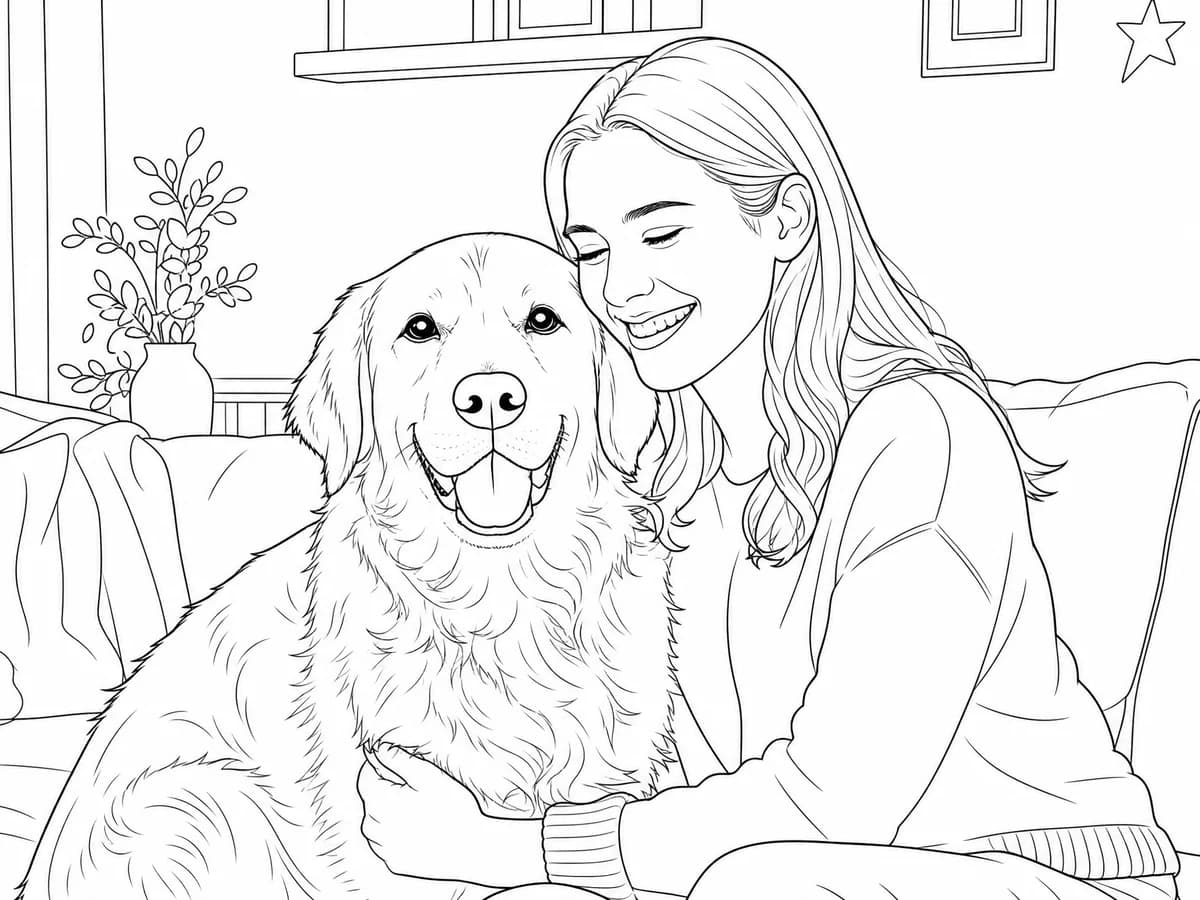
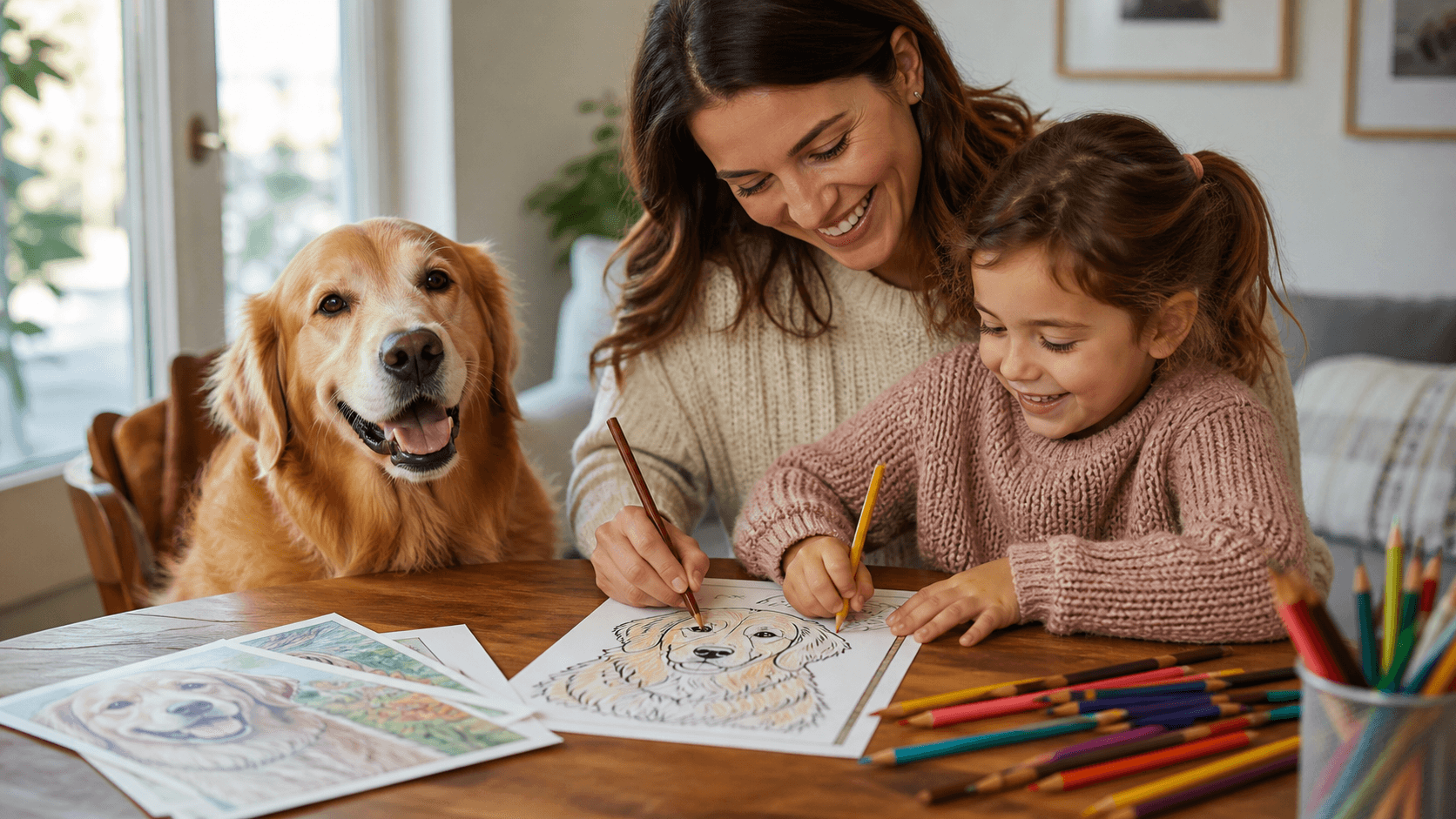
Line artThe pet and owner stay central while the indoor scene becomes simpler.
Original photo
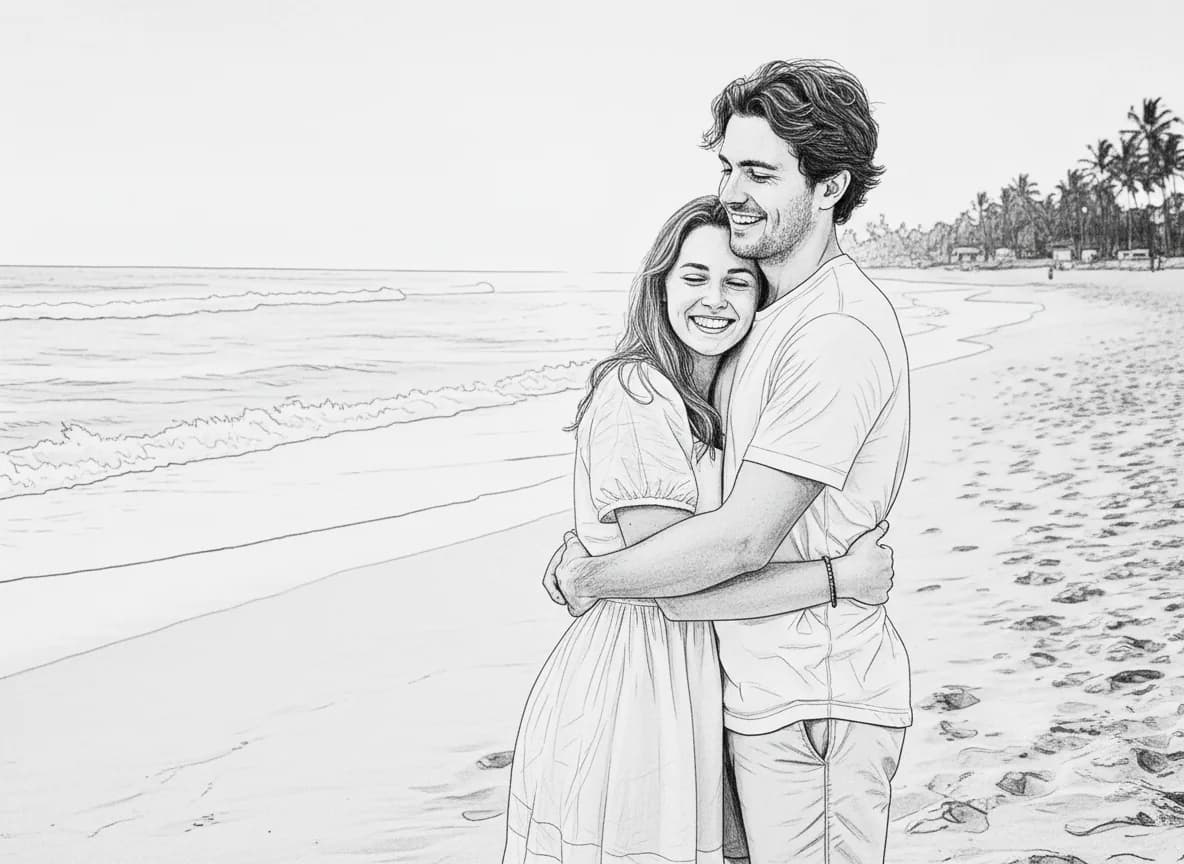
Line artGentle portrait details become open shapes for a personal coloring page.
Original photo
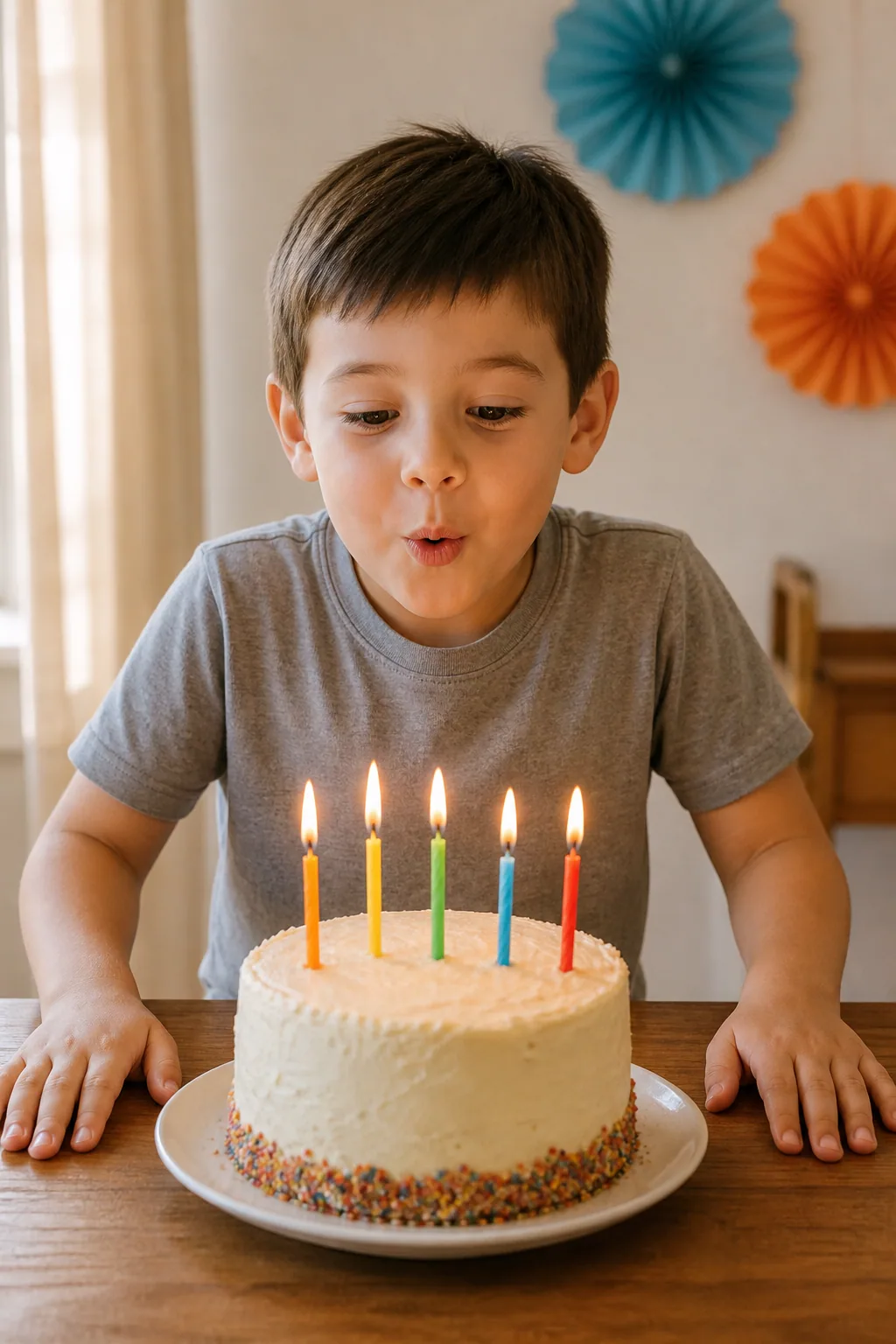
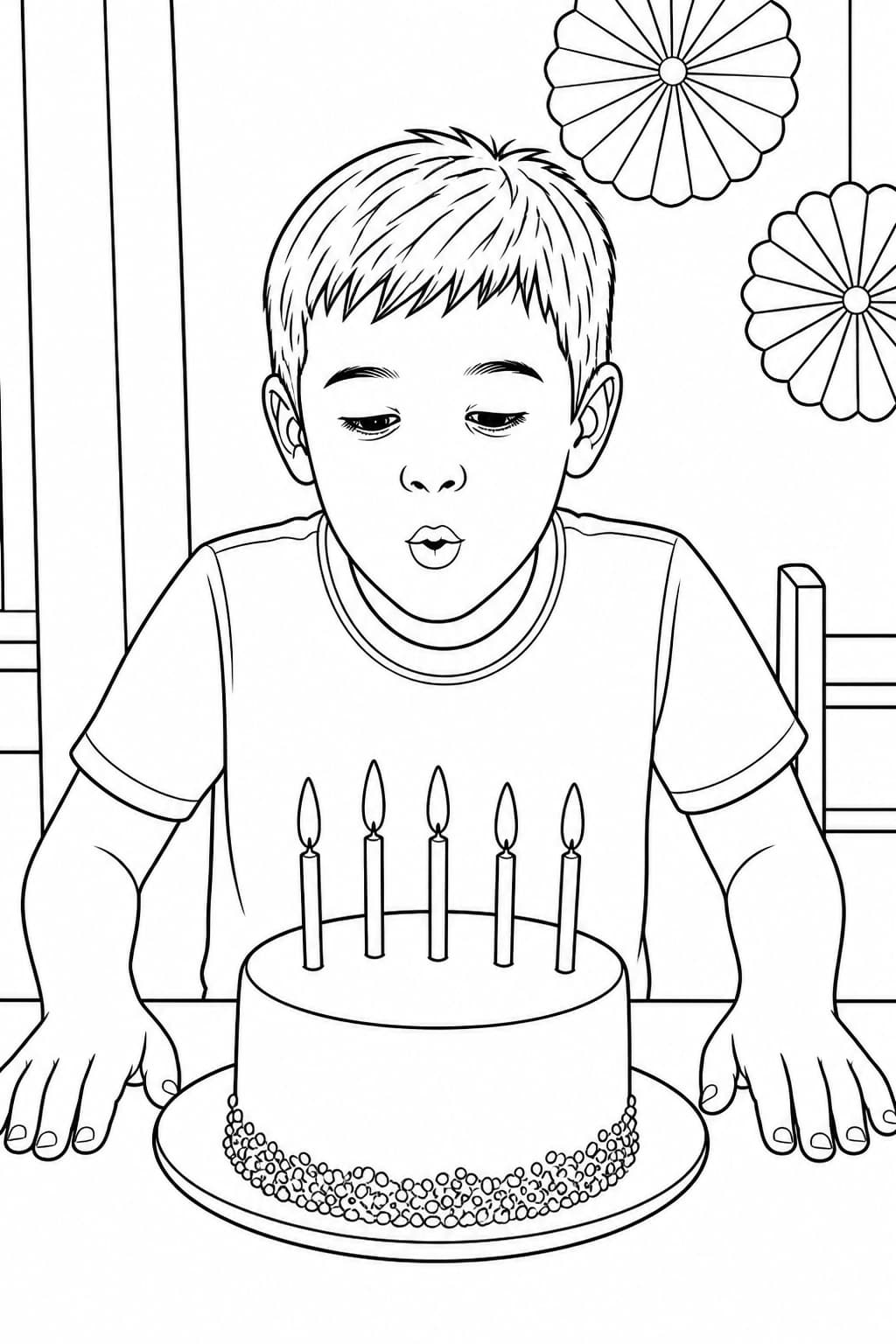
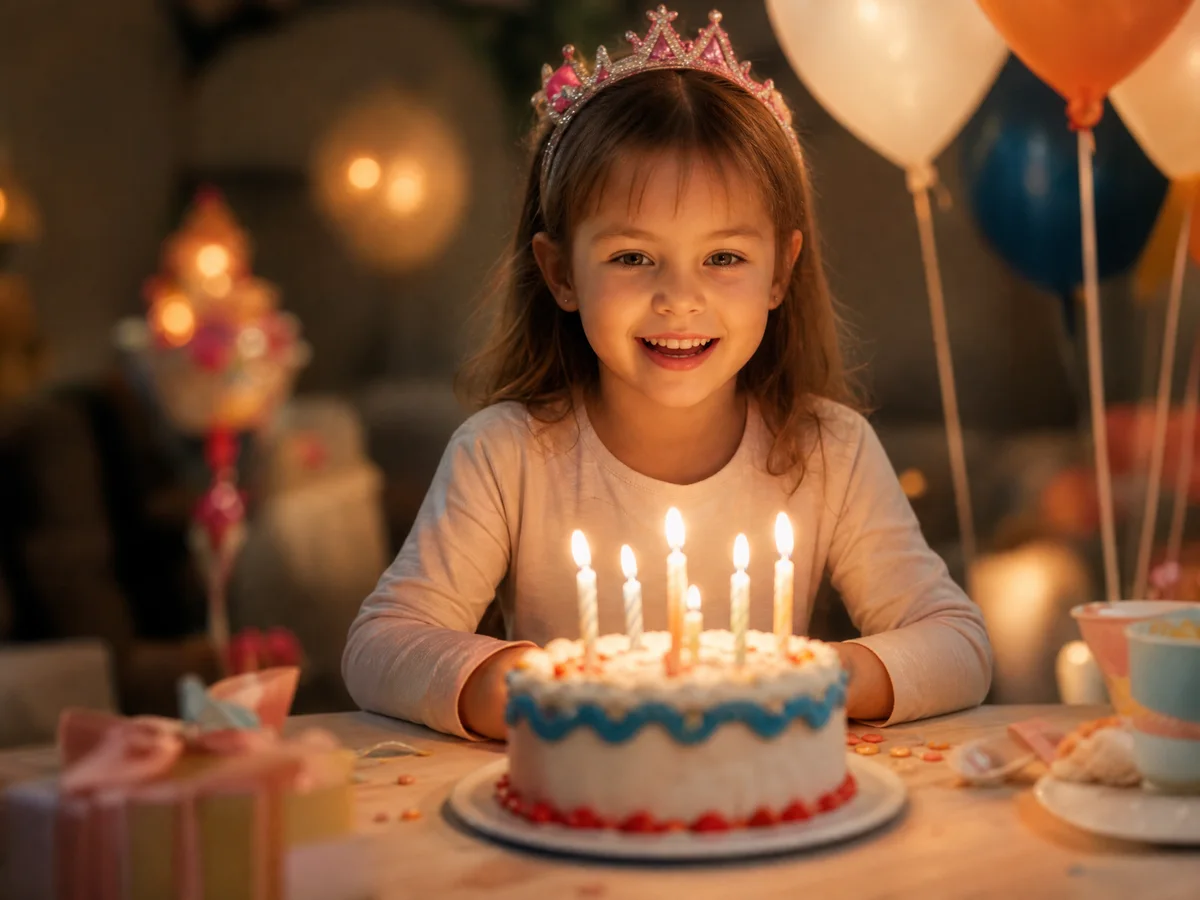
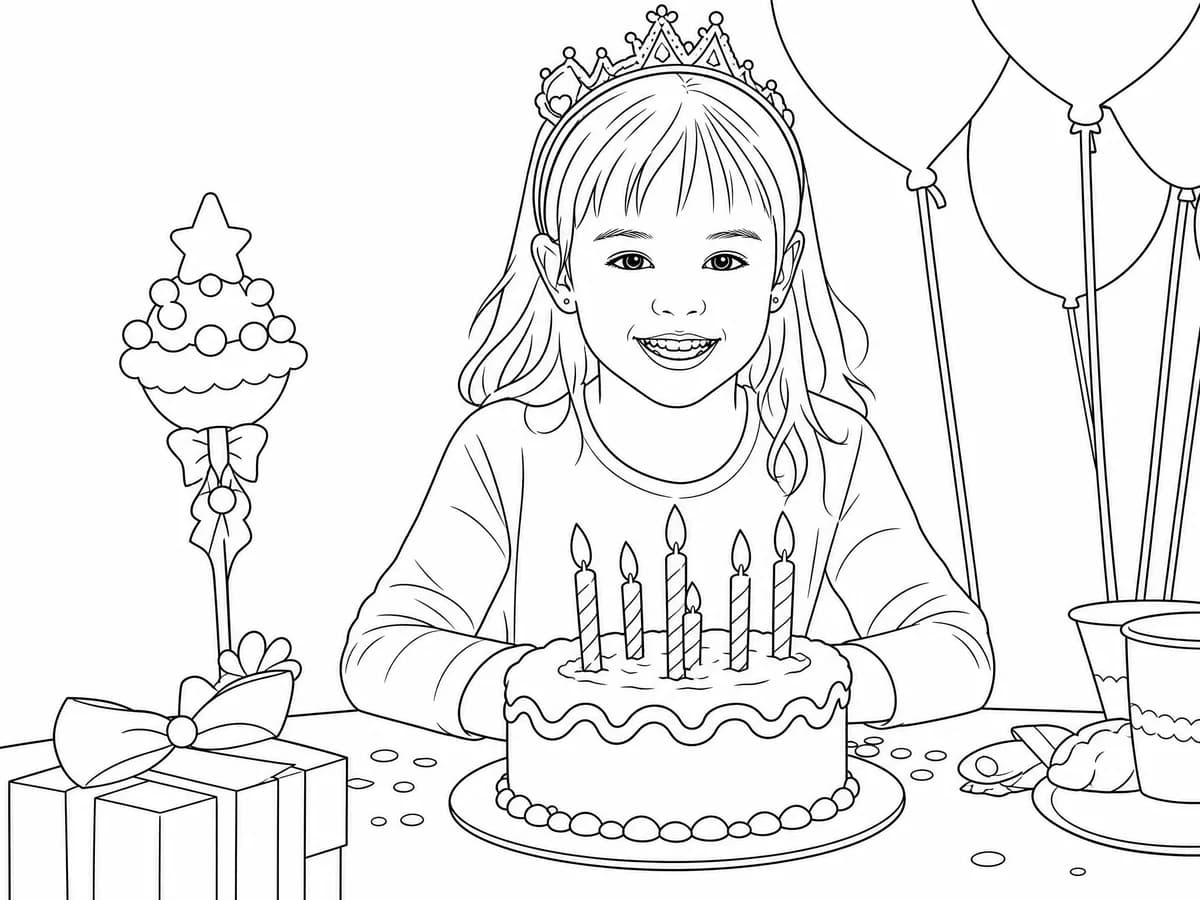
Line artThe child, cake and party details remain easy to recognize and color.
Choose the background and line settings, then review the result before downloading or printing.
Convert your photo to a coloring pageAI may reinterpret small details. Review faces, hands, paws and important objects before printing.
An image to coloring page converter should do more than trace every visible edge. This workflow simplifies photographic texture, keeps the main subject recognizable and gives you practical control over the printable line art.
AI simplifies texture and background detail while preserving the person, pet or object that matters.
Upload one JPG, PNG or WebP image up to 10 MB. Sharp, well-lit photos with a complete subject usually work best.
Choose a style, background treatment, line weight and detail settings for kids, tracing, keepsakes or printing.
Create a watermarked Standard 1K preview, inspect important details, then unlock the page before downloading.
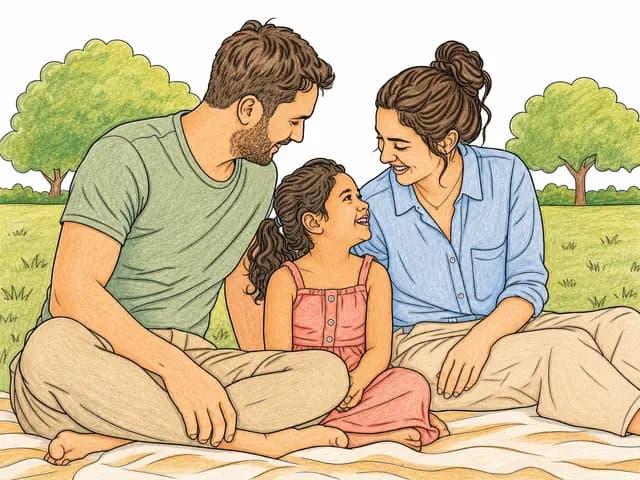
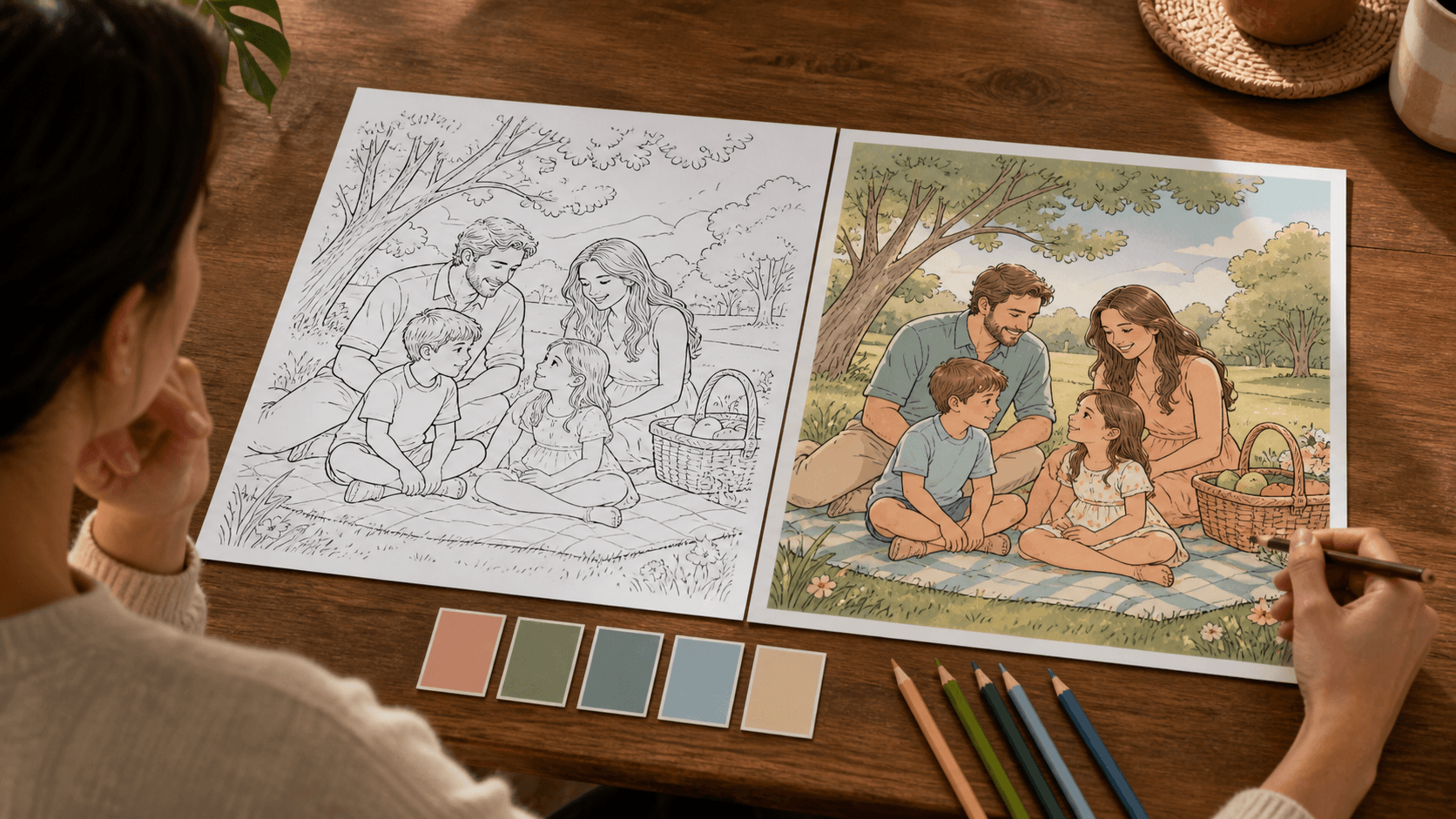
Keep the printable black-and-white page exactly as it is, or choose a color direction to create an optional Finished Color Reference. Your original line art stays unchanged.
Original photo
Photo line art
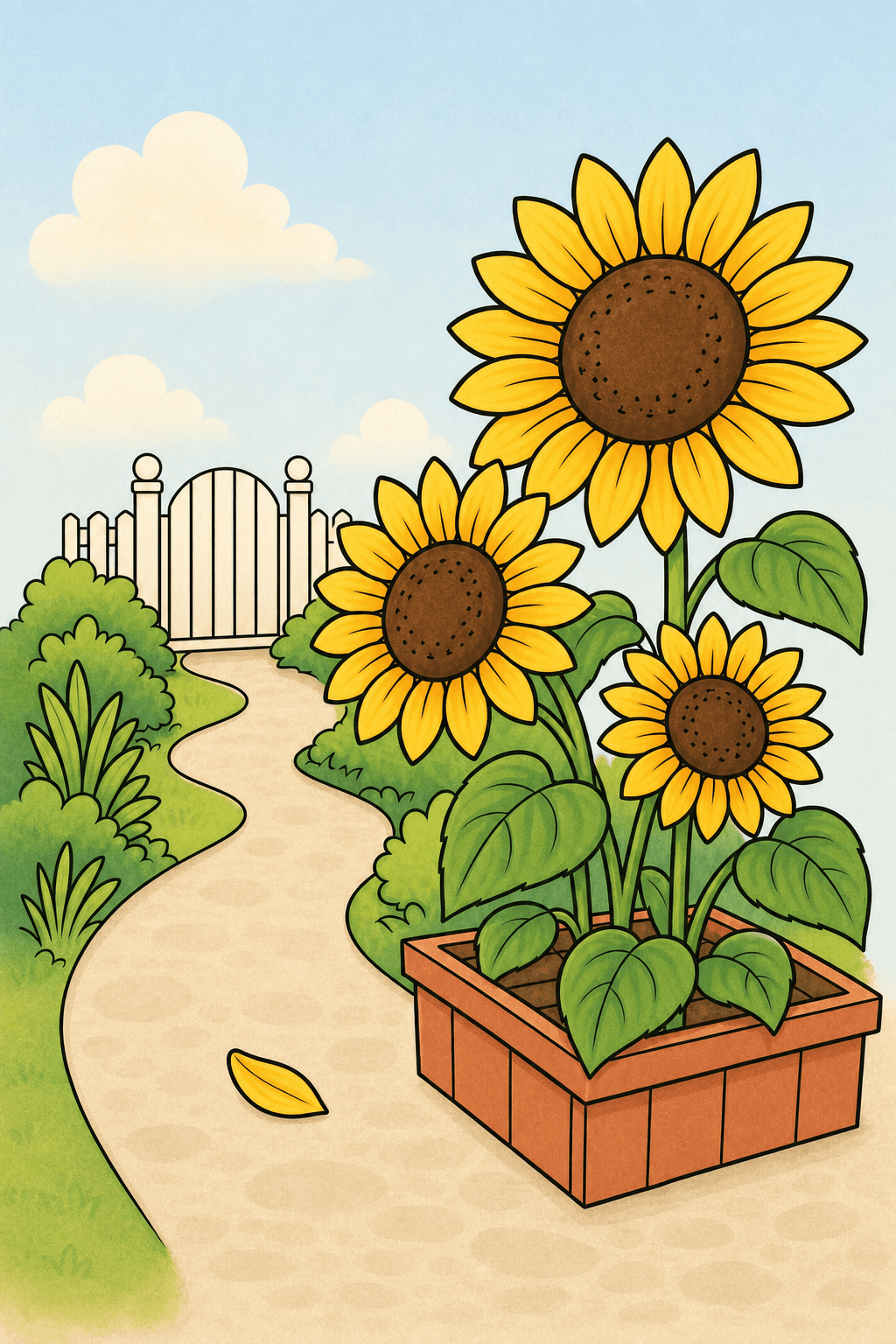
Finished Color ReferenceAfter the page is unlocked, download or print the black-and-white line art whenever you are ready.
Explore harmony, mood and theme palettes without changing the original line art.
Use your chosen palette to make an optional color guide that keeps the composition and outlines intact.
Optional add-on · Sign in and credits requiredYour photos are never published or added to the public gallery. They are processed only to create your result and handled according to our privacy policy.
Unclaimed source uploads are automatically removed after 24 hours. Saved uploads follow the generation lifecycle and can be deleted on request.
Families, pet lovers and color planners can start with a meaningful picture, then make a personal activity, keepsake or color-guided project from it.
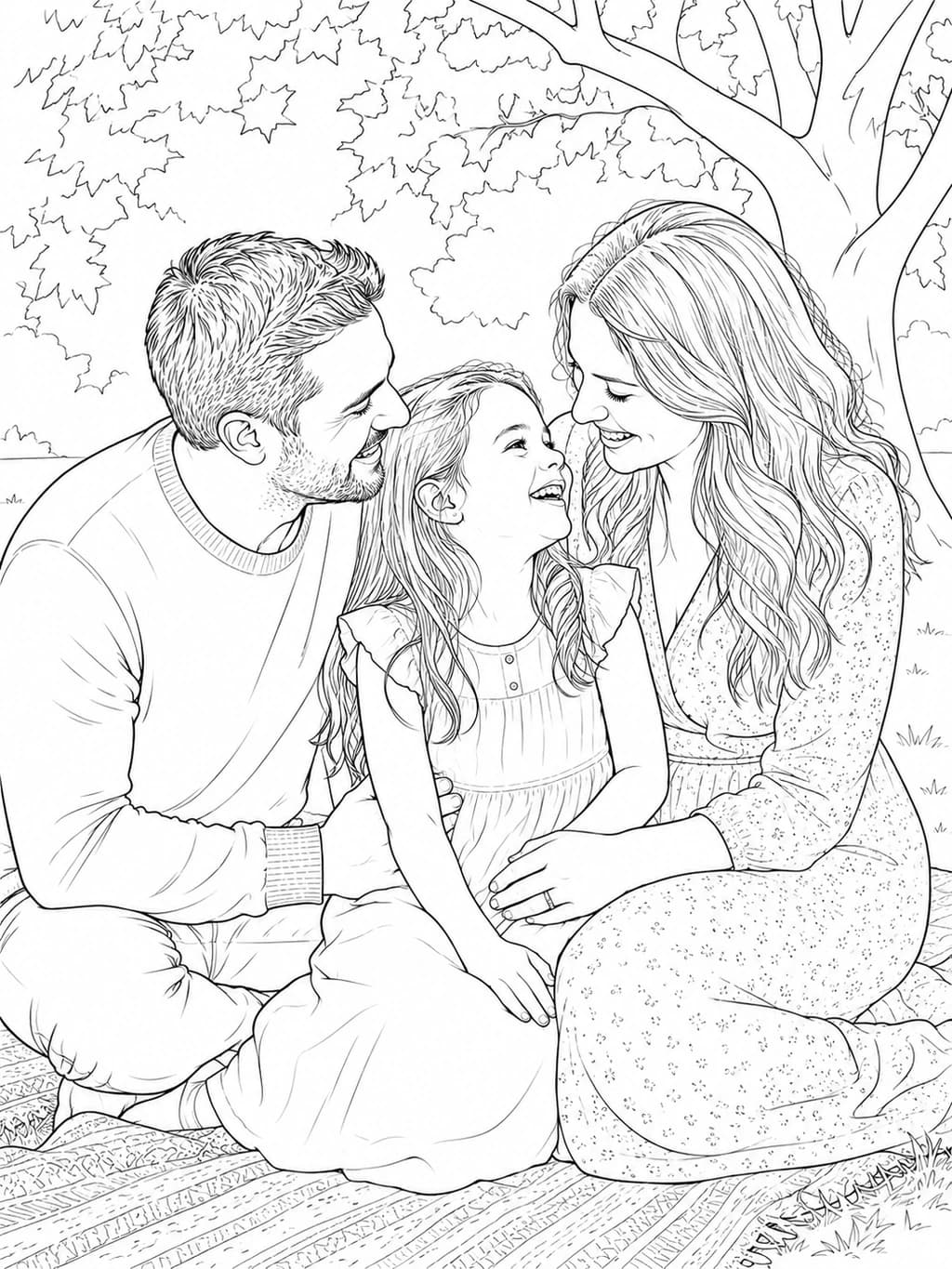
Start with a birthday, park day or family photo, then make a personal activity for the party table, a rainy afternoon or screen-free time together.

Upload a clear pet photo and make recognizable line art for a keepsake, thoughtful gift or an afternoon spent coloring together.

After you create the line art from your photo, compare 12 palette directions and make an optional finished color reference that keeps the page's original composition.

Clear answers about converting photos into coloring pages online, including free use, uploads, photo quality, privacy, printing and printable line art.
A photo to coloring page converter uses AI to simplify a picture into clean black-and-white line art that you can download, print and color.
Yes. Upload one clear JPG, PNG or WebP photo, choose a style and background treatment, tune the linework, then generate and review the printable result online.
Create 1 free watermarked Standard 1K preview without signing up. Sign in to save and unlock an eligible first page. Sign in to save your page. Download and print require an unlocked page; continue with a one-time image or permanent credits.
Upload one JPG, PNG or WebP image at a time, up to 10 MB. The free Standard 1K result is a watermarked preview; PNG download is available after unlock.
Use a sharp, well-lit photo with one clearly visible person, pet or object. Simple backgrounds and complete framing usually produce cleaner outlines.
Yes. Clear photos of dogs, cats, people, families, toys and familiar objects work well when the main subject is fully visible.
Upload one clear photo, choose the line-art settings, generate and review the result, then unlock the printable PNG. Repeat the same workflow one photo at a time when you want several pages for a personal coloring-book collection; the tool does not assemble the book automatically.
A basic edge filter traces every visible texture. Love to Color uses AI to simplify distracting detail, preserve the main subject and create cleaner coloring regions.
Yes. Sign in to save your page. Download and print require an unlocked page; continue with a one-time image or permanent credits. After downloading, check the margins and important details, then print on A4 or US Letter paper using high-quality settings.
Your photos are never published or added to the public gallery. They are processed only to create your result and handled according to our privacy policy. Unclaimed source uploads are automatically removed after 24 hours. Saved uploads follow the generation lifecycle and can be deleted on request.
Free and trial creations may be used for personal, family and ordinary non-commercial classroom teaching. Creations funded entirely with eligible paid credits include commercial use, subject to the source image rights. Welcome-credit creations are for personal and non-commercial classroom use. Review the current terms before publishing, selling or otherwise using a result commercially.
Describe any subject, action and setting to create an original printable coloring page entirely from words.
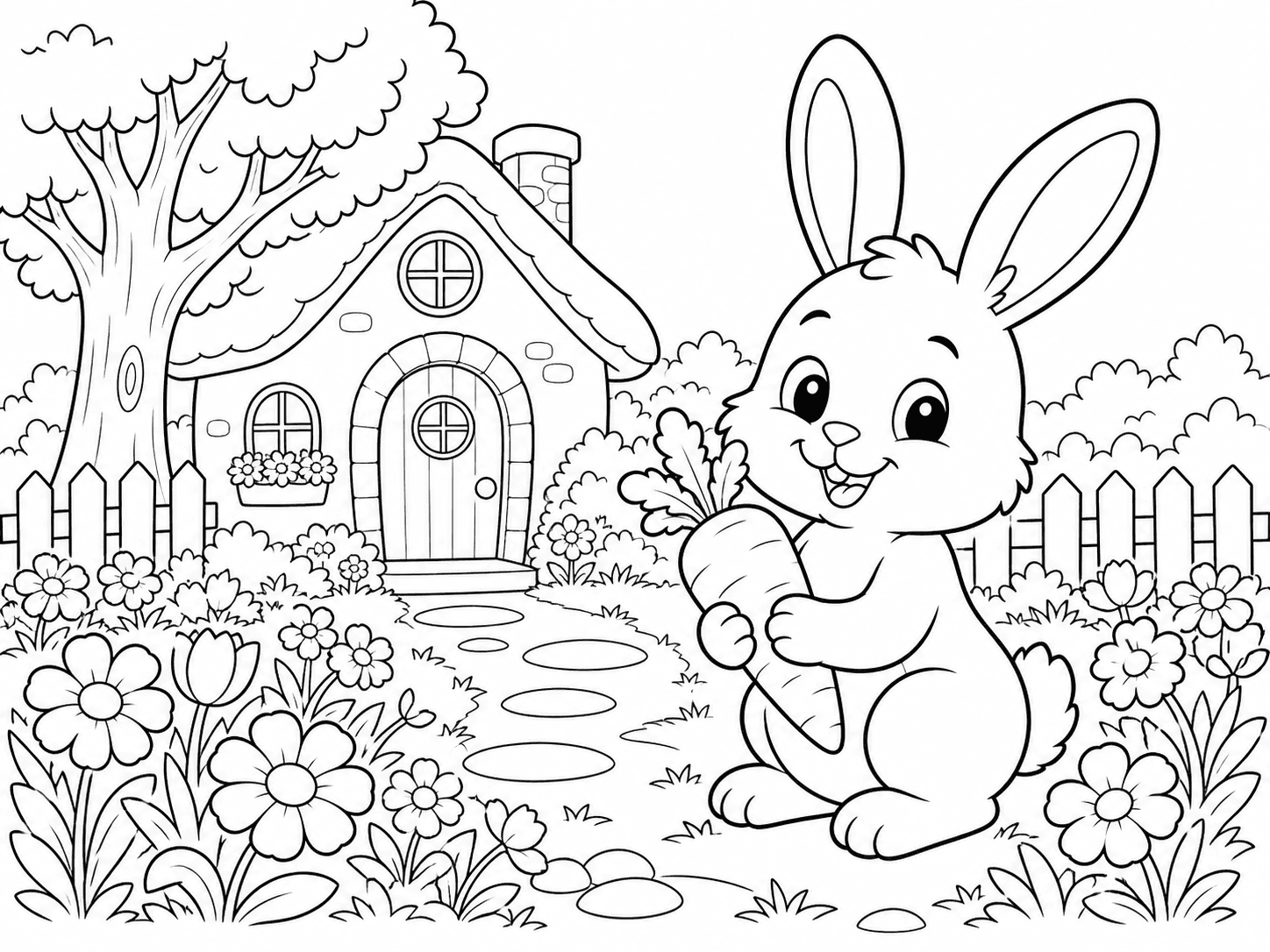
Create from textA friendly rabbit in a flower garden
Generated coloring page