Use Your Own Pet Photo
Turn a favorite portrait, adoption photo, birthday moment, or everyday snapshot into a page that looks like your pet.
Upload a photo of your dog, cat, or other pet and turn it into a clean, printable coloring page. Choose a style, adjust the detail level, and review your custom pet line art before downloading.
Choose the background treatment, quality, and paper size that match how you want to print it.
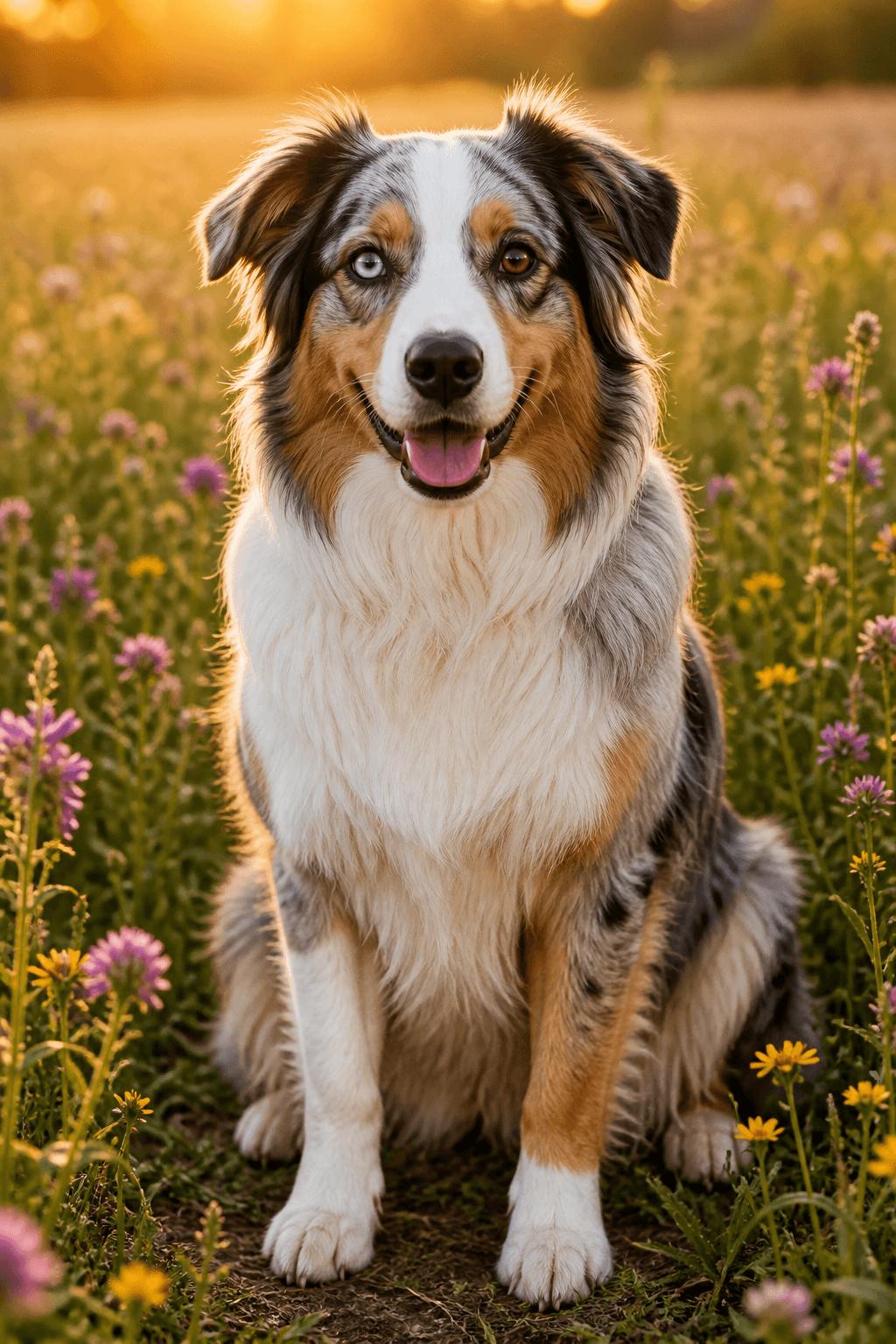
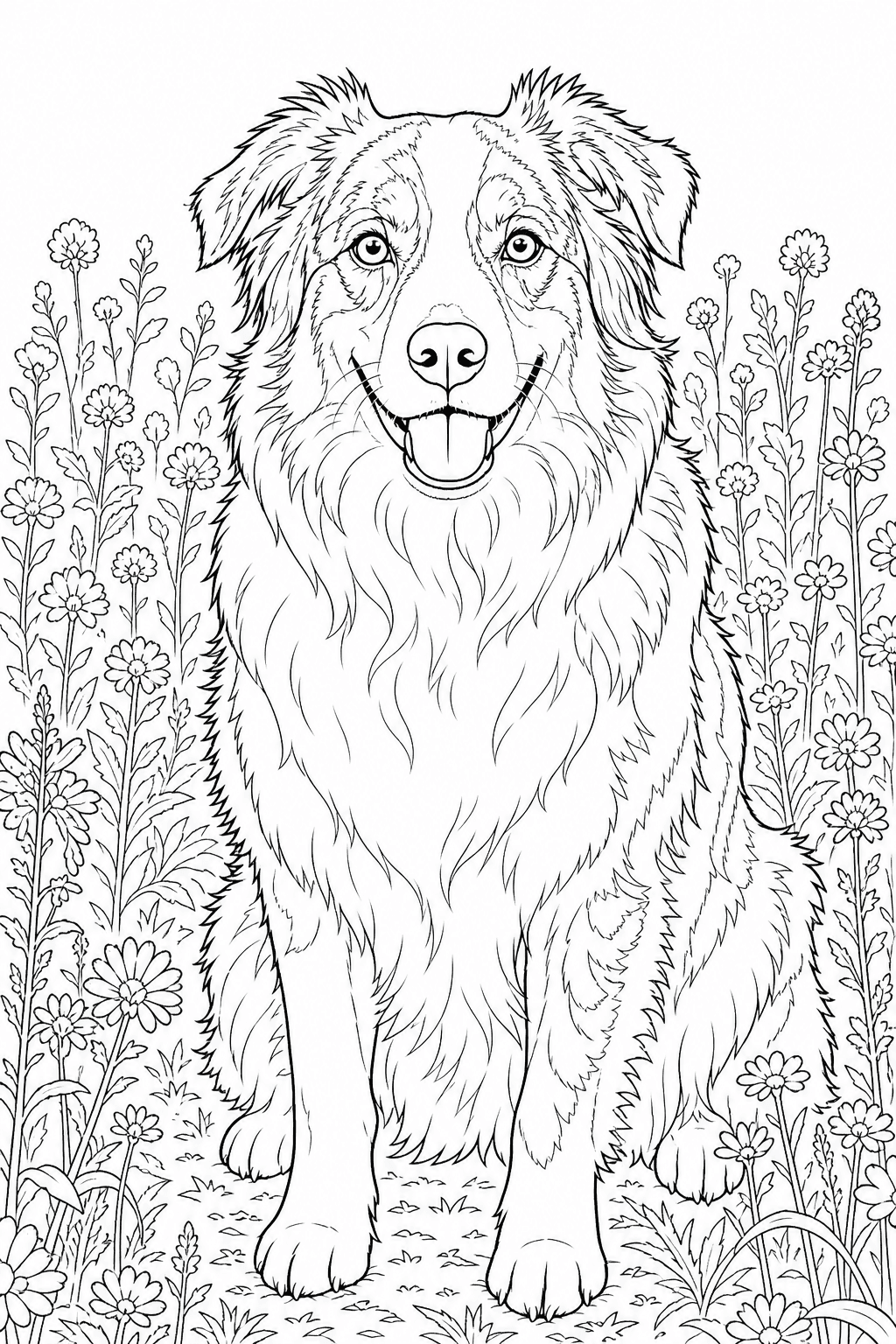
AI-generated printable line art, ready to download and print.
Upload a clear pet photo, choose the line-art style, then review and download a printable page.
Your photos are never published or added to the public gallery. They are processed only to create your result and handled according to our privacy policy.
Unclaimed source uploads are automatically removed after 24 hours. Saved uploads follow the generation lifecycle and can be deleted on request.
Your recent pet coloring pages will appear here.
View allDescribe your pet exploring a garden, celebrating a birthday or setting off on an original adventure.
Create a pet sceneA cheerful corgi exploring a garden treehouse Generated coloring page
A pet photo to coloring page is a personalized black-and-white line drawing created from your own dog, cat, bird, rabbit, or other companion-animal photo. The tool simplifies fur and background detail while aiming to keep the eyes, ears, muzzle, pose, and distinctive markings recognizable.
Choose a style, background treatment, quality, and paper size before generating. The result is a high-resolution PNG you can review, download, print, and color.
Turn a favorite portrait, adoption photo, birthday moment, or everyday snapshot into a page that looks like your pet.
Use Kids coloring for bold closed regions, Colored pencil for finer lines, or another style for a different coloring feel.
Choose A4 or US Letter, review the line art, and print a page for a gift, activity, keepsake, or personal coloring set.
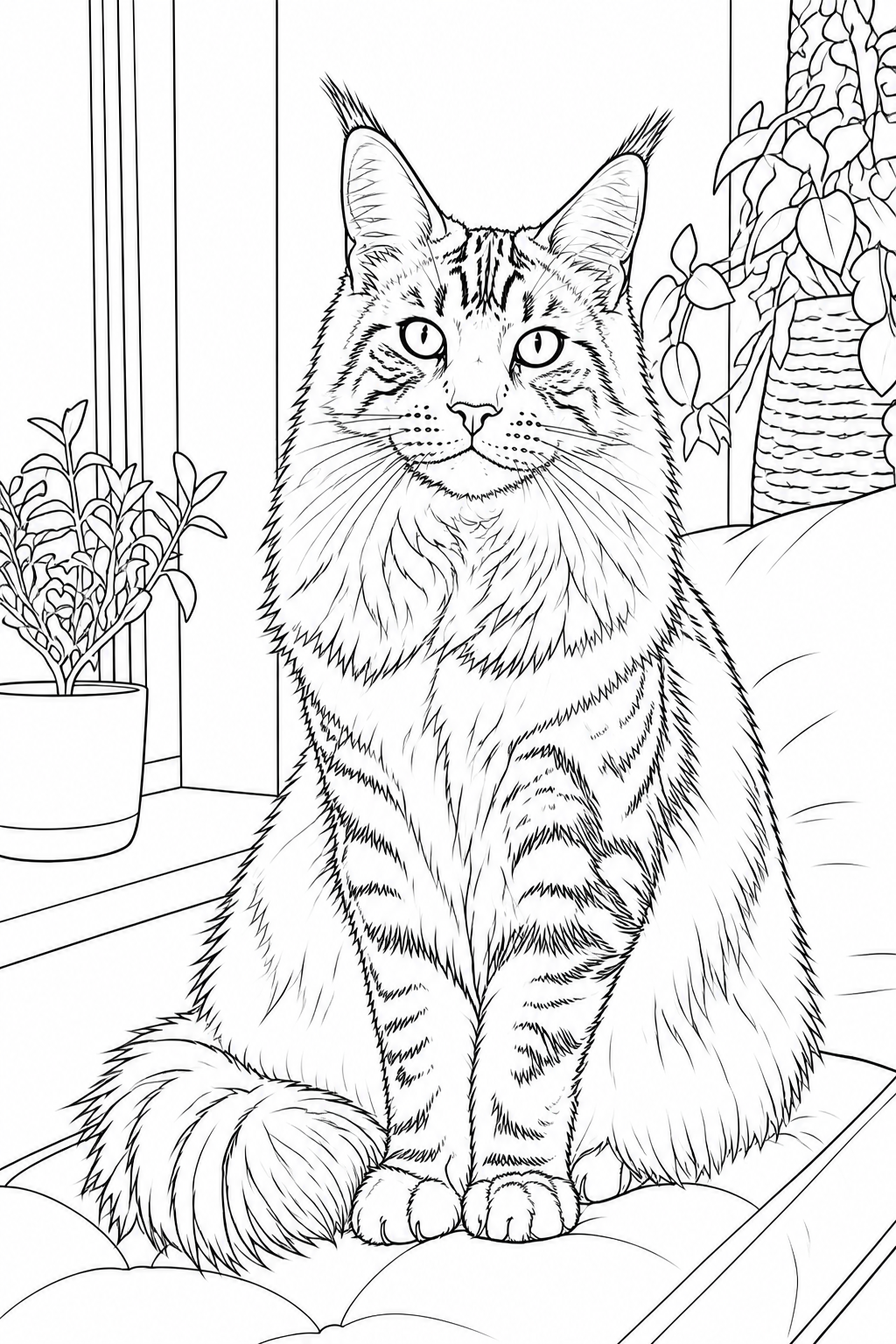
These sample conversions show how dog, cat, rabbit, bird, child-and-pet, family, and multiple-pet photos can become printable line art. Each pair highlights the subject details the tool is designed to keep recognizable.
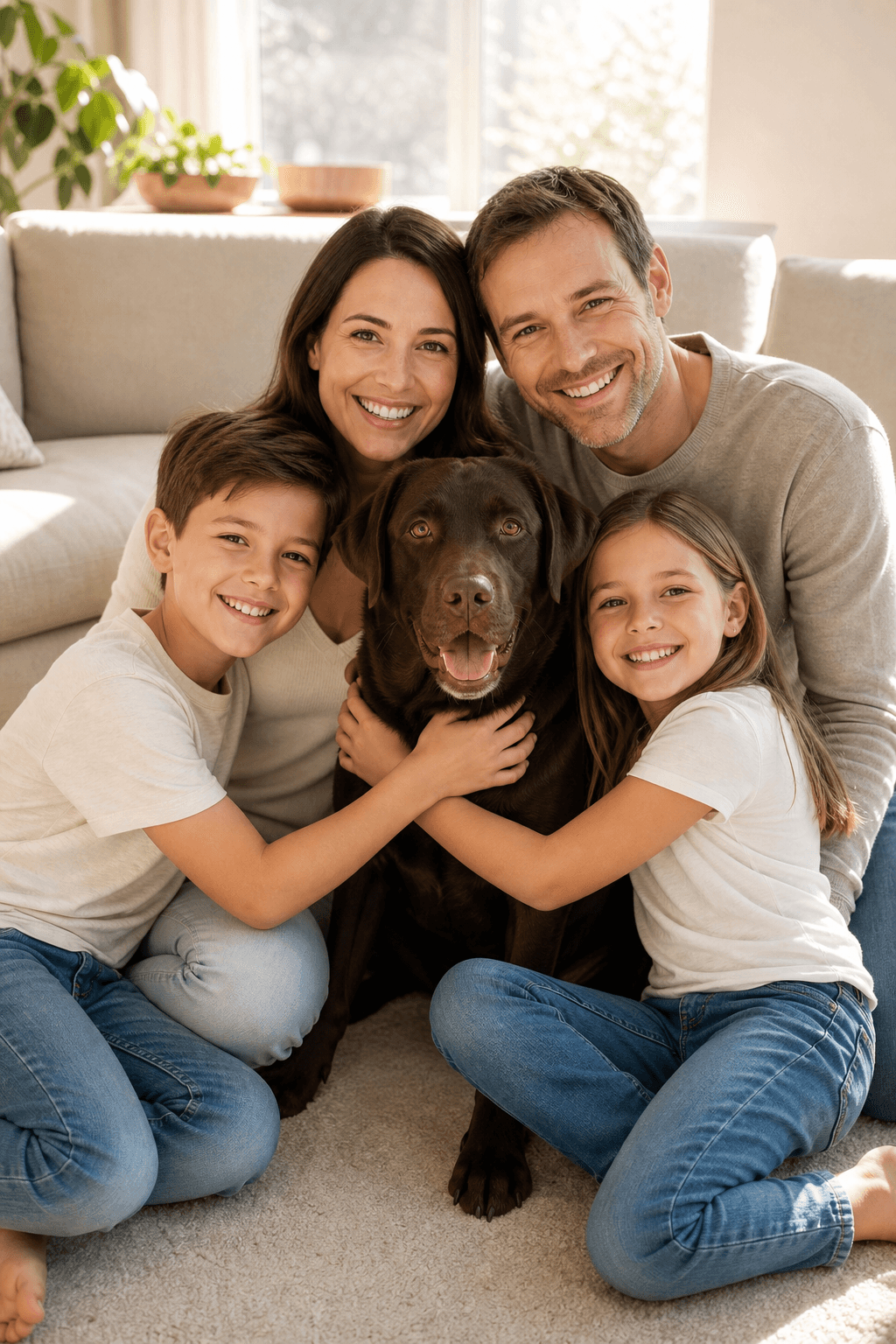
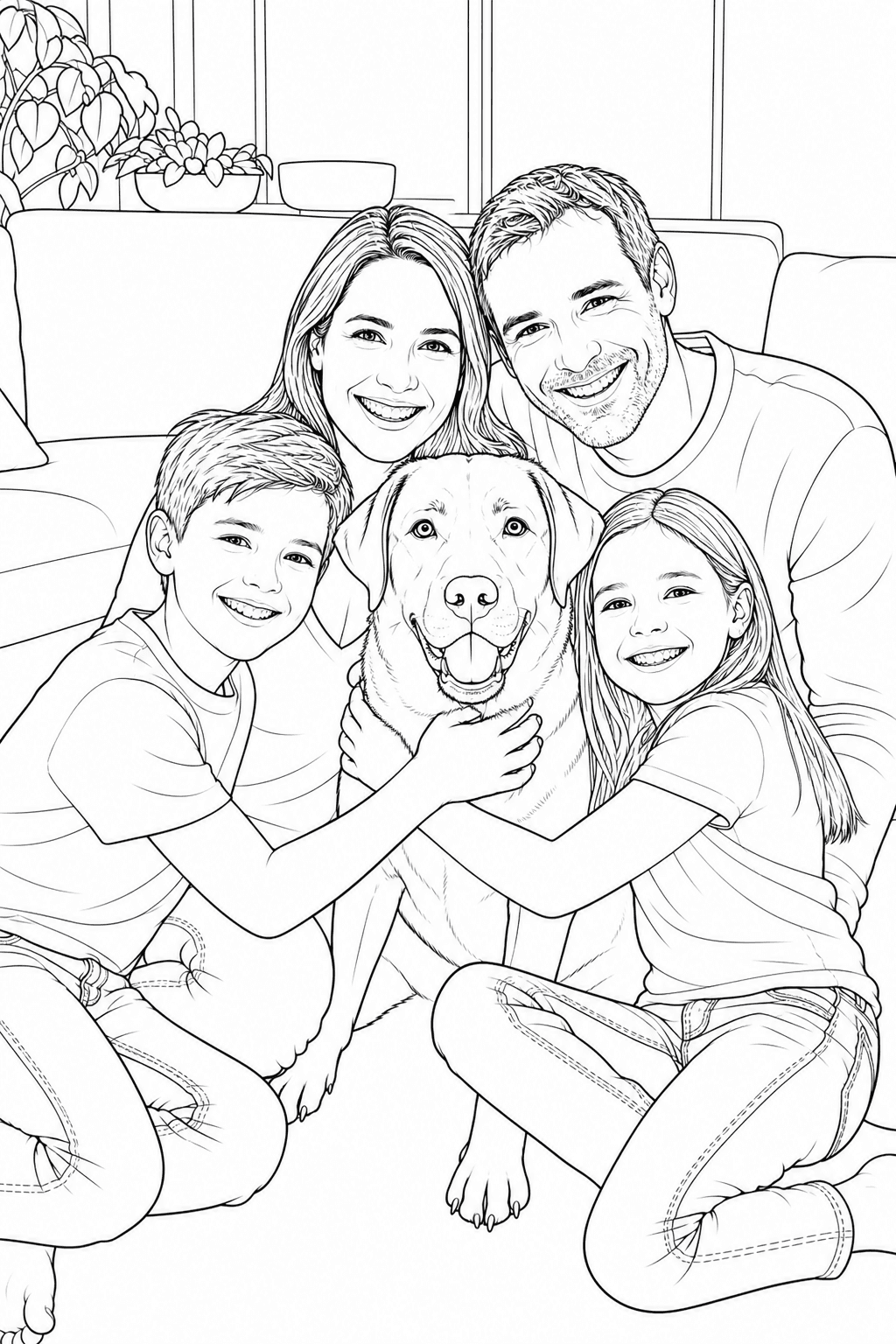
Turn the photo everyone loves into a coloring page the whole family can print, color, and keep.
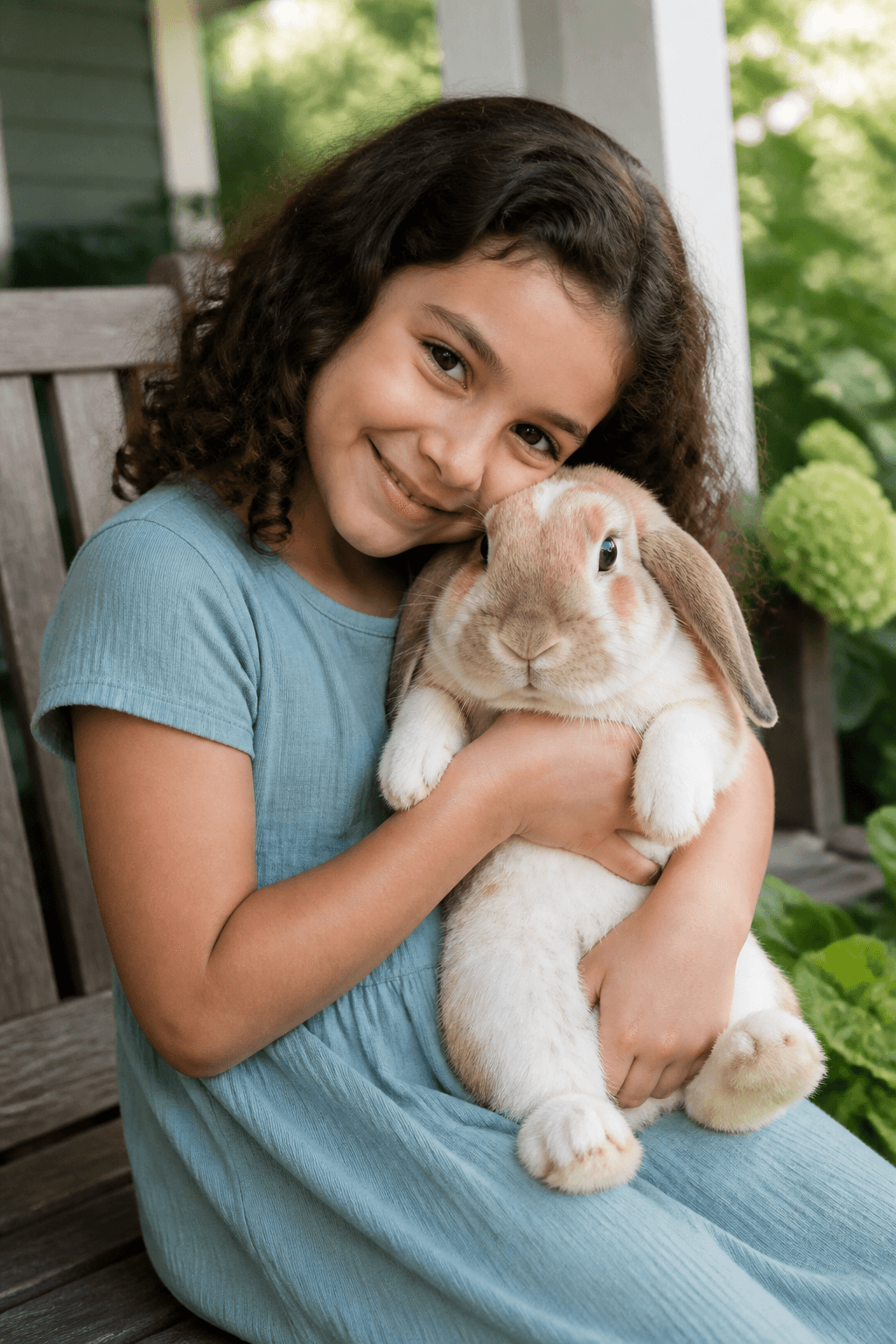
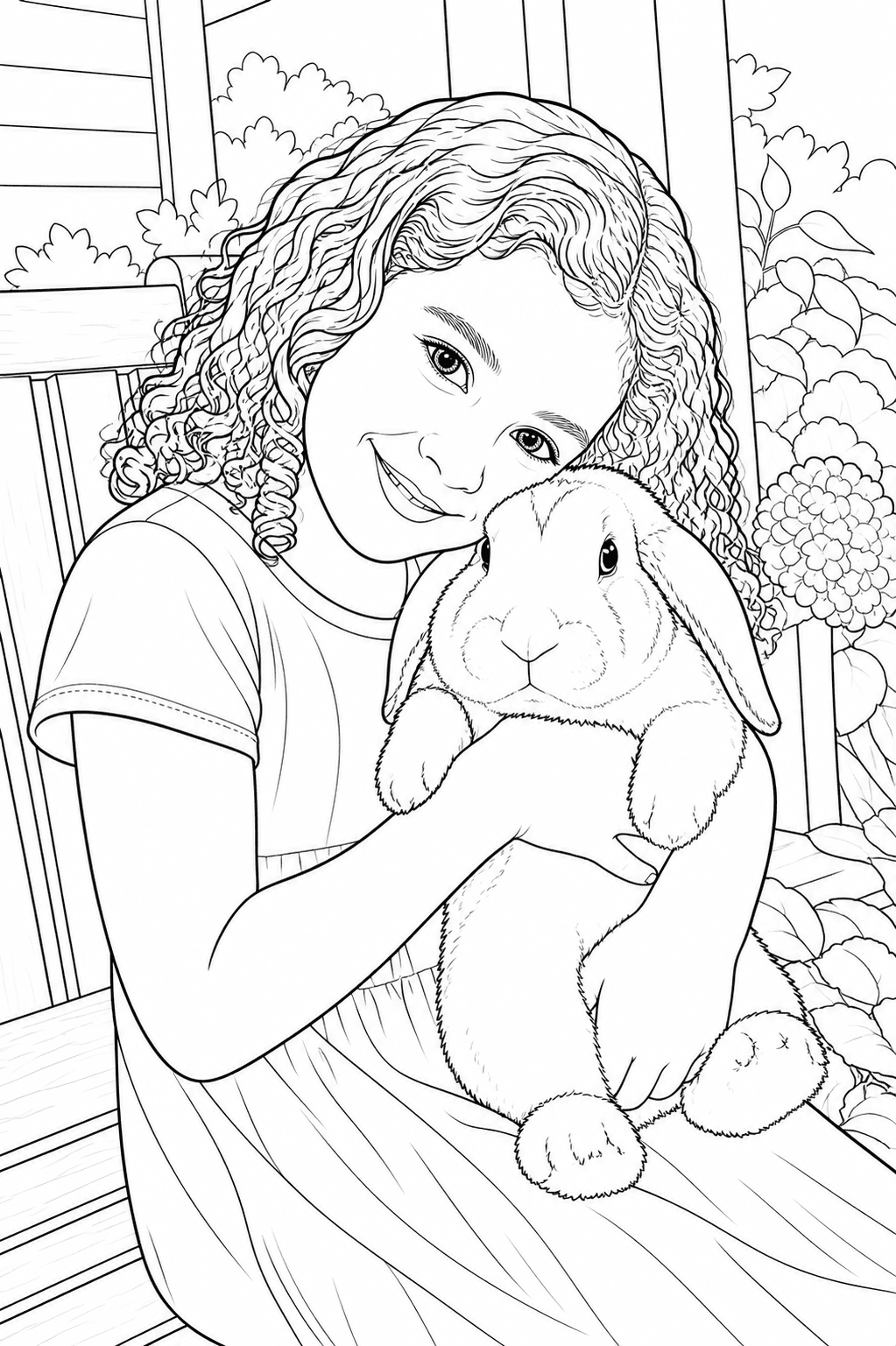
Preserve the hug, the expression, and the little details that make an everyday moment feel personal.
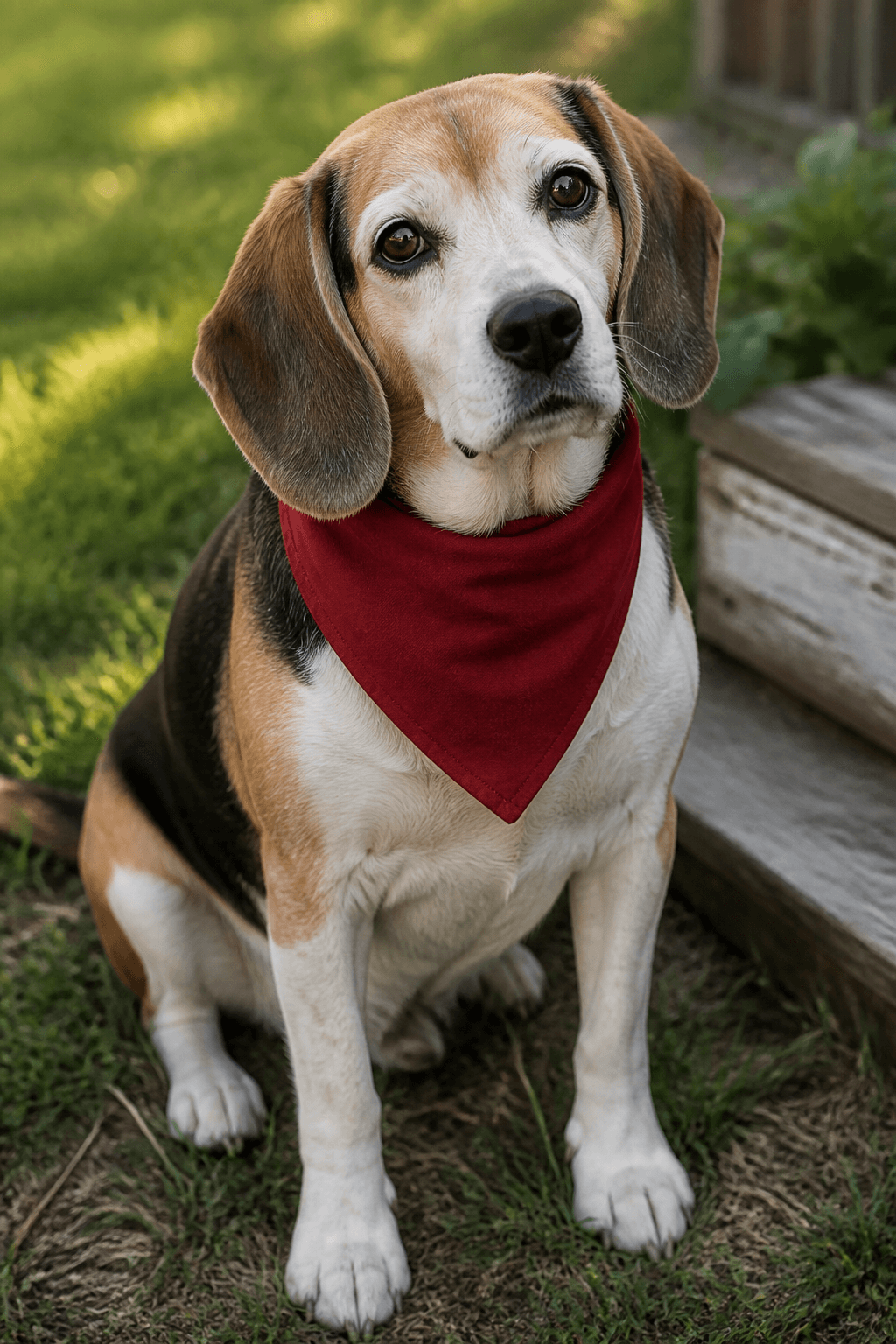
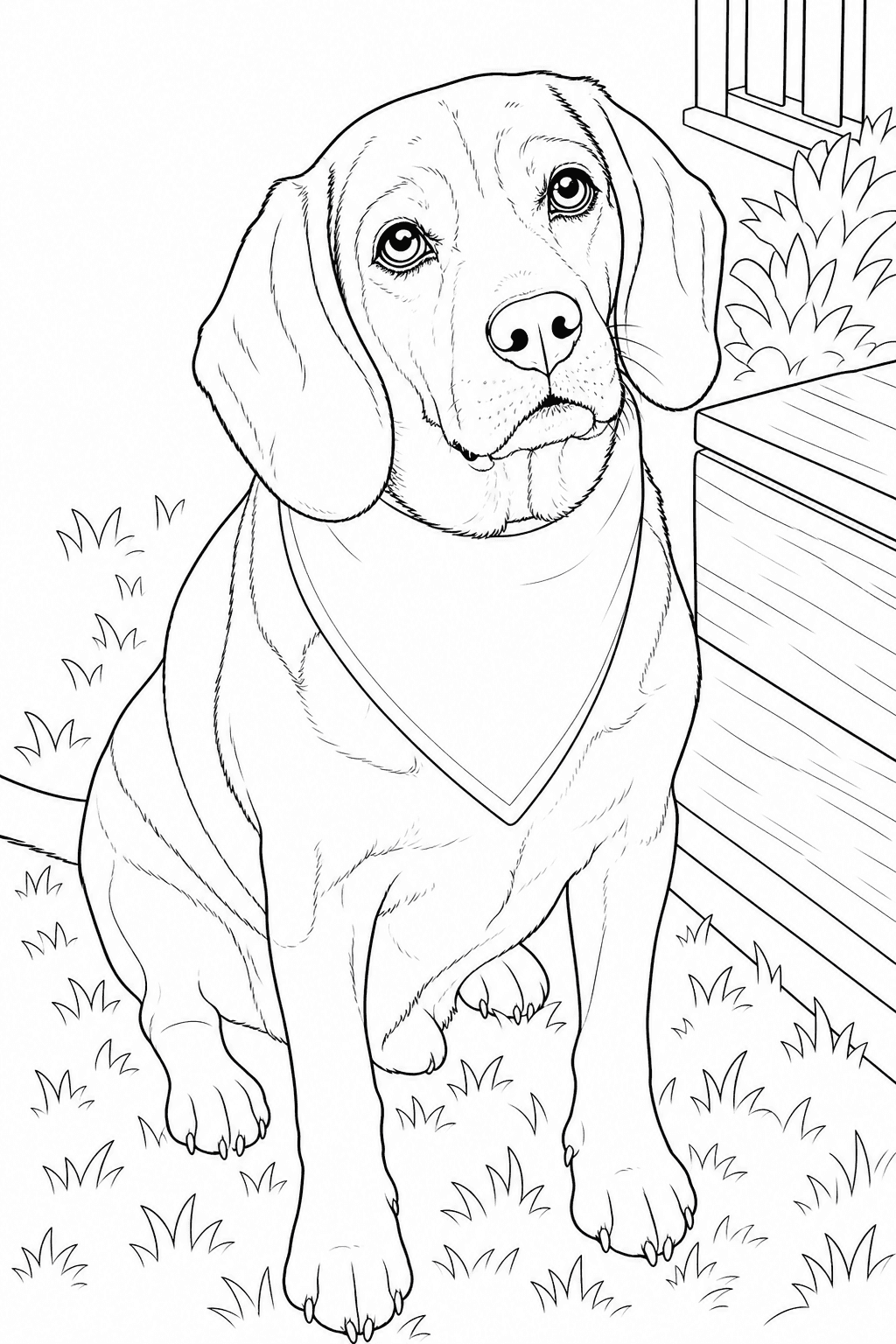
Keep a beloved senior dog’s gentle eyes, graying muzzle, floppy ears, and familiar expression.
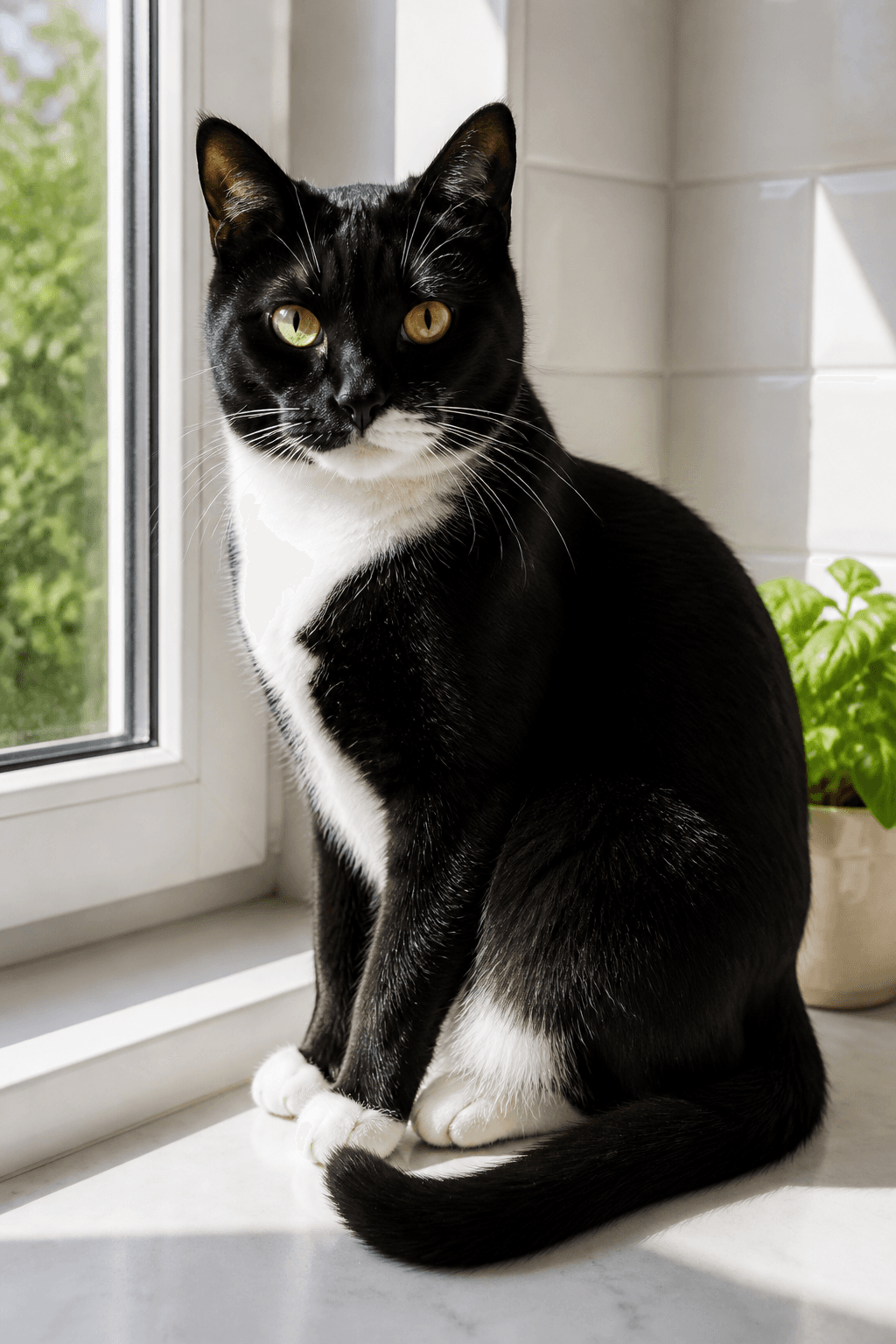
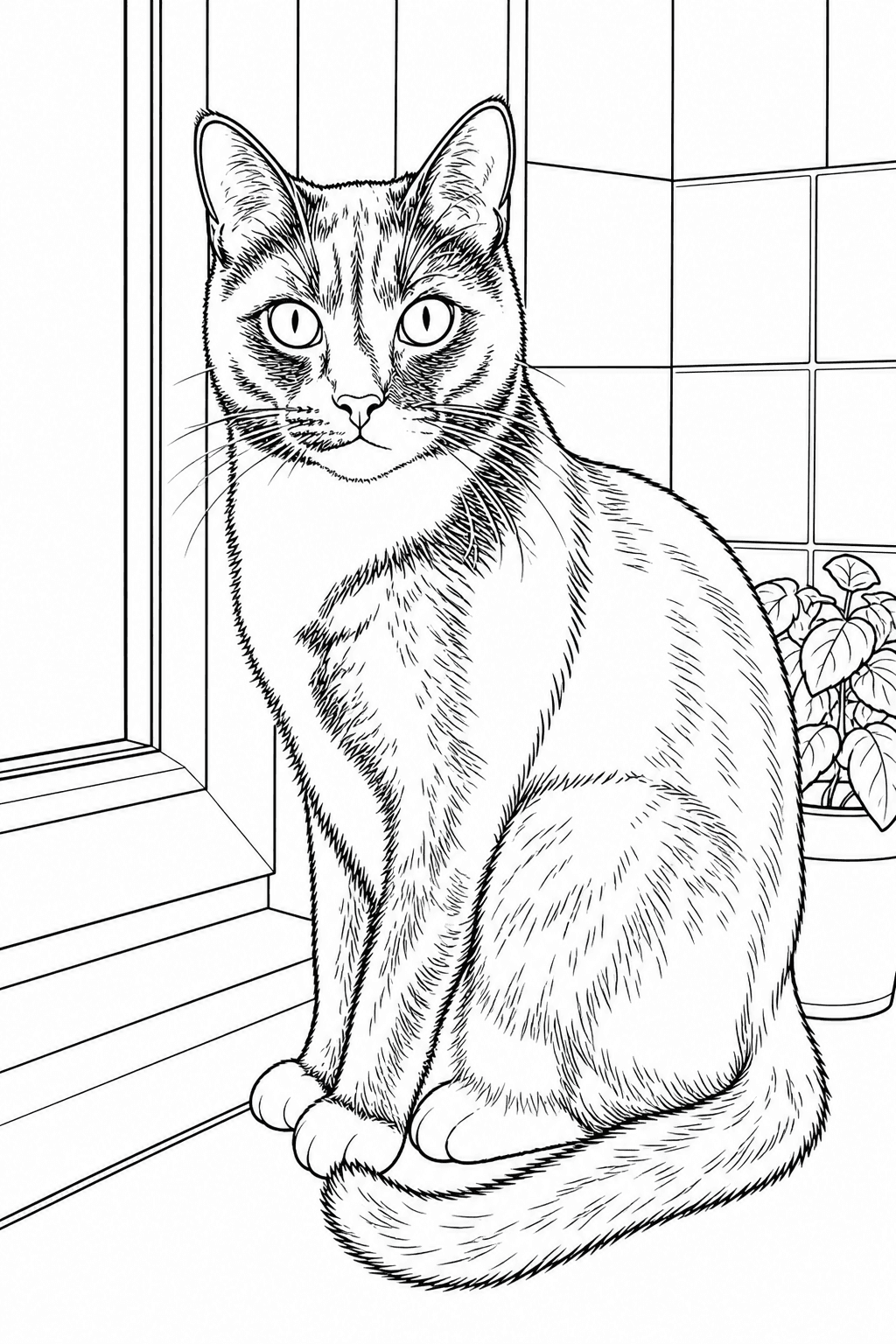
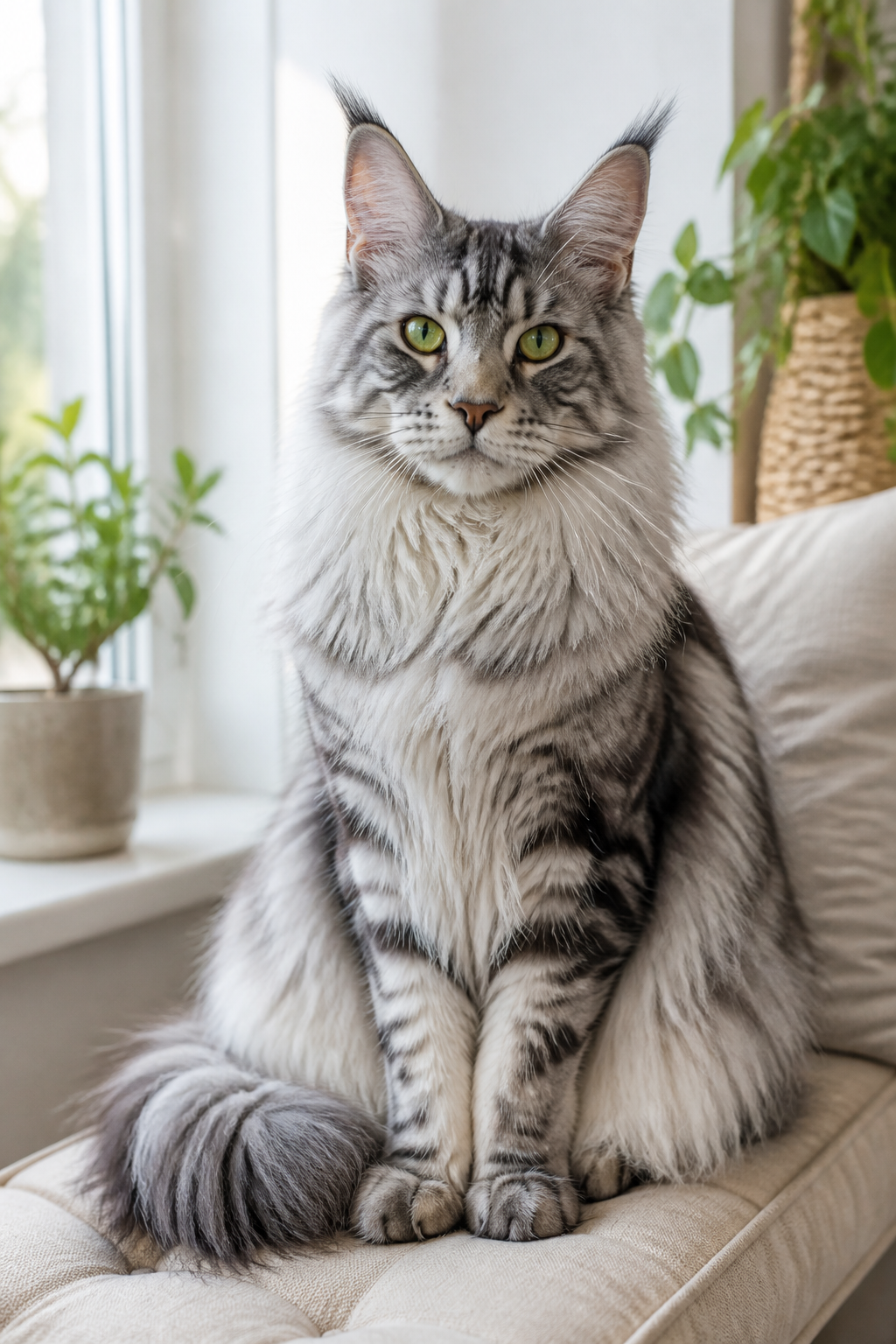
Bold tuxedo markings become clear coloring regions while the eyes, whiskers, and pose stay recognizable.
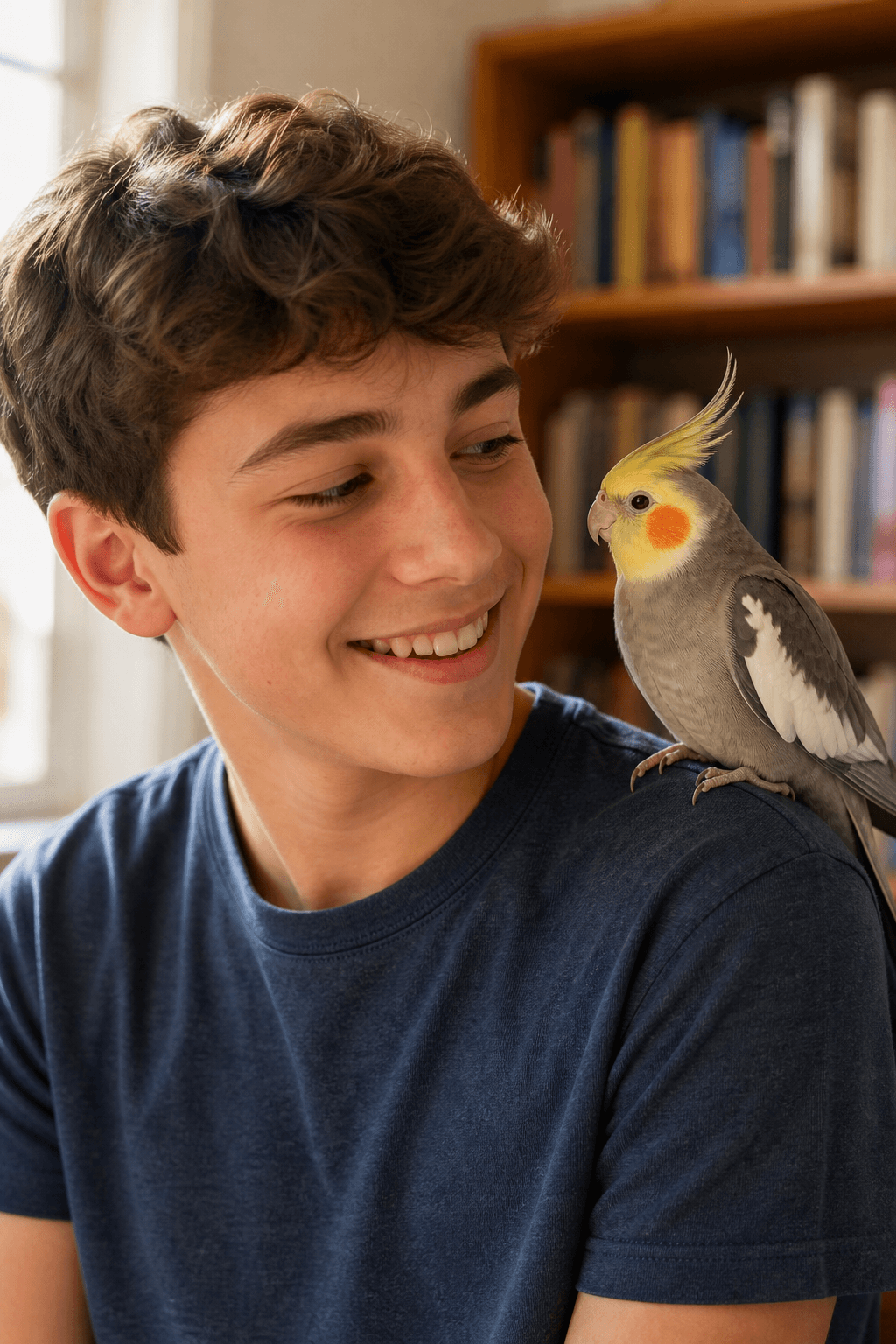
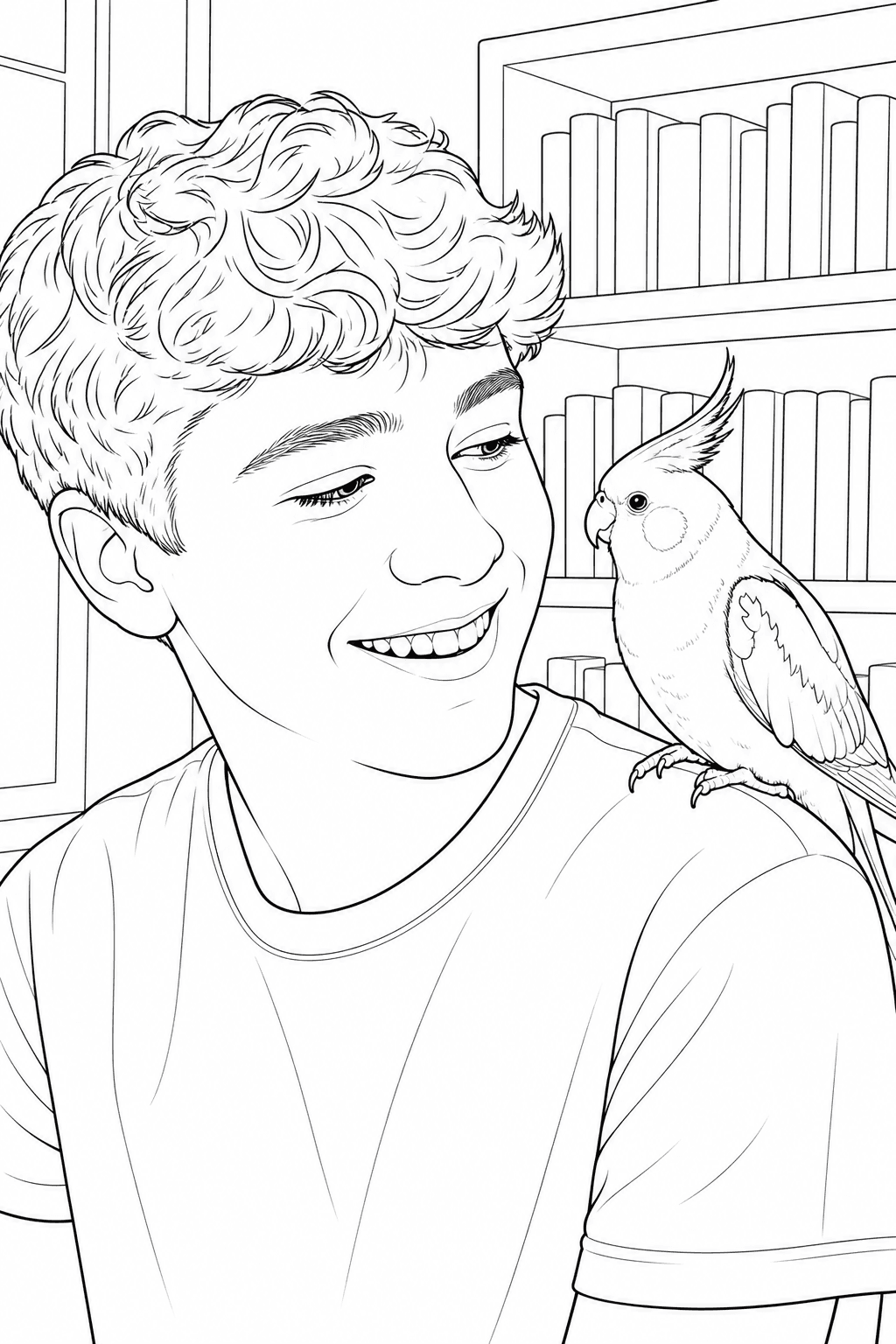
A clear profile can preserve a cockatiel’s crest, wing pattern, and the way your pet looks back at you.
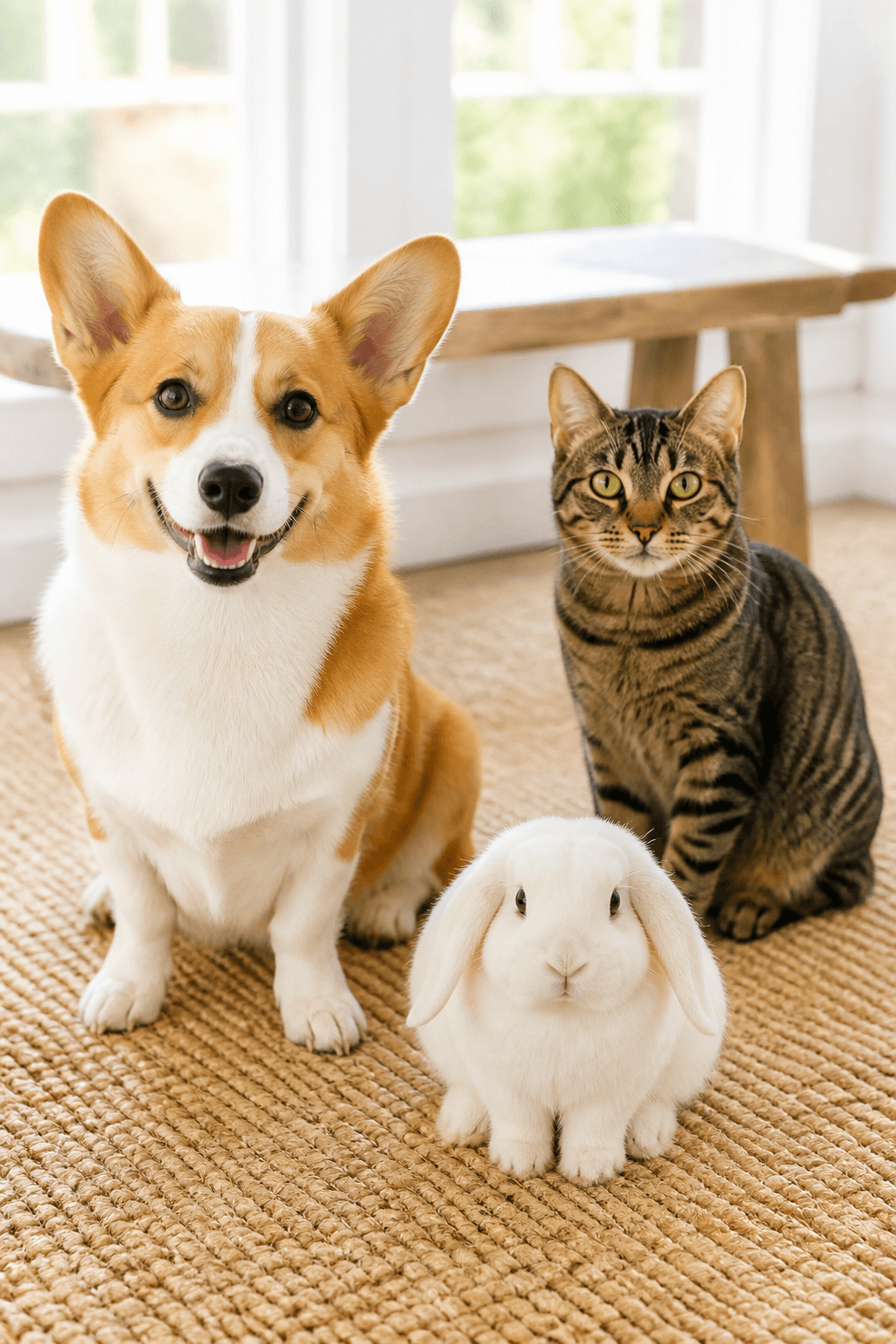
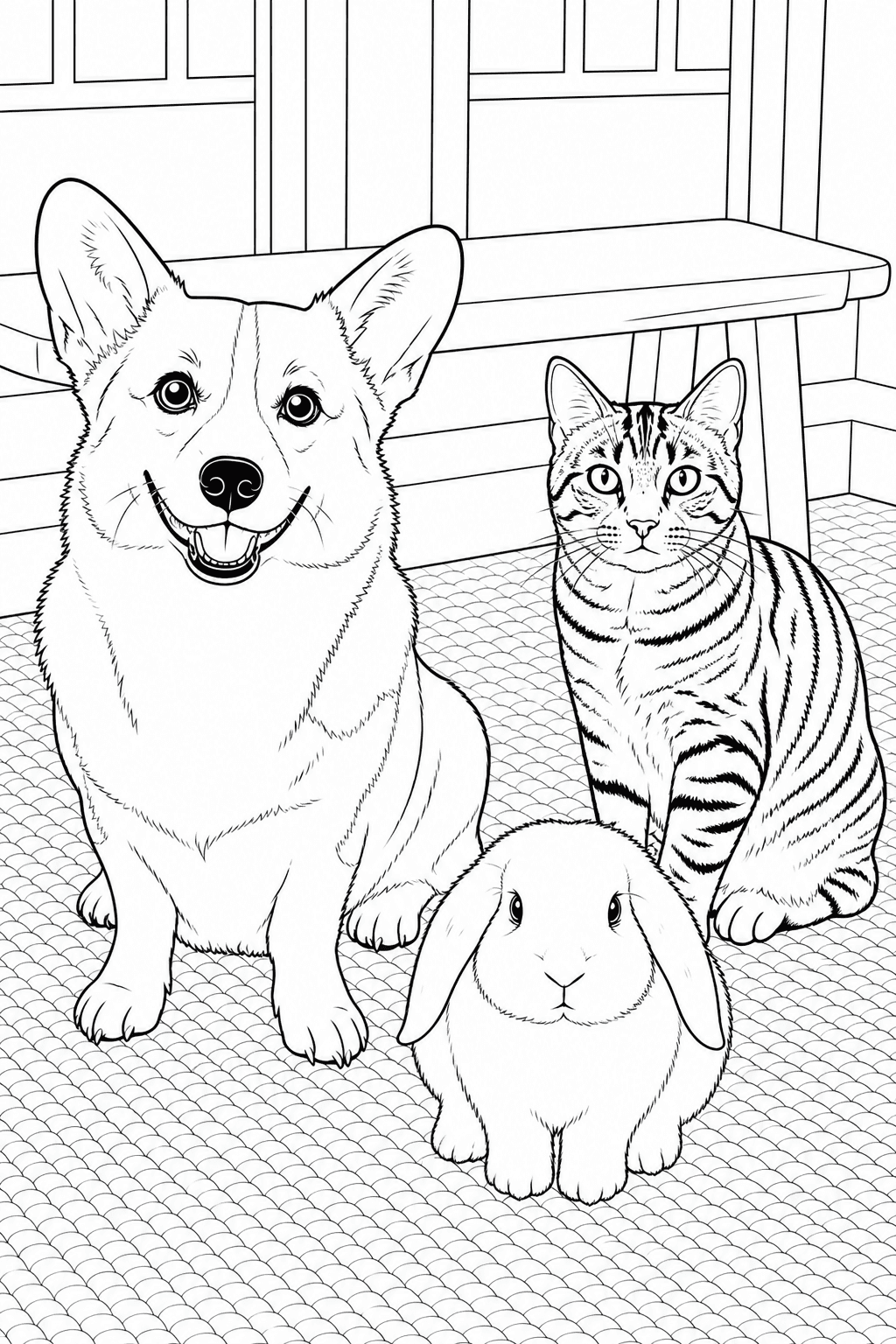
Keep a dog, cat, and rabbit separate and readable in one custom page made for a multi-pet home.
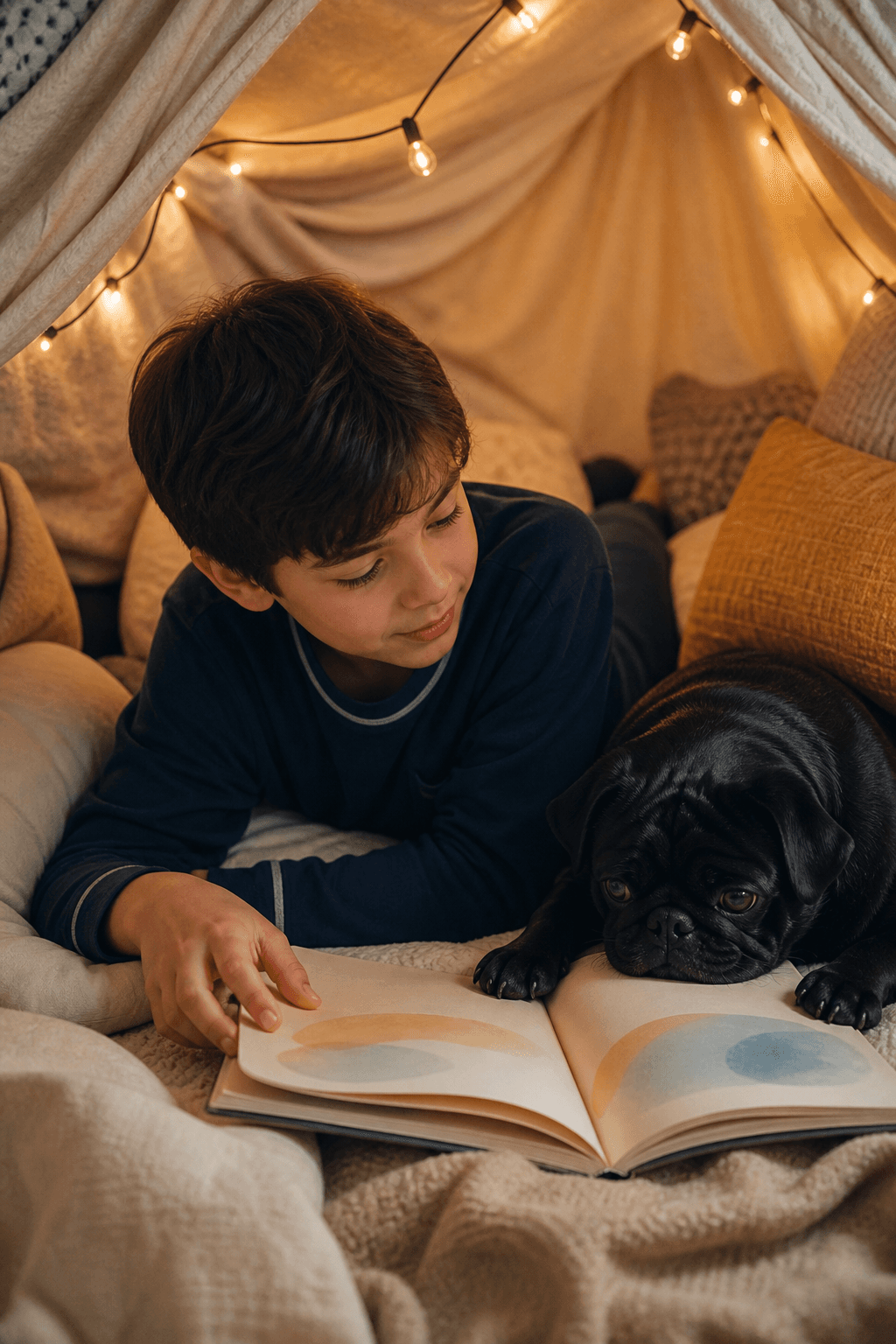
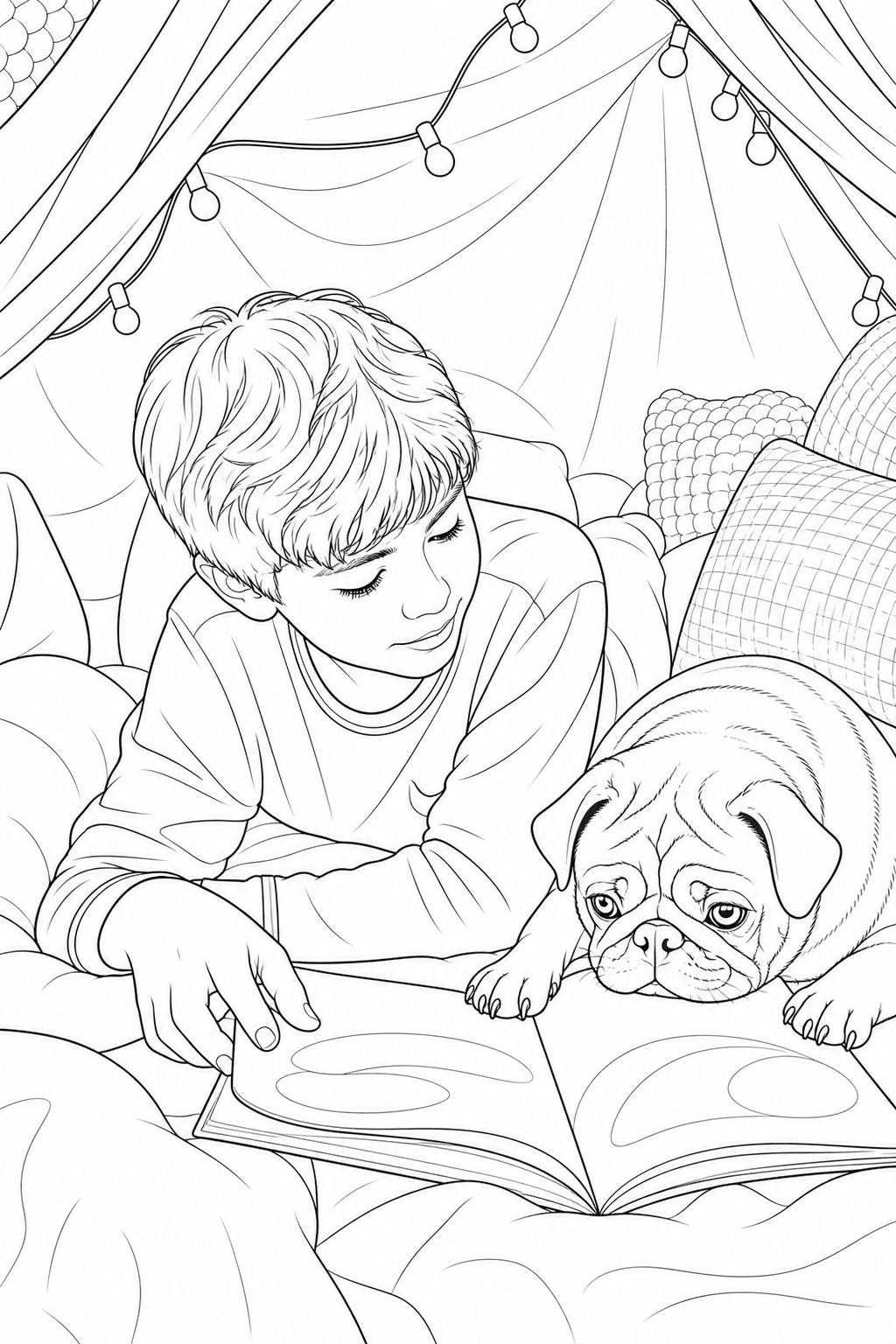
Turn reading time, couch cuddles, and quiet routines into a page your child can color themselves.
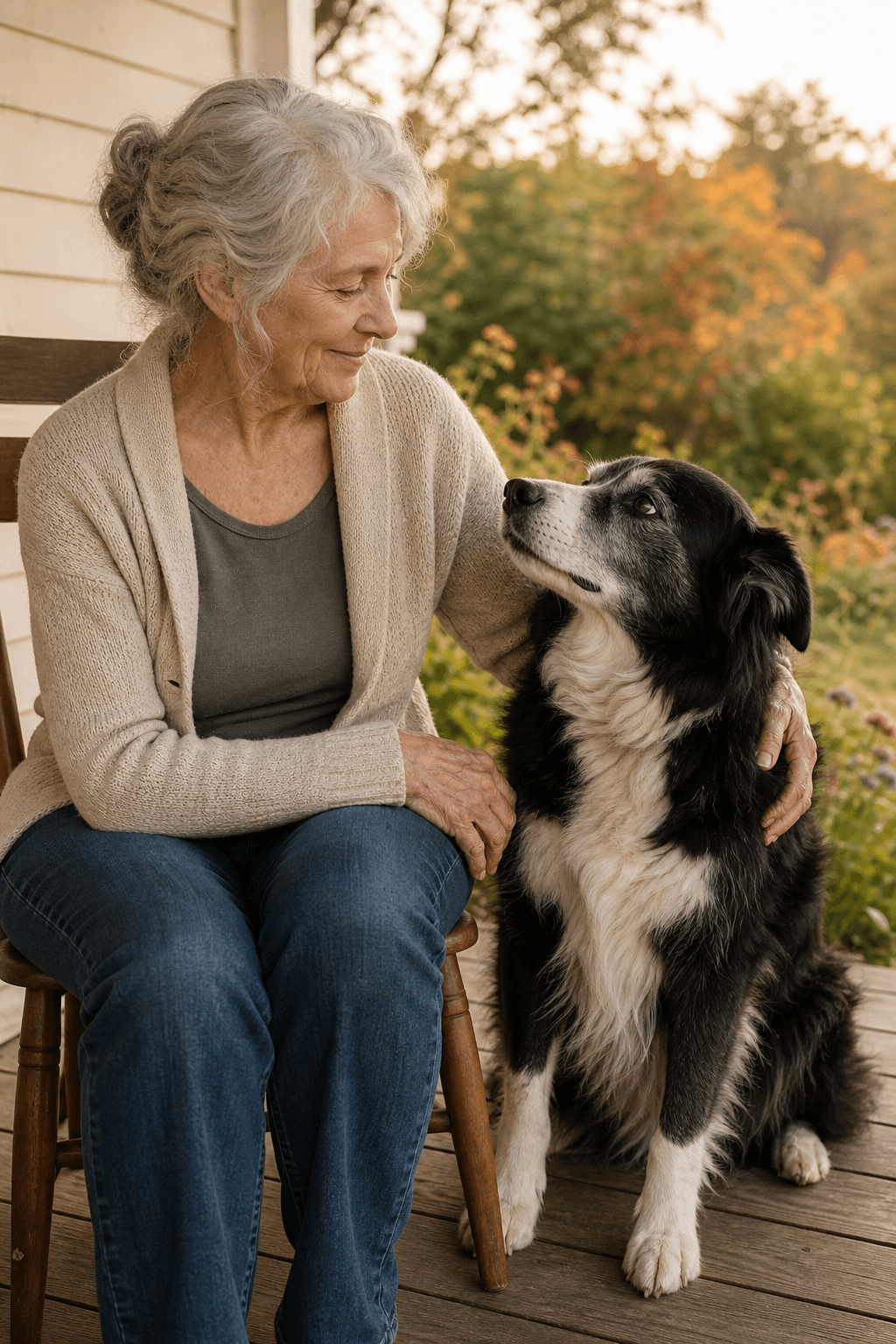
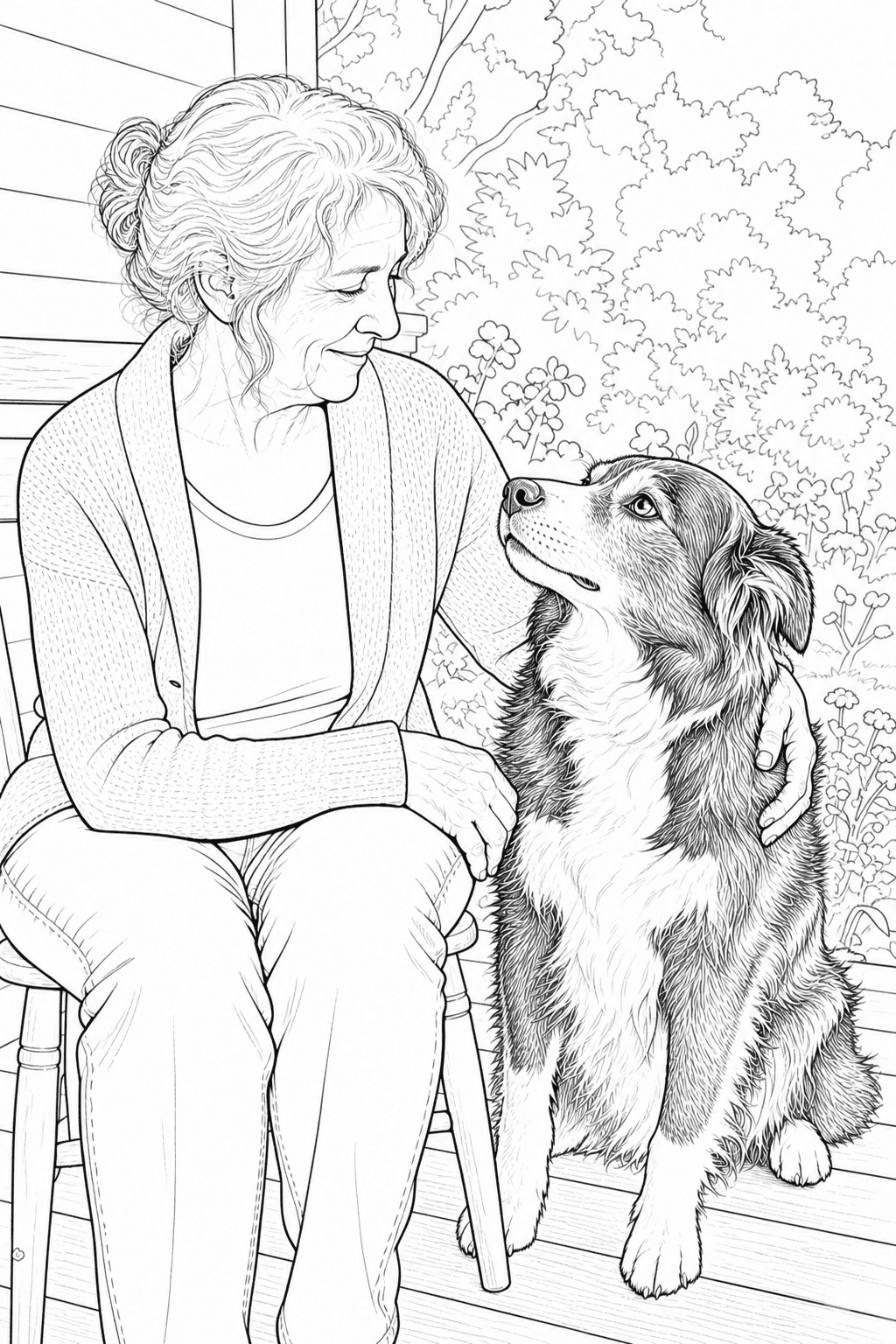
Preserve the eye contact, silver fur, and gentle touch that tell the story of a long friendship.
Start with the kind of pet photo you already have, then choose the page style and print format that fit the moment.
Photo idea: Choose a clear photo with one pet, visible features, and a simple background.
Make: Print a screen-free activity with bold shapes that are comfortable for younger colorists.
Create My Pet Coloring PagePhoto idea: Use a favorite portrait that shows the eyes, markings, and familiar expression.
Make: Create a page to frame, save in a memory folder, or give to someone remembering a companion.
Create My Pet Coloring PagePhoto idea: Pick a moment where the people and pet are both visible without heavy overlap.
Make: Make a recognizable page for a shared screen-free activity or family memory book.
Create My Pet Coloring PagePhoto idea: Choose a pet portrait that the recipient will recognize immediately.
Make: Pair the printable page with a colored reference for a personal gift or party activity.
Create My Pet Coloring PagePhoto idea: Use a pet photo with a clear subject and enough open space for comfortable coloring.
Make: Turn a familiar animal into a personal worksheet, writing prompt, or quiet project.
Create My Pet Coloring PagePhoto idea: Use a favorite everyday moment or a photo of multiple pets with readable outlines.
Make: Create a custom line-art page that reflects the animals and memories unique to your home.
Create My Pet Coloring PageUse the familiar Photo tool flow from upload through optional color reference. Your Pet page is a focused entry point, not a separate editor.
Choose a clear photo with visible eyes, face, and important features.
Pick a drawing purpose, background option, quality, and paper size.
The same Photo tool flow simplifies texture while keeping your pet recognizable.
Check the watermarked Standard 1K preview. Signing in saves the project but does not unlock it; use credits for downloadable or high-resolution output.
Optionally browse color directions and create a separate guide for coloring.
Small choices in style, source photo, and detail preservation help the finished page stay recognizable, printable, and comfortable to color.
Match the line weight, detail level, and background treatment to the person who will color the page and the memory you want to keep.
A readable face and body outline give the tool enough information to preserve what makes your pet yours.
The tool simplifies texture and visual noise while aiming to keep the details that make a companion immediately familiar.
AI-generated line art can simplify or reinterpret small details. Review eyes, paws, markings, and overlapping pets before printing.
Choose the paper size before generating, download the high-resolution PNG, and use the print setting that matches the paper in your printer.
Use A4 for international paper or US Letter for North American printers. Avoid stretching the page between sizes.
Use high or best quality for crisp black outlines. Regular paper works for crayons and pencils; heavier paper helps with markers.
Generate one page per photo, keep the settings consistent, and arrange the PNGs in your own folder, binder, or memory book.
Everything you need to know before turning a favorite dog, cat, or companion photo into line art.
Upload a clear JPG, PNG, or WebP photo, choose the Pet preset, then select a drawing style, background treatment, quality, and paper size. Generate black-and-white line art and review one free watermarked Standard 1K preview. Signing in saves it but does not unlock it; use credits for downloadable output.
Yes. Dog and cat photos are a good fit, and the Pet preset also works with other companion animals such as rabbits and birds. Clear eyes, ears, face shape, body outline, and distinctive markings give the model more information to preserve. Avoid heavy overlap when a photo contains several pets.
Use a sharp, well-lit photo where the eyes, ears, face, and important body features are easy to see. A front or three-quarter view, natural expression, clear contrast with the background, and enough space around the pet usually produce cleaner line art. Blurry, backlit, heavily cropped, or cluttered photos need more care.
Yes. A person can appear with a pet, and one photo can include multiple pets. The tool creates one page from one uploaded photo at a time, so each person and pet should be visible, recognizable, and separated enough to read. Heavy overlap, cropped faces, and hidden paws or ears can make the result less accurate.
Usually, yes. Choose the background treatment that matches the page you want: remove it for a clean portrait, simplify it to keep a little context, or preserve more of the scene when the background matters. Background handling is part of the generation settings, so review the result before printing if the original photo is busy or tightly cropped.
Yes. Choose a kids coloring style when you want bold outlines and larger, easier-to-fill regions. Simpler backgrounds and clear pet photos are usually more comfortable for younger colorists. Because AI can simplify small details, check the eyes, paws, markings, and overlapping pets before handing the page to a child.
Yes. Choose A4 for the international paper standard or US Letter for common North American printers, and select the size that matches your paper before generating. Print in portrait orientation with Fit to printable area enabled. Avoid stretching one paper ratio to the other, because A4 and Letter are close but not identical.
Upload one JPG, PNG, or WebP image at a time, up to 10 MB. The clearest results usually come from a sharp original photo rather than a compressed screenshot or thumbnail. Guests receive one watermarked Standard 1K preview. Signing in saves it but does not unlock it; use credits for downloadable or higher-resolution output.
Your photos are never published or added to the public gallery. They are processed only to create your result and handled according to our privacy policy. Unclaimed source uploads are automatically removed after 24 hours. Saved uploads follow the generation lifecycle and can be deleted on request. No uploaded pet photo is added to the public coloring-page gallery.
Personal activities, gifts, keepsakes, and ordinary classroom use are different from commercial resale or client work. For commercial projects, check the current Terms of Service and the permissions attached to your account or purchase before distributing or selling a generated page. Do not assume that a free generation automatically includes commercial-use rights.
Yes. The color-reference step is optional and comes after the printable line art is unlocked. You can browse color directions for free. A personalized Finished Look requires sign-in and 5 credits; welcome credits can fund one personal result, and it inherits the source artwork's license.