Photos You Can Turn into Coloring Pages
Use baby portraits, sibling photos, family vacations, birthdays, school milestones, sports moments, or photos of your child with a pet or grandparent.
Upload a favorite photo of your child and turn it into a clean, printable coloring page for birthdays, family activities, classroom projects, and keepsakes.
Create My Child's Coloring PageYour photos are never published or added to the public gallery. They are processed only to create your result and handled according to our privacy policy. How we protect your photos
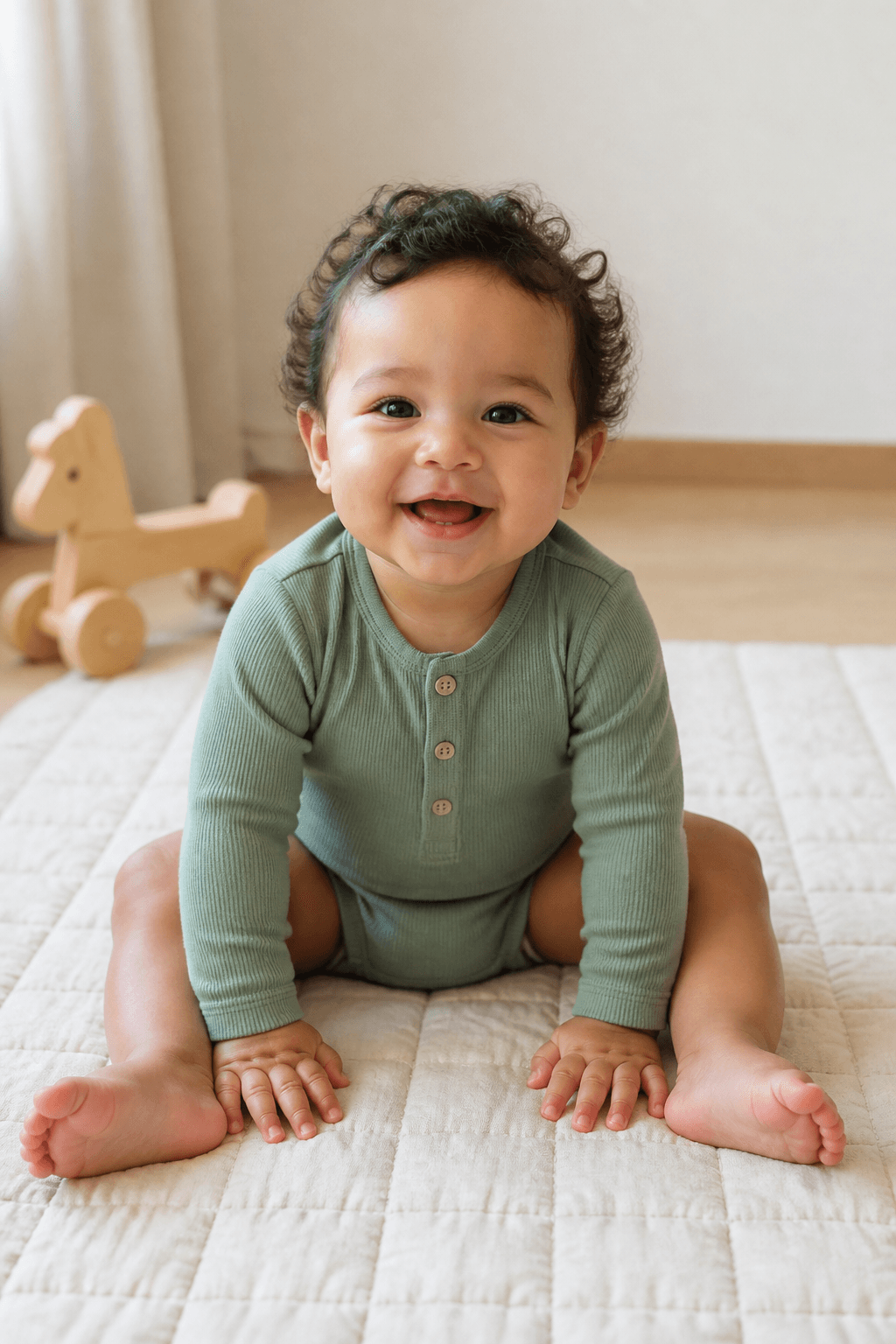

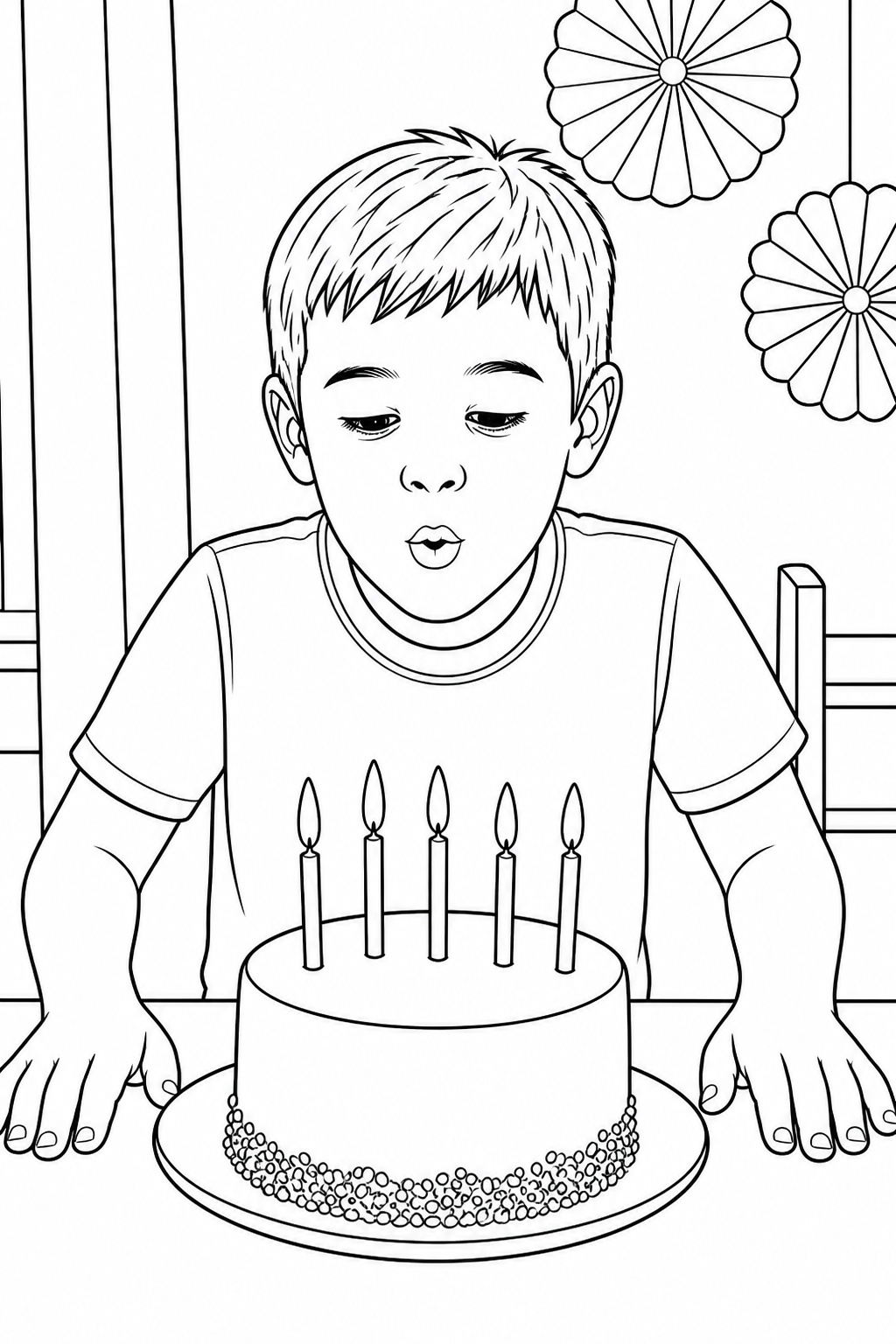
A real family moment becomes a clean line-art page for printing and coloring.
Upload a favorite photo, choose child-friendly line art, then review and download a printable keepsake.
Your photos are never published or added to the public gallery. They are processed only to create your result and handled according to our privacy policy.
Unclaimed source uploads are automatically removed after 24 hours. Saved uploads follow the generation lifecycle and can be deleted on request.
Your recent child coloring pages will appear here.
View allCreate a fictional child-friendly adventure from words without using a personal photo or recognizable likeness.
Describe an imaginary sceneA child astronaut exploring the moon with a rover Generated coloring page
A child photo to coloring page is a personalized black-and-white line drawing created from a real baby, child, sibling, or family photograph. The tool converts the photo into printable line art while keeping recognizable faces, expressions, hairstyles, clothing, poses, and meaningful objects.
Choose a child-friendly drawing style, simplify or remove a busy background, and select A4 or US Letter paper before generating. You can download the finished page as a high-resolution PNG for coloring activities, birthday gifts, grandparent keepsakes, or a family memory book.
Use baby portraits, sibling photos, family vacations, birthdays, school milestones, sports moments, or photos of your child with a pet or grandparent.
Choose bold kids' coloring outlines for younger children or keep more facial, clothing, and background detail for older children and keepsakes.
Save a high-resolution PNG sized for A4 or US Letter, then print one activity page or create several matching pages for a personalized coloring book.
Explore examples from birthday photos, family moments, outdoor adventures, school portraits, and everyday memories.
Keep a first smile, favorite toy, or simple pose as clean line art for a memory folder or keepsake.
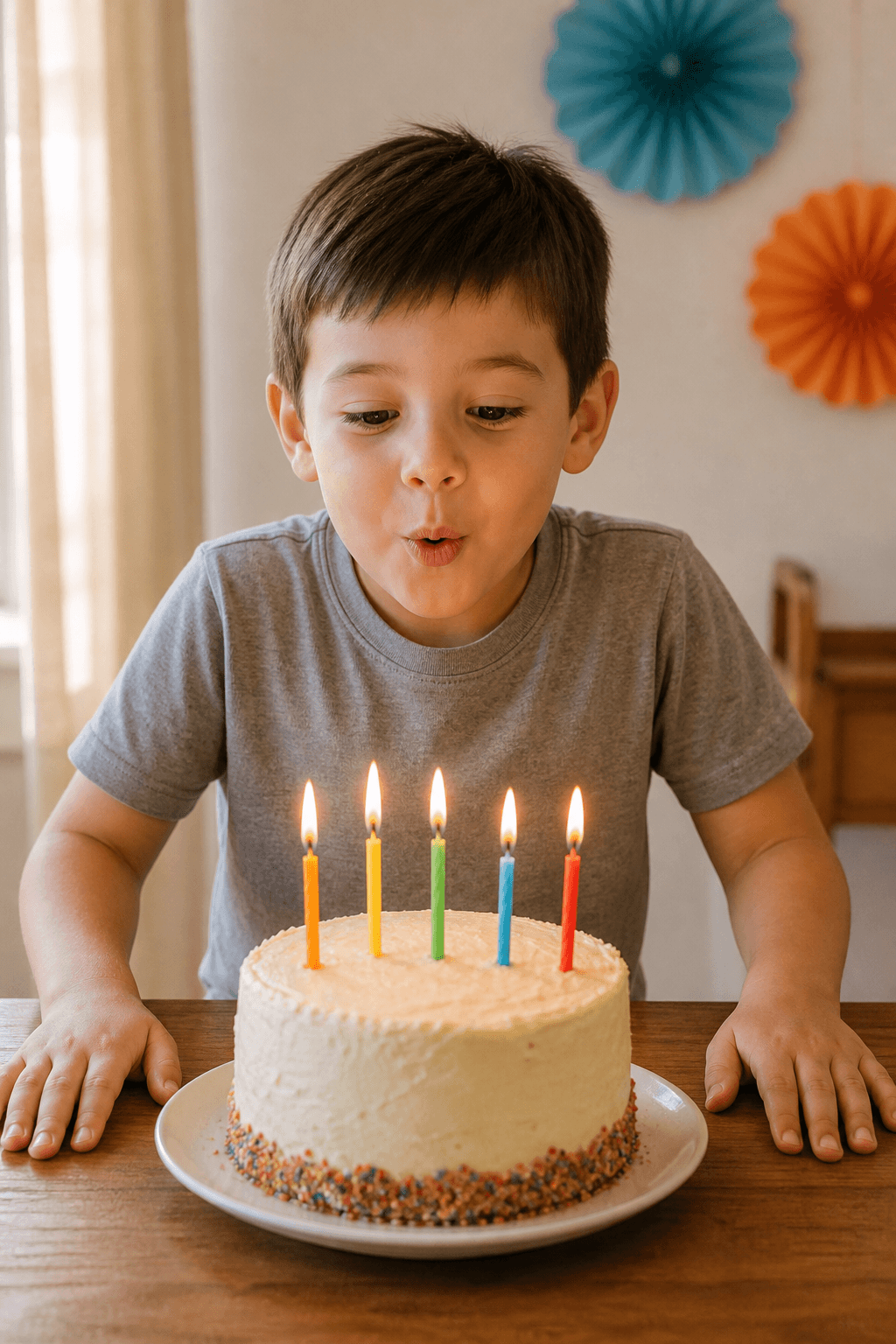
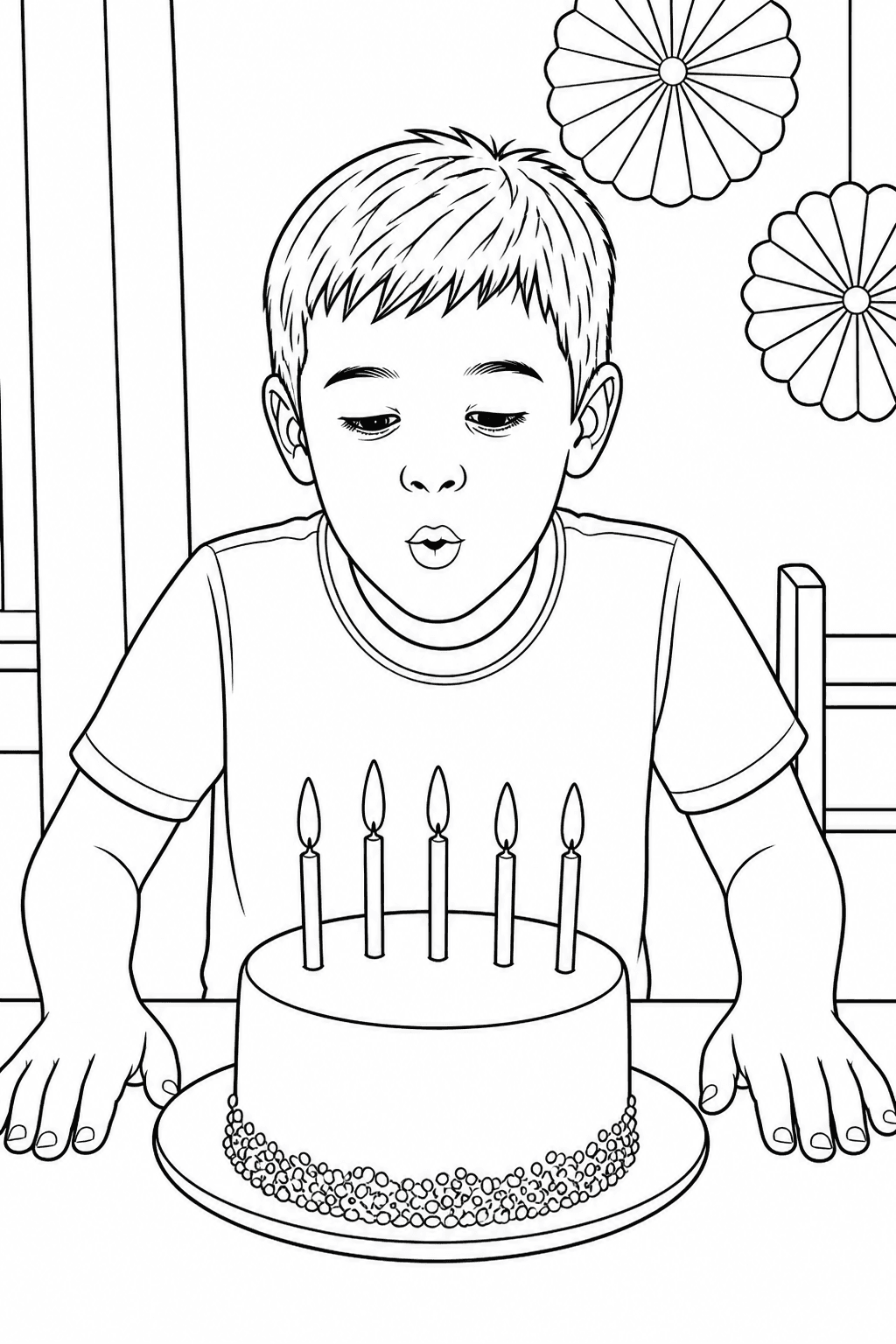
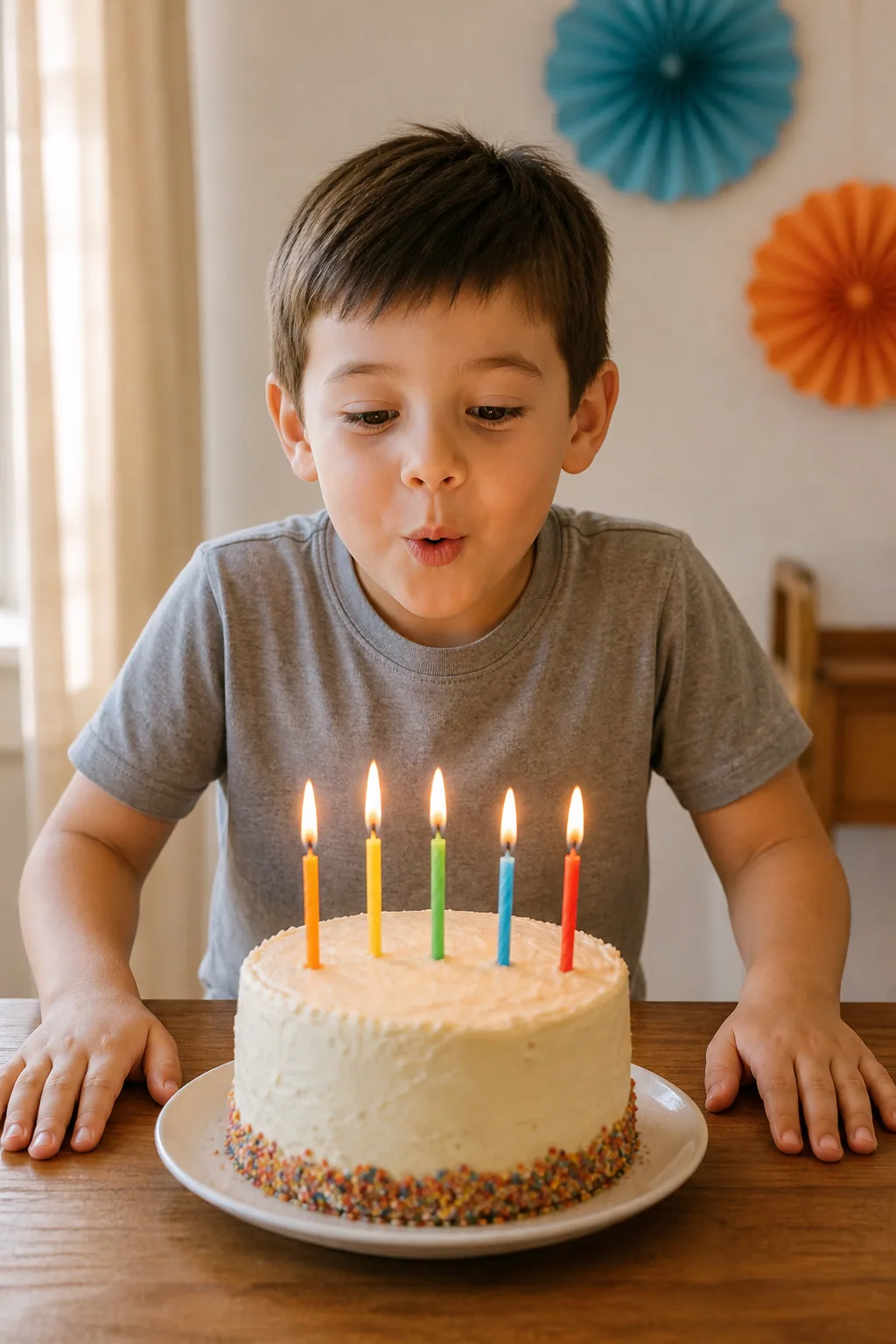
Turn a birthday portrait into a printable activity that keeps the child, cake, and celebration recognizable.
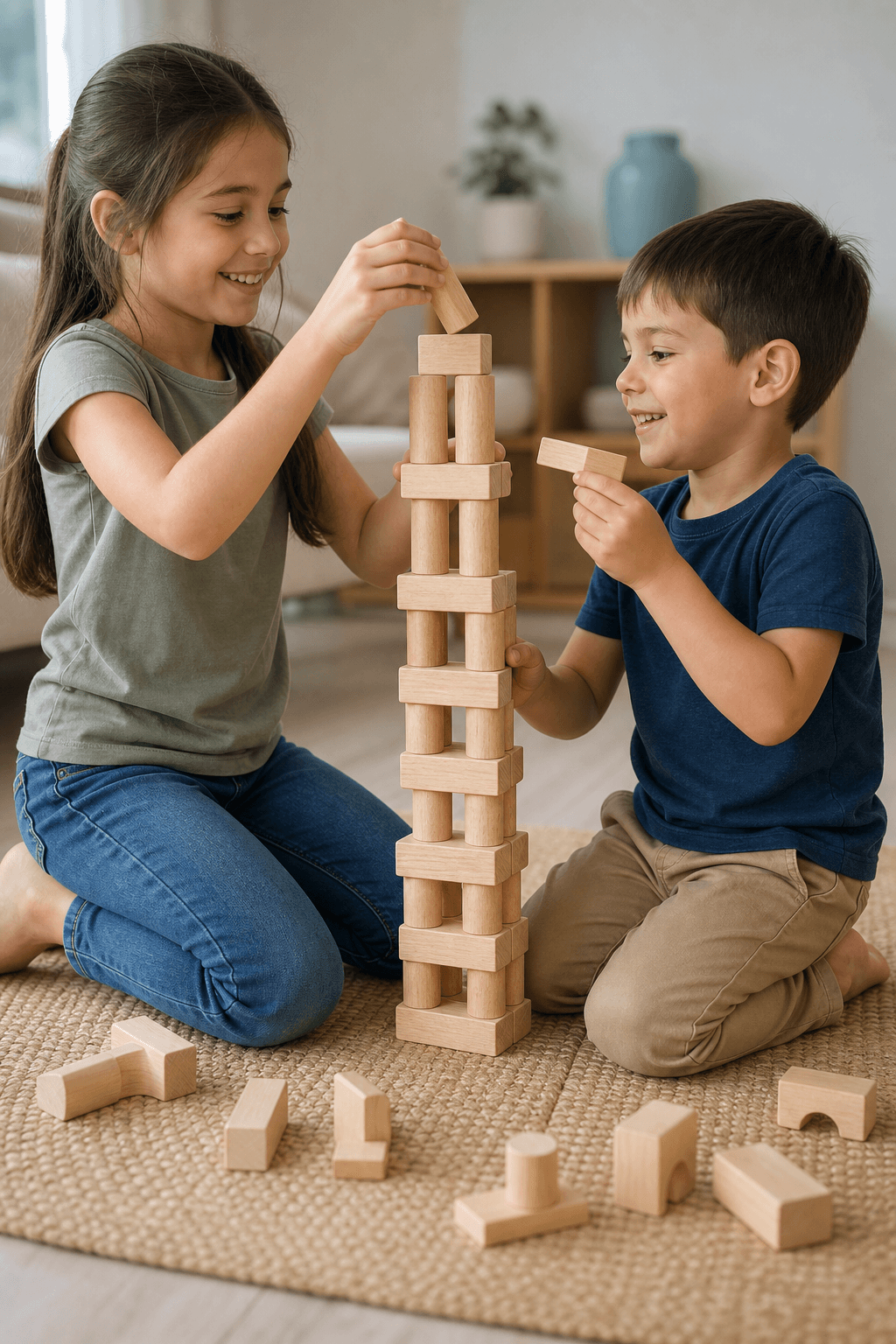
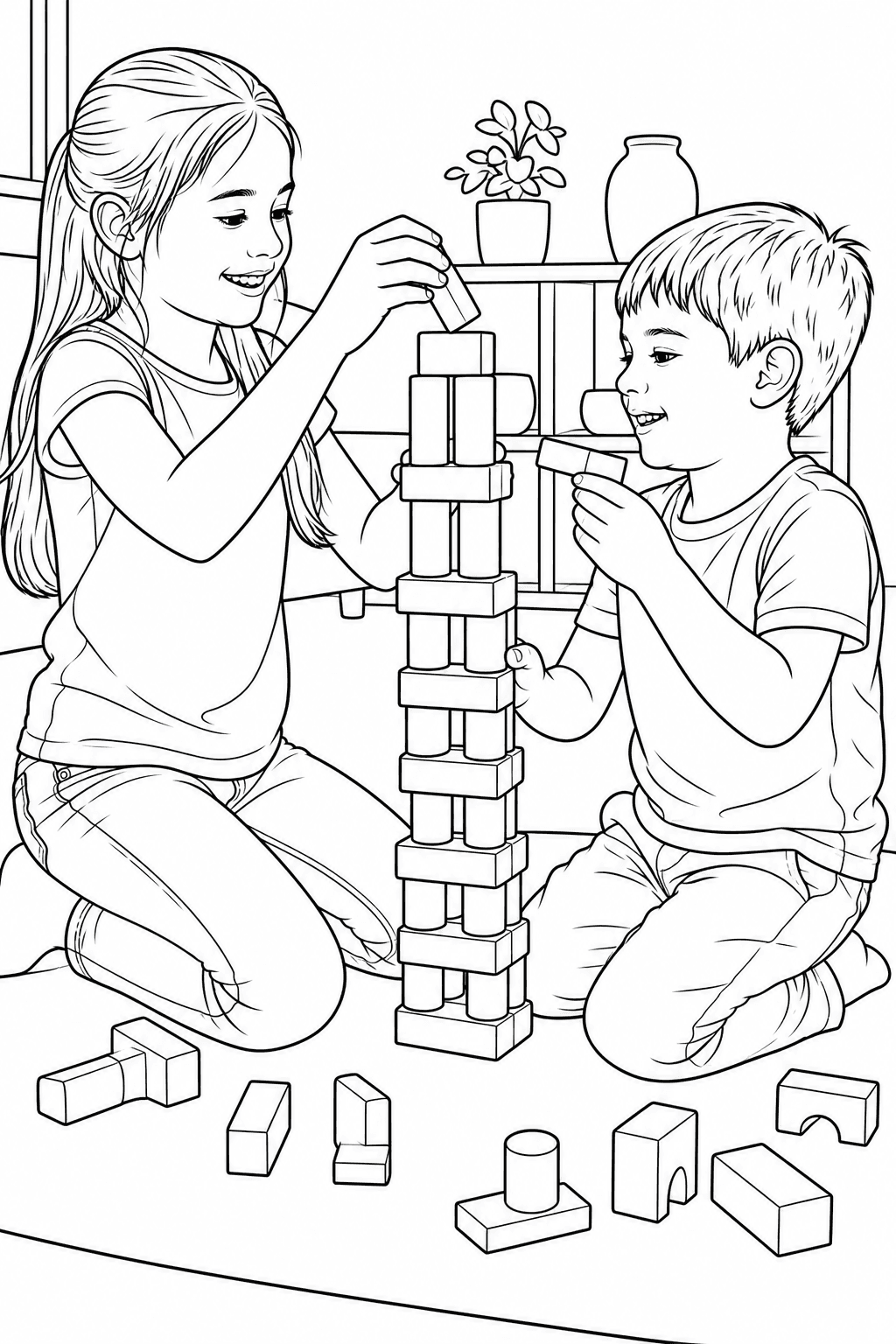
Keep both children readable while busy room details become larger coloring regions for a shared activity.
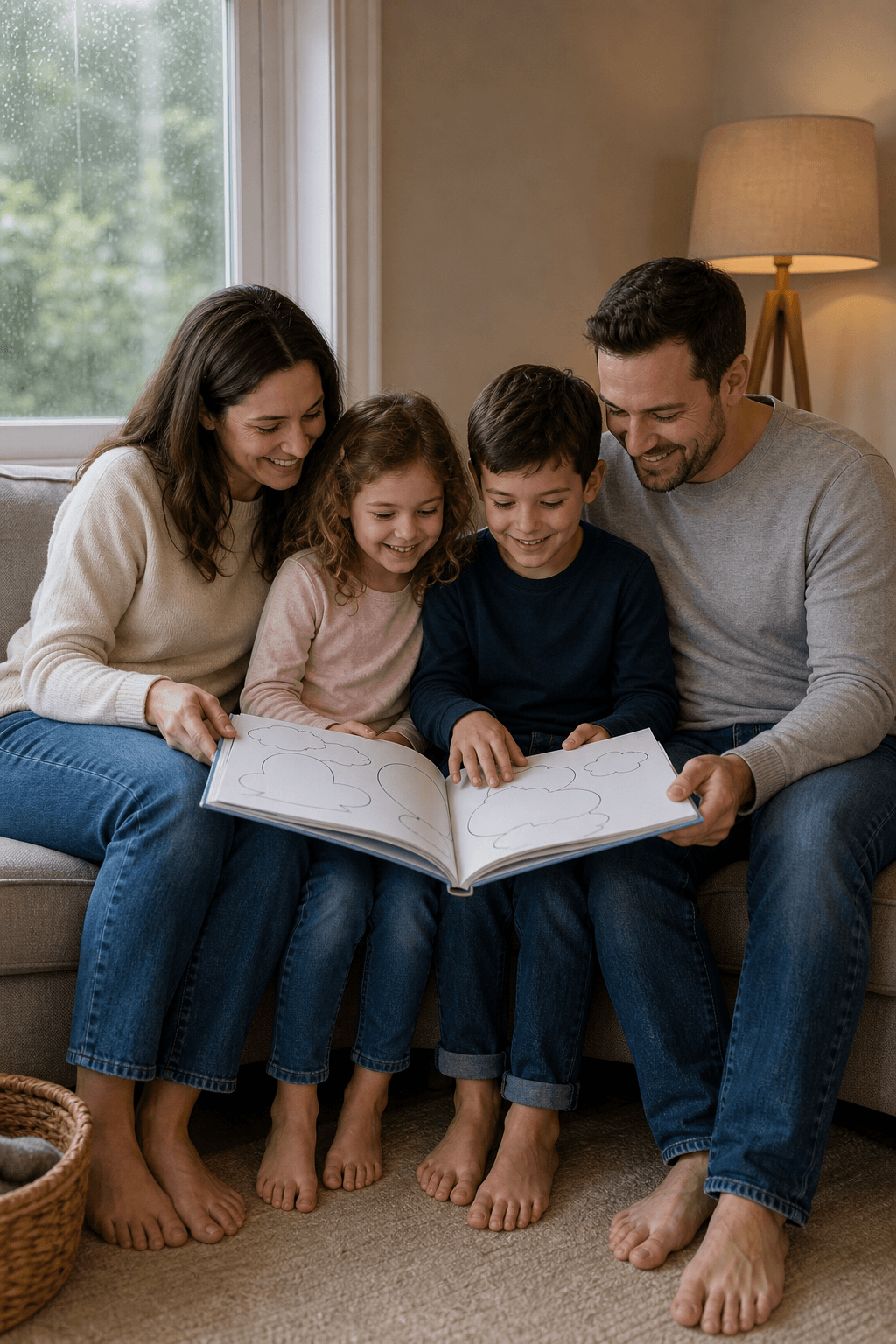
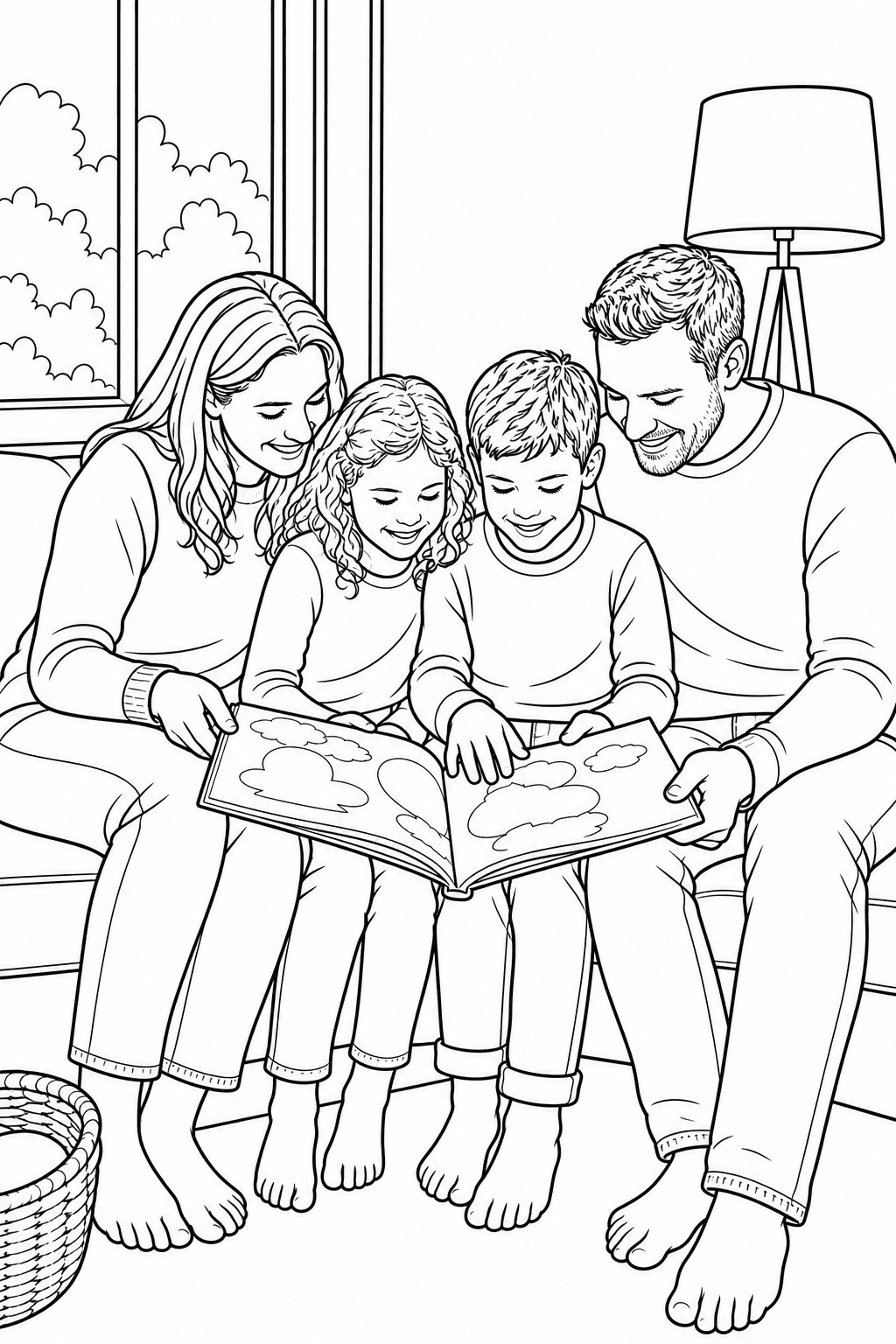
Make ordinary reading time part of a family record, with the people, shared activity, and familiar room still easy to recognize.

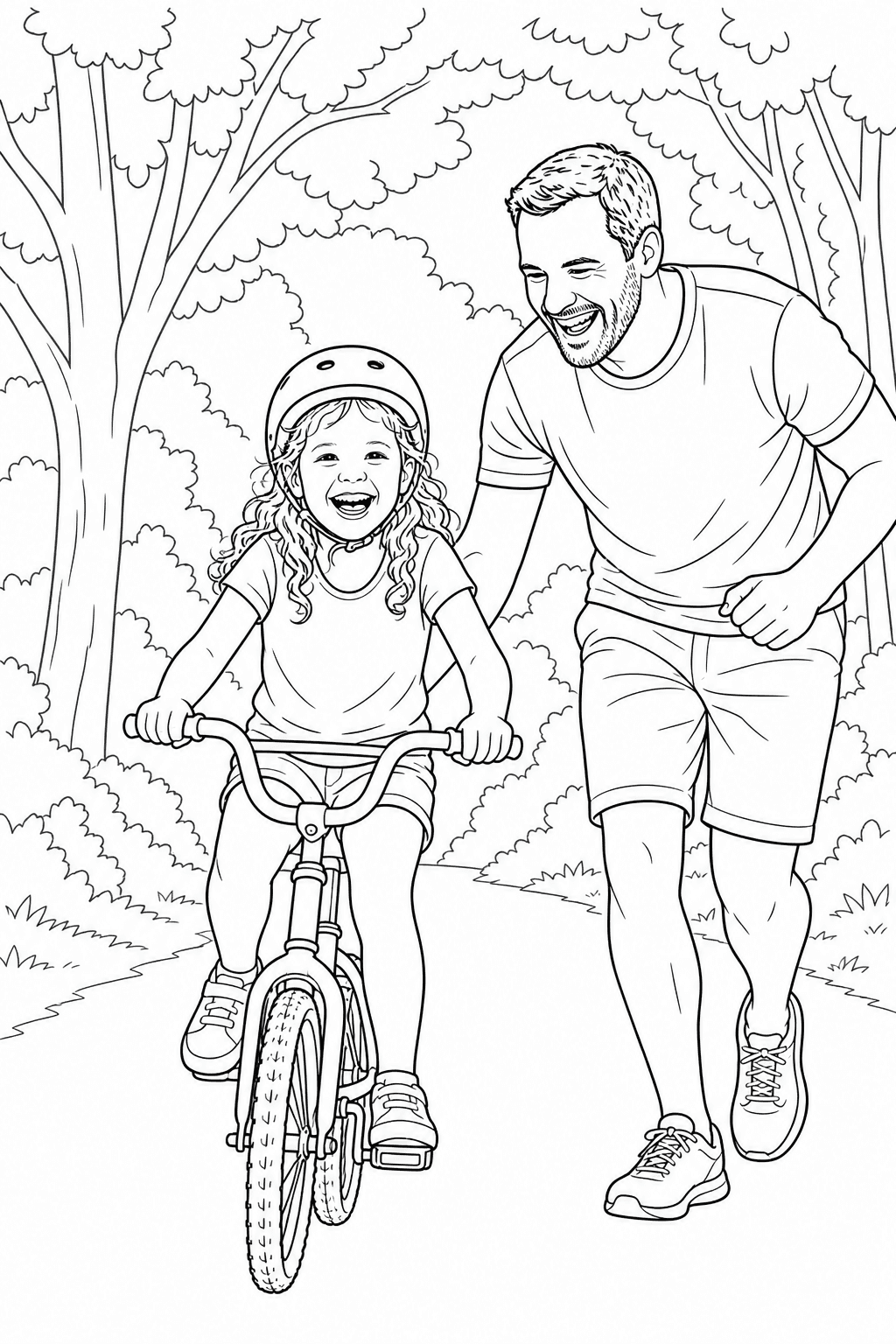
Preserve a first bike ride, the familiar helmet, and the shared action while the background becomes easier to color.
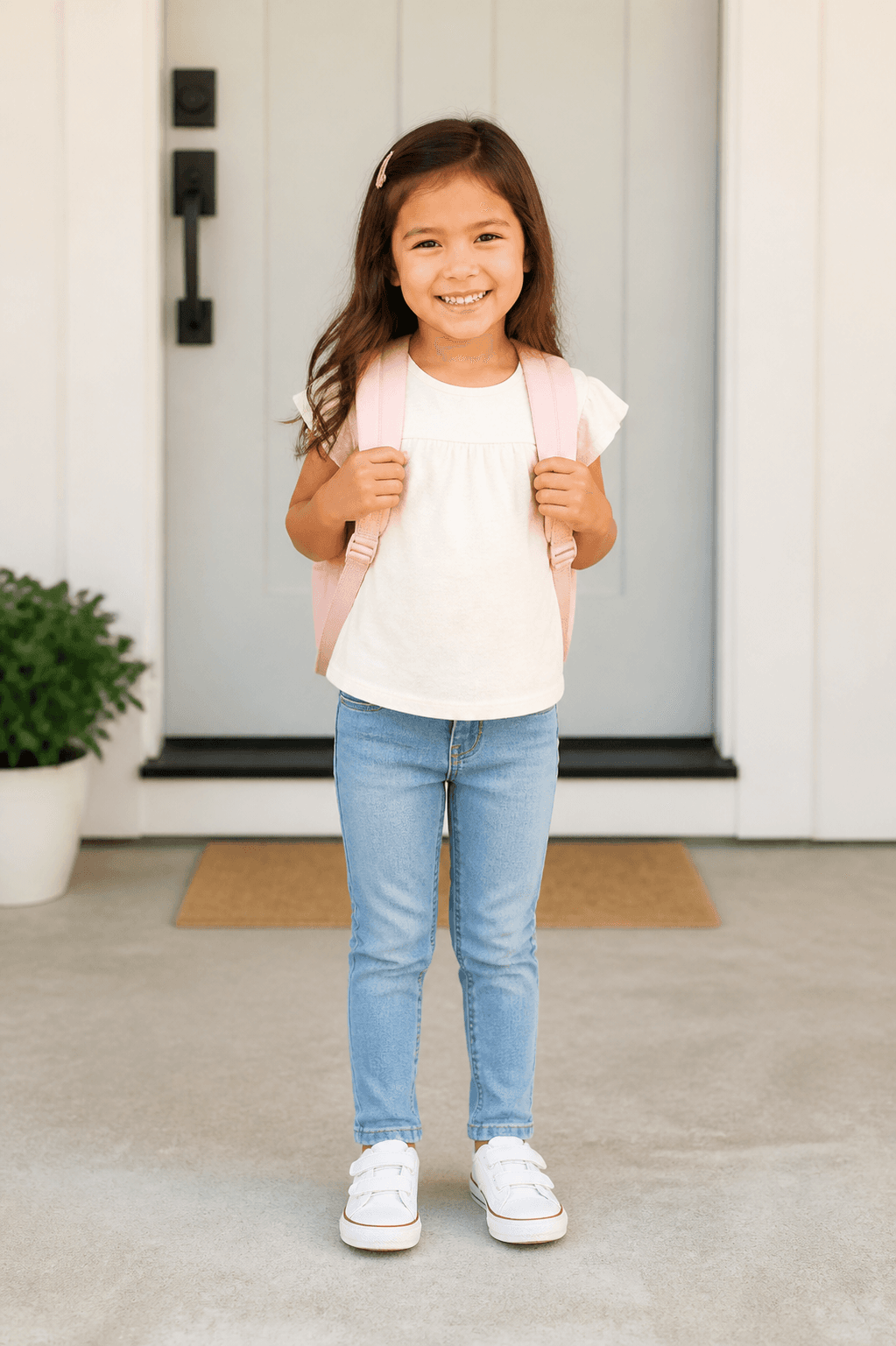
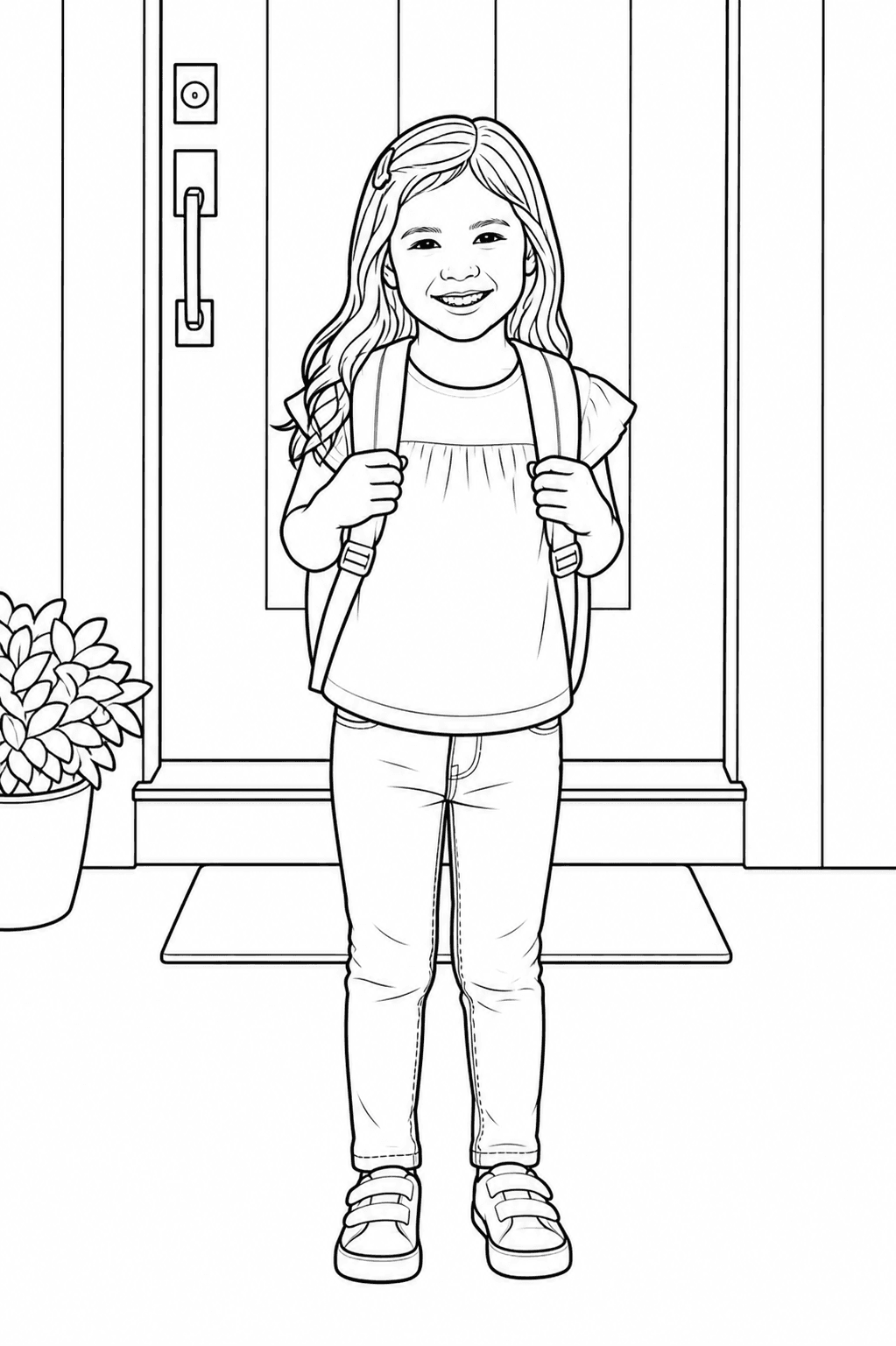
Keep the backpack, outfit, hairstyle, and expression for a classroom activity or school-year collection.
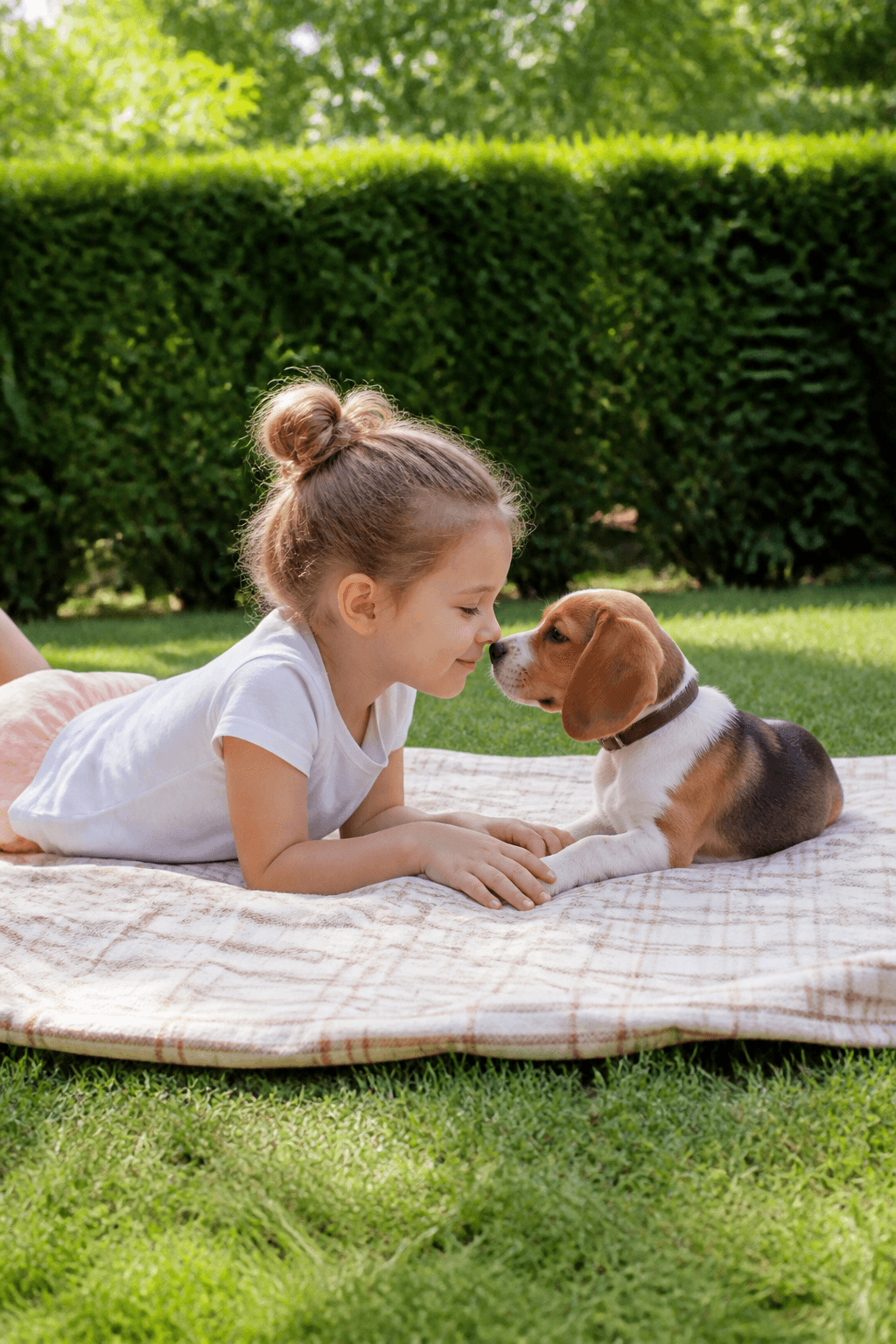
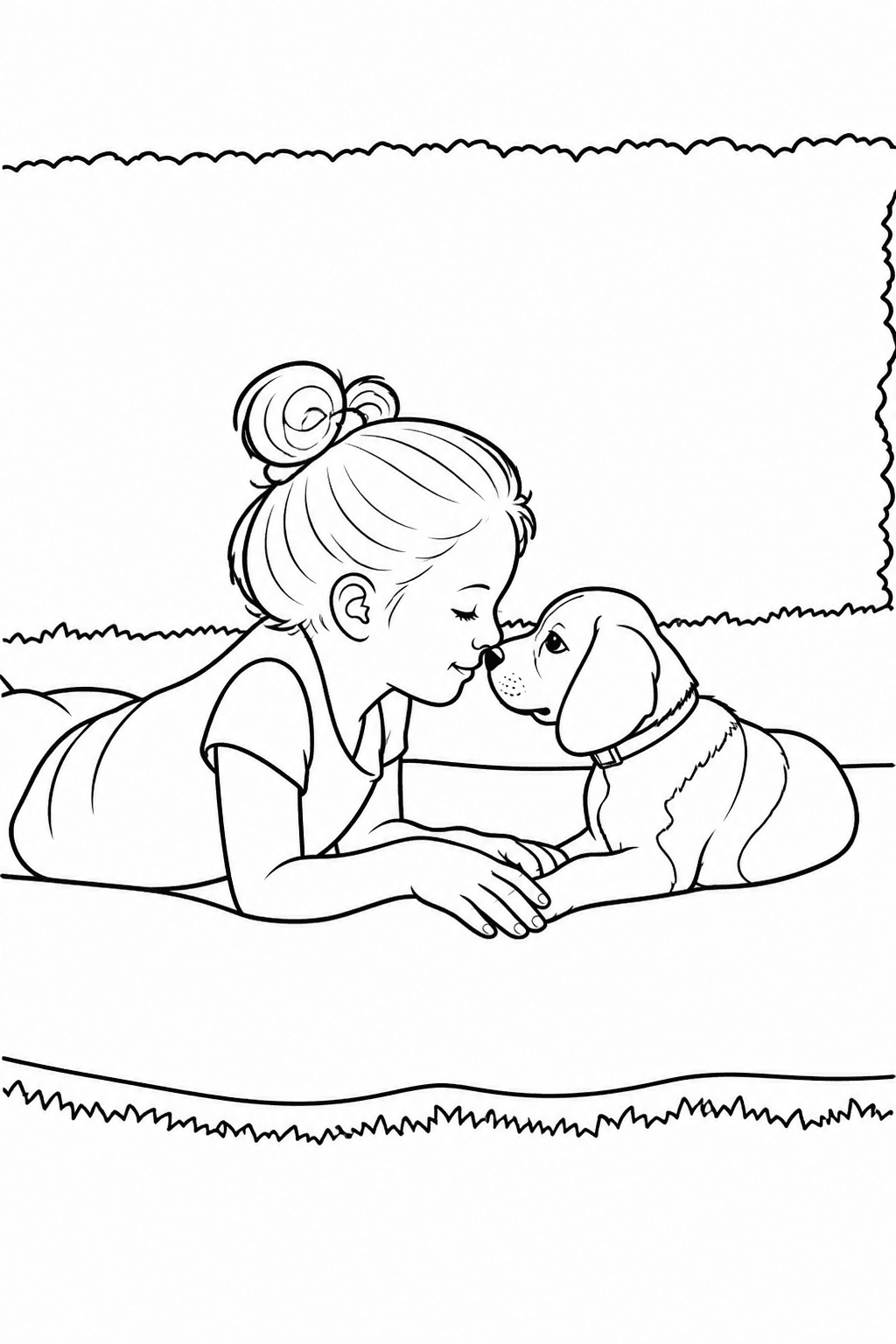
Keep a familiar child-and-pet moment together for a personal activity instead of a generic character page.
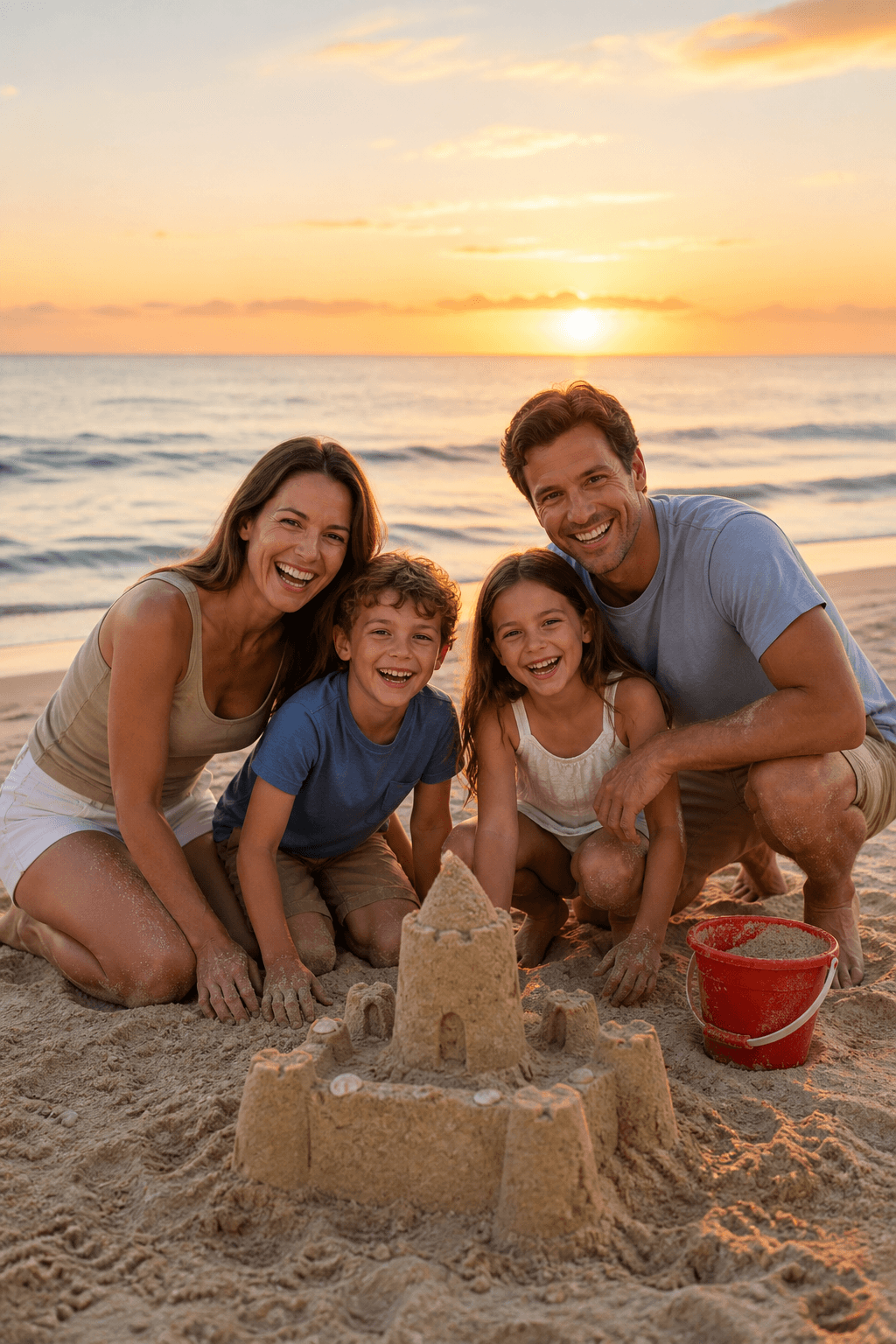

Turn a beach trip into a page that keeps the people, sandcastle, and shared story easy for the family to color.
Turn everyday photos into recognizable activities, gifts, and keepsakes. Each idea below explains what photo to choose and what you can make with the finished page.
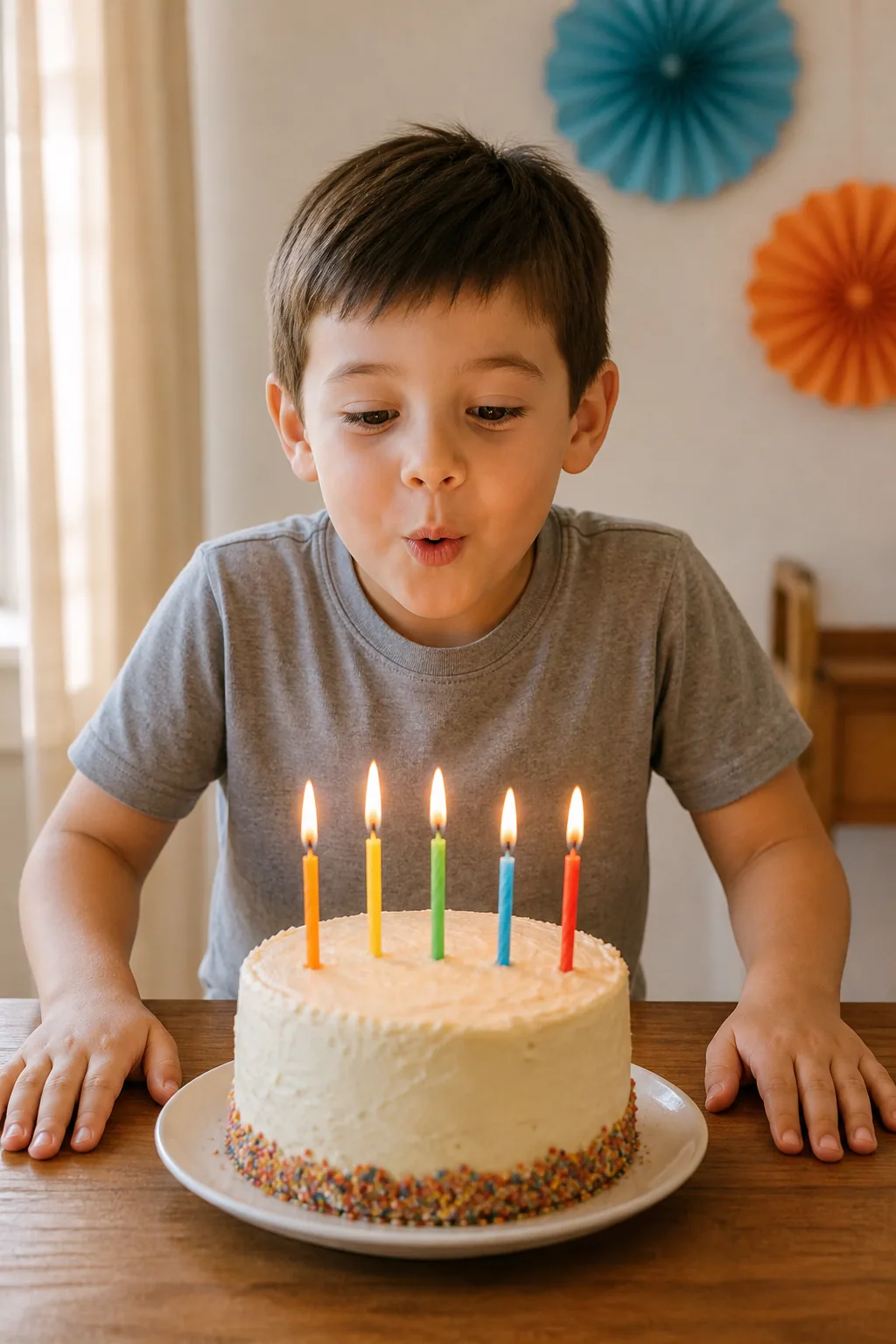
Photo idea: A birthday portrait with a clear face, cake, or party detail.
Make: Print a table activity or party favor.
Create this kind of pagePhoto idea: An everyday moment your child recognizes right away.
Make: Create a screen-free page for quiet afternoons.
Create this kind of pagePhoto idea: A school portrait or classroom photo with a simple background.
Make: Make a classroom activity or year-end keepsake.
Create this kind of page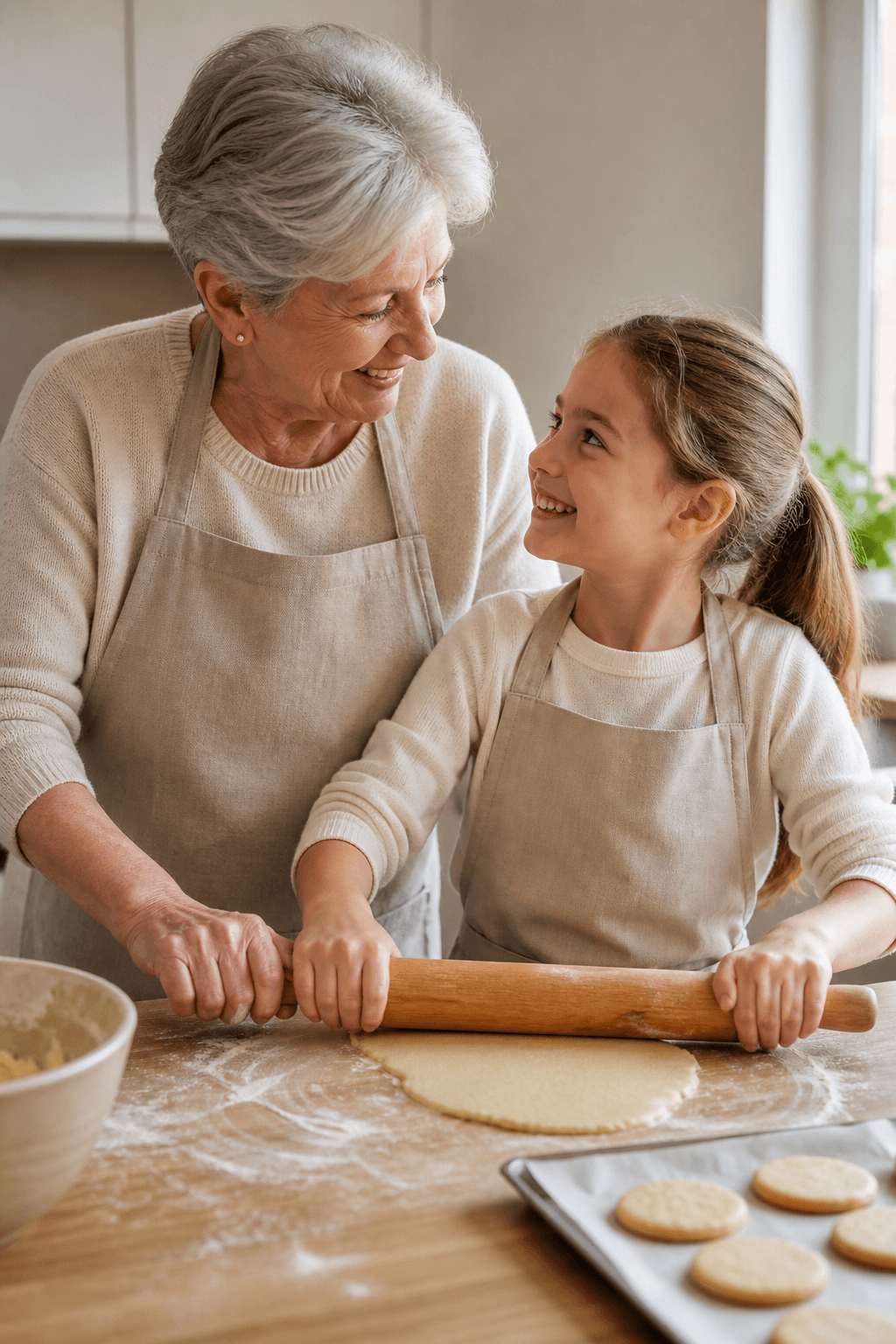
Photo idea: A favorite milestone, expression, or shared family moment.
Make: Print a personal gift for grandparents.
Create this kind of pagePhoto idea: Baking, decorating, costumes, or annual celebrations.
Make: Turn a family tradition into a page.
Create this kind of pagePhoto idea: A clear sibling interaction with limited overlap.
Make: Make a page they can color together.
Create this kind of pagePhoto idea: A photo that shows a shared activity with a grandparent.
Make: Color it together or print it as a keepsake.
Create this kind of pagePhoto idea: A familiar interaction where the child and pet are easy to see.
Make: Create a page featuring two best friends.
Create this kind of pageGenerate one page from one photo at a time, keep the same style and paper settings, then organize the downloaded PNG files yourself. This gives you a coordinated set of printable pages while letting you review every memory before adding it to the collection.
The tool does not automatically bind, print, or ship a finished book.
The page uses the same shared Photo workflow from upload through optional color reference. No separate editor or disconnected demo is involved.
Choose a photo with visible faces, hands, and one meaningful moment.
Use bold lines and a simplified background for younger children, or keep more detail for older kids and keepsakes.
Review the page, download the high-resolution PNG, and print it on A4 or US Letter paper.
A clear source photo gives the line art room to preserve the people, action, and details your child remembers.
Choose the paper size before generating, download the high-resolution PNG, and make a few simple print choices based on the coloring materials you plan to use.
Match the tool setting to the paper in your printer. Use fit-to-page if your printer requires an edge margin.
Regular paper works for crayons and colored pencils. Use heavier paper and a protective sheet when coloring with markers.
Print single-sided pages for a folder or binder, or place the PNG files into your own scrapbook or memory-book layout.
Practical answers about personalized pages, baby and family photos, privacy, backgrounds, printing, and building a childhood memory set.
Upload a clear photo, choose a child-friendly style and background treatment, then generate the page. The tool creates printable black-and-white line art while aiming to retain recognizable faces, poses, clothing, and meaningful objects.
Choose a sharp, well-lit photo where faces, eyes, hands, and the main action are visible. Limited overlap and a simple background usually produce cleaner coloring regions.
Your photos are never published or added to the public gallery. They are processed only to create your result and handled according to our privacy policy. See the privacy policy for storage, processing, and deletion details.
Uploads are stored so the selected image model can process them and so generated pages can be saved. Love to Color does not publish them or add them to the public gallery. The external model provider receives the photo to create the result; review its policy before uploading.
Yes. Use a photo where each person is visible and faces are not heavily overlapping. Simplify a busy background when the people are the most important part of the memory.
Yes. A clear school portrait, first-day photo, performance, or sports picture can become a classroom activity or school-year keepsake.
Start with Kids coloring, bold lines, closed regions, and a simplified or removed background. Older children and keepsakes can use more detail when faces and clothing remain clear.
Yes. Choose Remove to focus on the people, Simplify to keep useful context, or Preserve when the place is an important part of the memory.
Yes, by creating one coloring page from one photo at a time. Keep the same style, line weight, background, and paper settings, then download the PNGs and arrange or print them yourself. The tool does not automatically bind, print, or ship a finished book.
Yes. Choose A4 or US Letter before generating, then use your printer’s fit-to-page setting if the printable area requires a margin. Single-sided printing helps prevent marker bleed.
The generated line art is available as a high-resolution PNG. Print it directly or place the PNG pages in your own digital layout or memory-book project.
Yes. Free and trial creations may be used for personal, family and ordinary non-commercial classroom teaching. Paid courses, client work, products for sale and other revenue-generating uses require eligible commercial-use rights from paid credits or an active paid plan. Upload only photos you have permission to use, especially when students are depicted.
Your first 1 Standard 1K preview is free and watermarked. Signing in saves the project but does not unlock it. New accounts receive 5 welcome credits for Personal 1K or 2K creation.
Start with one favorite photo and turn a real family moment into something they can color.
Small ideas, personal pages and more reasons to color together.
“My son's first bike ride became a coloring page that still looked like him. He loved coloring the helmet and bike himself.”
“I turned a birthday photo into a simple page for the party table. The child stayed recognizable while the distracting background was reduced.”
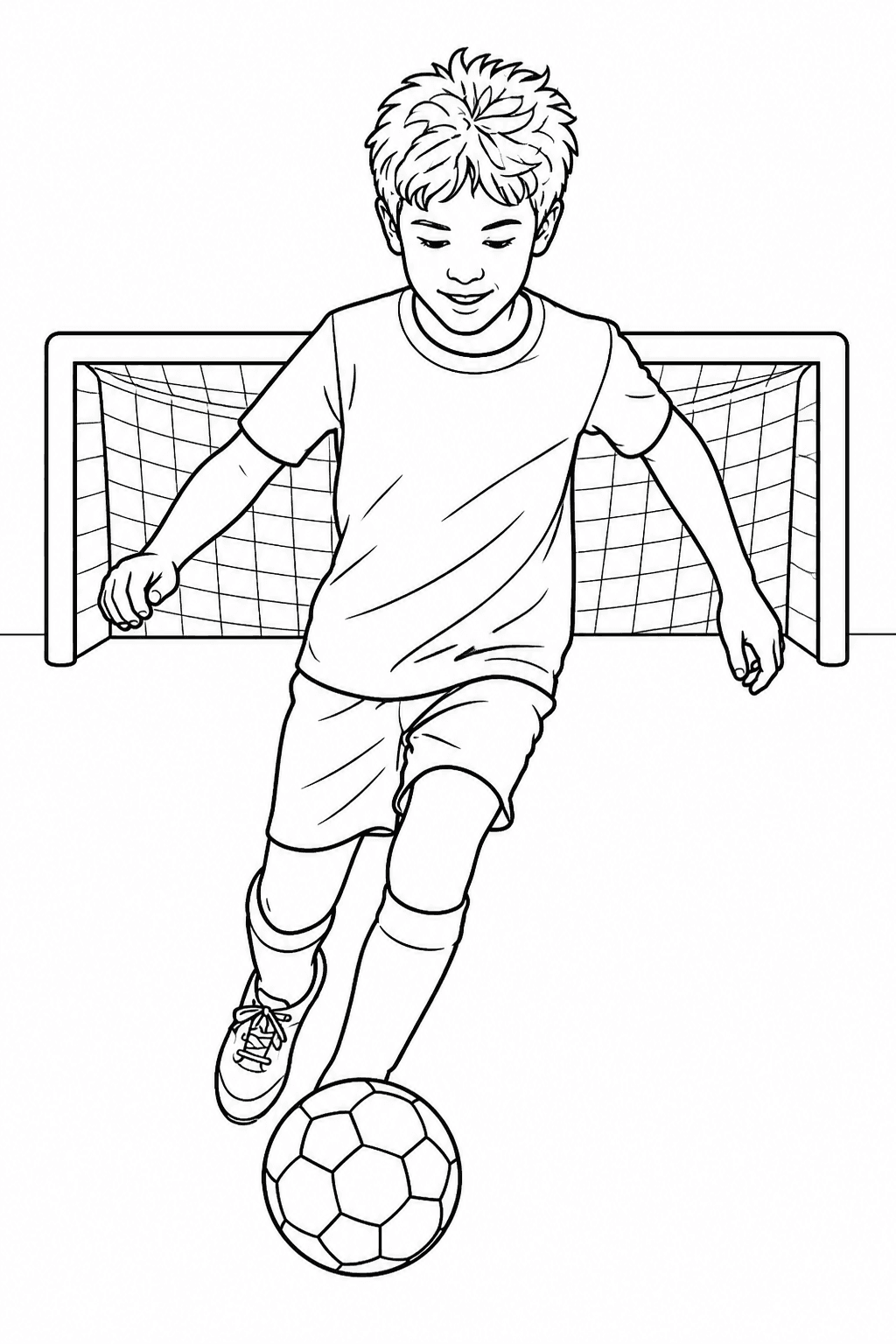
“A game-day photo became a printable team activity with clear poses, uniforms and plenty of room for younger children to color.”