
MANDALA COLOR IDEAS TOOLOriginal line artkept separately 12 curatedcolor palettes High-resolutioncolor reference
AI Mandala Colorizer & Color Palette Tool
Use the AI mandala colorizer to explore color ideas on a mandala you already have. Compare palettes in the mandala coloring tool, then create a separate finished reference and inspect small regions, repeated colors and contrast before following it by hand.
Start with your line art, choose a palette direction and compare the result with your own coloring materials.
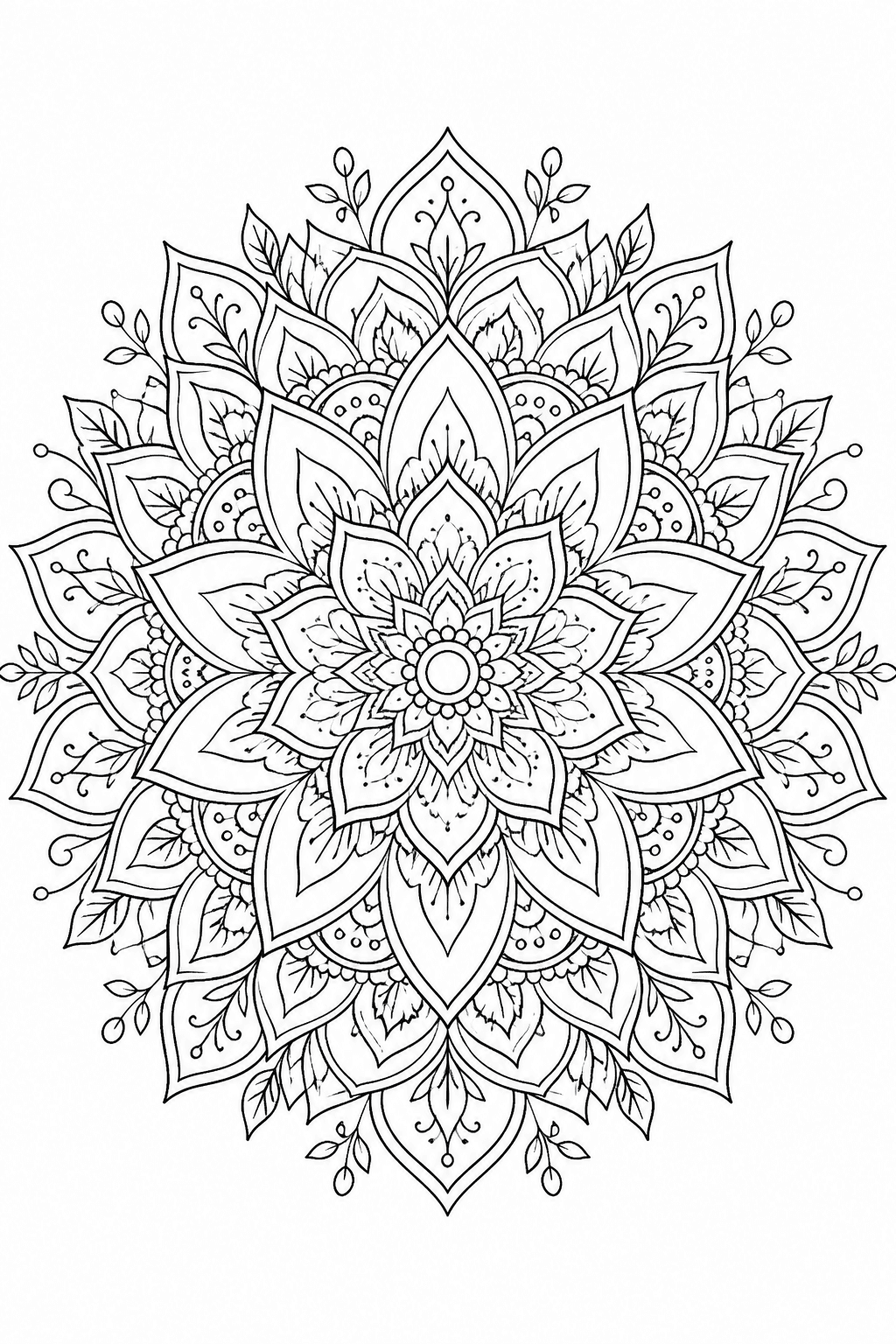
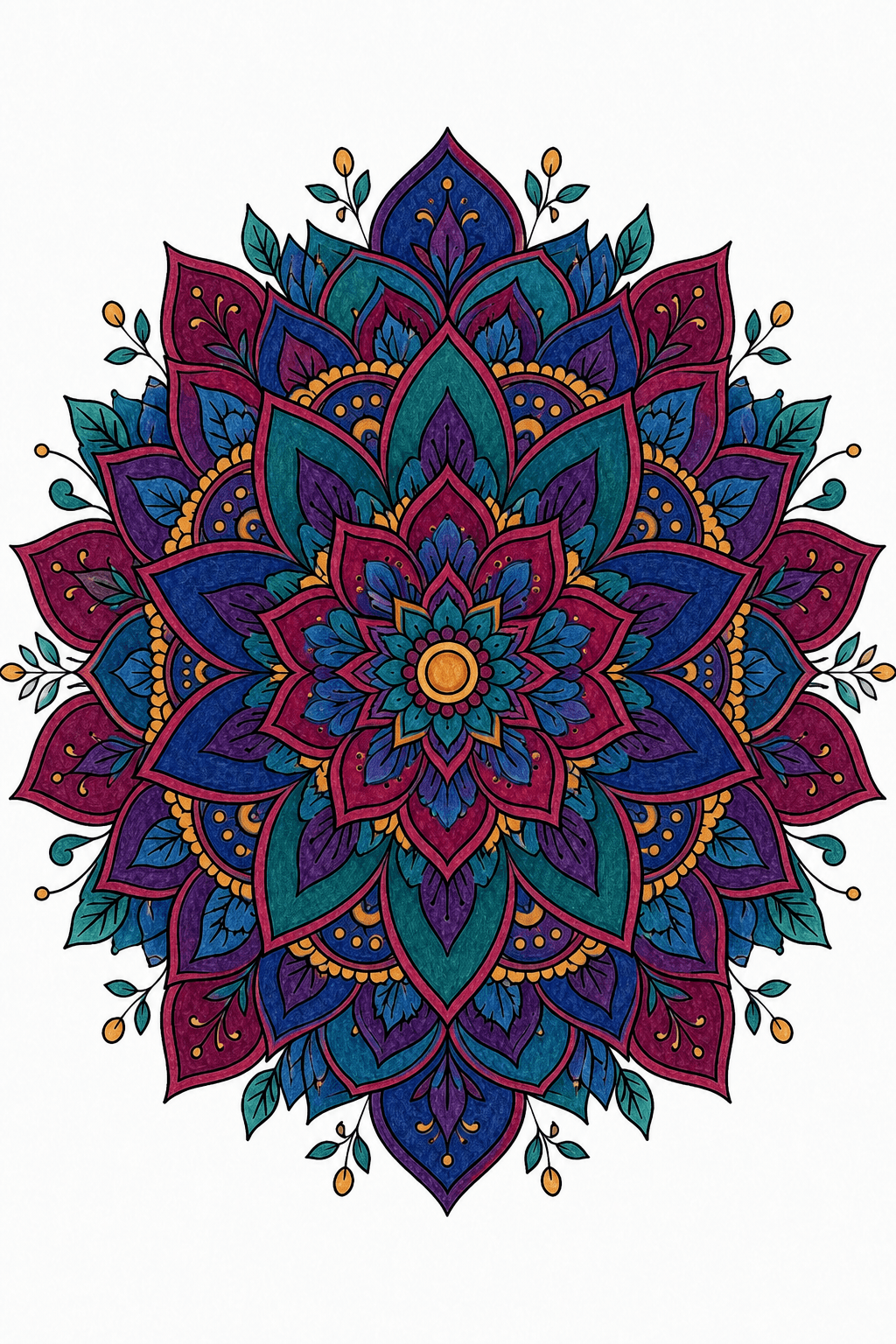
One mandala. A clearer color direction before you begin.
Choose a Color Scheme for Your Mandala
Upload a page you already have, pick a coordinated palette, and create a finished reference while your original line art remains available separately.
Choose a Coloring Page
Generate a coloring page with AI
Coloring pageColor Reference

Choose ColorsChoose AI colors or a custom palette after uploading a coloring page.
Smart ColoringAuto-fill harmonious colors for your coloring pageRecommended
Fixed Palettes
 ComplementaryOpposite colors for contrast
 AnalogousNeighboring colors for harmony
 TriadicThree evenly spaced hues
 Split ComplementaryBase plus two adjacent complements
 TetradicFour hues in a square
 MonochromeOne neutral hue, many values
 WarmComforting coral, apricot, and honey
 CoolCalm coastal blues
 PastelSoft candy-like pastels
 Earth TonesGrounded olive, wood, and stone
 Jewel TonesDeep gem-like richness
 RetroVintage mustard, olive, and rust
Choose or Create a Mandala to Color
Create an original pattern or choose a printable mandala, then return here to plan the colors.
 PRINTABLE MANDALA
12 MANDALA COLOR IDEAS AND COLOR SCHEMES
12 Mandala Color Ideas and Color Schemes
Compare twelve palette directions in the AI mandala colorizer across harmonies, moods and themes. Apply a direction in the mandala coloring tool to plan a new reference for your own uploaded line art.
These are example color directions. Your uploaded mandala generates one finished reference using the palette you select.
LIVE PREVIEWMood

CURRENT COLOR DIRECTION
Warm
Comforting coral, apricot, and honey
CHOOSE FROM 12 CURATED PALETTESWarm
Open the mandala colorizerTWELVE STYLES · TWELVE PALETTES · ONE COLOR IDEA
Finished Mandala Coloring Examples
These twelve existing AI mandala colorizer examples each pair line art with a finished color direction. Use the mandala coloring tool to plan your own reference; exact placement and the colors of physical pencils or markers can differ.
01 / PASTEL BLOOMLINE ART → COLOR REFERENCE
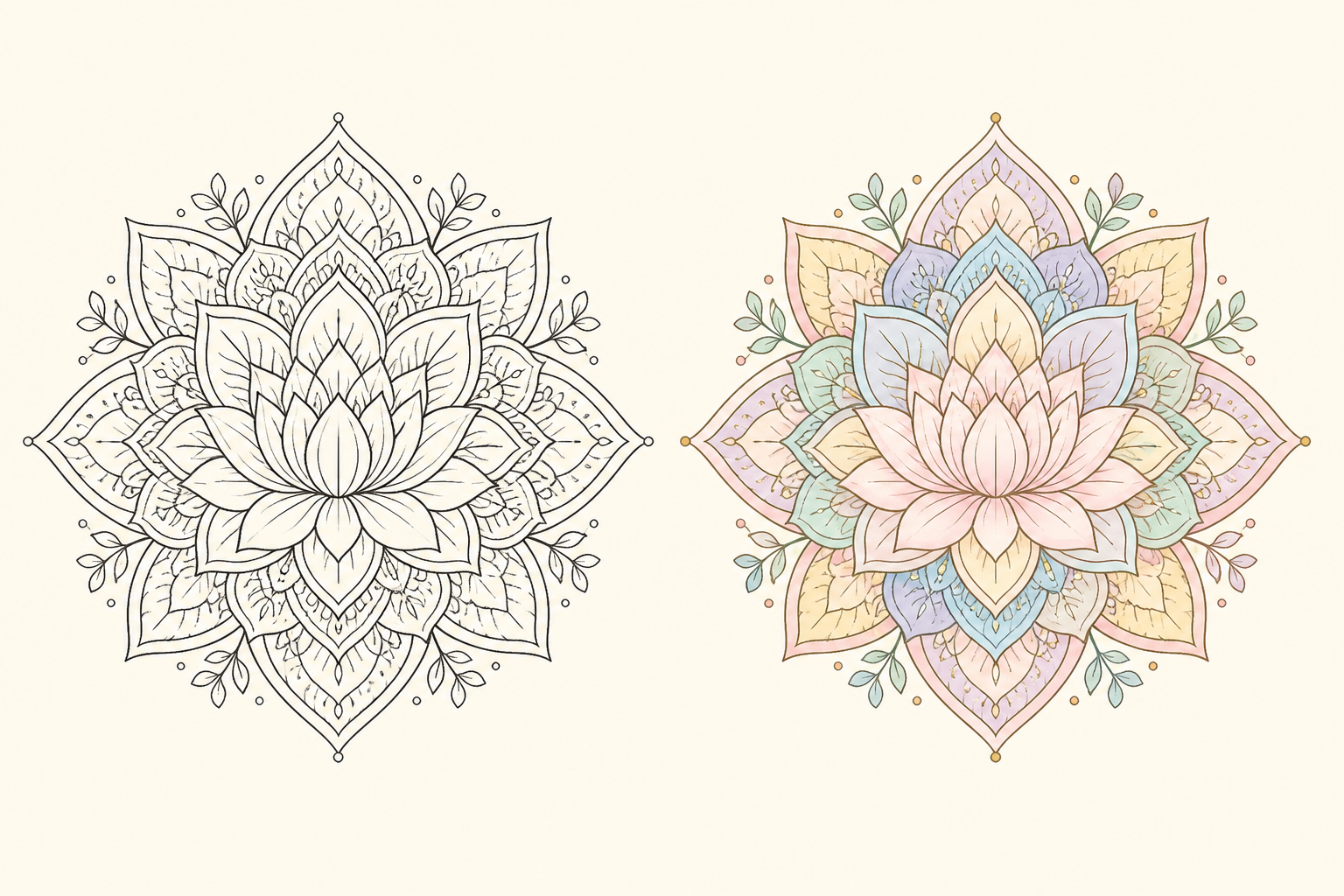
Pastel Bloom
Lotus Bloom
This existing AI mandala colorizer example pairs lotus petals with a Pastel Bloom direction. In a new mandala coloring tool reference, inspect the lighter inner petals and repeated soft accents before choosing a hand-coloring sequence.
Use this color direction02 / COSMIC JEWELLINE ART → COLOR REFERENCE
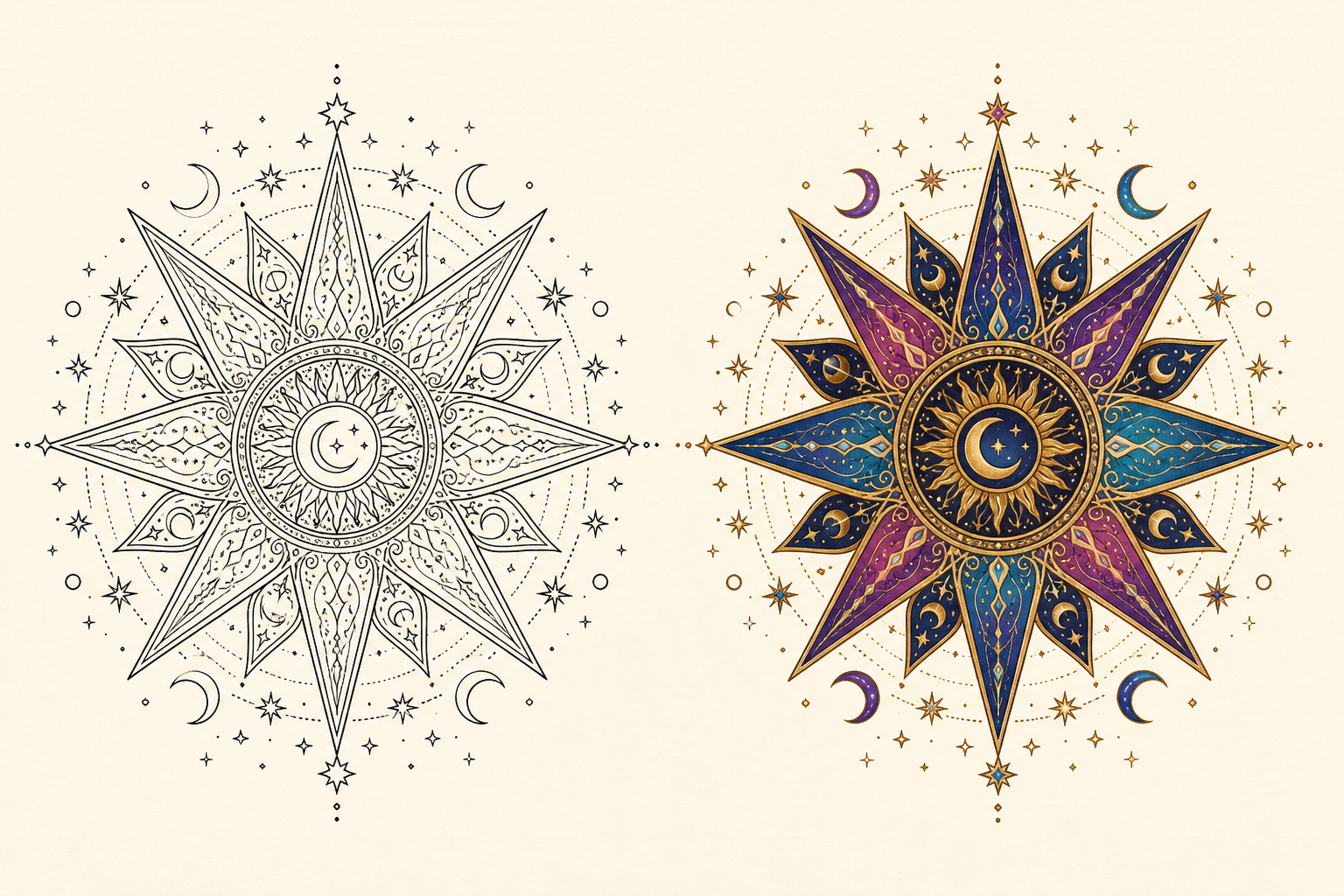
Cosmic Jewel
Cosmic Starburst
This existing AI mandala colorizer example pairs star points and moons with a Cosmic Jewel direction. In a new mandala coloring tool reference, inspect the dark blue background and brighter celestial accents before choosing a hand-coloring sequence.
Use this color direction03 / DESERT EMBERLINE ART → COLOR REFERENCE
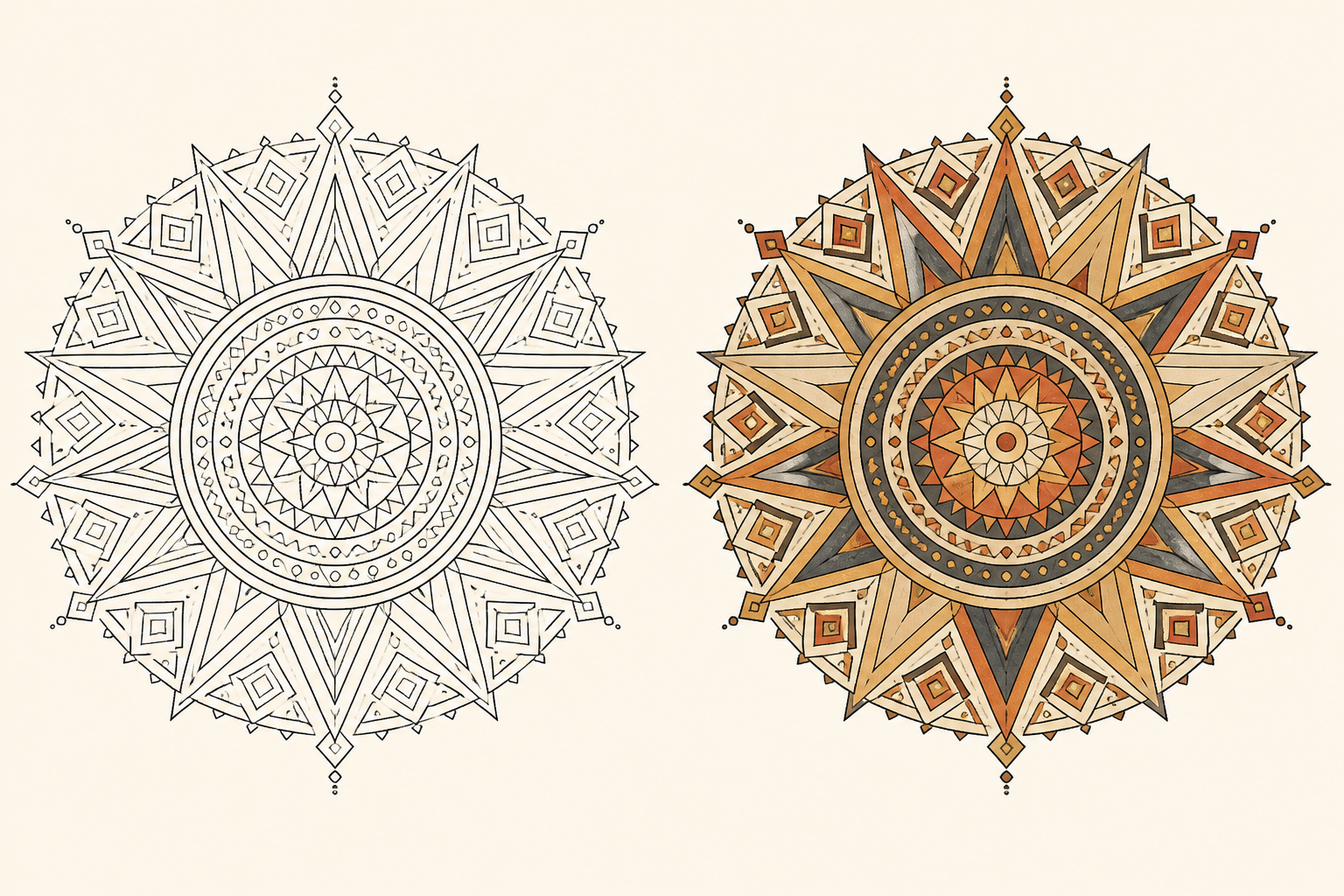
Desert Ember
Desert Sun
This existing AI mandala colorizer example pairs sun-shaped triangles with a Desert Ember direction. In a new mandala coloring tool reference, inspect the warm outer rays and dark separators before choosing a hand-coloring sequence.
Use this color direction04 / GARDEN JEWELLINE ART → COLOR REFERENCE
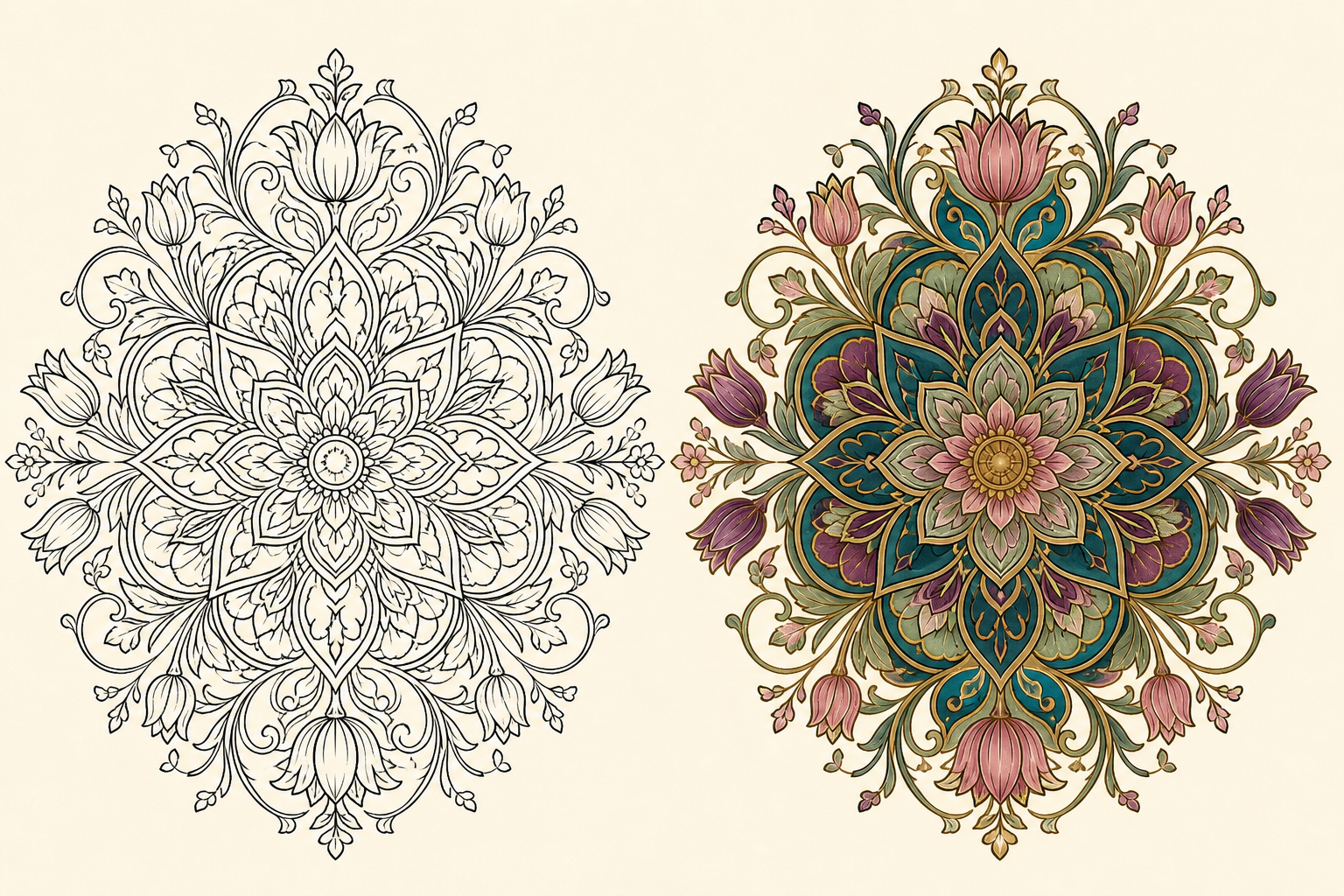
Garden Jewel
Garden Nouveau
This existing AI mandala colorizer example pairs curling vines and tulip petals with a Garden Jewel direction. In a new mandala coloring tool reference, inspect the repeated greens and smaller pink accents before choosing a hand-coloring sequence.
Use this color direction05 / OCEAN TIDELINE ART → COLOR REFERENCE
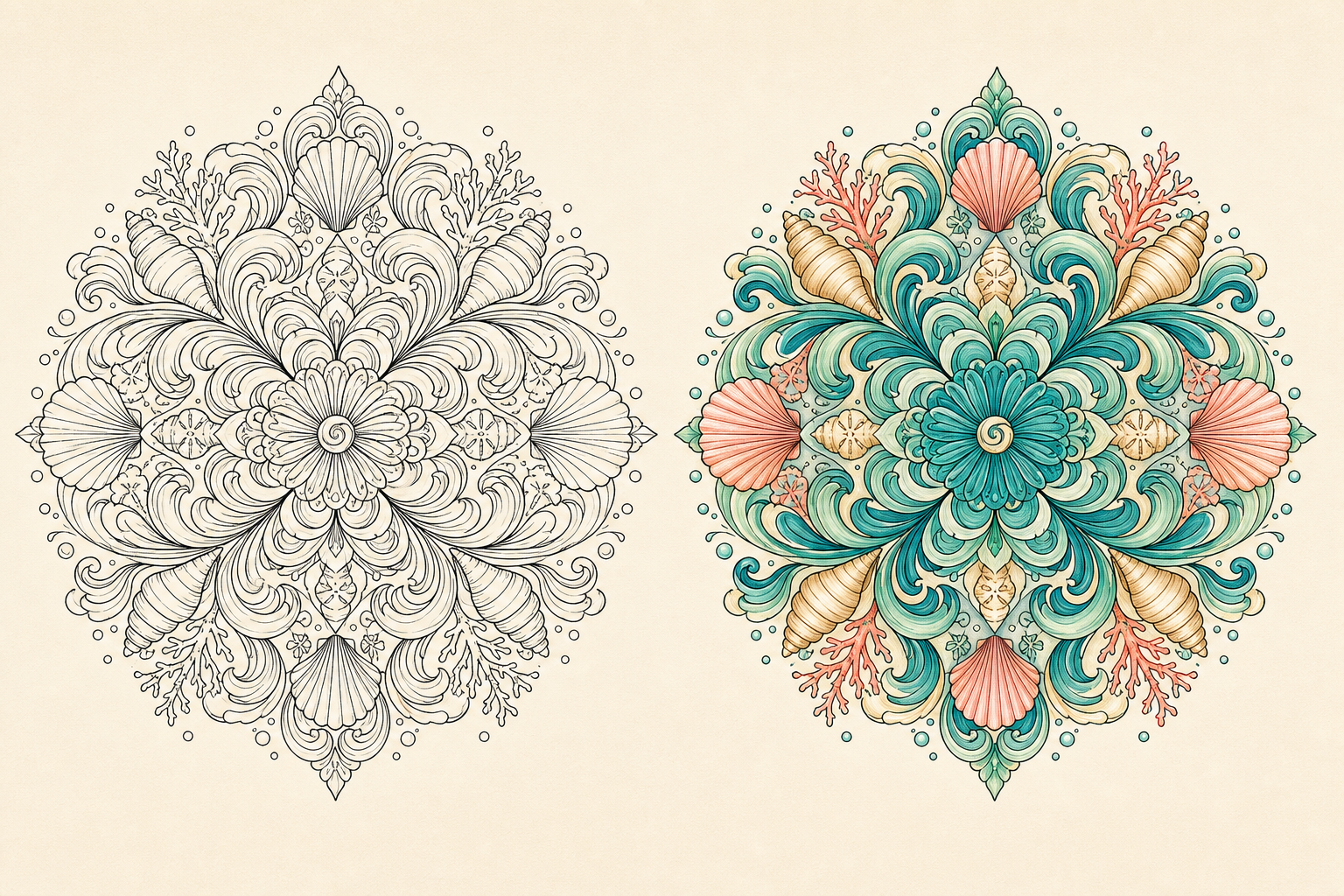
Ocean Tide
Ocean Tide
This existing AI mandala colorizer example pairs waves and shells with a Ocean Tide direction. In a new mandala coloring tool reference, inspect the turquoise bands and coral focal details before choosing a hand-coloring sequence.
Use this color direction06 / VELVET ROSELINE ART → COLOR REFERENCE
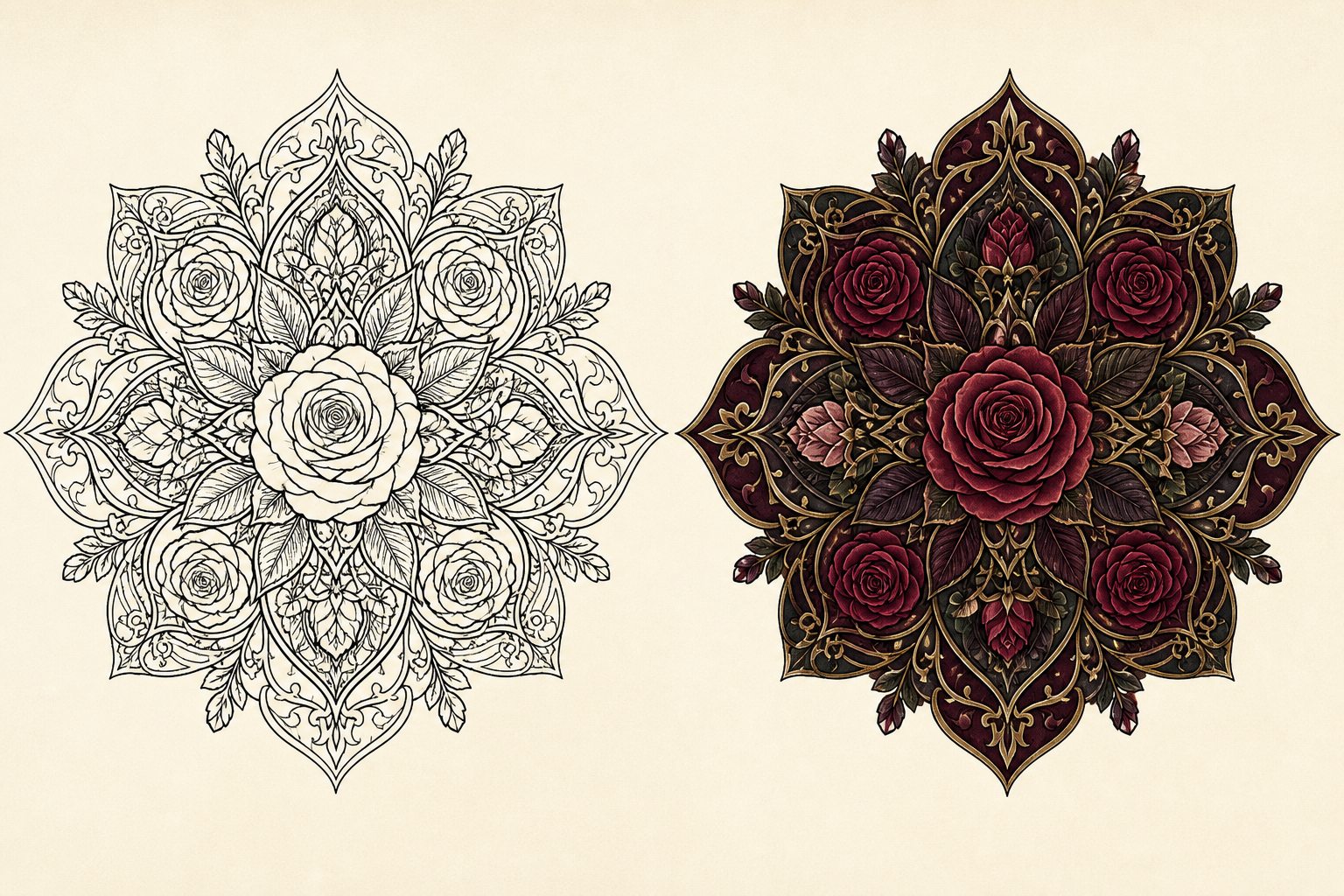
Velvet Rose
Gothic Rose
This existing AI mandala colorizer example pairs layered roses and dark leaves with a Velvet Rose direction. In a new mandala coloring tool reference, inspect the difference between deep red petals and neighboring shadow colors before choosing a hand-coloring sequence.
Use this color direction07 / MOSAIC SUNLINE ART → COLOR REFERENCE
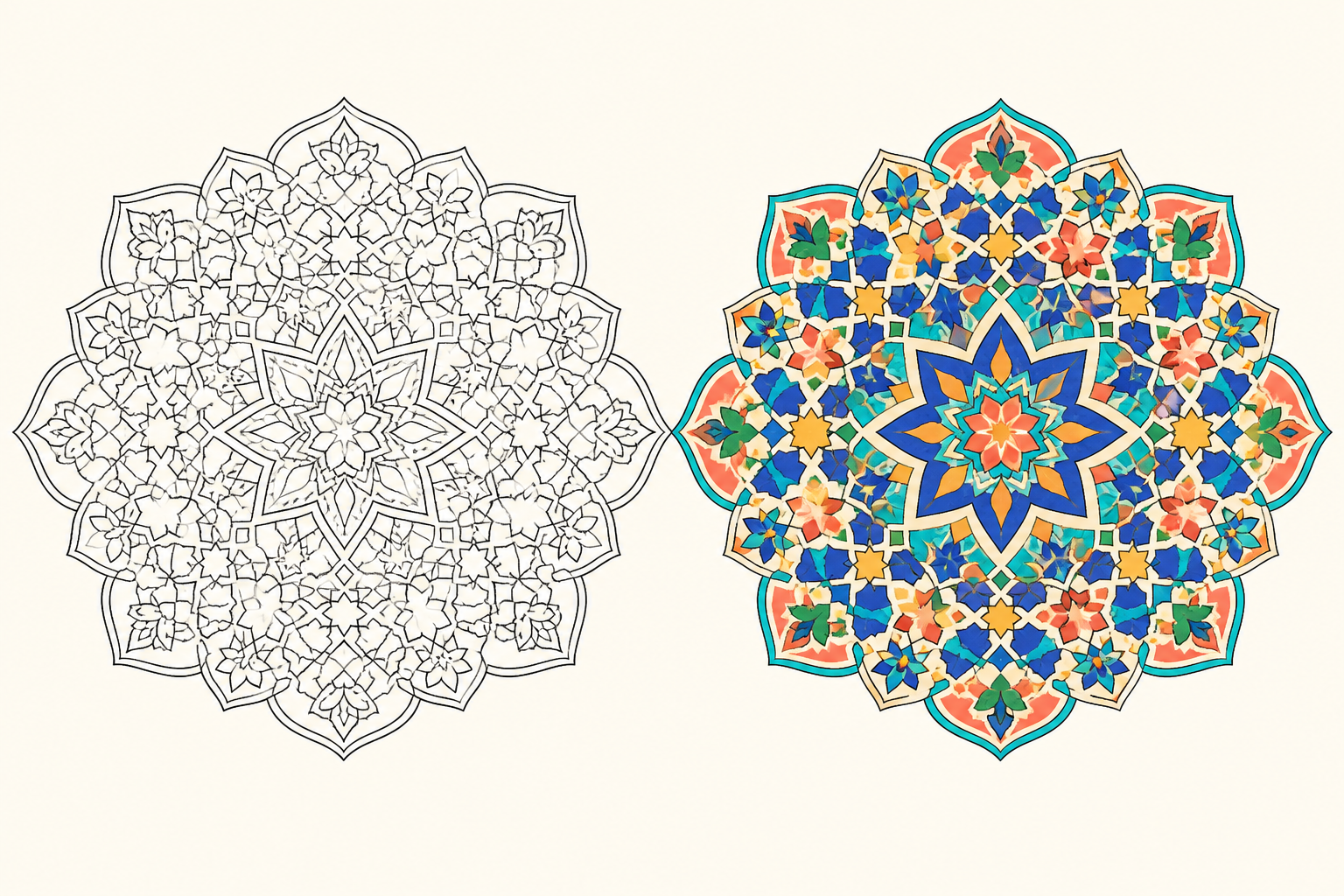
Mosaic Sun
Mosaic Sun
This existing AI mandala colorizer example pairs tiles and eight-point stars with a Mosaic Sun direction. In a new mandala coloring tool reference, inspect the cobalt shapes and warmer connecting accents before choosing a hand-coloring sequence.
Use this color direction08 / DECO GLAMOURLINE ART → COLOR REFERENCE
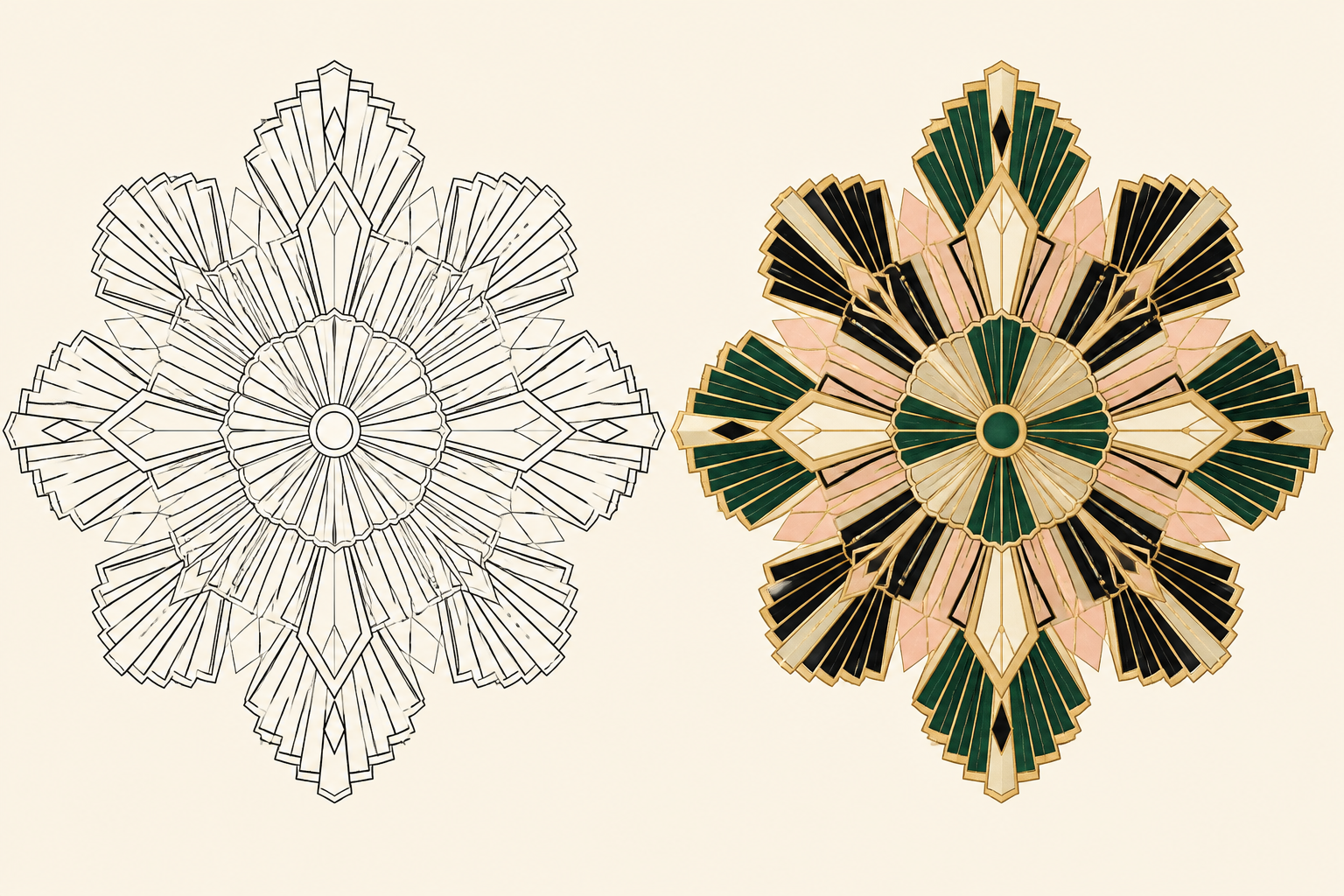
Deco Glamour
Deco Fan
This existing AI mandala colorizer example pairs stepped fans and geometric rays with a Deco Glamour direction. In a new mandala coloring tool reference, inspect the dark regions around lighter gold accents before choosing a hand-coloring sequence.
Use this color direction09 / WOODLANDLINE ART → COLOR REFERENCE
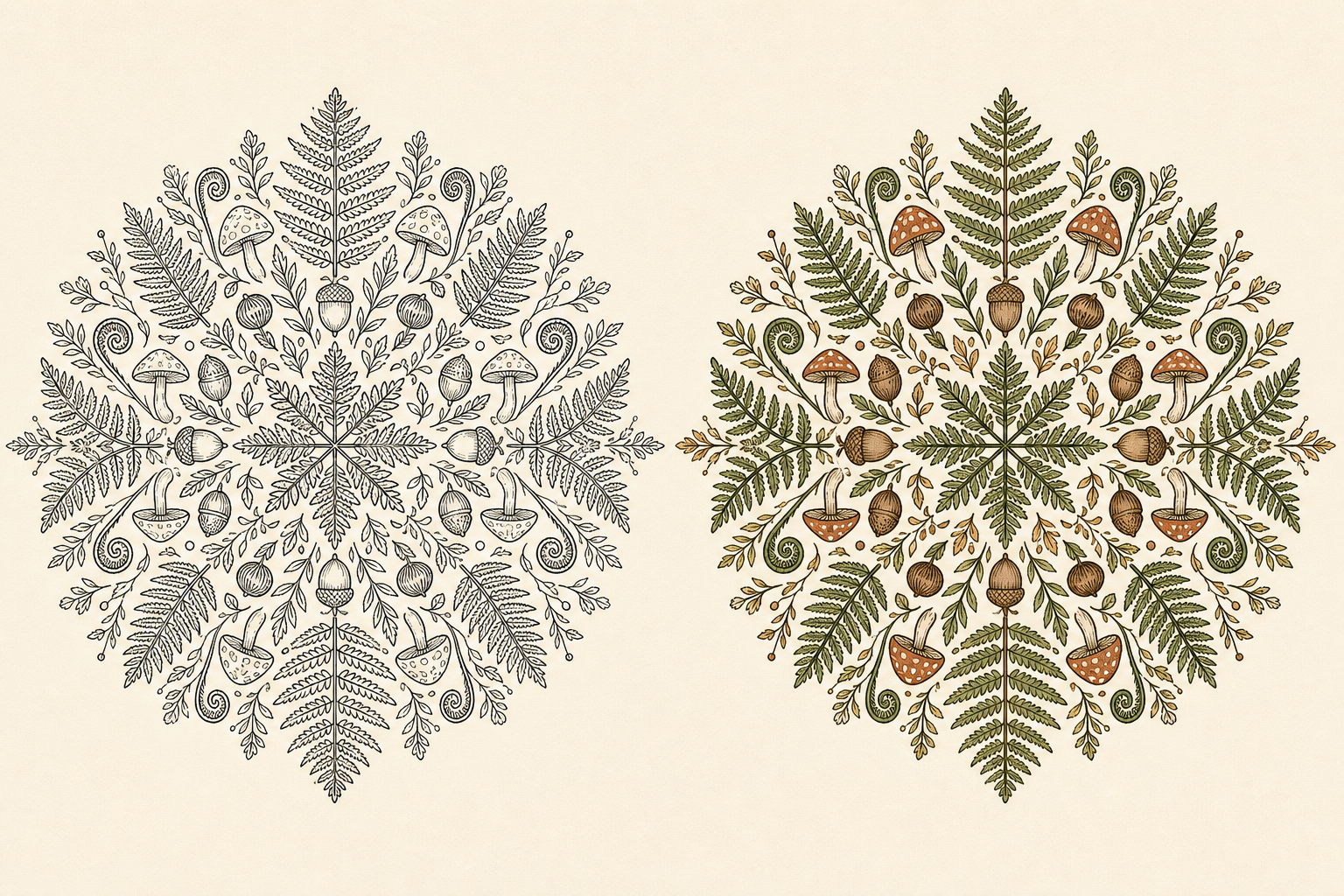
Woodland
Woodland Fern
This existing AI mandala colorizer example pairs fern and leaf forms with a Woodland direction. In a new mandala coloring tool reference, inspect the repeated natural greens and light resting areas before choosing a hand-coloring sequence.
Use this color direction10 / CANDY GARDENLINE ART → COLOR REFERENCE
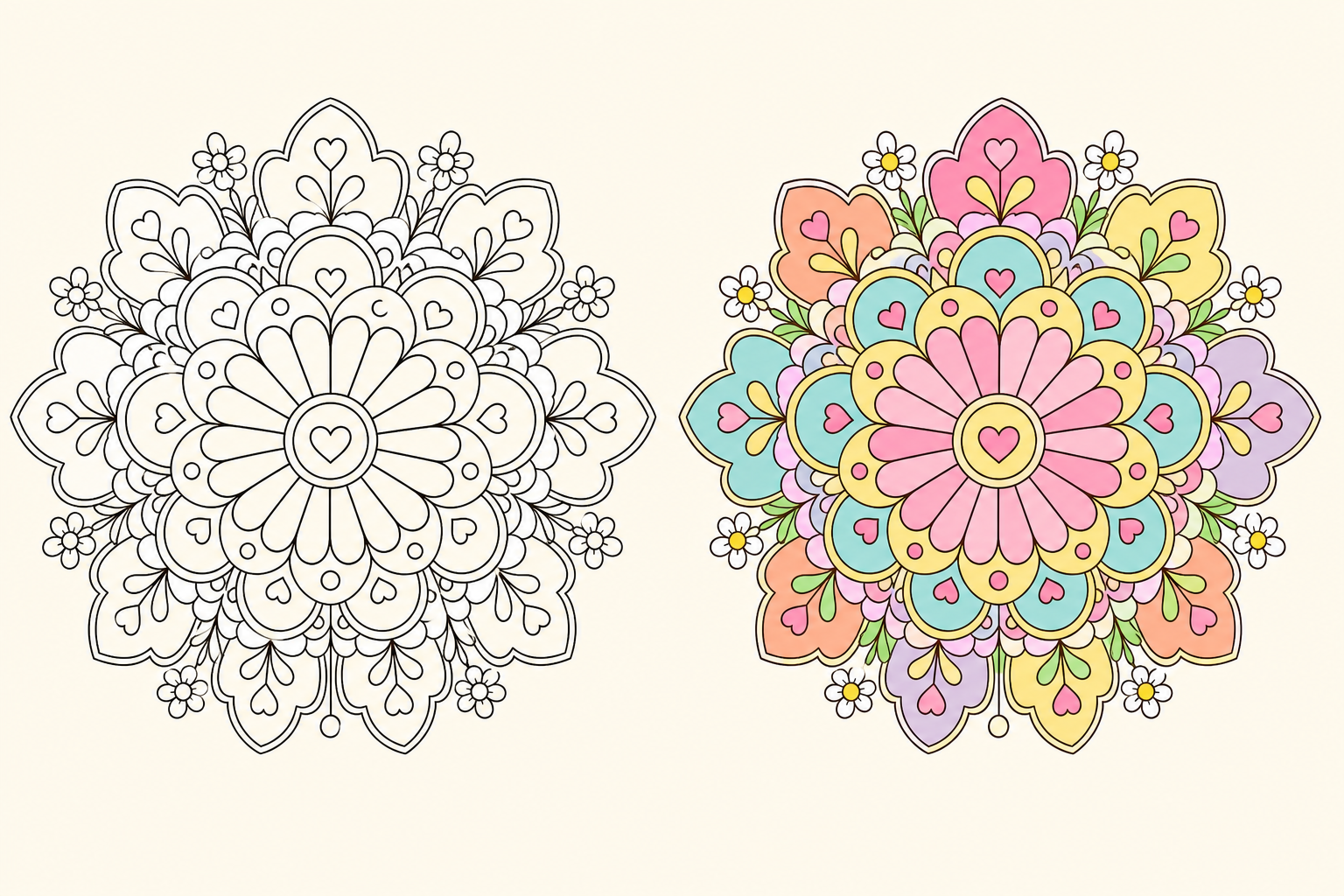
Candy Garden
Candy Garden
This existing AI mandala colorizer example pairs rounded daisies, hearts and rings with a Candy Garden direction. In a new mandala coloring tool reference, inspect the repeated coral, yellow and green accents before choosing a hand-coloring sequence.
Use this color direction11 / ZEN CIRCLELINE ART → COLOR REFERENCE
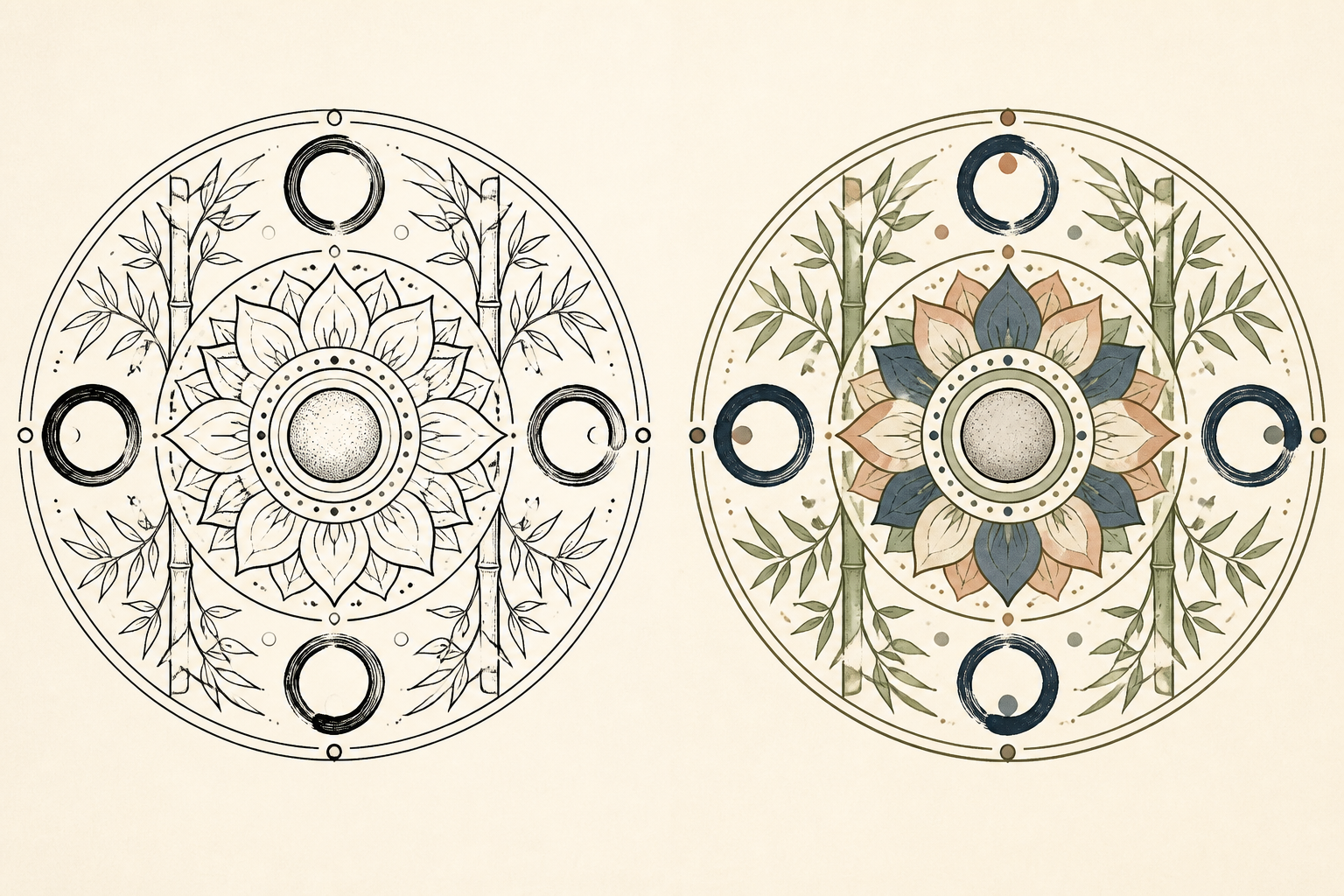
Zen Circle
Zen Circle
This existing AI mandala colorizer example pairs ink rings and bamboo leaves with a Zen Circle direction. In a new mandala coloring tool reference, inspect the indigo, sage and lighter open regions before choosing a hand-coloring sequence.
Use this color direction12 / PRISM FLARELINE ART → COLOR REFERENCE
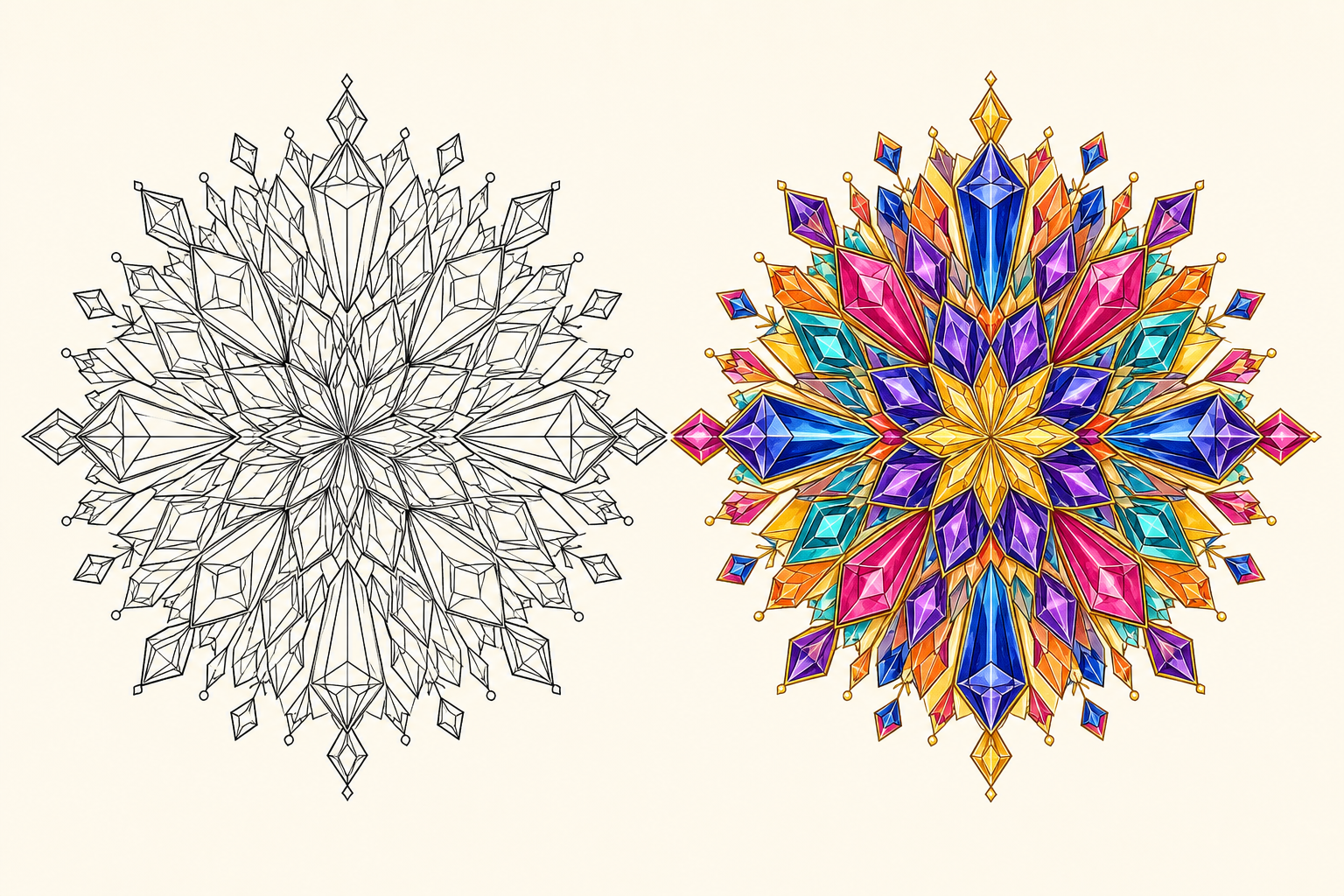
Prism Flare
Prism Flare
This existing AI mandala colorizer example pairs facets and mirrored diamonds with a Prism Flare direction. In a new mandala coloring tool reference, inspect the repeated bright accents and their neighboring values before choosing a hand-coloring sequence.
Use this color directionCOLOR IDEAS FOR INTRICATE PATTERNS
How to Choose Colors for a Mandala
Choose a color relationship in the mandala coloring tool, then inspect how light, dark and accent colors are distributed. The AI mandala colorizer gives you a visual starting point; decide which choices to repeat in your own coloring.
Calm & Relaxing
Analogous, Cool, or PastelSoft, gentle color relationships for slow and soothing coloring.
Bold & Energetic
Complementary, Triadic, or Jewel TonesStronger contrast for dramatic, lively, and attention-grabbing mandalas.
Balanced & Sophisticated
Monochrome, Earth Tones, or RetroControlled color relationships for a grounded and coordinated finish.
Simple rule: Use fewer colors for a calm result, repeat colors around the center, and reserve your darkest value for a few areas that need focus.
SOURCES & FURTHER READING
Sources & Further Reading
Further reading about mandalas and coloring research. The project plans on this page describe creative use of the tool and do not promise a particular wellbeing outcome.
The Metropolitan Museum of Art: Mandalas: Mapping the Buddhist Art of TibetCultural background on mandalas and Tibetan Buddhist art.Does Mandala Art Improve Psychological Well-Being in Patients?A systematic review that describes preliminary findings and limits the certainty of therapeutic claims.Coloring Activities for Anxiety Reduction and Mood Improvement in Taiwanese Community-Dwelling Older AdultsA randomized study comparing mandala coloring with other coloring, drawing, and reading activities.
MAKE A PAGE FOR YOUR ACTIVITY
Plan the Color Choices for Your Own Mandala Project
Use the AI mandala colorizer to compare a direction before you color an existing drawing. The mandala coloring tool provides a visual reference; your materials and personal choices determine the page you finish.
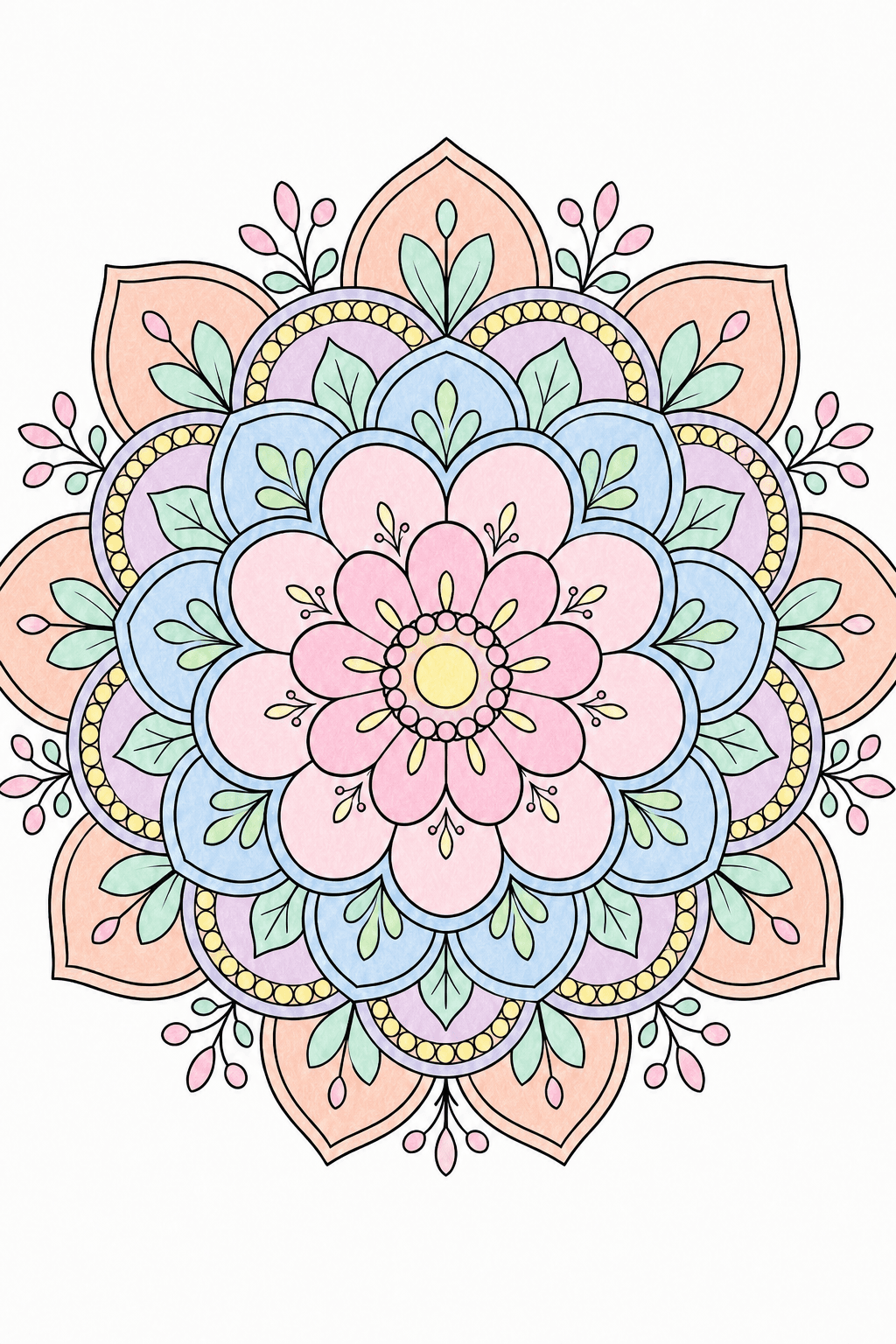
COMPARE LIGHT AND DARK
A lighter direction for a personal coloring page
Use the AI mandala colorizer for your own mandala coloring project. Review the mandala coloring tool reference for repeated hues and readable contrast before choosing a palette to follow.
- Plan around
- Check neighboring petal values
- Use it for
- Your own mandala coloring project
Activity planning notes
Compare a palette direction in the mandala coloring tool using your own line art. Inspect the AI mandala colorizer reference for check neighboring petal values and any merged small regions. Test actual pencils or markers on scrap paper, then adapt the color sequence rather than treating screen colors as an exact pigment match.
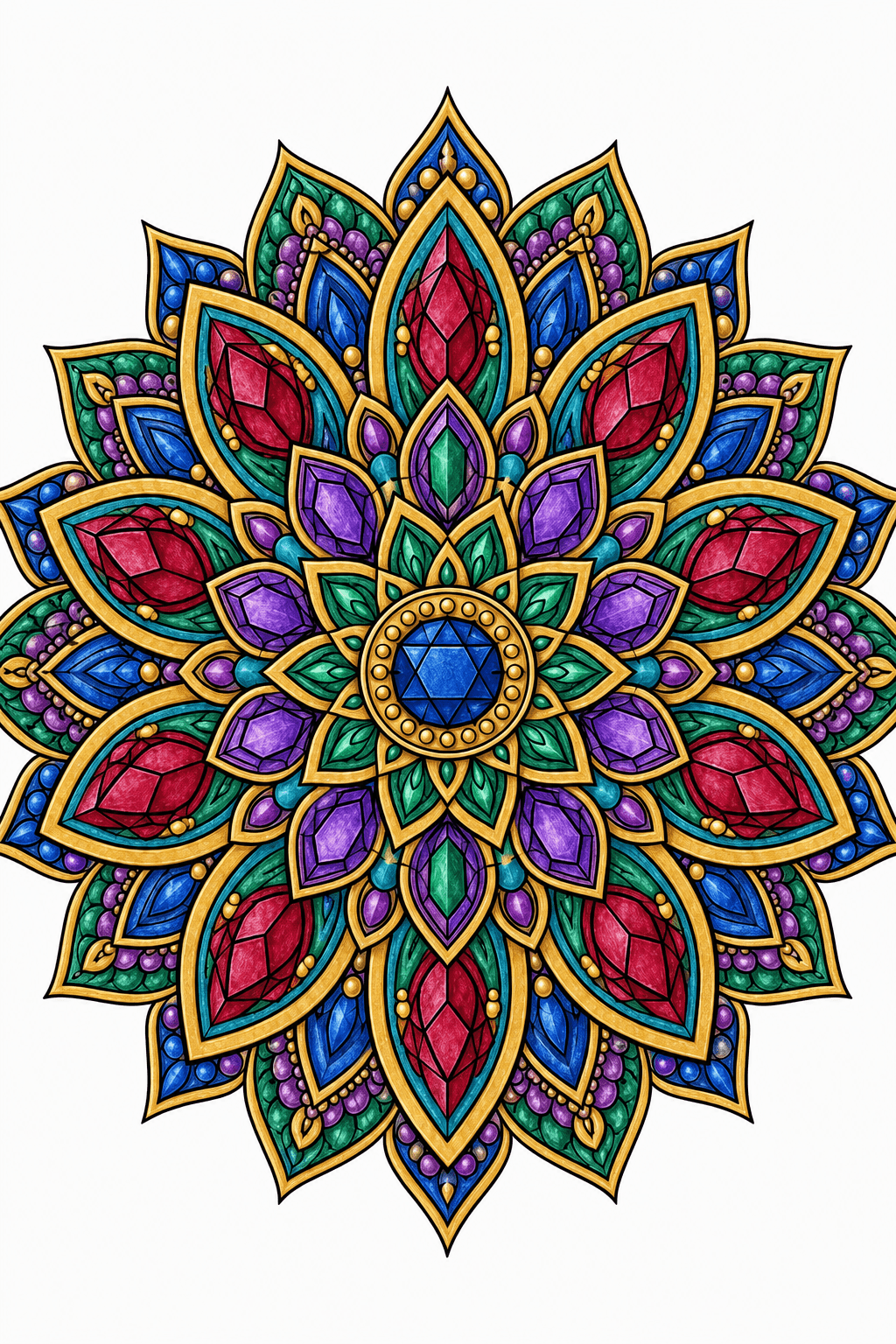
PLAN THE ACCENTS
A bolder palette for intricate patterns
Use the AI mandala colorizer for a detailed personal art project. Review the mandala coloring tool reference for repeated hues and readable contrast before choosing a palette to follow.
- Plan around
- Inspect dark and bright regions
- Use it for
- A detailed personal art project
Activity planning notes
Compare a palette direction in the mandala coloring tool using your own line art. Inspect the AI mandala colorizer reference for inspect dark and bright regions and any merged small regions. Test actual pencils or markers on scrap paper, then adapt the color sequence rather than treating screen colors as an exact pigment match.
COLOR WITH YOUR OWN MATERIALS
A natural-color idea for a handmade gift
Use the AI mandala colorizer for a personal handmade keepsake. Review the mandala coloring tool reference for repeated hues and readable contrast before choosing a palette to follow.
- Plan around
- Test pigments on scrap paper
- Use it for
- A personal handmade keepsake
Activity planning notes
Compare a palette direction in the mandala coloring tool using your own line art. Inspect the AI mandala colorizer reference for test pigments on scrap paper and any merged small regions. Test actual pencils or markers on scrap paper, then adapt the color sequence rather than treating screen colors as an exact pigment match.
COMPARE AS A GROUP
One line drawing, several color directions
Use the AI mandala colorizer for a shared creative activity. Review the mandala coloring tool reference for repeated hues and readable contrast before choosing a palette to follow.
- Plan around
- Keep the same source drawing
- Use it for
- A shared creative activity
Activity planning notes
Compare a palette direction in the mandala coloring tool using your own line art. Inspect the AI mandala colorizer reference for keep the same source drawing and any merged small regions. Test actual pencils or markers on scrap paper, then adapt the color sequence rather than treating screen colors as an exact pigment match.
ONE INPUT · A PRACTICAL PLAN
Start with a Project You Can Make Your Own
These plans select a palette direction in the AI mandala colorizer. Upload your own line art in the mandala coloring tool afterward; selecting a palette does not generate or pay for a finished reference by itself.
01SELECT A DIRECTION, THEN UPLOADStart this project
Plan a soft pastel mandala reference
PALETTE DIRECTION TO APPLY
“Pastel palette for your own existing mandala”
Apply the palette direction
Open this palette in the AI mandala colorizer; it selects the direction without generating a result.
Upload and review a reference
Upload your own line art in the mandala coloring tool and use the existing credited workflow. Inspect neighboring petals and lighter open regions.
Adapt it to your materials
Use the finished reference beside the source and test your actual colors before following the sequence.
More project notes
The AI mandala colorizer plan starts from a palette direction and your uploaded drawing. Inspect the mandala coloring tool reference before using it; fine line details and color placement can vary. Keep the source separately and adapt the approximate screen palette to your own materials.
02SELECT A DIRECTION, THEN UPLOADStart this project
Plan a jewel-tone mandala reference
PALETTE DIRECTION TO APPLY
“Jewel Tones palette for your own existing mandala”
Apply the palette direction
Open this palette in the AI mandala colorizer; it selects the direction without generating a result.
Upload and review a reference
Upload your own line art in the mandala coloring tool and use the existing credited workflow. Check dark regions and brighter focal accents.
Adapt it to your materials
Use the finished reference beside the source and test your actual colors before following the sequence.
More project notes
The AI mandala colorizer plan starts from a palette direction and your uploaded drawing. Inspect the mandala coloring tool reference before using it; fine line details and color placement can vary. Keep the source separately and adapt the approximate screen palette to your own materials.
03SELECT A DIRECTION, THEN UPLOADStart this project
Plan an earth-tone mandala reference
PALETTE DIRECTION TO APPLY
“Earth Tones palette for your own existing mandala”
Apply the palette direction
Open this palette in the AI mandala colorizer; it selects the direction without generating a result.
Upload and review a reference
Upload your own line art in the mandala coloring tool and use the existing credited workflow. Review the value differences between repeated natural colors.
Adapt it to your materials
Use the finished reference beside the source and test your actual colors before following the sequence.
More project notes
The AI mandala colorizer plan starts from a palette direction and your uploaded drawing. Inspect the mandala coloring tool reference before using it; fine line details and color placement can vary. Keep the source separately and adapt the approximate screen palette to your own materials.
MANDALA COLOR IDEAS FAQ
Mandala Color Ideas and Color Scheme FAQ
Find answers about mandala color ideas, uploads, finished references, printing, and the best line art for dependable results.
How do I choose colors for a mandala?
Choose one palette relationship in the AI mandala colorizer, then inspect its light, dark and accent colors across the whole drawing. Use the mandala coloring tool reference as a direction to adapt to your own materials.
What color schemes work best for intricate mandalas?
Try a limited palette in the mandala coloring tool and repeat selected colors across related shapes. Inspect the AI mandala colorizer reference for small regions and adjacent values before deciding which choices to carry onto paper.
Can I upload my own mandala coloring page?
Upload one JPG, PNG or WebP line drawing up to 10 MB in the AI mandala colorizer. Give the mandala coloring tool clear outlines and mostly enclosed regions, then inspect the finished reference for color leaking or merged boundaries.
Will the tool change my original line art?
The AI mandala colorizer keeps your original line art separately from the generated reference. Inspect the mandala coloring tool result for altered fine details; separate source retention does not guarantee pixel-identical contours in generated color output.
Will the finished reference exactly match my pencils or markers?
No. The mandala coloring tool displays an approximate screen reference. Physical pigments, paper and lighting can differ, so use the AI mandala colorizer direction to plan your palette and test actual materials on scrap paper.
How many colors should I use in a mandala?
Five colors are one starting point in the AI mandala colorizer. Use the mandala coloring tool reference to decide where repeated colors and light-dark differences help distinguish neighboring regions; you can simplify your hand-coloring palette.
What is the difference between a palette generator and this tool?
The mandala coloring tool includes palette choices and can create a separate colored reference for your uploaded drawing. The AI mandala colorizer shows an overall direction to inspect rather than only displaying color swatches.
Can I print the finished color reference?
When your AI mandala colorizer reference is ready and download is available, save its PNG to use beside the source line art. Test-print the mandala coloring tool reference because printer colors and scale can differ from the screen.
Is choosing a palette free?
Browsing the palette directions and sample previews is free. Creating a Finished Look uses 5 credits; welcome credits follow the 5-credit Personal-use rule, or use a Studio allowance when one remains.
What type of line art works best?
Give the AI mandala colorizer clear black outlines on a light background with readable enclosed regions. Inspect the mandala coloring tool result where boundaries overlap, remain open or contain heavy shading.