What does an AI coloring page colorizer do?
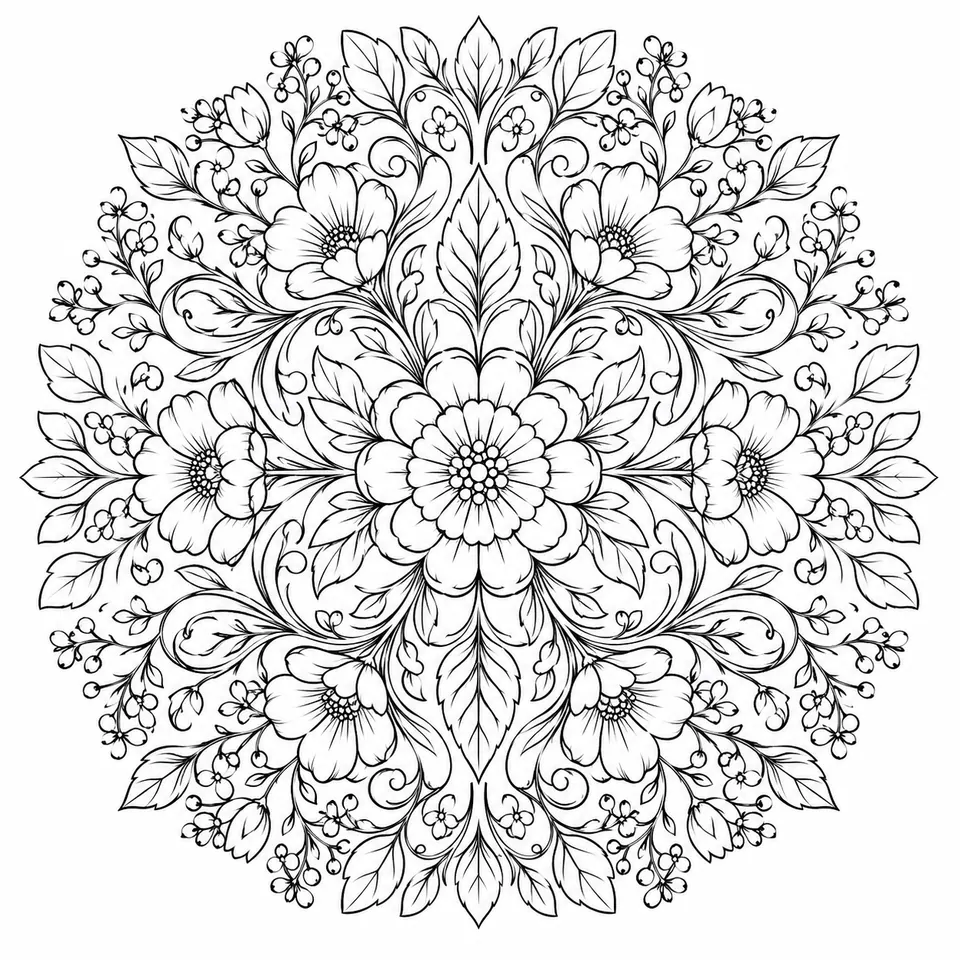
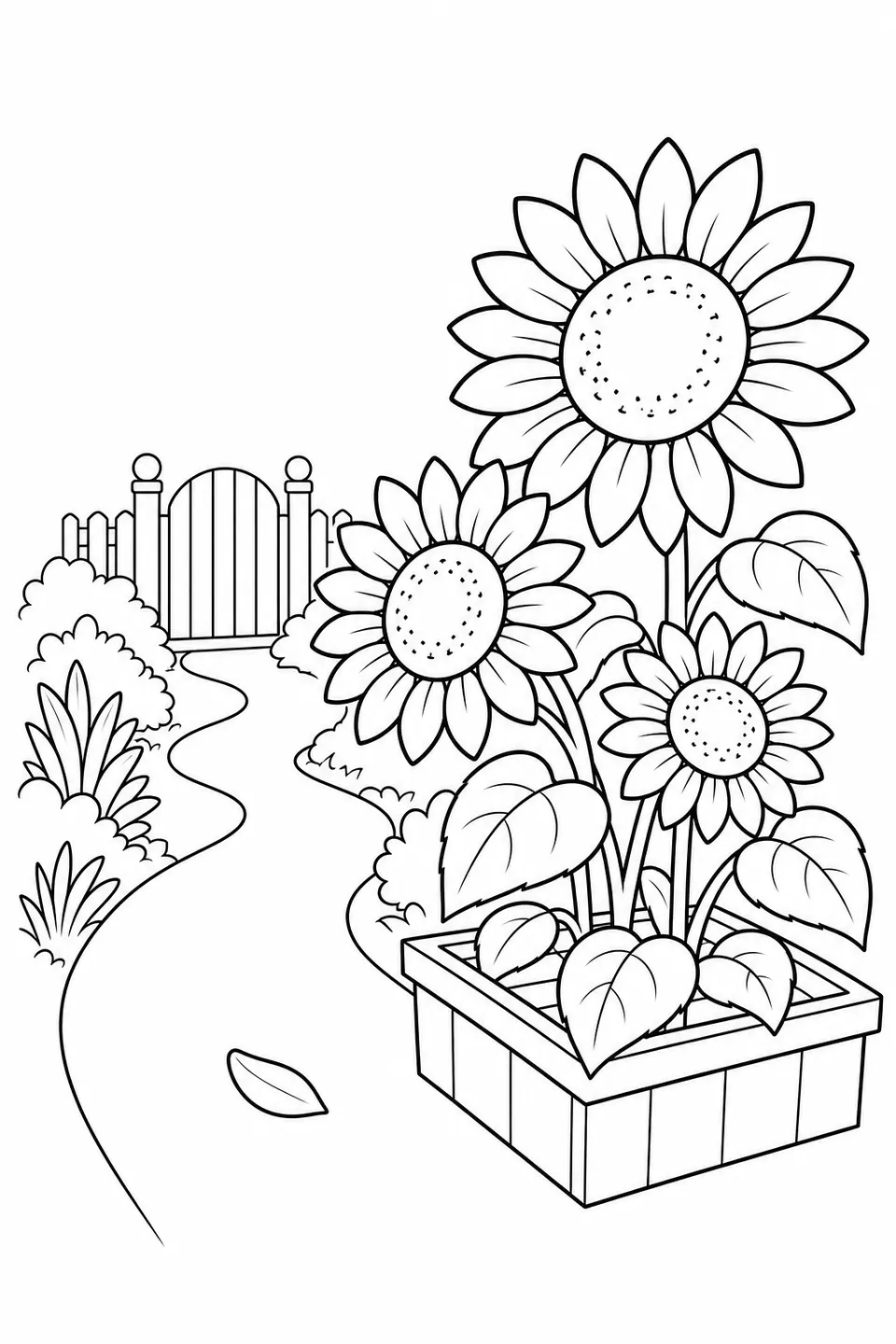
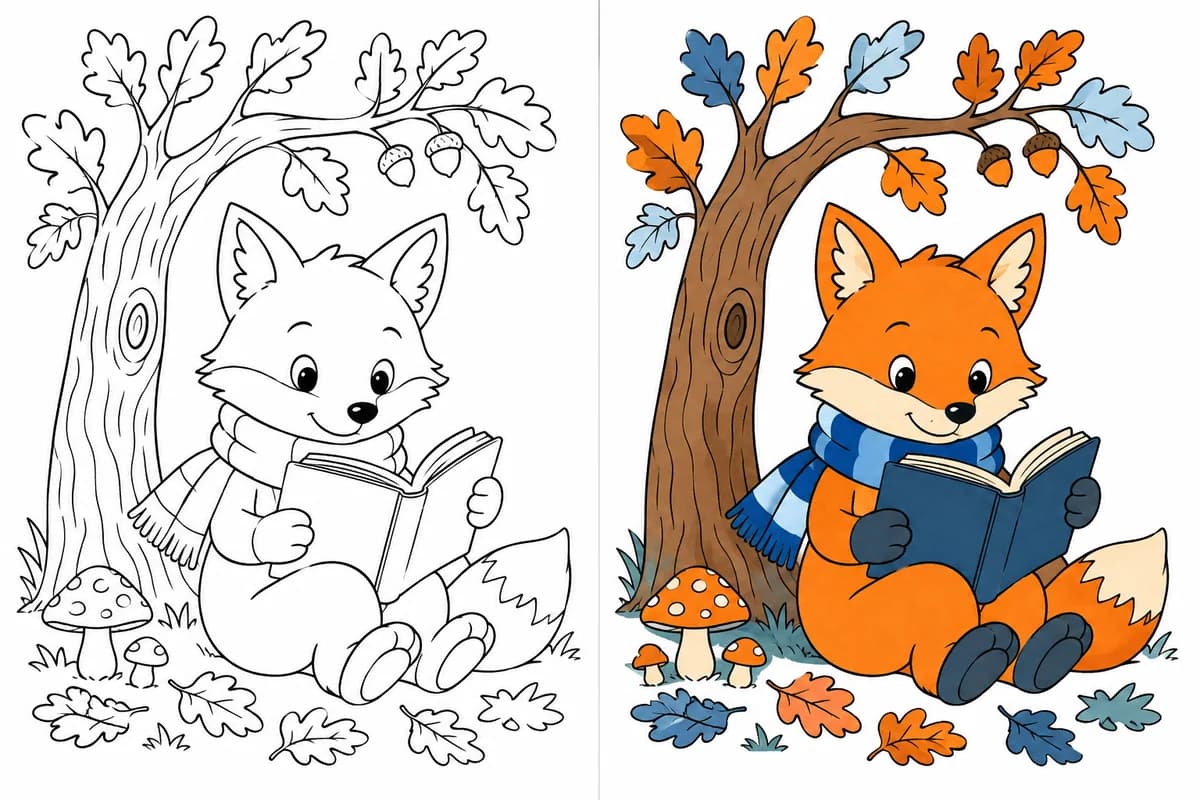
An AI coloring page colorizer creates a colored reference from an existing black-and-white drawing. A line art colorizer accepts the source, applies automatic color or a selected palette direction and produces a separate image. Your uploaded drawing remains available independently of the generated interpretation.
How do I colorize line art online?
To colorize line art, upload a JPG, PNG or WebP drawing up to 10 MB, or select an eligible previous drawing. In the AI coloring page colorizer, choose automatic color or a curated palette, then sign in and use 5 credits for a personalized Finished Look.
Can I choose an exact color for each region?
The line art colorizer lets you choose a palette direction or let AI choose colors. The coloring page colorizer is not a manual brush or a region-by-region exact fill editor. Treat the palette as guidance for the overall reference and inspect the generated details before using it.
Is the coloring page colorizer free?
Browsing palette directions and generic examples in the coloring page colorizer is free. A personalized AI coloring page colorizer result requires sign-in and 5 credits. New-account welcome credits follow their current validity and personal-use rules; browsing examples does not generate a free preview of your own upload.
What file types and sizes are supported?
The AI coloring page colorizer accepts one JPG, PNG or WebP image up to 10 MB. Use the line art colorizer with a coloring page, clean sketch or worksheet illustration with clear outlines. Review small regions and keep the main drawing on a light background.
Which line drawings work best?
To colorize line art, start with crisp outlines, mostly enclosed regions and little shading. A coloring page colorizer can reinterpret faint lines, heavy texture or open boundaries. For worksheets, use the illustration and add exact text separately rather than expecting lettering to remain unchanged.
Will my original drawing change?
The AI coloring page colorizer keeps the uploaded source separate. A line art colorizer generates a new colored interpretation, and some details in that new image may differ. Compare the two before using the result; preserving the original file is different from preserving every line in the generated reference.
What palette directions can I explore?
The coloring page colorizer offers 12 coordinated palettes across harmonies, moods and themes, or automatic color. Use the AI coloring page colorizer examples to compare directions such as complementary, pastel, warm or jewel tones. They show palette ideas rather than personalized previews of an uploaded drawing.
Can I download and print the colored result?
After sign-in and the required credits, the AI coloring page colorizer can create a downloadable colored PNG reference. Use the line art colorizer output as a guide beside the original drawing and inspect the printer preview. The result inherits the source artwork’s license and applicable credit conditions.
Can I colorize an old black-and-white photograph?
This coloring page colorizer is designed for drawings and clear outlines, rather than photographic restoration. To colorize line art from a photo project, first use Photo to Coloring Page to create outlines, review them, then bring that line art to this tool if you want a color reference.
Are my uploads automatically made public?
Uploads to the AI coloring page colorizer are used for the requested processing and are not automatically added to the public gallery. Use the line art colorizer only with drawings you own or may use. Follow the site’s privacy and source-retention rules for saved and unclaimed uploads.














 TEXT → LINE ART
 PHOTO
PHOTO COLORING PAGE
 FREE PRINTABLE PAGE