Dinosaur birthday coloring placemat
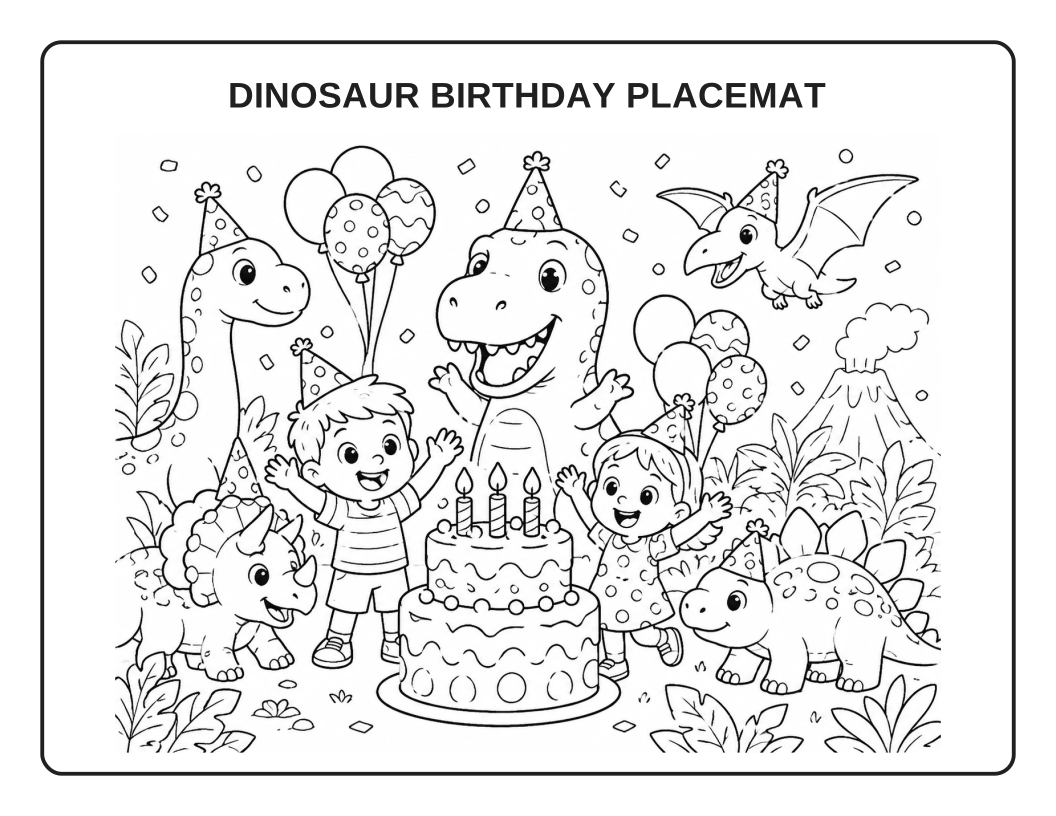
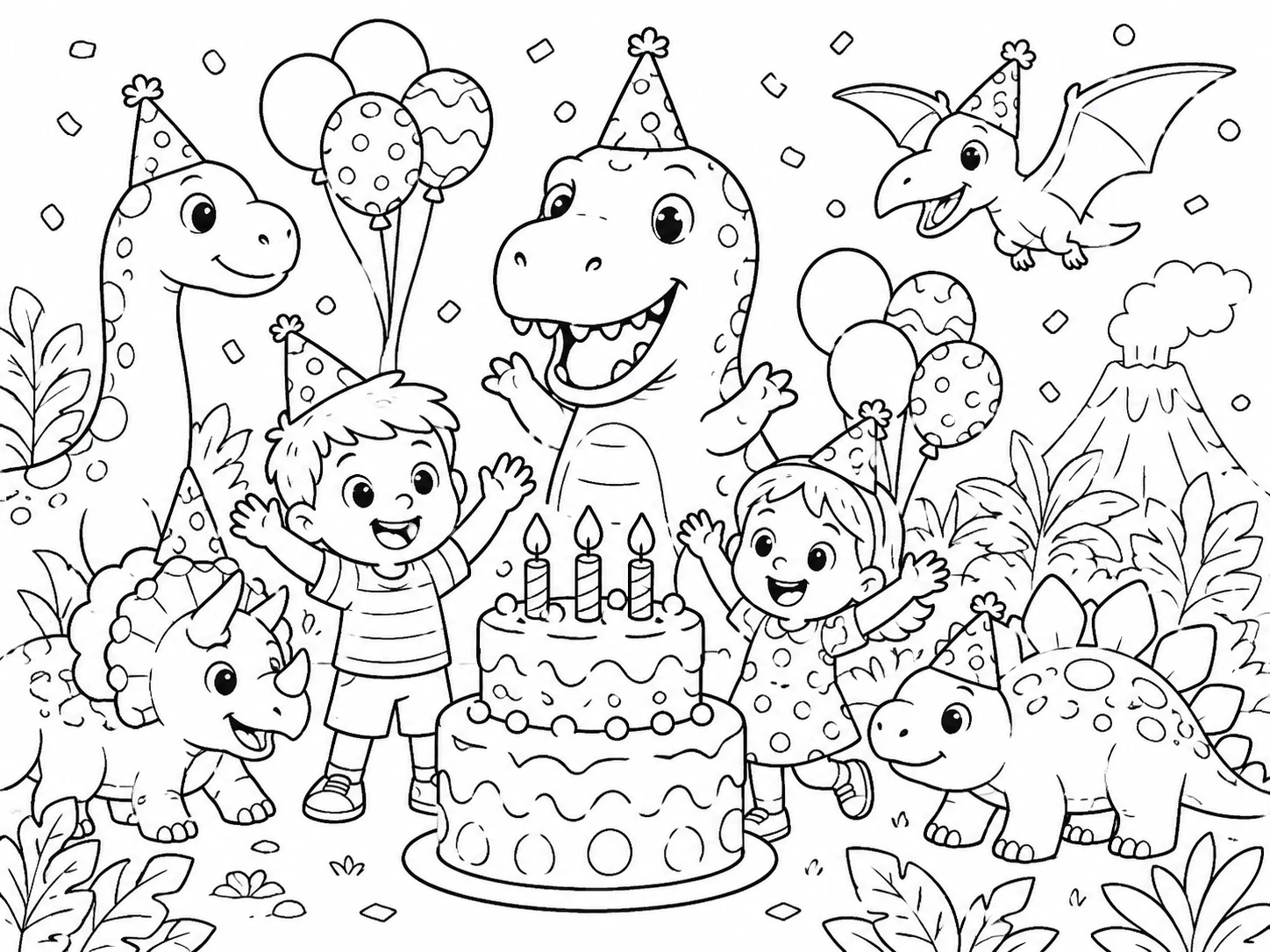
A party scene with dinosaurs, balloons and a birthday cake. Open the finished sheet and print it for a celebration table.
GENERATE A NEW PLACEMAT · OR PRINT ONE NOW
Describe a child's favorite theme and generate a new landscape coloring placemat here. Or print a finished dinosaur or ocean sheet when you need one immediately.
The AI studio offers a free watermarked preview; downloading and printing an AI result follow its sign-in and unlock rules. Ready-made PDFs are free to print.
CREATE A NEW DESIGN WITH AI
Edit the starting dinosaur idea or describe your own theme, then use the generator action below. A wide landscape layout is preselected; review the image before downloading or printing.
Loading the coloring placemat generator…
PRINT AND COLOR TODAY
Choose a finished coloring scene. Each black-and-white sheet fits a landscape US Letter page; open the PDF to print or save a copy.
A party scene with dinosaurs, balloons and a birthday cake. Open the finished sheet and print it for a celebration table.
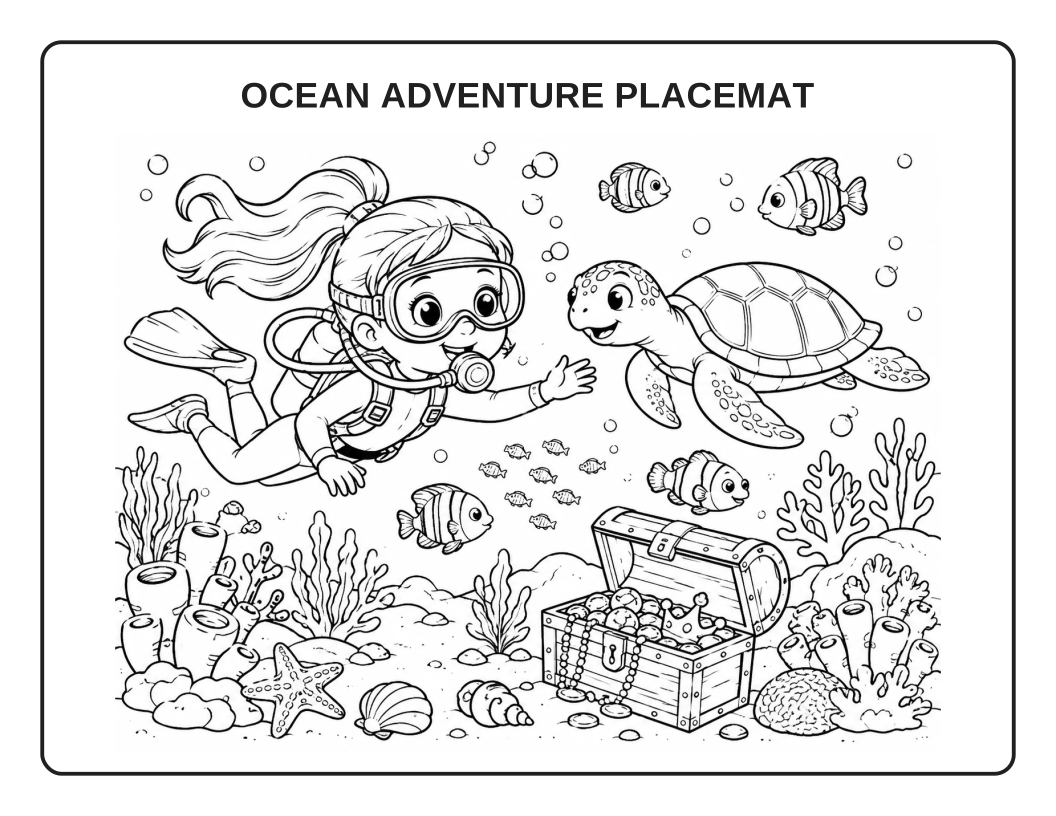
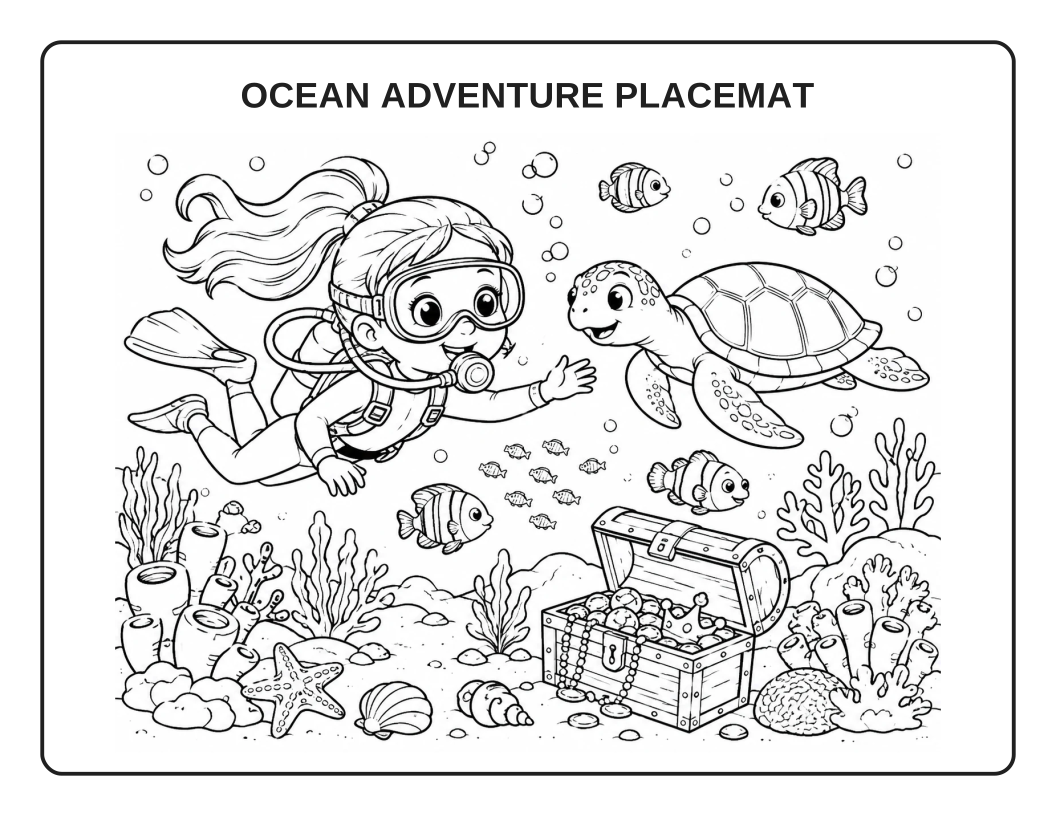
An underwater scene with a diver, sea turtle and treasure chest. Print it for a meal, party or travel activity.
Printing tip: choose landscape and “fit to page.” For a sturdier table mat, print on heavier paper or laminate after coloring.
PERSONALIZE A READY-MADE SHEET
Pick a finished dinosaur or ocean design, add a name if you like, and print the exact sheet you see. This template-based option does not use AI or require sign-in.
Choose a finished coloring scene and optionally add a child's name. This is a quick template option; use the AI generator above for a new scene.
Free, no sign-in. US Letter landscape; print on A4 using landscape and “fit to page.” The name is placed by this app so you can check its spelling before printing.
The preview, downloaded PNG, and print sheet use the same finished artwork.
FROM SCREEN TO TABLE
Generate an original theme in the AI workbench, print a ready-made PDF, or add a name to one of the finished sheets.
GOOD TO KNOW
Yes. Open either dinosaur or ocean PDF above and print it from your browser, or download the PDF or SVG file. The two ready-made designs do not require AI generation.
The ready-made sheets and name maker are laid out for US Letter landscape (11 × 8.5 inches). For A4, print in landscape with fit to page. In the AI studio, review the landscape and paper settings before generating.
Edit the description in the AI workbench, keep the output landscape, then use its Generate action. If your free preview has already been used, sign in to continue. Review the result before unlocking, downloading or printing.
Yes. For exact spelling, choose a dinosaur or ocean design in the free maker and type up to 20 characters; the app places the name on the printable sheet. You can also request a name in an AI prompt, but check its spelling in the result.
AI-generated activities, counts, wording and answers need to be checked before use. The ready-made sheets are coloring scenes, not verified puzzles.
Ready-made PDFs and the dinosaur or ocean name maker are free to print. For an original AI placemat: Create 1 free watermarked Standard 1K preview without signing up. Sign in to save the project to your account; claiming it does not unlock the result. Sign in to save your project. Download and print require an unlocked result funded with credits.
Generate a new scene from your idea, or print a ready-made sheet now.
Your recent coloring pages will appear here.
View all