
Use Your Own Pet Photo
Give the pet photo to coloring page converter a clear portrait or everyday photo. Review the pet photo coloring page maker result for the features that identify your animal.
Use the pet photo to coloring page converter for a dog, cat or another companion animal. The pet photo coloring page maker lets you choose line style and background treatment, then review the actual eyes, paws and markings before unlocking a printable PNG.
Choose a background direction and paper size, then inspect the new line art before selecting it for an activity or keepsake.
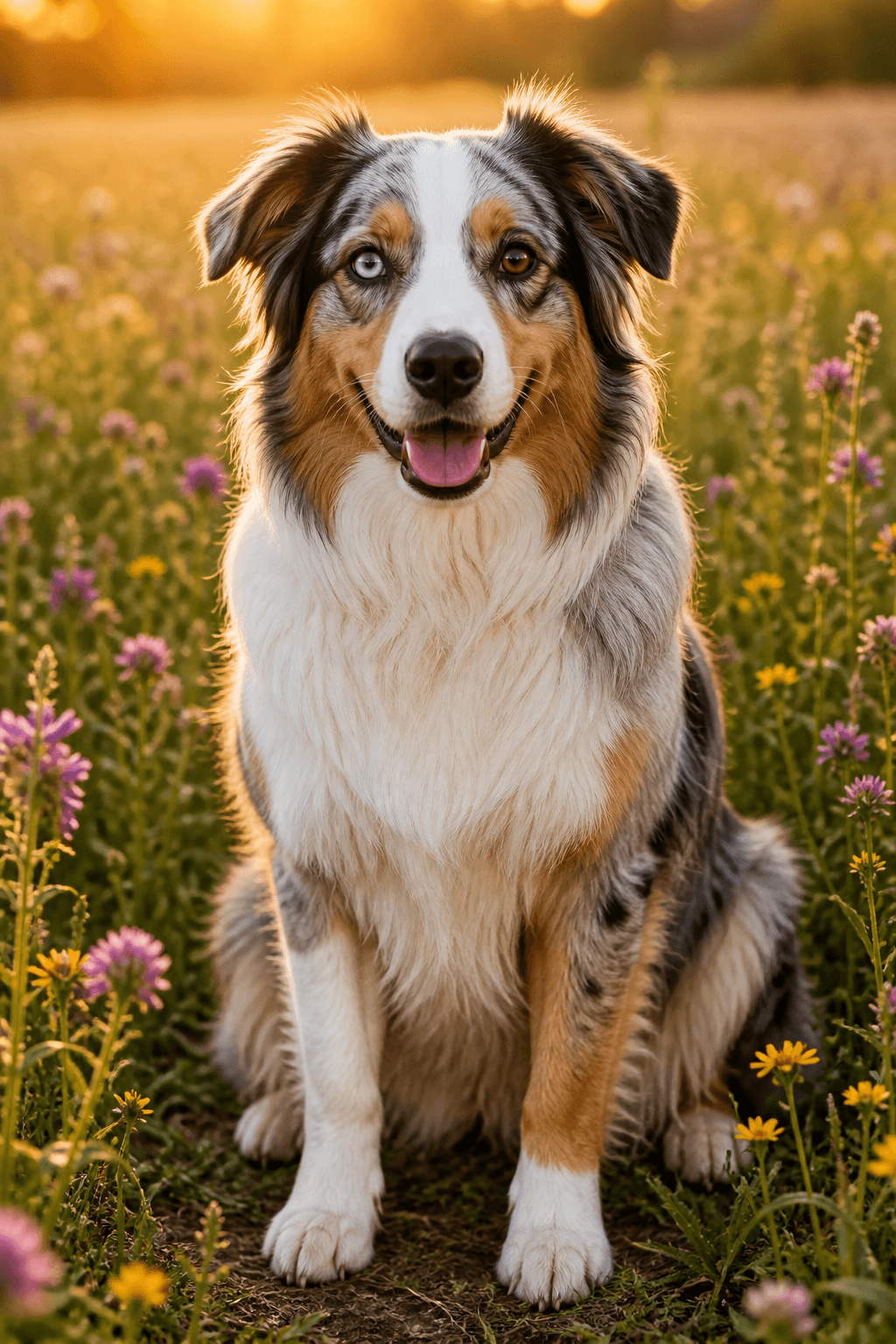
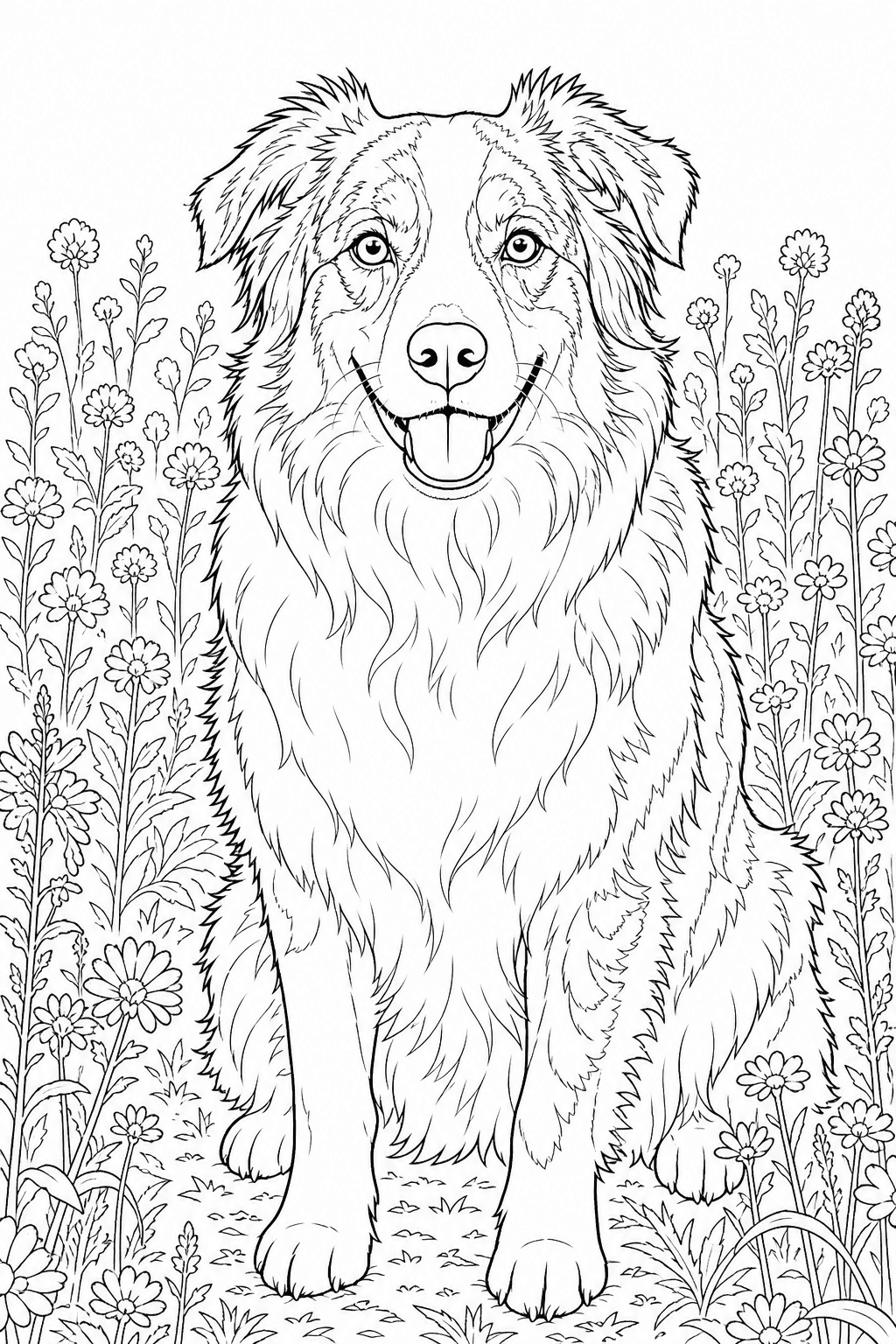
Existing comparison: inspect the face, coat boundaries and outline. Download and print are available after unlock.
Upload a clear pet photo, choose the line-art style, then review and download a printable page.
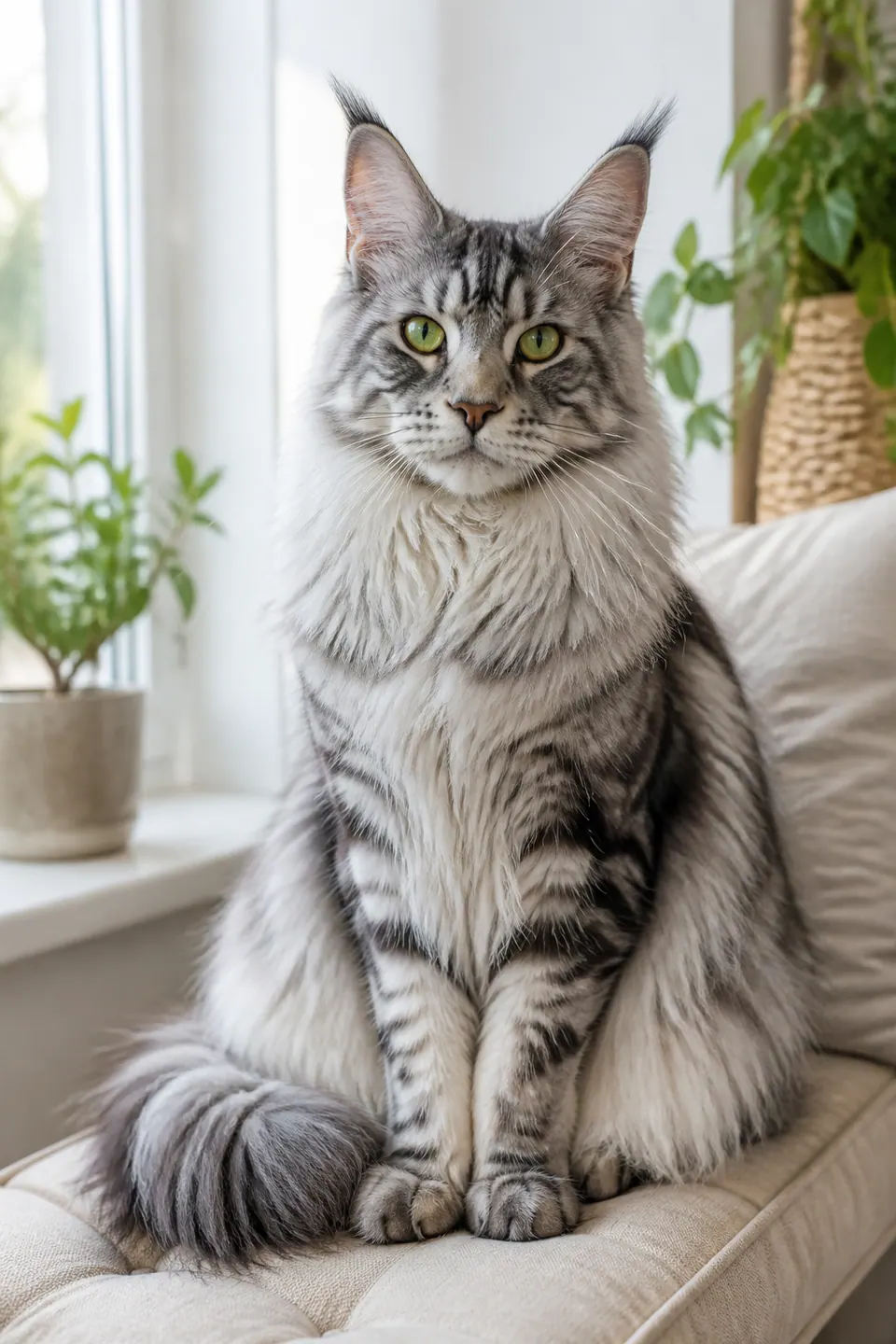
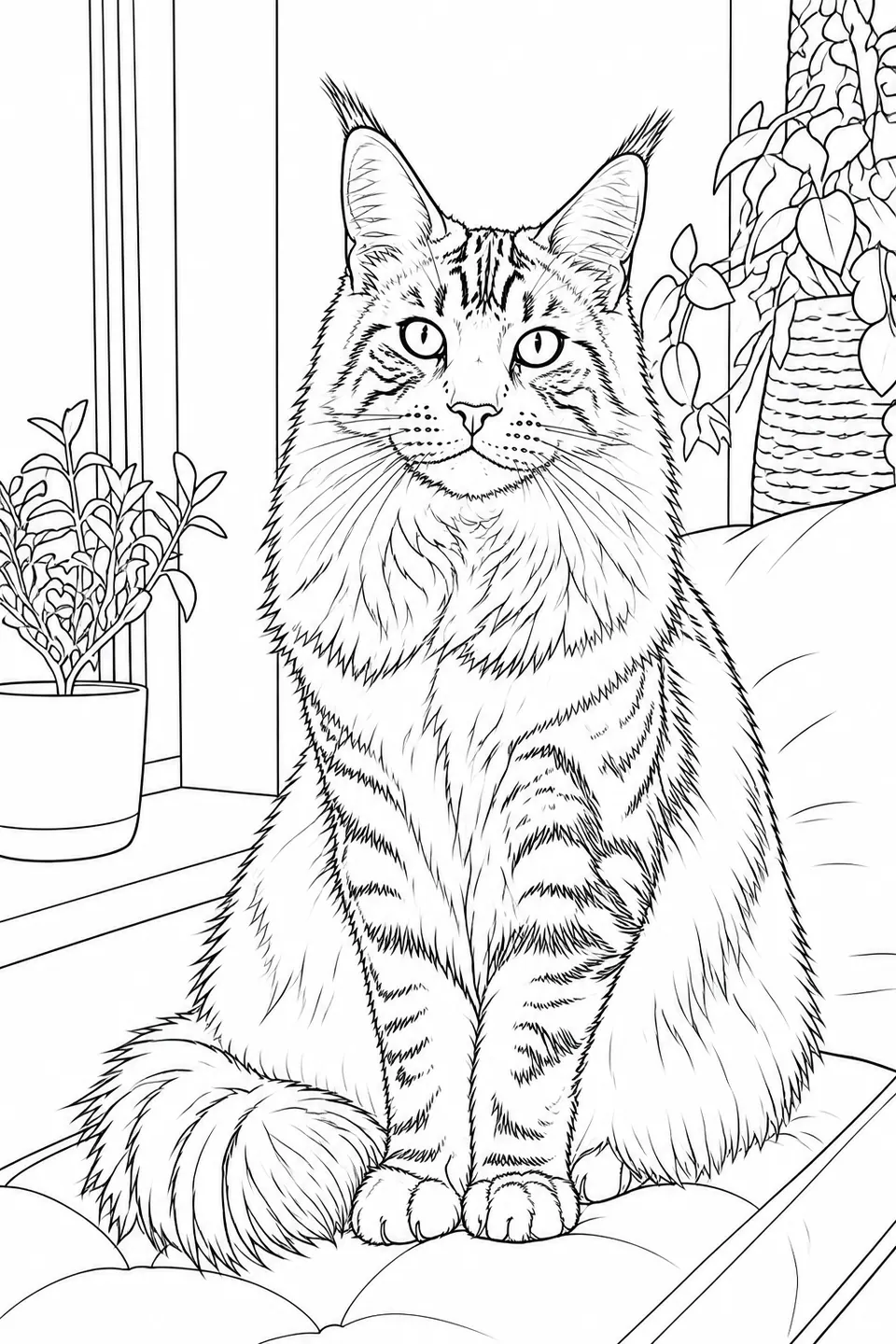
Your photos are never published or added to the public gallery. They are processed only to create your result and handled according to our privacy policy.
Unclaimed source uploads are automatically removed after 24 hours. Saved uploads follow the generation lifecycle and can be deleted on request.
Your recent pet coloring pages will appear here.
View allDescribe your pet exploring a garden, celebrating a birthday or setting off on an original adventure.
Create a pet sceneA cheerful corgi exploring a garden treehouse Generated coloring page
A pet photo to coloring page converter makes black-and-white line art from your own companion-animal photo. The pet photo coloring page maker uses that visible animal as the starting subject. Fur and background detail can be simplified; inspect the eyes, ears, muzzle, pose and markings in each result.
Choose the style and background in the pet photo coloring page maker before generating. Inspect the pet photo to coloring page converter preview, then unlock a selected PNG for downloading and printing.
Give the pet photo to coloring page converter a clear portrait or everyday photo. Review the pet photo coloring page maker result for the features that identify your animal.
Choose a broader or finer line direction in the pet photo coloring page maker. Check the actual pet photo to coloring page converter result against the spaces and coloring materials you prefer.
Choose a paper size in the pet photo to coloring page converter. Unlock a suitable pet photo coloring page maker result, then test its scale and margins before printing a personal gift or activity.
These existing pet photo to coloring page converter examples cover single animals, people with pets and multi-pet scenes. Compare each source with its line art to see what to inspect in your own pet photo coloring page maker result; a new generation can interpret details differently.
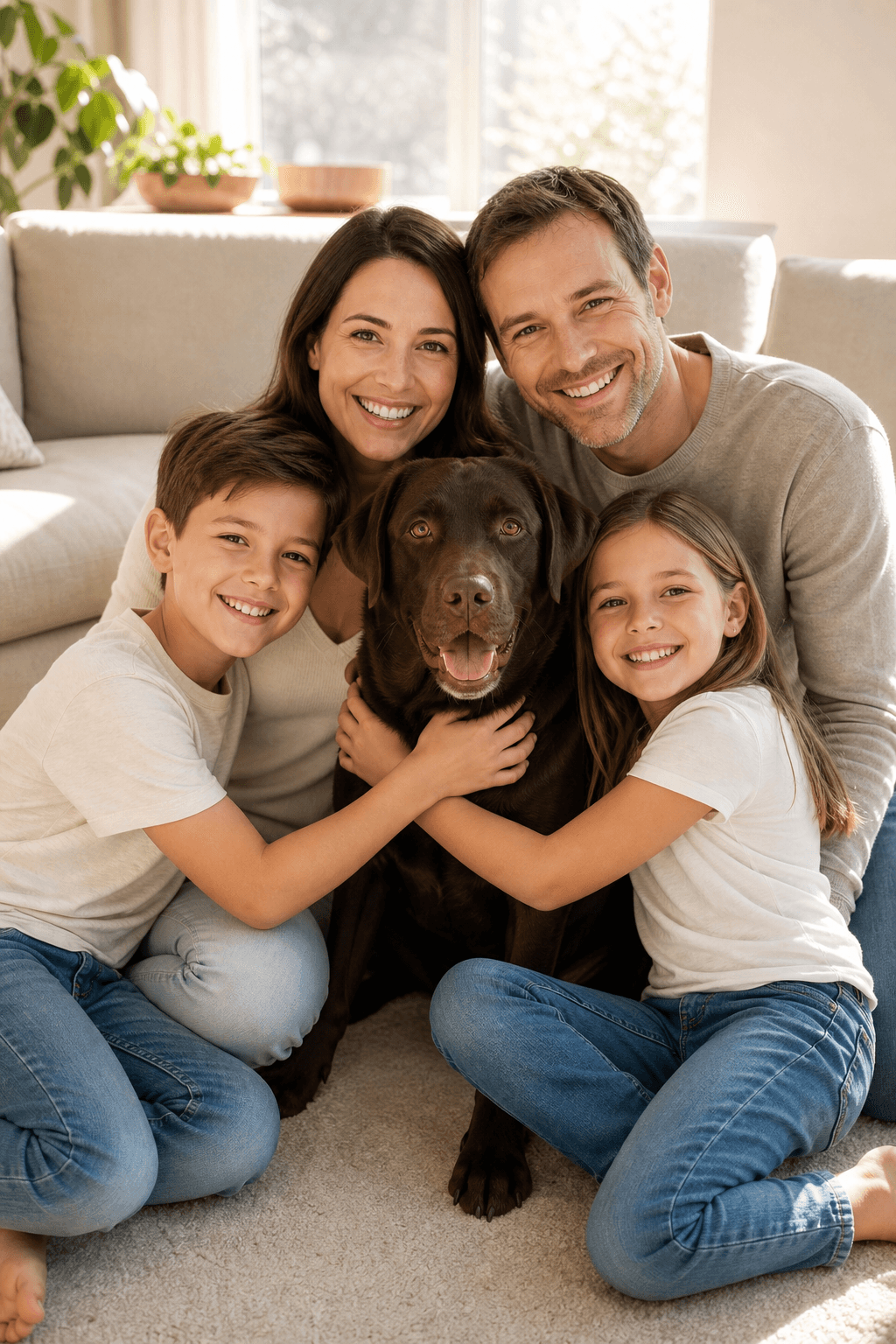
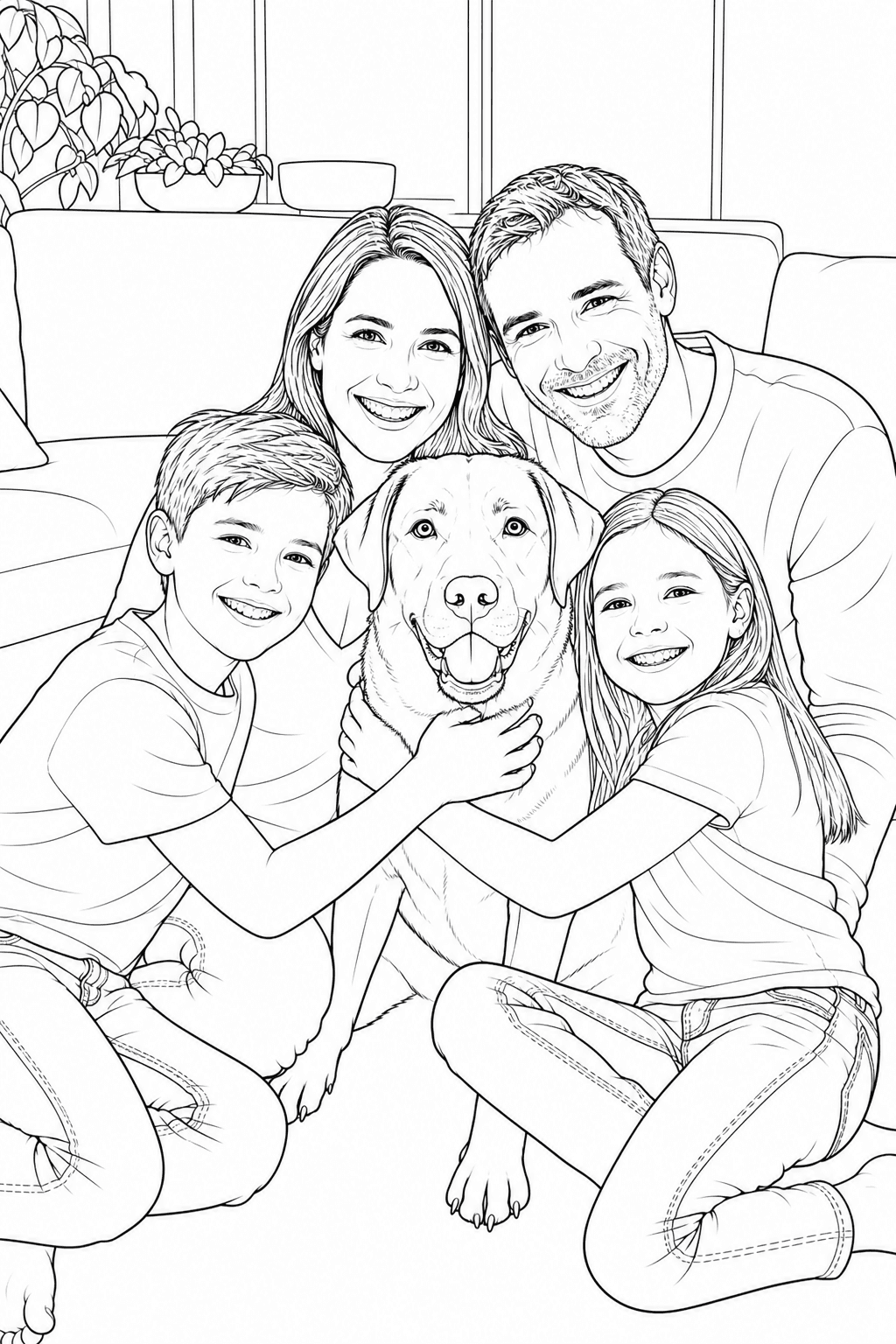
Use the pet photo coloring page maker for a family scene with a Labrador. Inspect people, dog and overlapping hands in the pet photo to coloring page converter preview before preparing a shared coloring print.
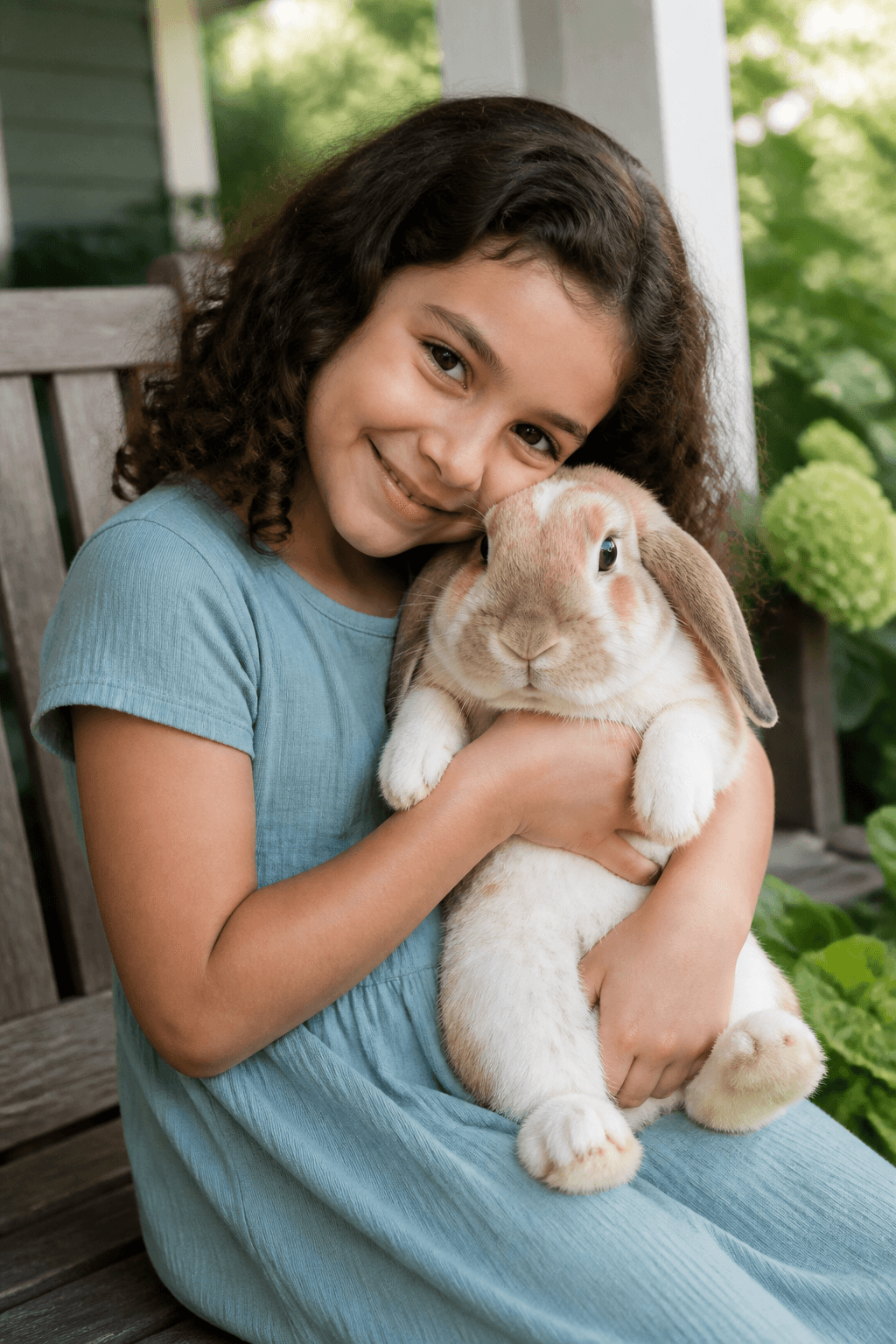
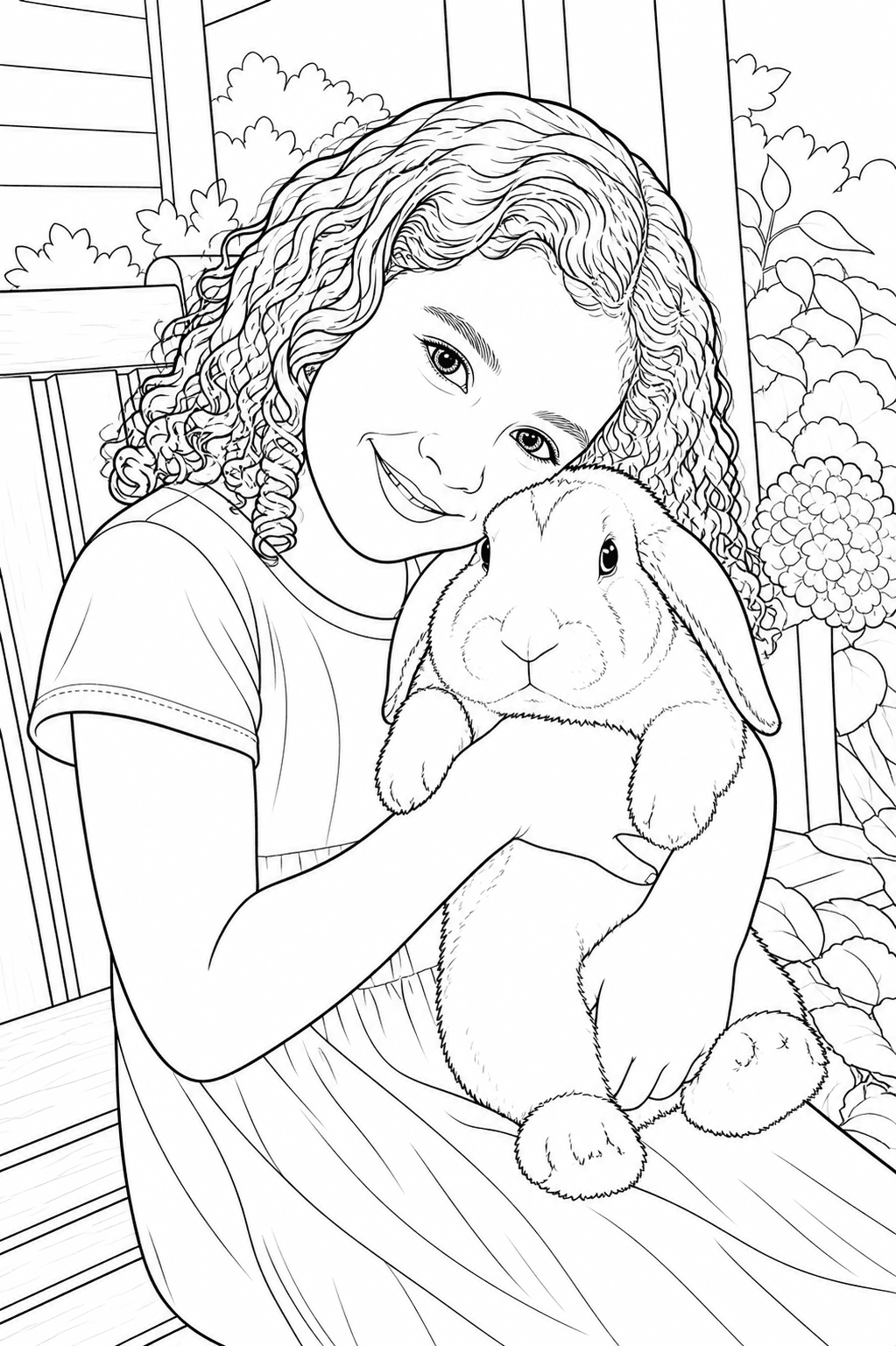
Try the pet photo to coloring page converter with a child holding a rabbit. Review the face, ears and arm boundaries in the pet photo coloring page maker result before choosing it for a personal keepsake.
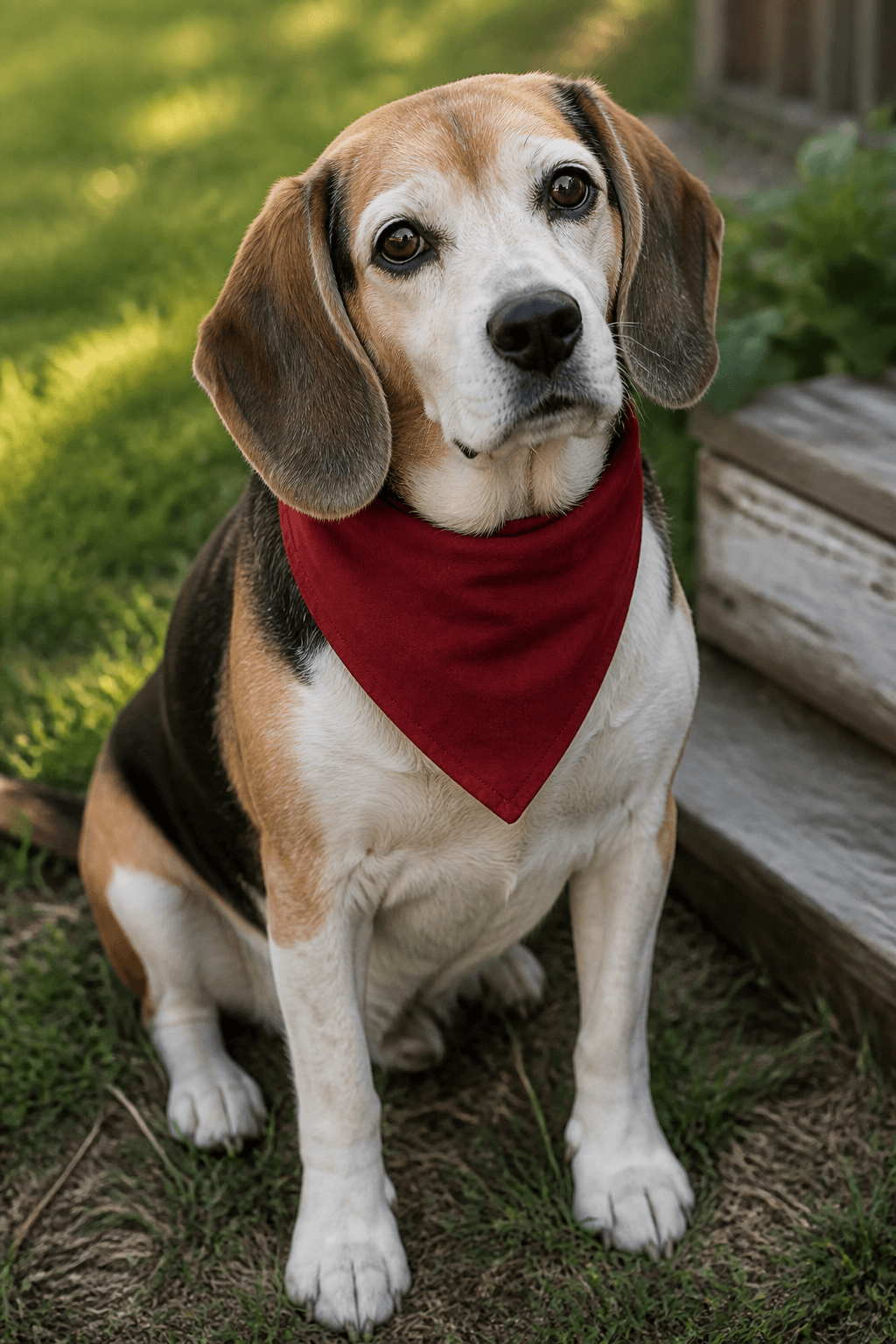
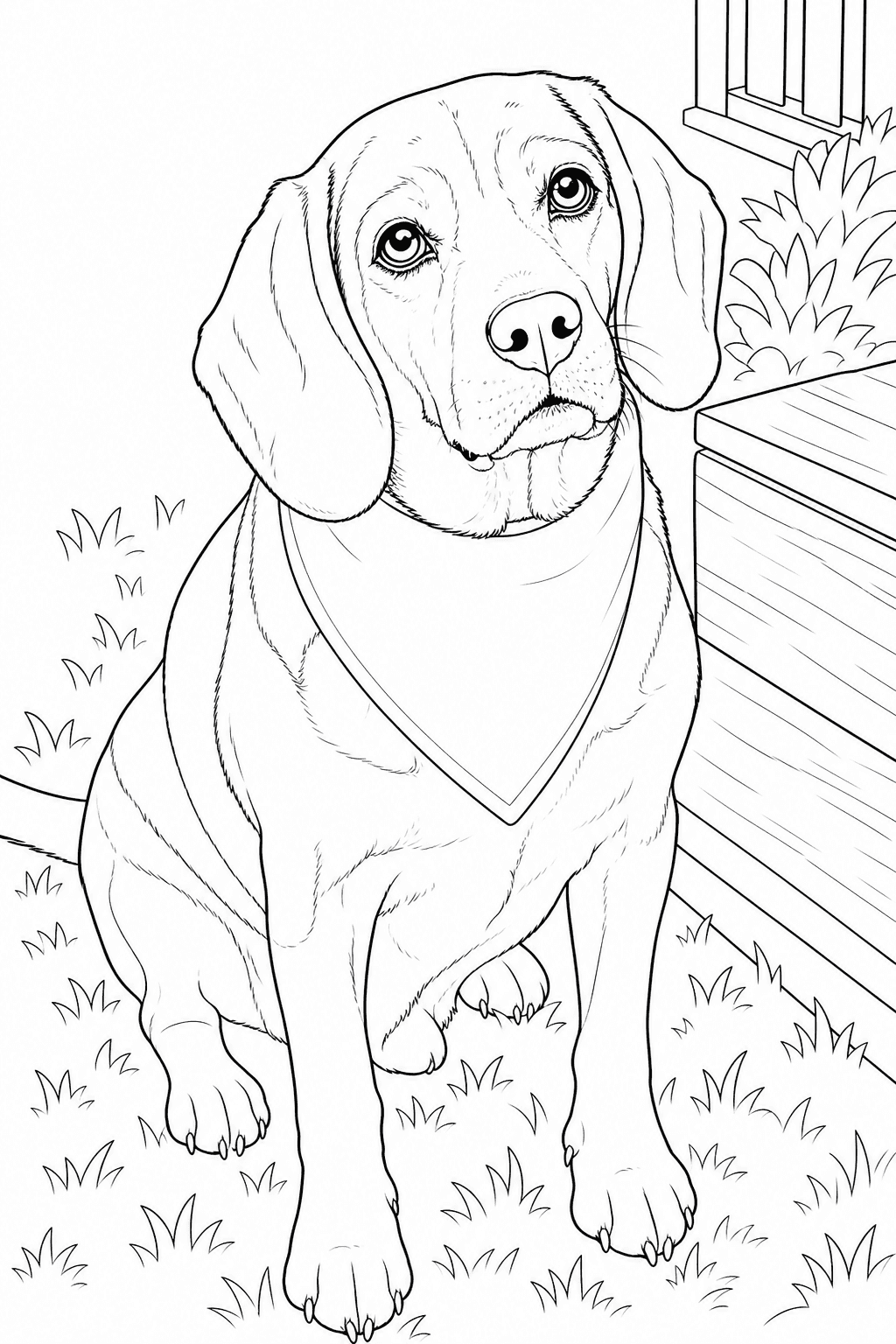
Use the pet photo coloring page maker for a senior beagle portrait. Check the eyes, muzzle, ears and bandana in the pet photo to coloring page converter result rather than assuming fine fur texture will remain.
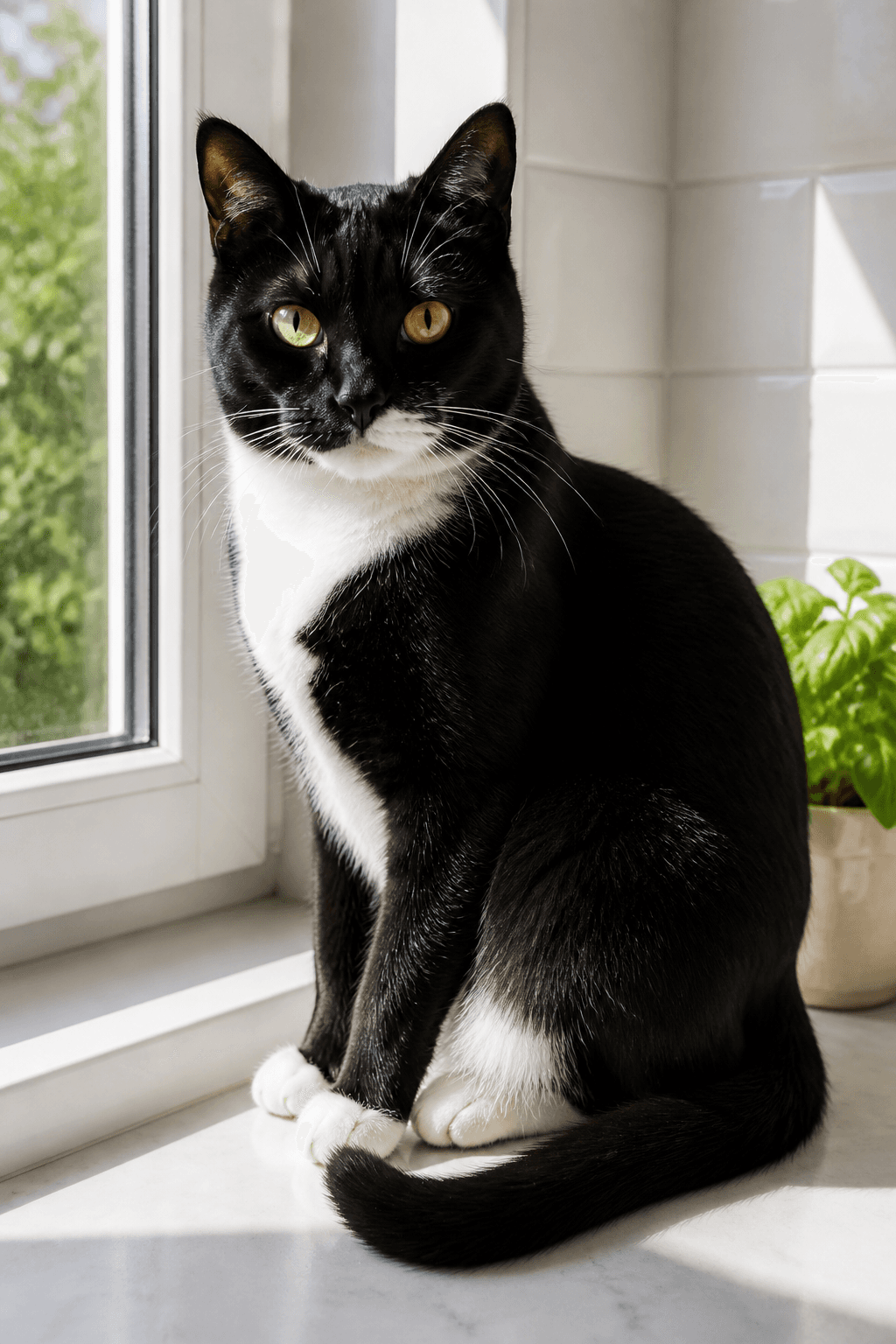
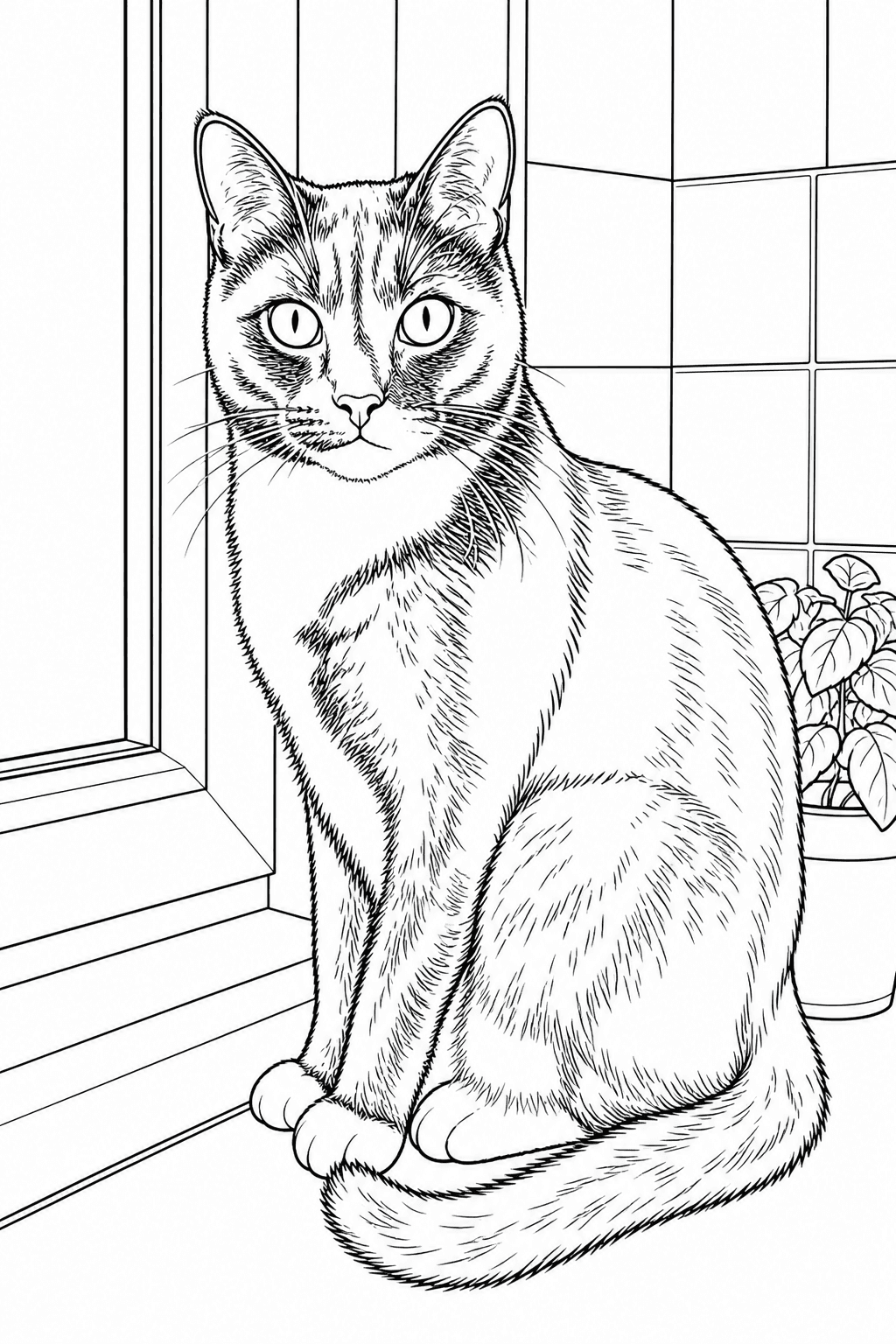
Give the pet photo to coloring page converter a clear tuxedo-cat photo. Review coat boundaries, eyes and whiskers in the pet photo coloring page maker preview before deciding which regions you want to color.
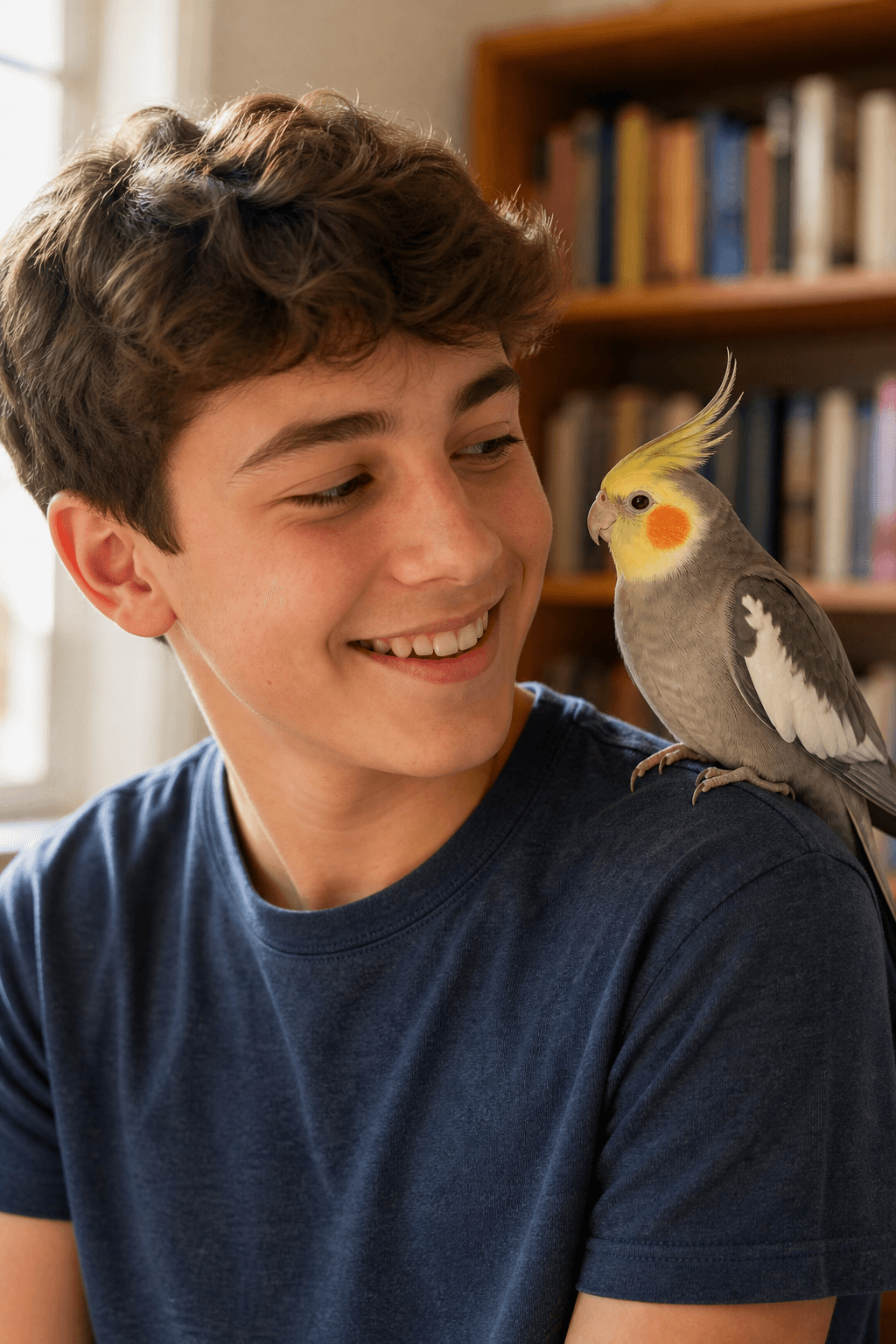
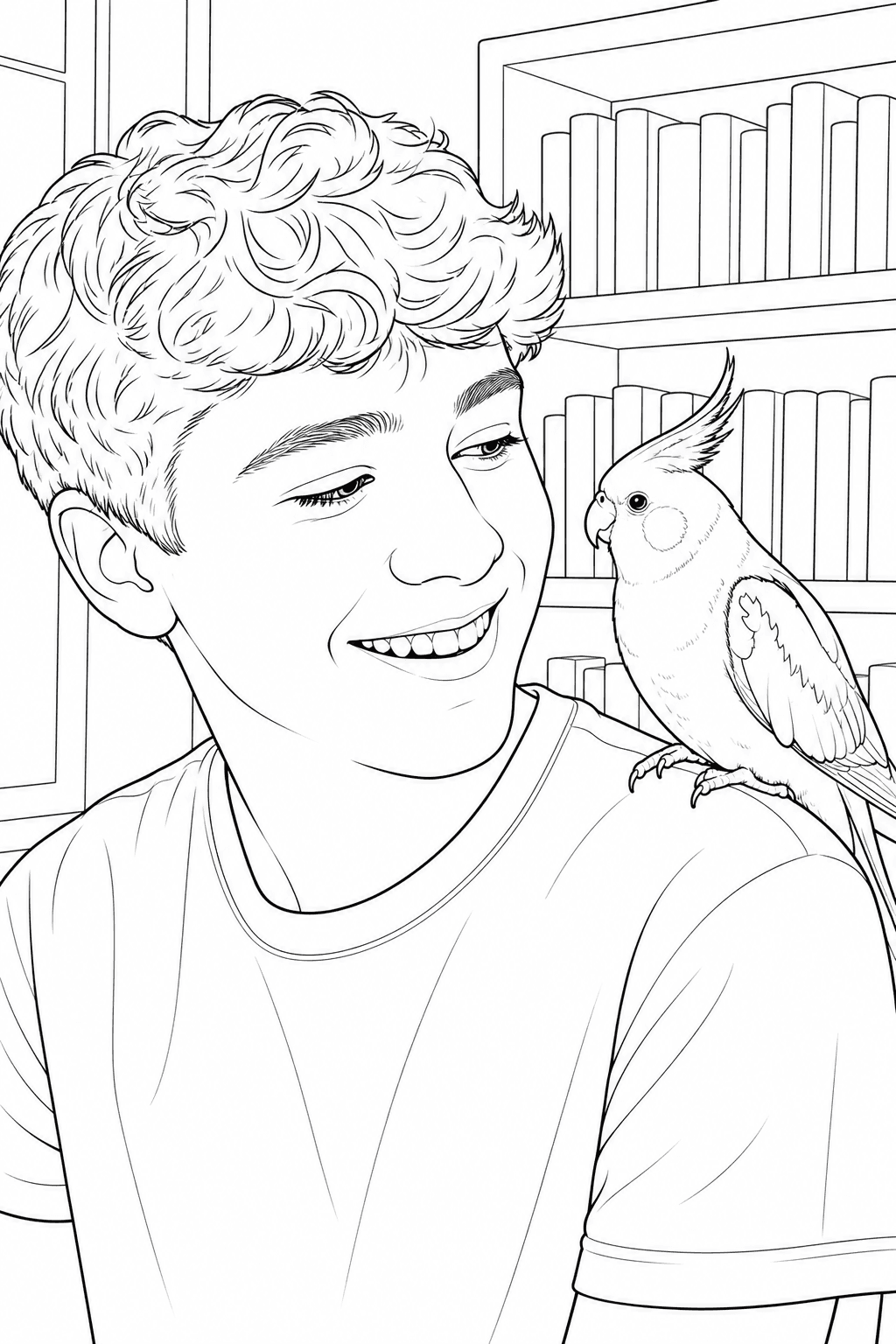
Use the pet photo coloring page maker for a cockatiel with a visible crest and wings. Inspect the bird, shoulder and face boundaries in the pet photo to coloring page converter preview when a person appears too.
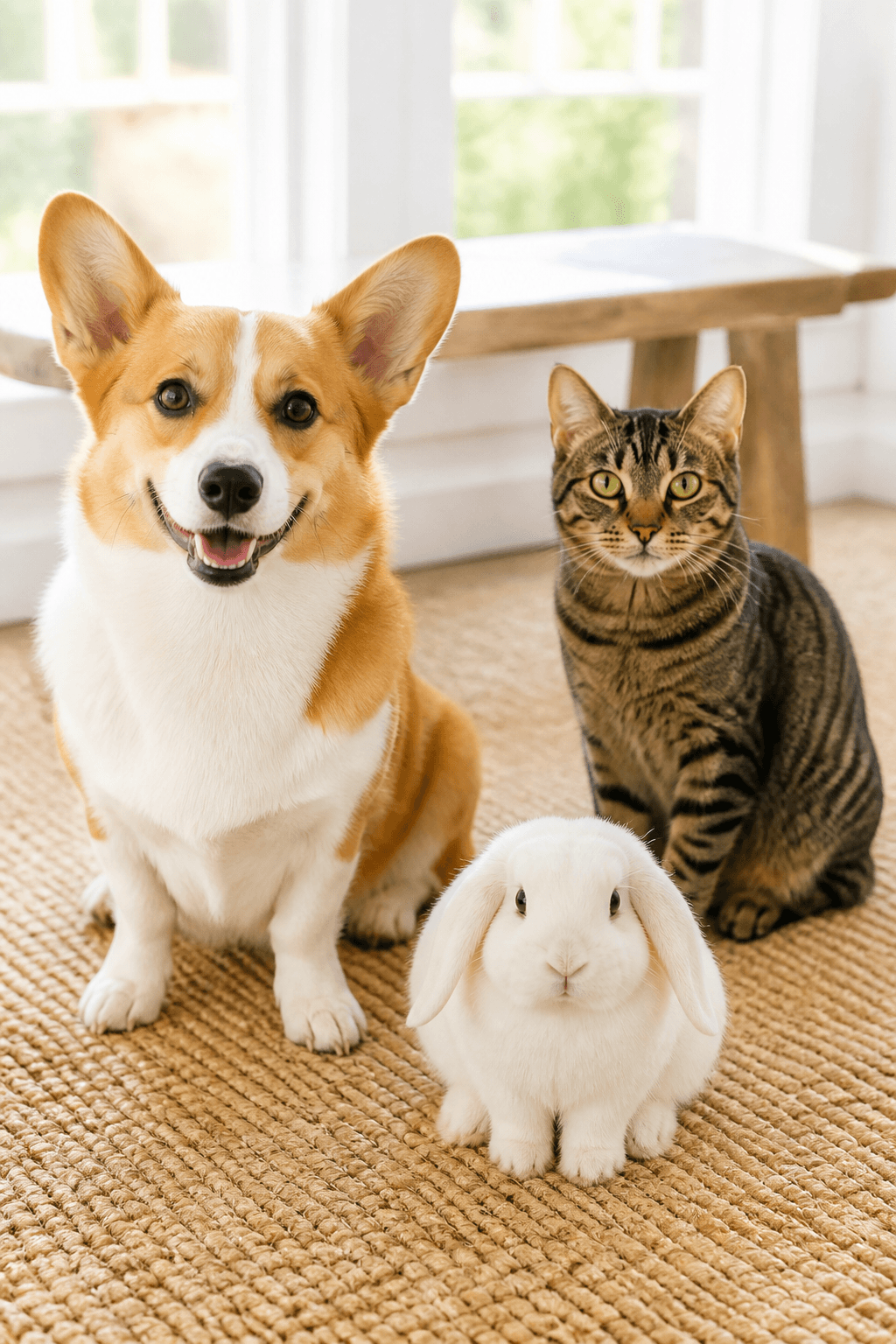
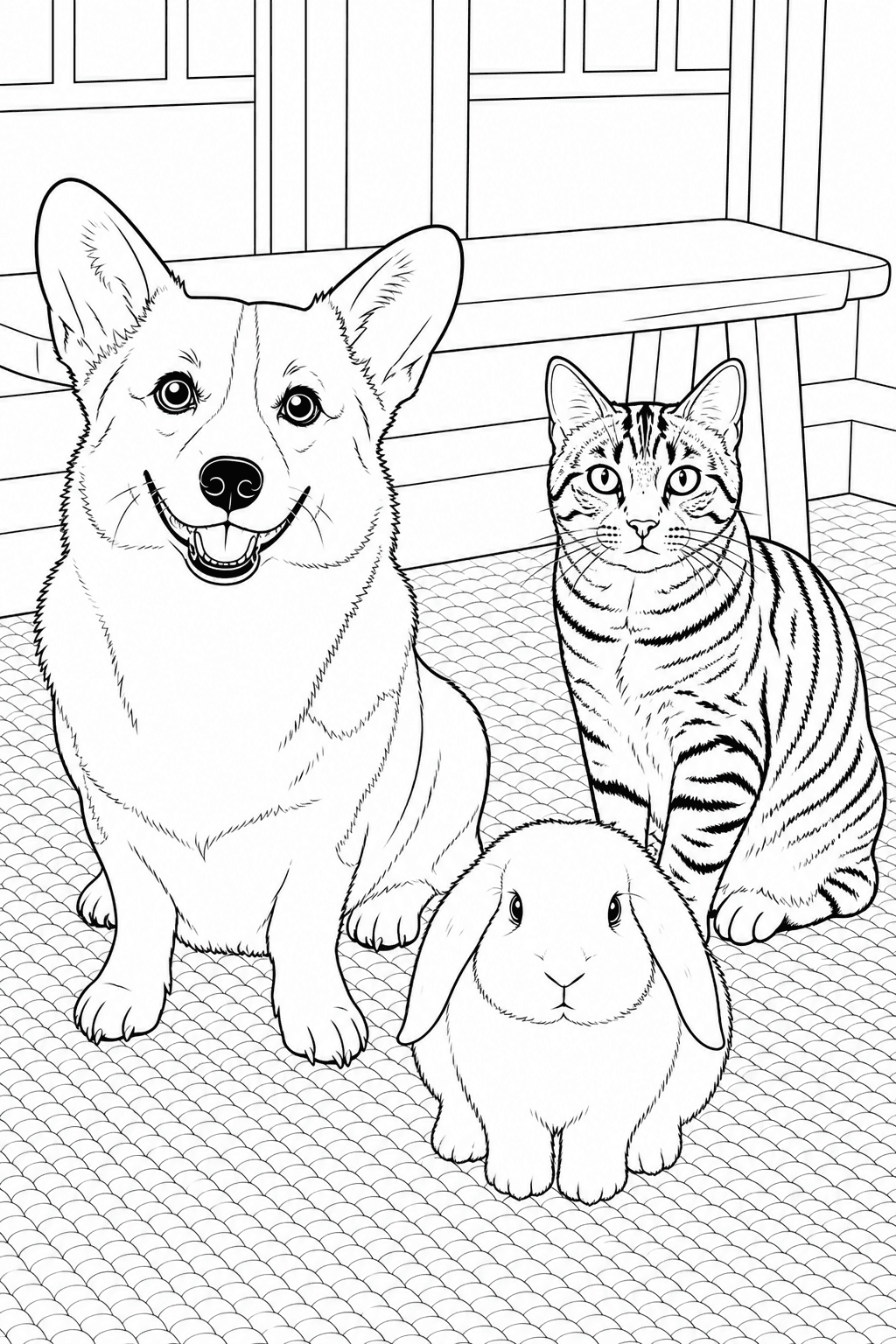
Choose a photo with separated animals for the pet photo to coloring page converter. Count the dog, cat and rabbit and check their outlines in the pet photo coloring page maker result before selecting it.
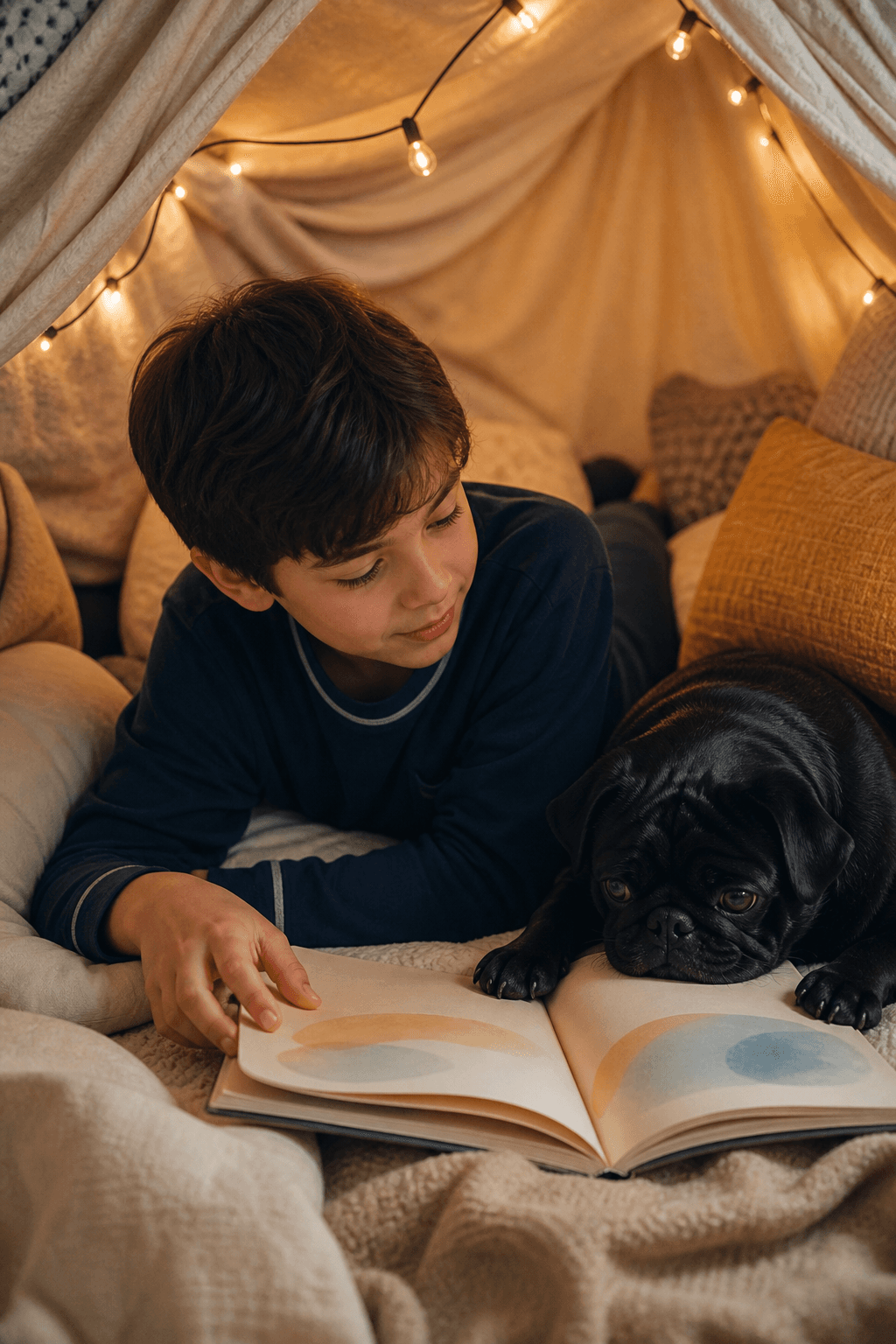
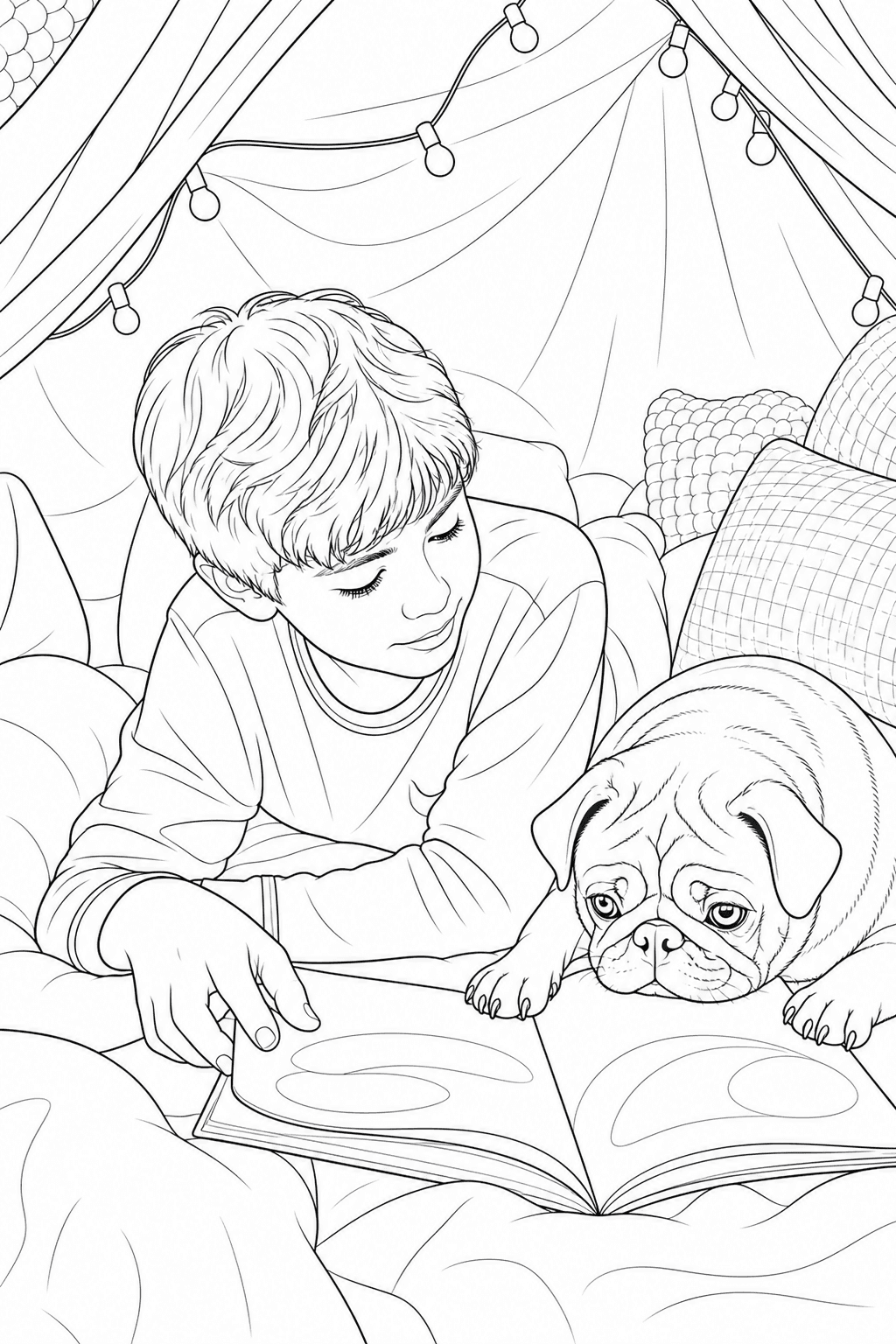
Use the pet photo coloring page maker for a child reading beside a pug. Check the book, hands and dark coat boundaries in the pet photo to coloring page converter result before preparing a family activity.
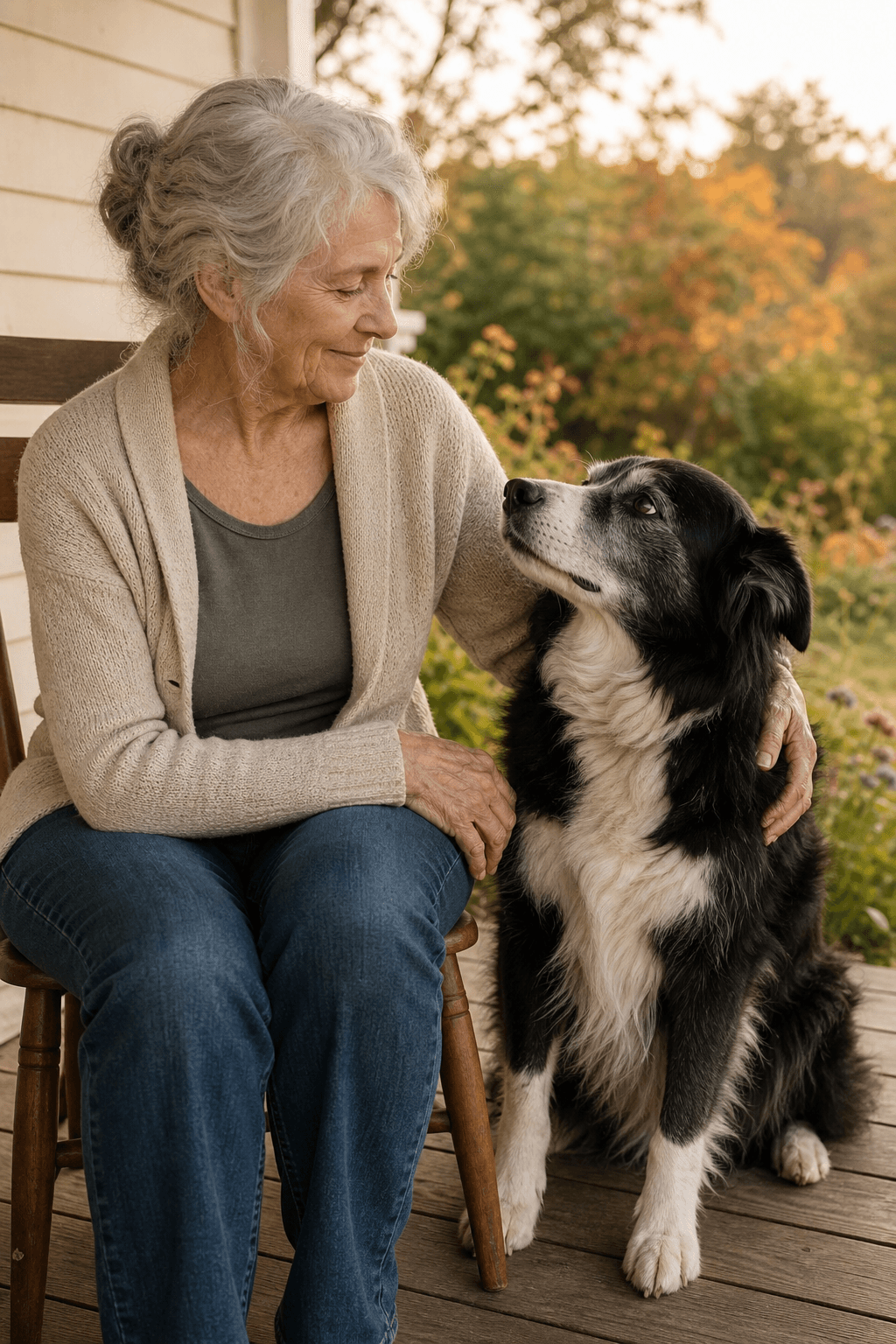
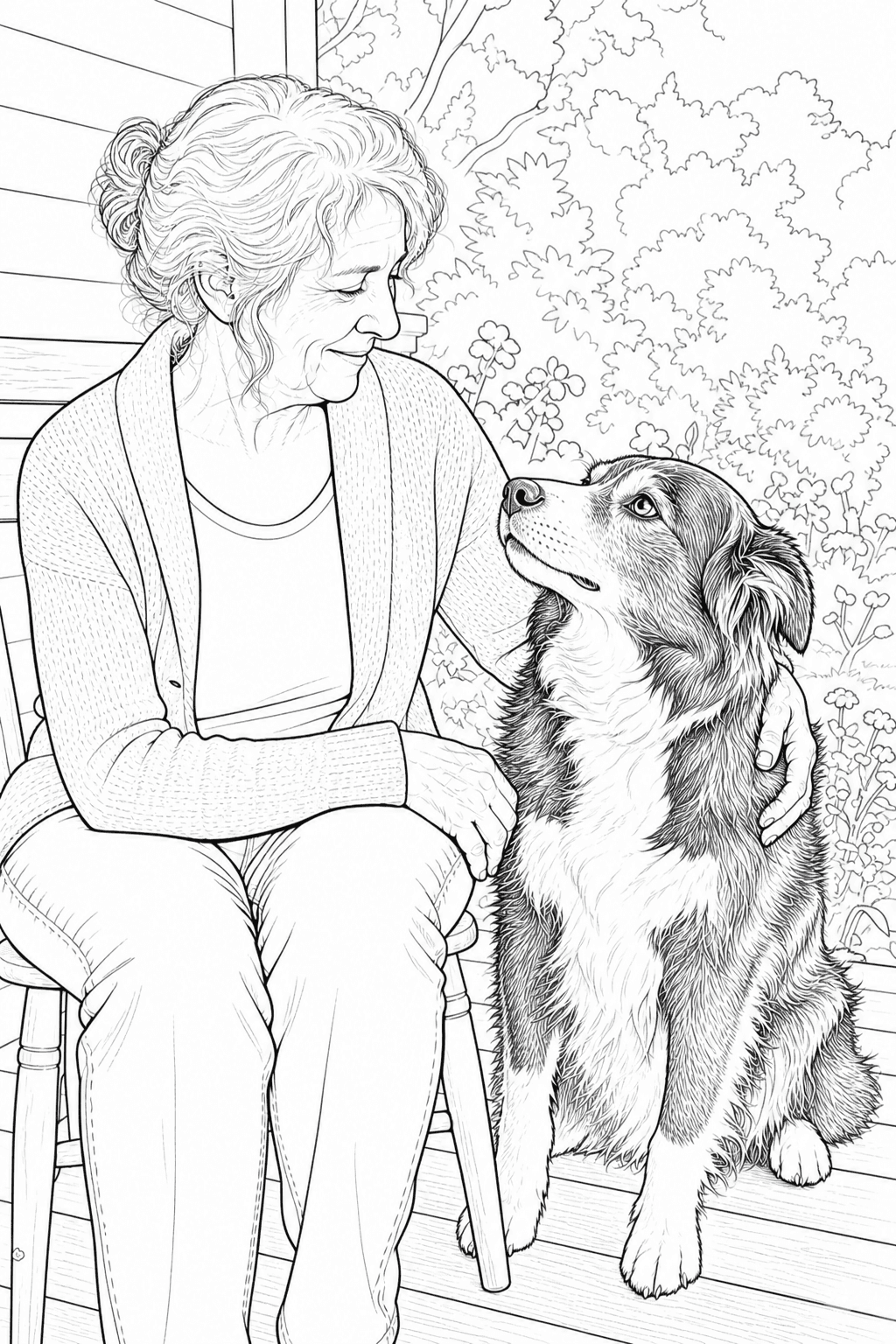
Start the pet photo to coloring page converter with a favorite border-collie photo. Review the eyes, muzzle and hand placement in the pet photo coloring page maker preview before choosing a personal memory-page print.
Use the pet photo coloring page maker around an activity you have in mind. The pet photo to coloring page converter begins with your own photo; choose the style and printed scale around the people who will use it.
Photo idea: Use the pet photo coloring page maker for one clearly visible pet and a simple background.
Make: Inspect the pet photo to coloring page converter spaces, unlock a suitable page and test-print it for a supervised child activity.
Create My Pet Coloring PagePhoto idea: Give the pet photo to coloring page converter a favorite portrait with readable eyes and markings.
Make: Review the pet photo coloring page maker result before selecting a personal keepsake; add names or a dedication separately.
Create My Pet Coloring PagePhoto idea: Choose a separated family-and-pet scene for the pet photo coloring page maker.
Make: Check faces, hands and pet outlines in the pet photo to coloring page converter preview, then prepare a checked print for family coloring.
Create My Pet Coloring PagePhoto idea: Choose a meaningful pet portrait for the pet photo to coloring page converter.
Make: Unlock a suitable pet photo coloring page maker print for a gift; an optional personalized color reference is a separate credited step.
Create My Pet Coloring PagePhoto idea: Use the pet photo coloring page maker with a clear animal photo for a classroom discussion.
Make: Review the pet photo to coloring page converter drawing before students use it, then supply your own animal vocabulary or writing question.
Create My Pet Coloring PagePhoto idea: Give the pet photo to coloring page converter a readable everyday scene or separated group of pets.
Make: Count and inspect each pet in the pet photo coloring page maker output before selecting a personal coloring-set print.
Create My Pet Coloring PageUse the pet photo to coloring page converter from upload through preview and unlock. The pet photo coloring page maker keeps the existing photo workflow; an optional color reference comes after the line art is ready.
Give the pet photo to coloring page converter a sharp photo with visible eyes and ears. The pet photo coloring page maker needs readable source features, especially with dark fur.
Choose the drawing and background direction in the pet photo coloring page maker. Match the pet photo to coloring page converter paper choice to the print you plan to prepare.
Create a preview in the pet photo to coloring page converter. Inspect how the pet photo coloring page maker has interpreted fur, markings and anatomy before deciding whether to continue.
Review the pet photo coloring page maker preview before unlock. Signing in saves the pet photo to coloring page converter project; credits unlock downloadable output, and saving alone does not unlock it.
After unlocking line art from the pet photo to coloring page converter, optionally explore color directions. A personalized finished reference for a pet photo coloring page maker project requires its own credited step.
Use the pet photo to coloring page converter with a photo whose edges and subject are easy to read. Review the actual pet photo coloring page maker result for likeness, usable spaces and the printed scale you need.
Match the line weight, detail level, and background treatment to the person who will color the page and the memory you want to keep.
A readable face and body outline give the tool enough information to preserve what makes your pet yours.
The tool simplifies texture and visual noise while aiming to keep the details that make a companion immediately familiar.
AI-generated line art can simplify or reinterpret small details. Review eyes, paws, markings, and overlapping pets before printing.
Choose the paper size in the pet photo coloring page maker before generating. Unlock the selected pet photo to coloring page converter result, download its PNG and test the printer scale before preparing copies.
Use A4 for international paper or US Letter for North American printers. Avoid stretching the page between sizes.
Use high or best quality for crisp black outlines. Regular paper works for crayons and pencils; heavier paper helps with markers.
Generate one page per photo, keep the settings consistent, and arrange the PNGs in your own folder, binder, or memory book.
ONE INPUT · A PRACTICAL PLAN
Choose a photo that fits the project before uploading it. These pet photo to coloring page converter plans explain what to prepare and inspect in the pet photo coloring page maker; the existing pictures show example subjects, not a promise of your result.
01“A well-lit portrait showing your dog’s eyes, ears and muzzle”
Choose a favorite portrait with room around the ears and face. Upload it in the pet photo to coloring page converter.
Use the pet photo coloring page maker to choose style and background. Inspect facial features and bandana boundaries.
Select a suitable result, unlock its PNG and test one copy before preparing the activity.
Choose a well-lit portrait with visible eyes, ears and muzzle. Compare those familiar features with the preview before unlocking; fur and background simplification can change the likeness. Test one printed copy for the keepsake, and add the dog's name, dates or a personal message separately.
02“A family photo with visible faces and a pet whose outline is separate”
Choose a photo in which people and pet are both easy to read. Upload it in the pet photo to coloring page converter.
Use the pet photo coloring page maker to choose style and background. Check people, paws and overlapping hands.
Select a suitable result, unlock its PNG and test one copy before preparing the activity.
Start with a family photo in which the people and pet have distinct outlines. Check where hands, paws and bodies overlap, then unlock and test-print a suitable version. Let each person choose their own colors, and add any exact family caption outside the generated image.
03“A clear photo of separated household pets, without hidden faces”
Choose separated animals rather than a tightly overlapping group. Upload it in the pet photo to coloring page converter.
Use the pet photo coloring page maker to choose style and background. Count the animals and inspect each silhouette.
Select a suitable result, unlock its PNG and test one copy before preparing the activity.
Choose a photo in which every pet has a visible face and a separate outline. Compare identifying markings in the preview before unlocking. If you prepare several pages, review each result individually and arrange the selected PNGs in your own document; add exact names separately.
Start a pet photo to coloring page with the features you recognize first. These pet coloring pages from photos show why a clear face, a comfortable crop and a familiar moment matter more than filling the background.
For a dog photo coloring page, choose a view with visible eyes, muzzle and both ears. Turn a dog photo into a coloring page with fewer fur marks when younger children need larger spaces.
Check a dark coat in the original first. If the eyes disappear into shadow, select a brighter photo before uploading; adding more detail cannot recover missing features.
A cat photo coloring page starts with a crop that leaves room around the ears and tail. When you turn a cat photo into a coloring page, compare the face and larger coat patches before printing.
Keep whiskers inside the crop, but do not rely on every fine hair surviving a small print. Inspect one test print and choose a simpler result if fur becomes a dense texture.
Use a favorite portrait for a pet memorial coloring page. A pet keepsake coloring page can preserve a familiar pose for a memory folder, a framed page or a quiet family activity.
Let the family choose the photograph. Add a handwritten name or message after printing; this conversion page does not offer a dedicated memorial inscription editor.
The pet photo to coloring page tool accepts one animal photograph. Leave the full ears visible for a rabbit, or the muzzle, mane and legs for a horse; review the pet photo coloring page maker result for anatomy. These are selection tips, not verified results for every species.
No. The pet photo to coloring page tool handles both inputs. Dog photo coloring pages and cat photo coloring pages share the same upload and review workflow; the photo and selected detail determine the result.
Answers about pet photo to coloring page inputs, recognizable features, printing and access conditions.
Upload one clear JPG, PNG or WebP image in the pet photo to coloring page converter and choose the drawing and background settings. Review the pet photo coloring page maker preview before unlocking its PNG. Saving a project after sign-in does not unlock downloadable output.
Yes. The pet photo coloring page maker can start from dogs, cats and other companion animals. Give the pet photo to coloring page converter clearly visible eyes, ears and body edges; review the actual anatomy and markings before selecting the result.
Give the pet photo to coloring page converter a sharp, evenly lit view with visible eyes, ears and body edges. The pet photo coloring page maker has less source detail to interpret when faces are cropped, dark fur merges with shadow or the animal is blurred.
Yes. The pet photo coloring page maker works from one uploaded photo that can contain people or several animals. Give the pet photo to coloring page converter separated faces and silhouettes, then count each subject and inspect overlaps in the result.
Choose the available background direction in the pet photo to coloring page converter before generating. Use the pet photo coloring page maker preview to see whether removal or simplification has preserved the important pet edges; busy or tightly cropped source photos can need another attempt.
Choose a broader line and simpler-background direction in the pet photo coloring page maker for a child activity. Inspect the actual pet photo to coloring page converter result for usable spaces, recognizable eyes and paws, then test-print a selected page for the child.
Choose A4 or US Letter in the pet photo to coloring page converter before generating. Unlock the pet photo coloring page maker PNG and test it with the matching printer paper and Fit to printable area, checking margins and scale before preparing copies.
The pet photo coloring page maker accepts one JPG, PNG or WebP image up to 10 MB. Give the pet photo to coloring page converter a sharp original rather than a compressed thumbnail. Guests can try a watermarked Standard 1K preview; credits unlock eligible downloadable output.
Your photos are never published or added to the public gallery. They are processed only to create your result and handled according to our privacy policy. Unclaimed source uploads are automatically removed after 24 hours. Saved uploads follow the generation lifecycle and can be deleted on request. No uploaded pet photo is added to the public coloring-page gallery.
Check the current image-use terms before distributing or selling a pet photo coloring page maker result. Creating a preview in the pet photo to coloring page converter does not itself establish commercial-use eligibility; review the rights attached to your account or purchase.
Yes. The color-reference step is optional and comes after the printable line art is unlocked. You can browse color directions for free. A personalized Finished Look requires sign-in and 5 credits; welcome credits follow the 5-credit Personal-use rule, and it inherits the source artwork's license.