Describe your idea
Enter one main subject, plus an action or simple setting. Add an age, lesson topic or occasion when it matters.
One clear scene works better than a list of unrelated objects.Describe any scene and turn it into clean, printable black-and-white line art for kids, classrooms or adults. Create one free watermarked Standard 1K preview without signing up.
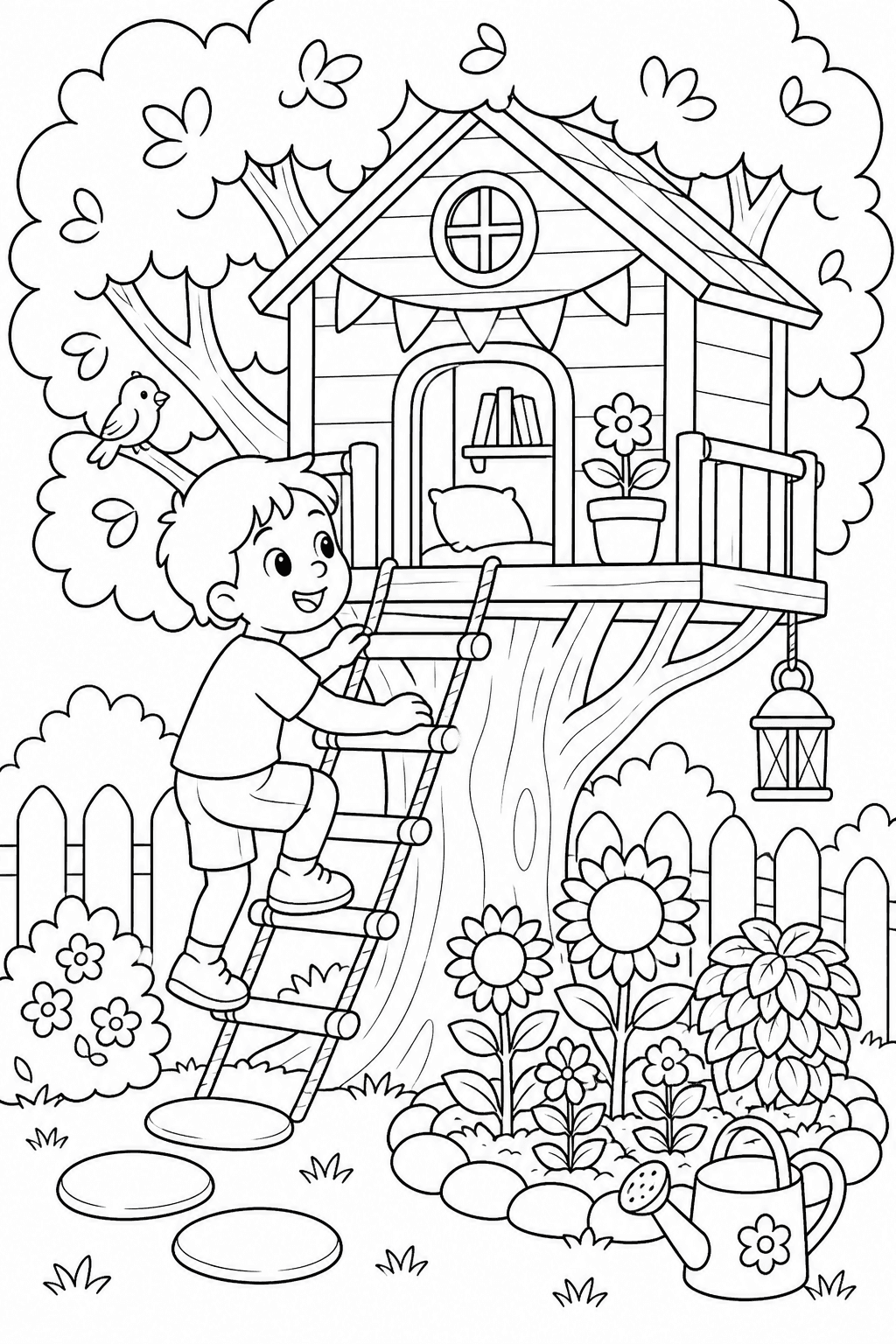
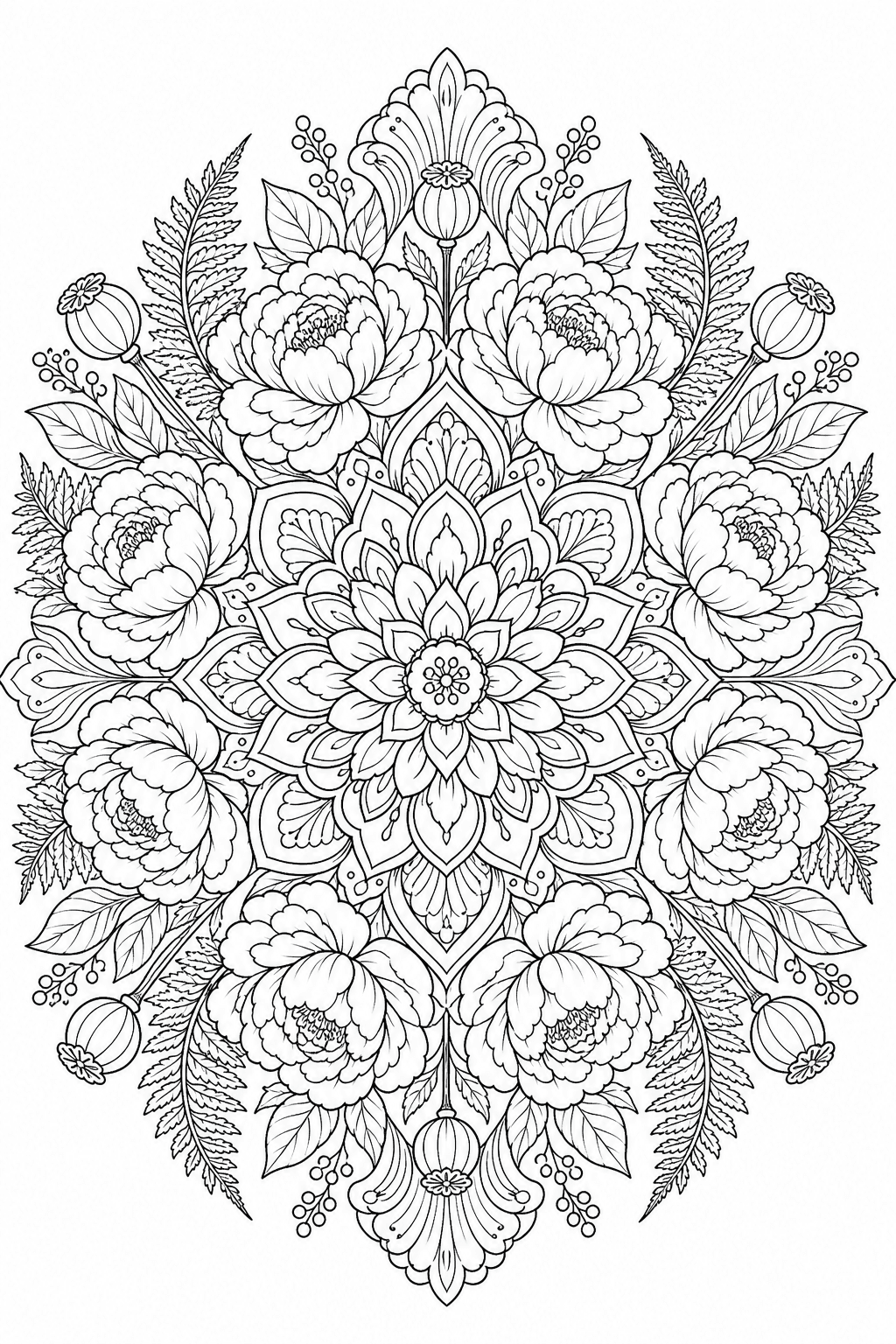
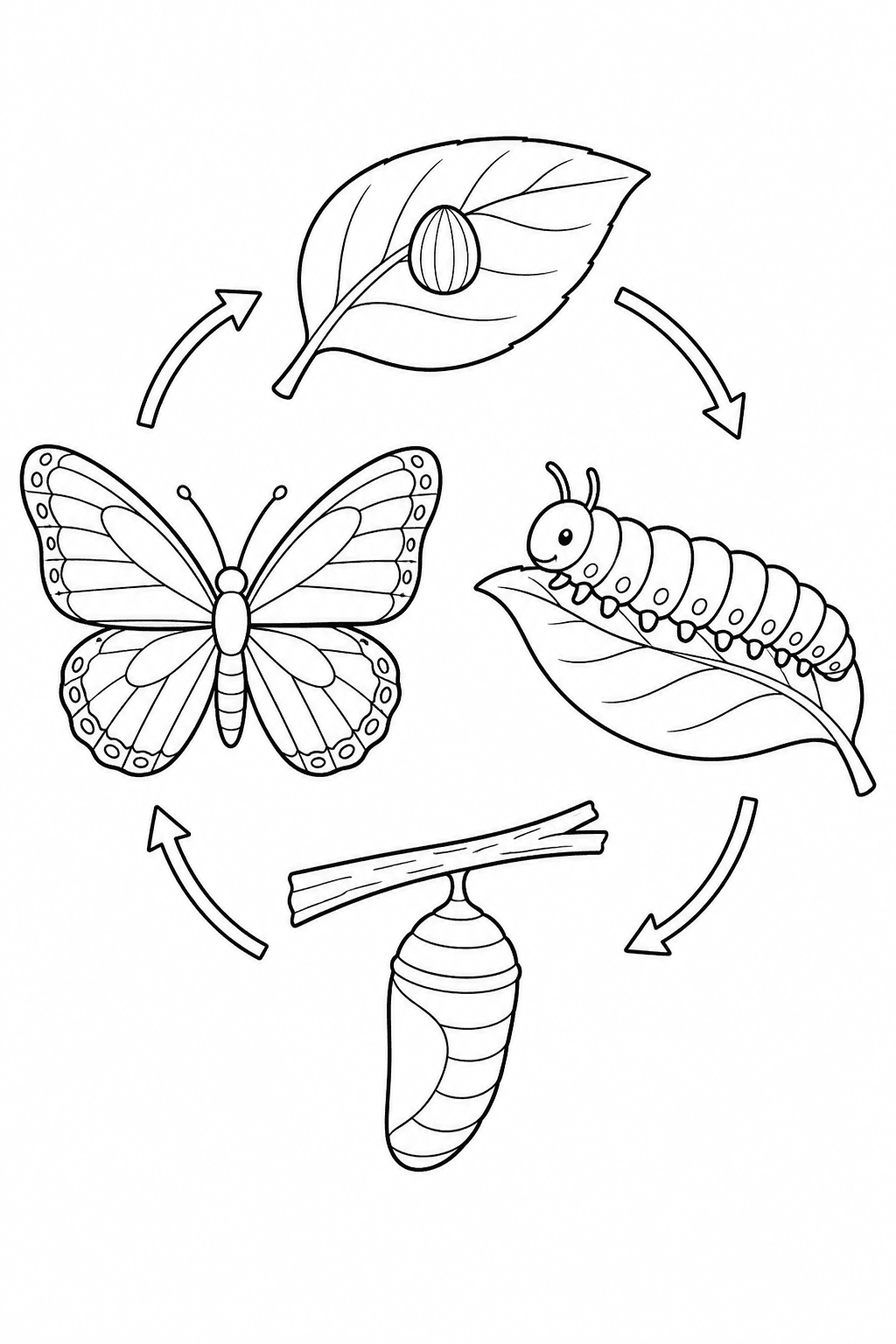
Choose who it is for, describe one clear scene, then tune the detail and page shape before generating.
Turn a portrait, pet or family photo into clean printable line art instead of describing the scene from scratch.
Upload a photo Your photo
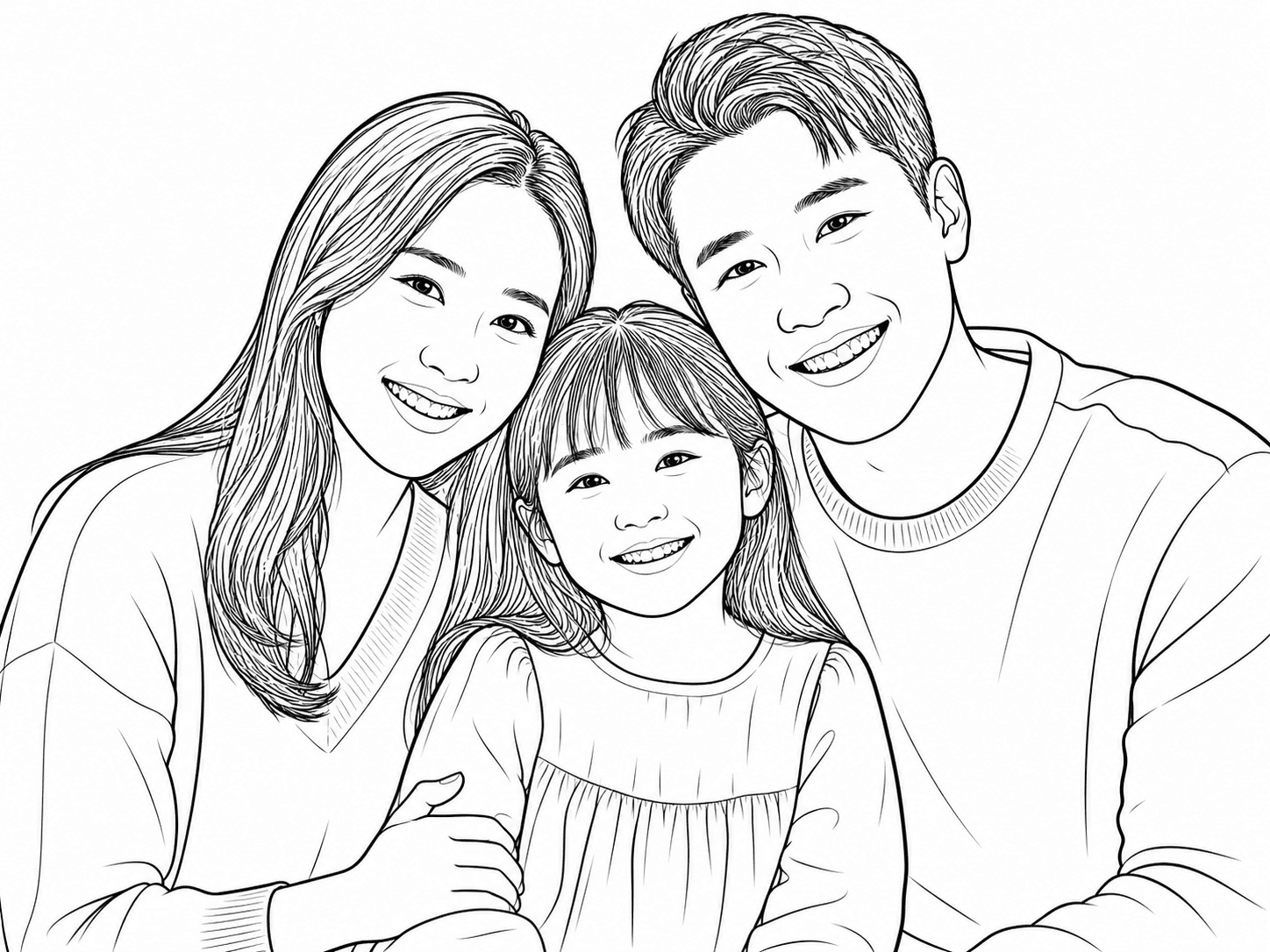 Line art
Start with one focused scene, choose who the page is for and select the right level of detail. The generator turns those choices into clean, printable black-and-white line art.
Enter one main subject, plus an action or simple setting. Add an age, lesson topic or occasion when it matters.
One clear scene works better than a list of unrelated objects.Select Kids, Classroom or Adults so the page matches the person or purpose you have in mind.
Use Simple for bold open spaces, Balanced for moderate detail or Detailed for a more intricate page.
Review one free watermarked Standard 1K preview without signing up. Sign in to unlock an eligible first page for download or printing, save it, or continue to Pick Colors.
Browse example coloring pages for kids, classrooms and adults. Categories stay visible so it is easy to find the kind of page you want to create.
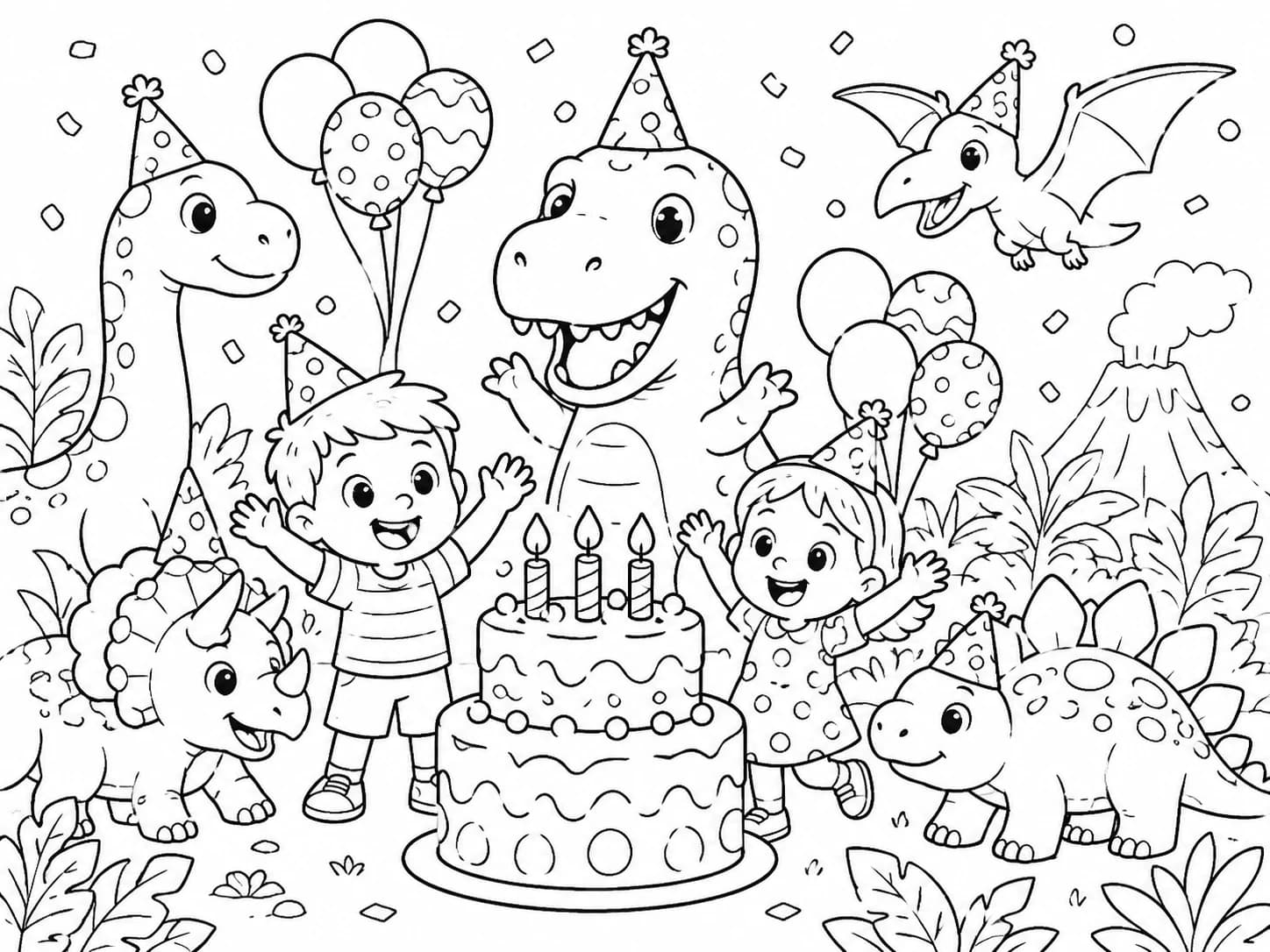
Celebrate a big day with friendly dinosaurs, balloons and cake.
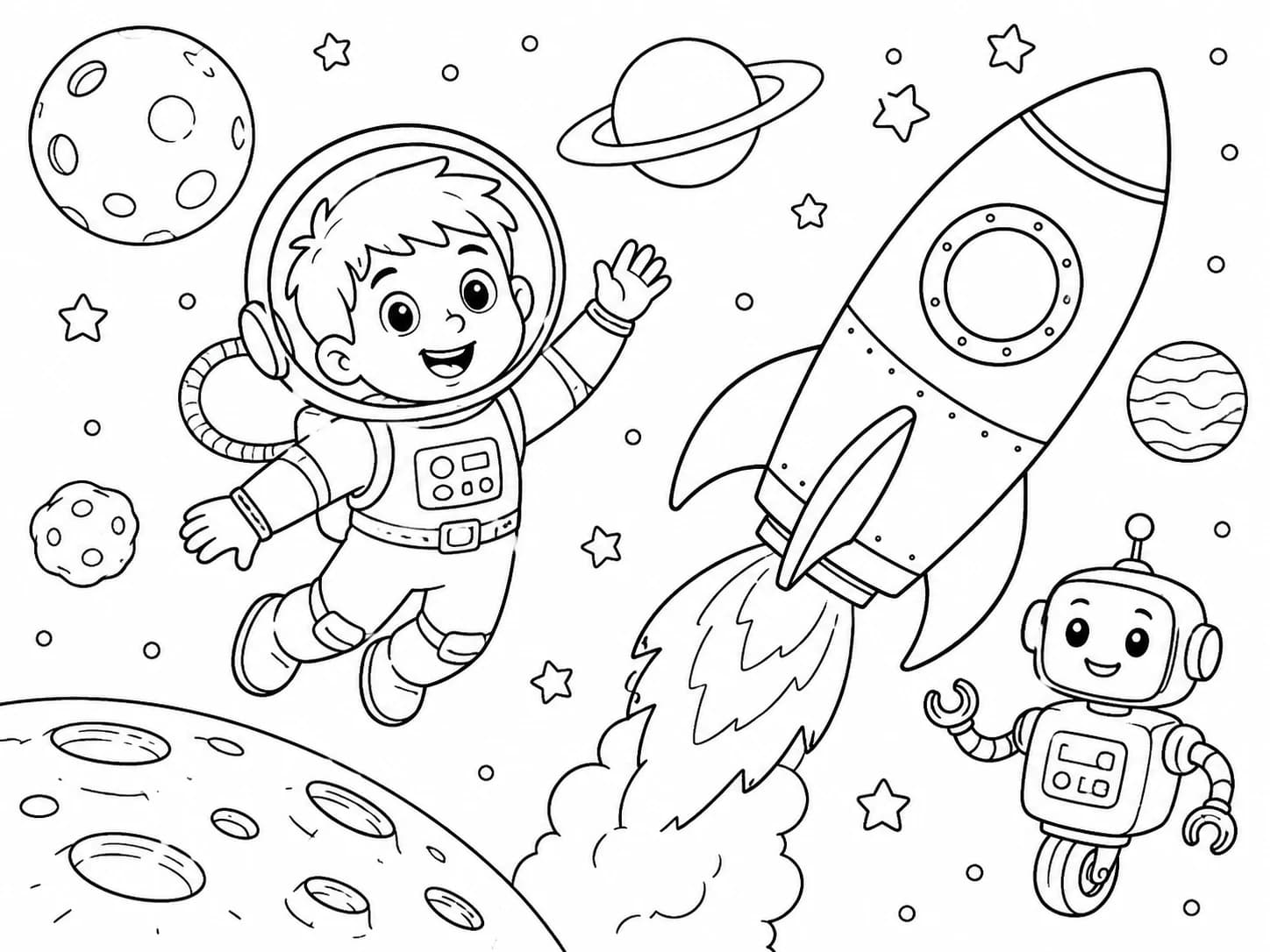
Blast off with a young astronaut, a friendly robot and a rocket.
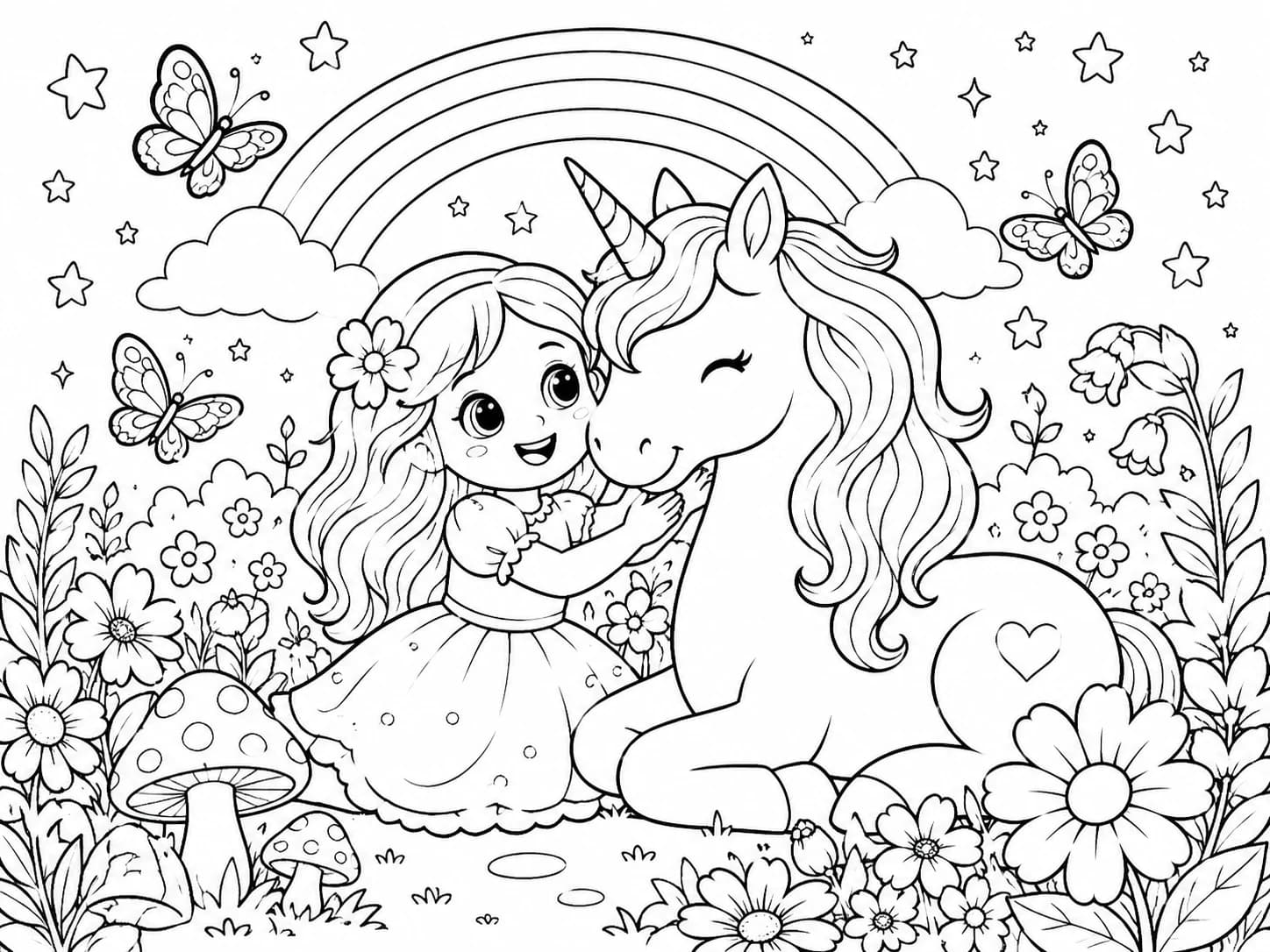
Enter a gentle magical garden filled with flowers and friendship.
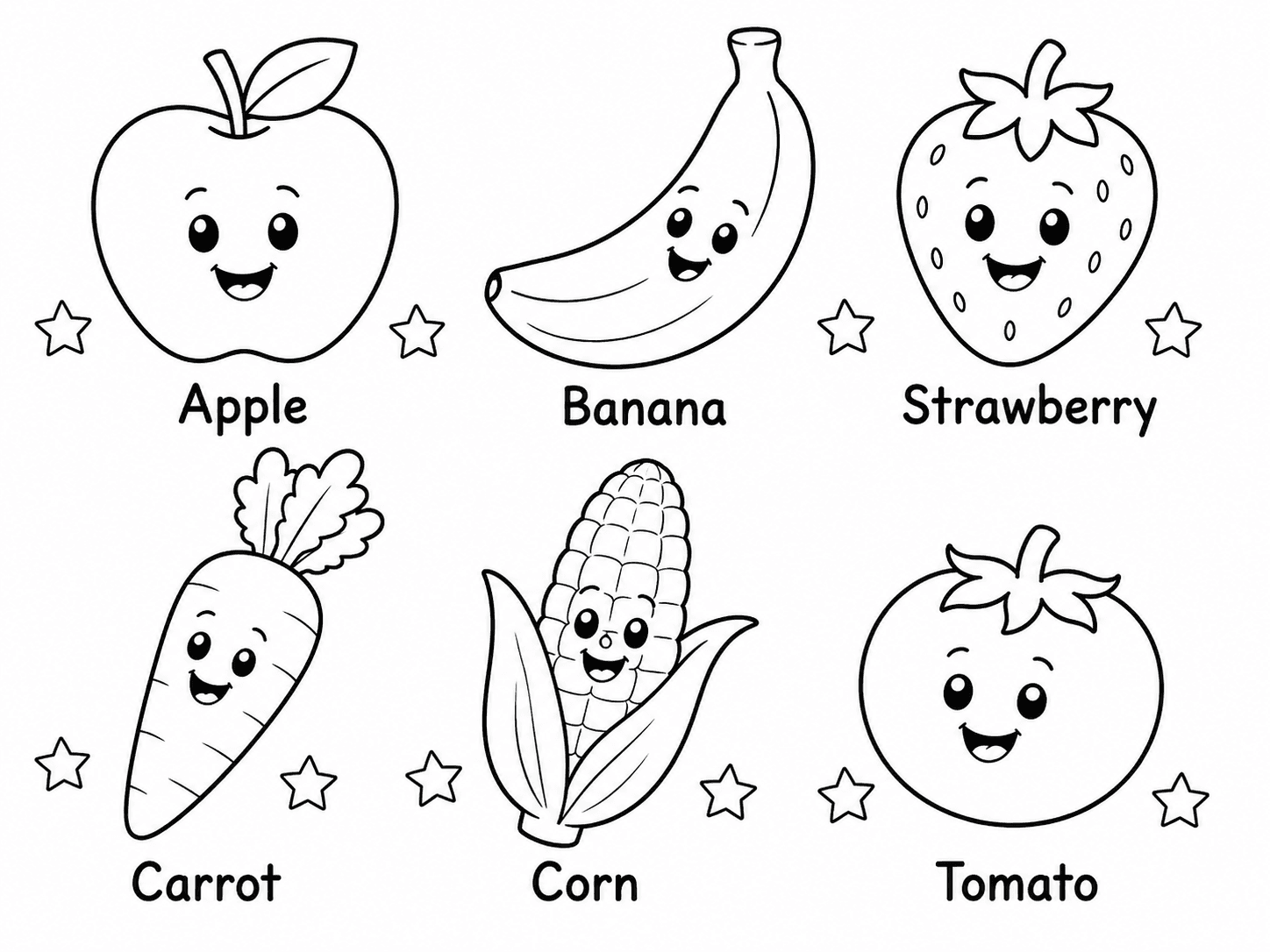
Help early learners connect familiar foods with clear written words.
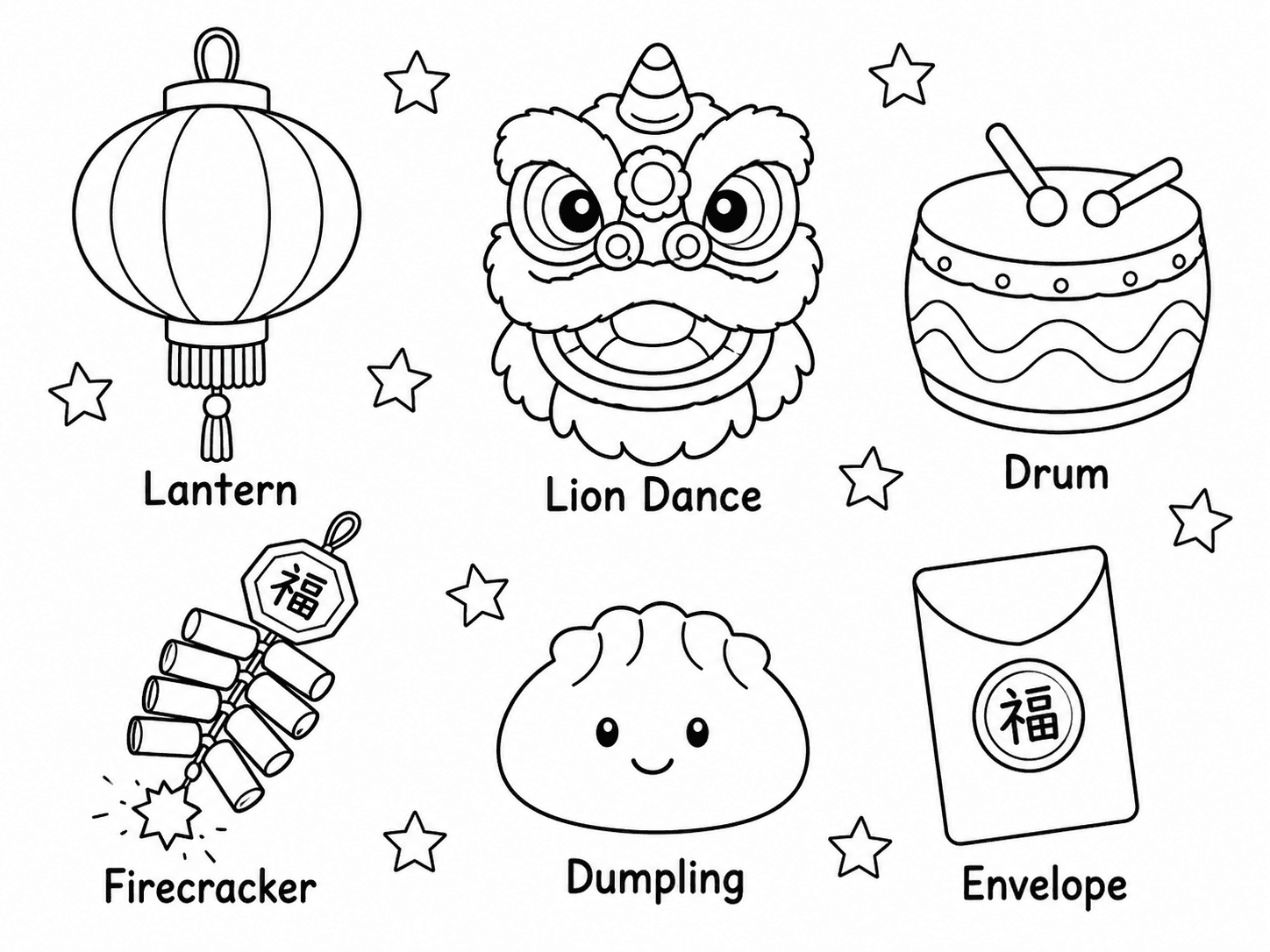
Introduce celebration symbols through simple visual vocabulary.
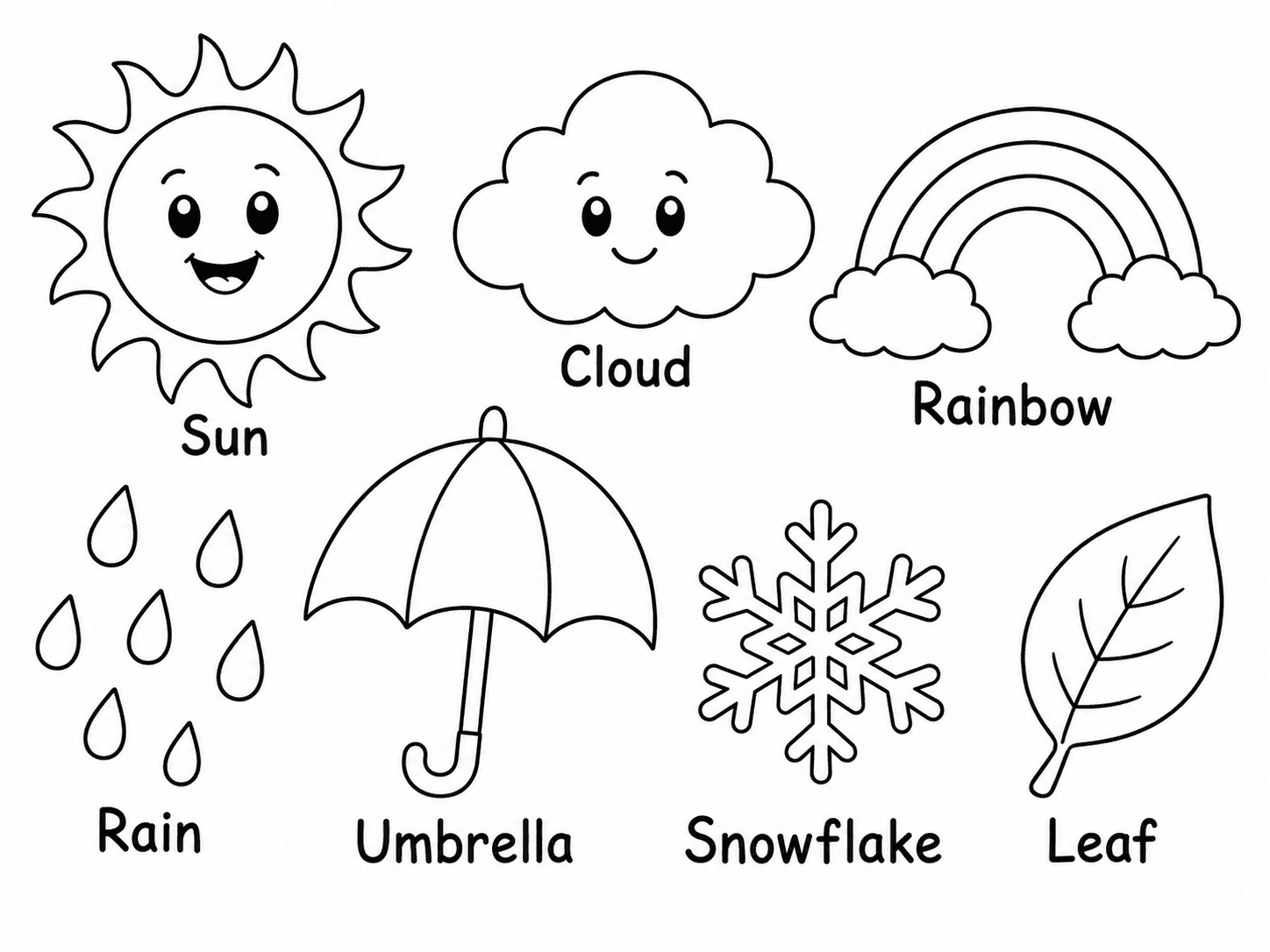
Make everyday weather words easy to recognize and remember.
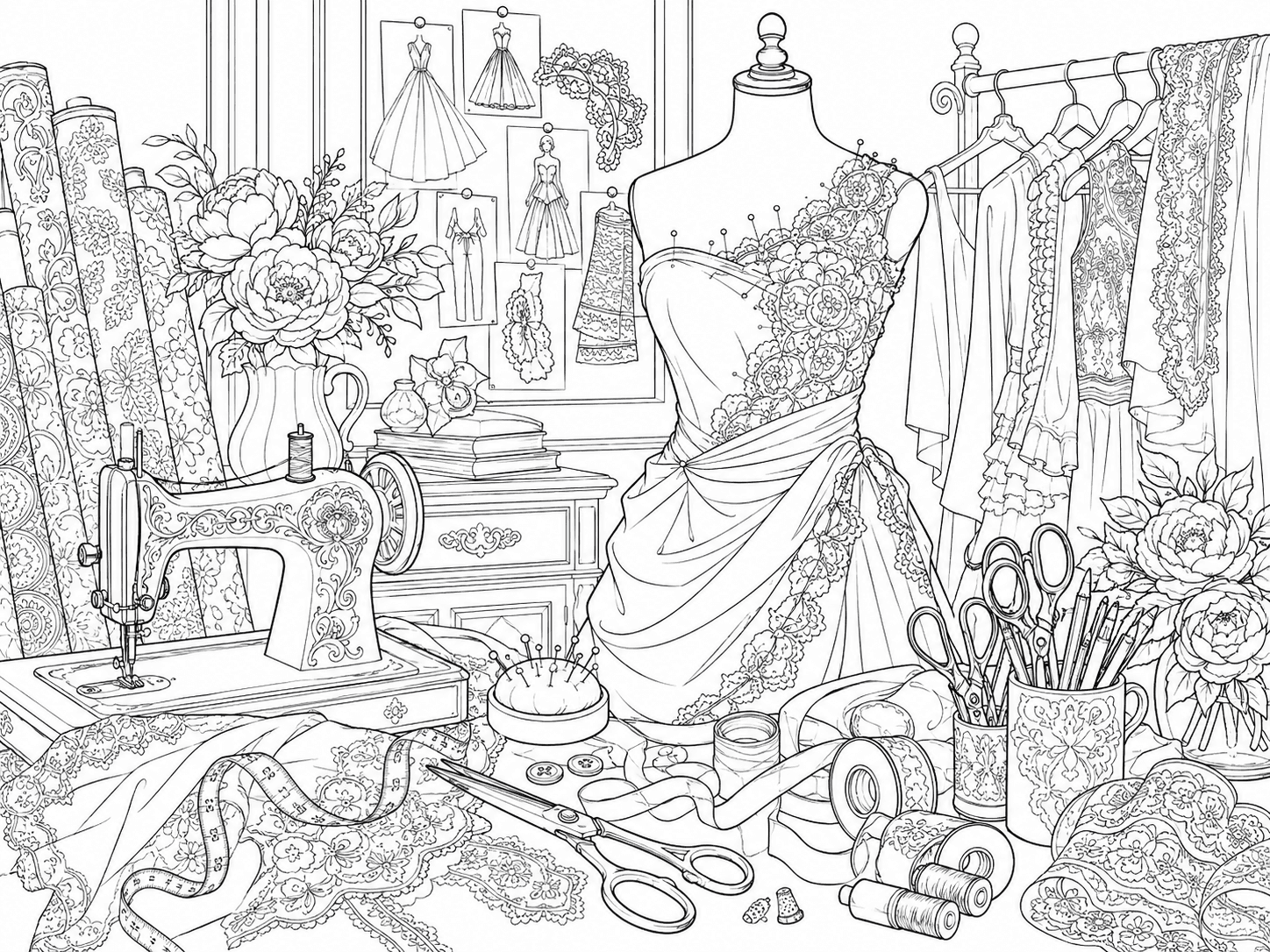
Explore couture details, textiles and the craft of dressmaking.
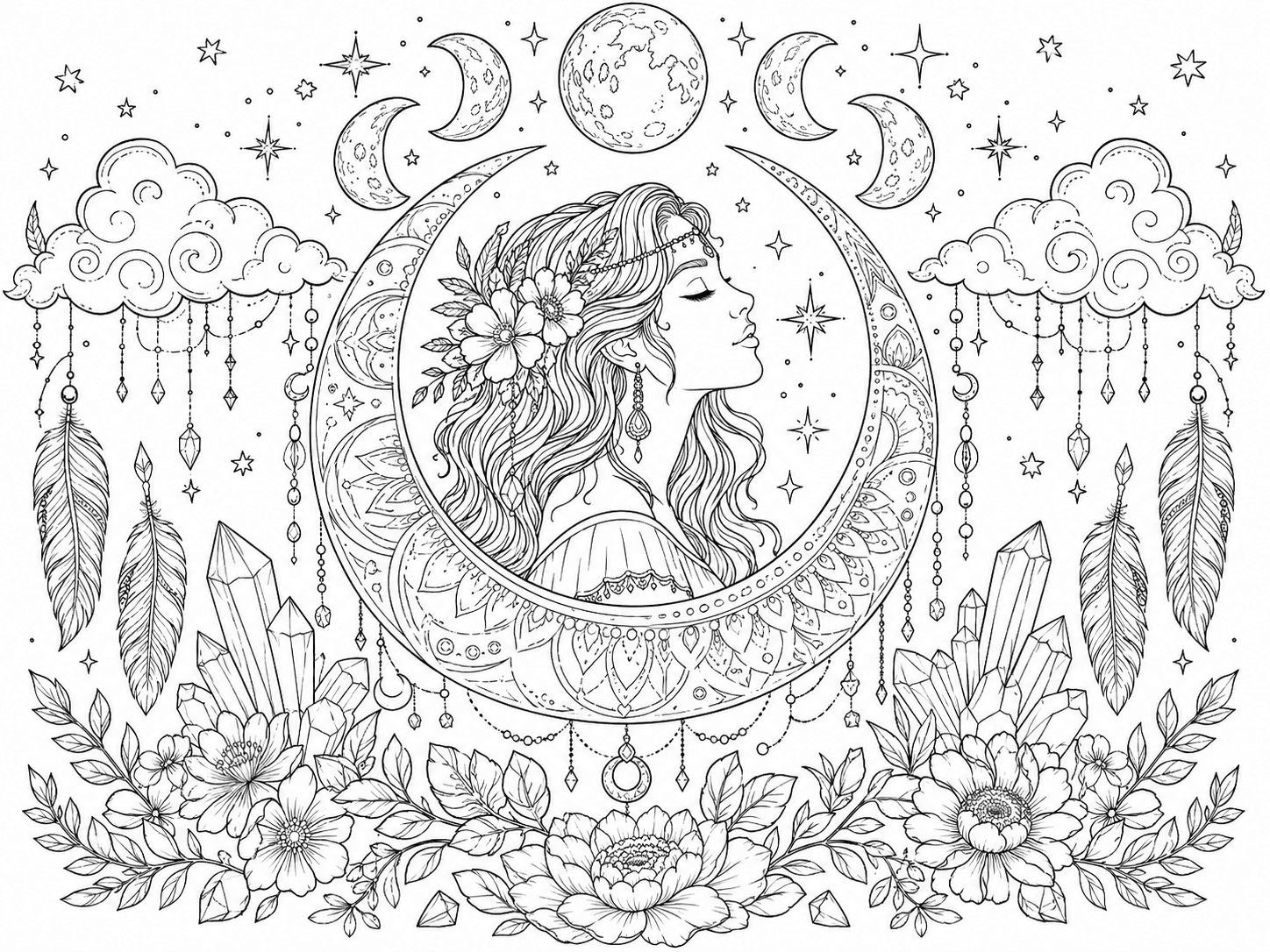
Layer moon phases, crystals and botanical ornament into mystical art.
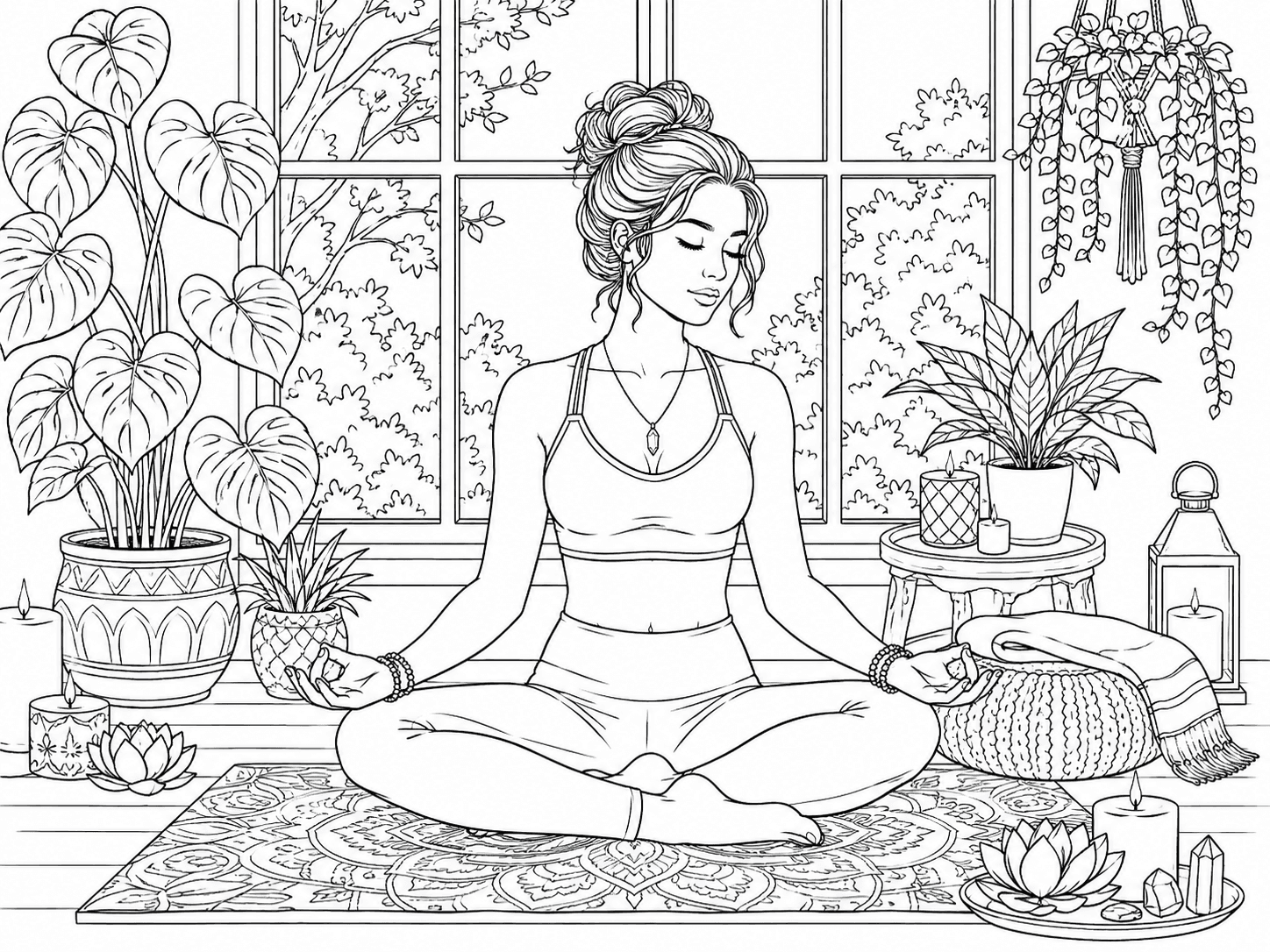
Settle into a calm space shaped by plants, candles and stillness.
Keep the printable line art as it is, or compare 12 five-color palettes for an optional finished color reference. Choosing colors never changes the original black-and-white page.
Download or print the black-and-white page whenever you are ready.
Printable / Ready to colorUse the selected palette to create an optional colored reference.
Sign-in required / 4 creditsTry six color harmonies, three moods and three themed palettes on the same example artwork.
 Same example artwork / Different palette
This palette pairs opposite hues for strong contrast while keeping accents soft enough for coloring.
Create a page for a quiet afternoon, a classroom lesson, a celebration or a longer adult coloring session. Start with the purpose, then choose a subject and level of detail that fit the moment.
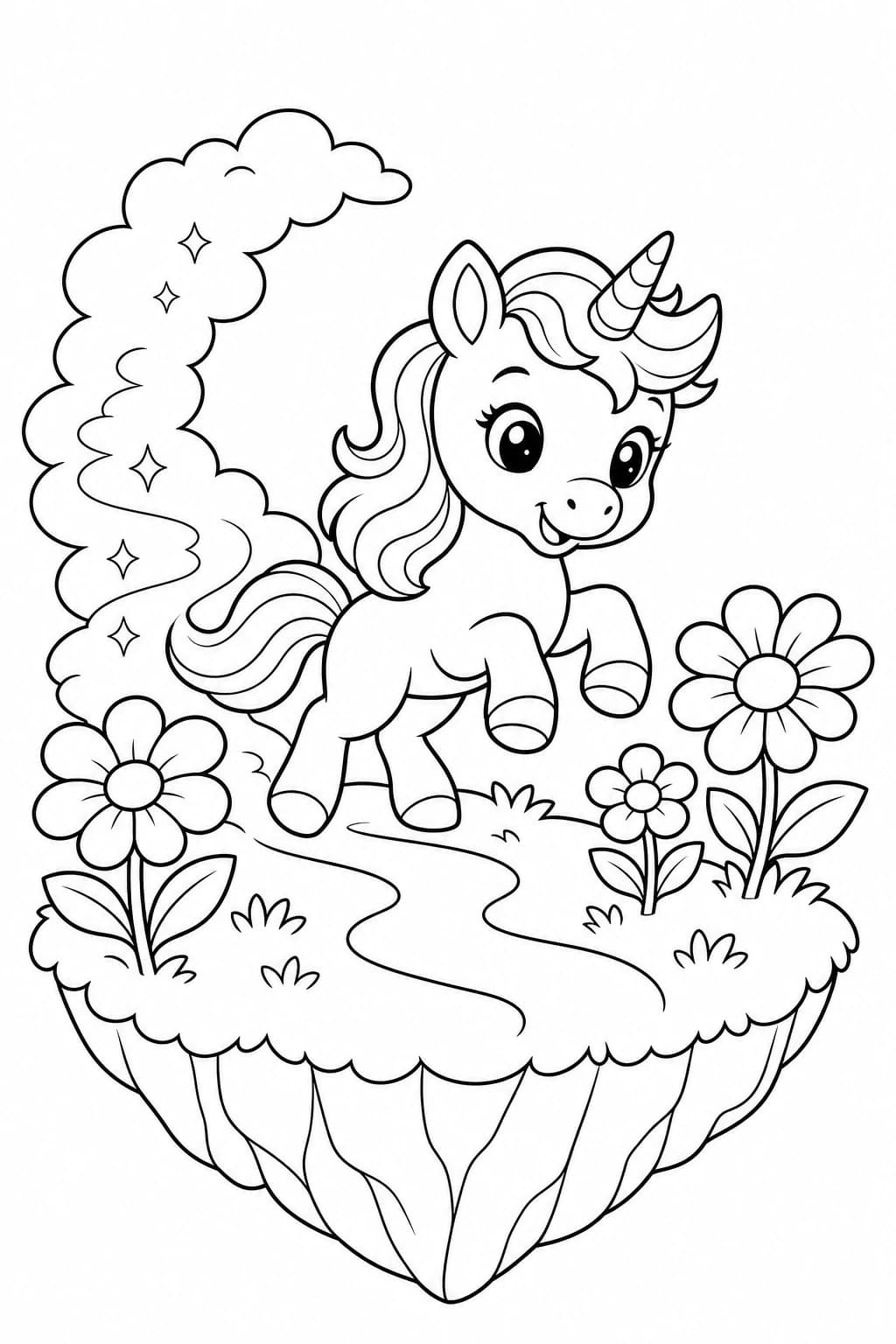
Turn a child’s current interest into an activity made just for them. Create dinosaurs for a quiet afternoon, animals for a road trip or one scene from a favorite story for family coloring time.
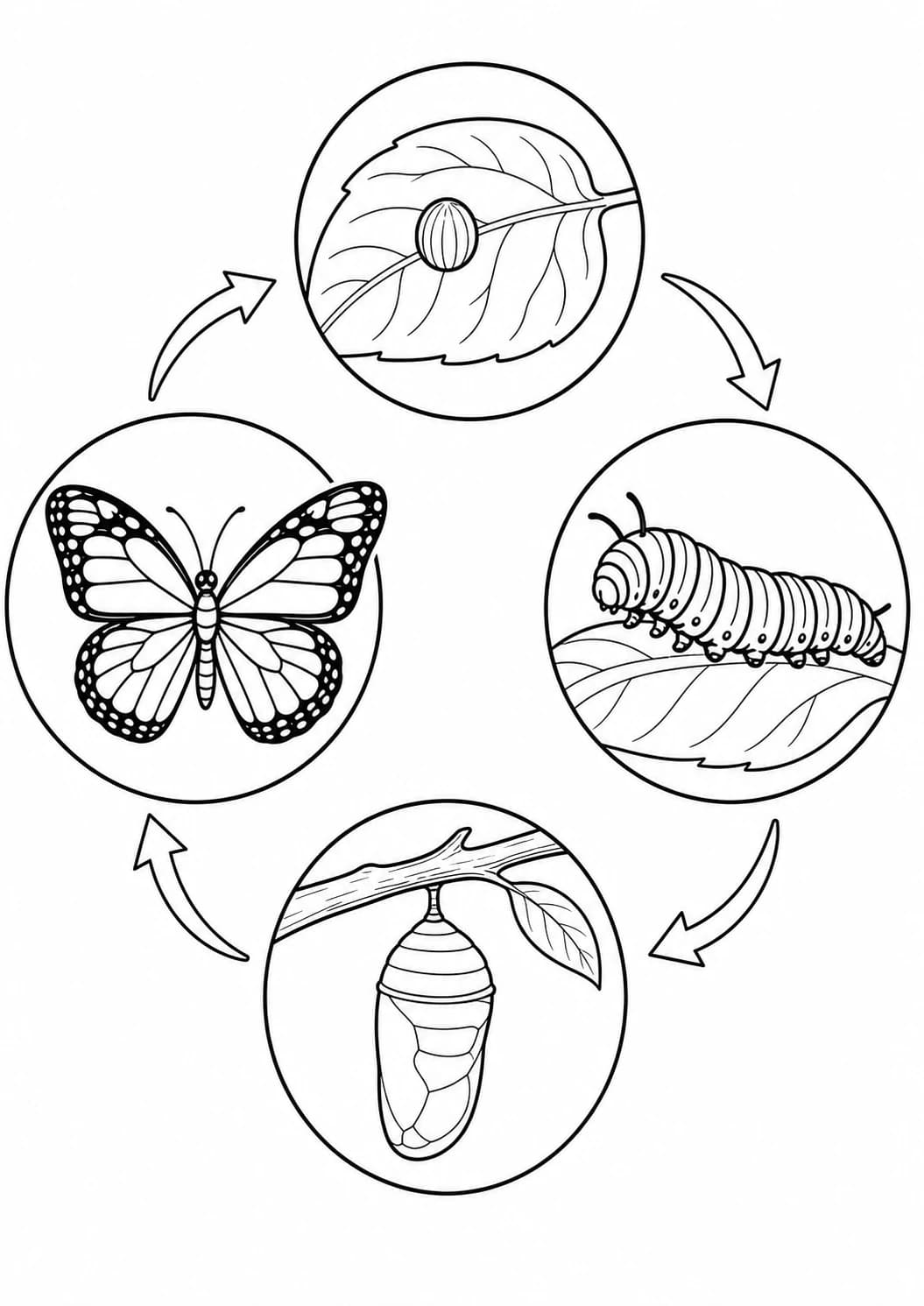
Turn one lesson topic into printable line art for learning centers, homeschool lessons or take-home activities. Focus on a single concept so the page remains clear enough to teach and enjoyable to color.
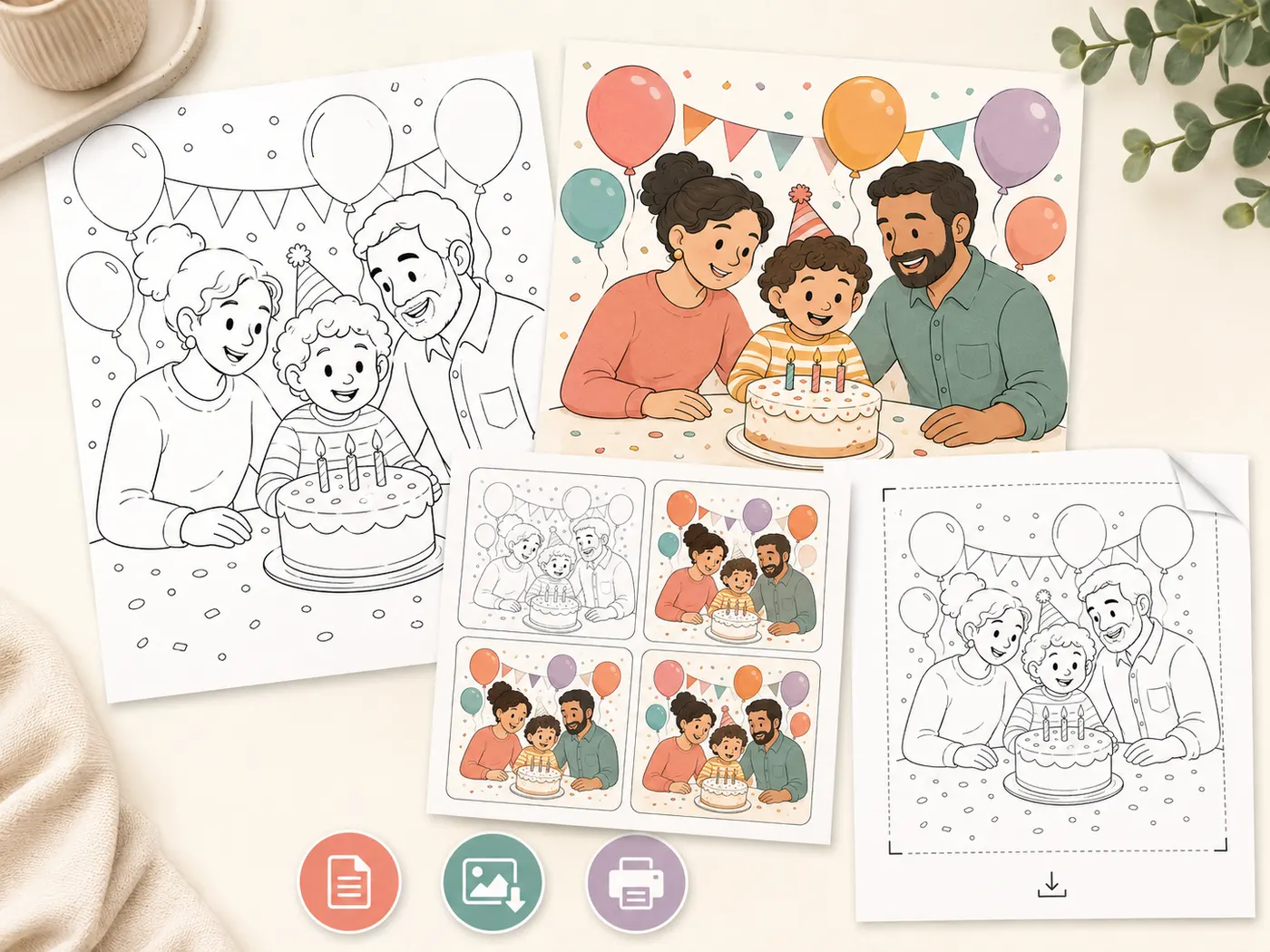
Describe a celebration or one memorable story moment to make the activity feel personal. Print it for a birthday table, a classroom celebration, a gift or a take-home party favor.
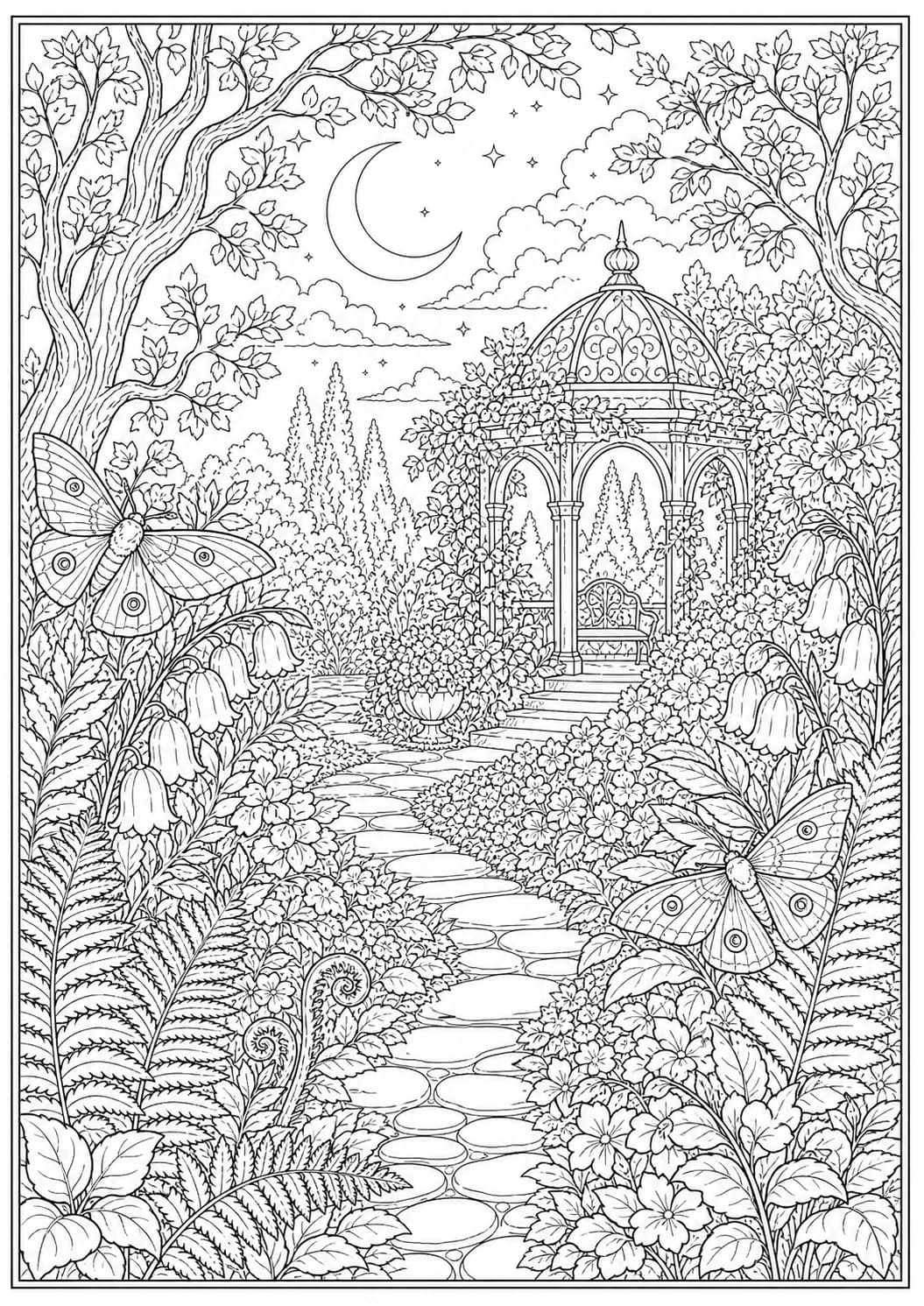
Create more intricate pages for a longer coloring session. Use layered natural forms, symmetry and smaller closed regions, then continue with a coordinated palette when you want help choosing colors.
Need exact outlined names or short phrases? Use the Word Coloring Page Generator. For color, trace, write and read practice, use the Sight Word Worksheet Generator.
Describe the facts that matter, use the controls for audience and detail, then check the finished line art before downloading or printing it.
Make one subject or interaction the clear focus of the page.
Say what the subject is doing instead of listing unrelated nouns.
Add a setting that supports the main idea without competing with it.
Include important quantities clearly, then verify them before printing.
Leave out decorative filler that does not help recognition, learning or coloring.
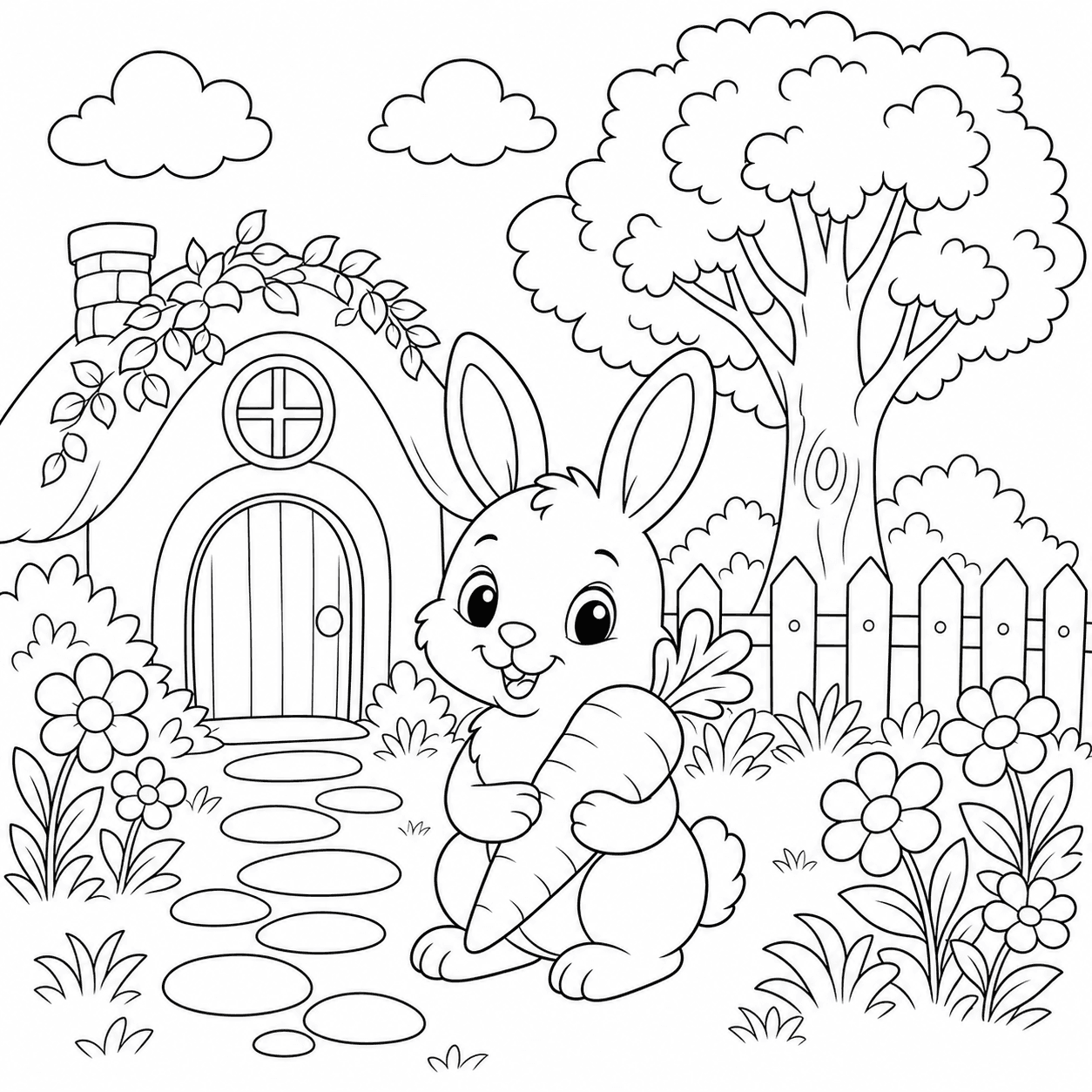 Clear focal subjectClosed coloring spacesSafe page margin
Learn how to create a coloring page from text, write better prompts, use classroom and adult modes, download printable line art and continue with Trial or credits.
Create 1 free watermarked Standard 1K preview without signing up. Sign in to save and unlock an eligible first page. Sign in to save your page. Download and print require an unlocked page; continue with a one-time image or permanent credits.
Create 1 free watermarked Standard 1K preview without signing up. Sign in to save and unlock an eligible first page. Sign in to save your page. Download and print require an unlocked page; continue with a one-time image or permanent credits.
Describe one clear subject, action or setting, choose Kids, Classroom or Adults, then select the level of detail that fits the intended colorist. Generate and review the watermarked preview, then sign in to save it and unlock the page before downloading.
Use one main subject, one visible action and one simple setting. Include exact quantities, important objects or an age range when they matter. Avoid long lists of unrelated objects that can make the page crowded.
Yes. The free Standard 1K preview is watermarked. Sign in to unlock an eligible first page before downloading or printing; choose A4 Portrait, US Letter Portrait or Square before generating.
Yes. Classroom mode is designed for topics, counting activities, letters and visual sequences. Describe one learning goal and the exact objects students should see, then verify numbers, letters and factual details before printing.
Yes. Choose Adults, select the visual density and art direction, then choose a shorter open session or a longer detailed session. Botanical, geometric, ornamental and nature themes work well with the available adult styles.
Use the Word Coloring Page Generator when exact outlined names or short phrases matter. Use the Sight Word Worksheet Generator for color, trace, write and read practice. General scene prompts can still request small text or quantities, but review them carefully.
After creating the line art, you can browse 12 coordinated five-color palettes without using credits. Selecting a palette does not change the original black-and-white page. Finished color references cost 4 credits, with 30 included each Studio billing period.
Free and trial creations may be used for personal, family and ordinary non-commercial classroom teaching. Creations funded entirely with eligible paid credits include commercial use, subject to the source image rights. Welcome-credit creations are for personal and non-commercial classroom use. Paid courses, client work, products for sale and other revenue-generating uses count as commercial use. You remain responsible for your prompt and must not request copyrighted characters, trademarks or other material you do not have permission to use. Read the full image-use policy.
Describe one scene, choose who it is for, review the preview and unlock the line art before downloading or printing.
Start from a photo, add color to existing line art or prepare your generated page for printing. Choose a focused workflow for kids, adult colorists or teachers, then browse our coloring guides or use the coloring page colorizer to preview a finished look. Learn more about Love to Color, our editorial standards and terms of use.