
AI Coloring Pages for Kids: A Parent and Teacher Guide
Updated 2026-08-22 · 6 min read
AI coloring pages can be useful for kids when the page matches the child's age, the subject is easy to recognize and an adult checks the result before printing. Choose large enclosed areas for younger children, add detail gradually for older kids and keep a ready-made printable option available when a custom page is not suitable.
The workflow in three decisions
- 01Choose the activity first: a short quiet task, a themed page, a family project or a classroom center.
- 02Younger children usually need big shapes and clear outlines; do not add detail just because the tool can.
- 03An adult should review custom pages for confusing details, incorrect text and printability before handing them over.
The child-friendly workflow
A good page is more than an interesting prompt. It moves through a simple sequence: choose together, print a page that can be understood, then leave room for the child’s own decisions.

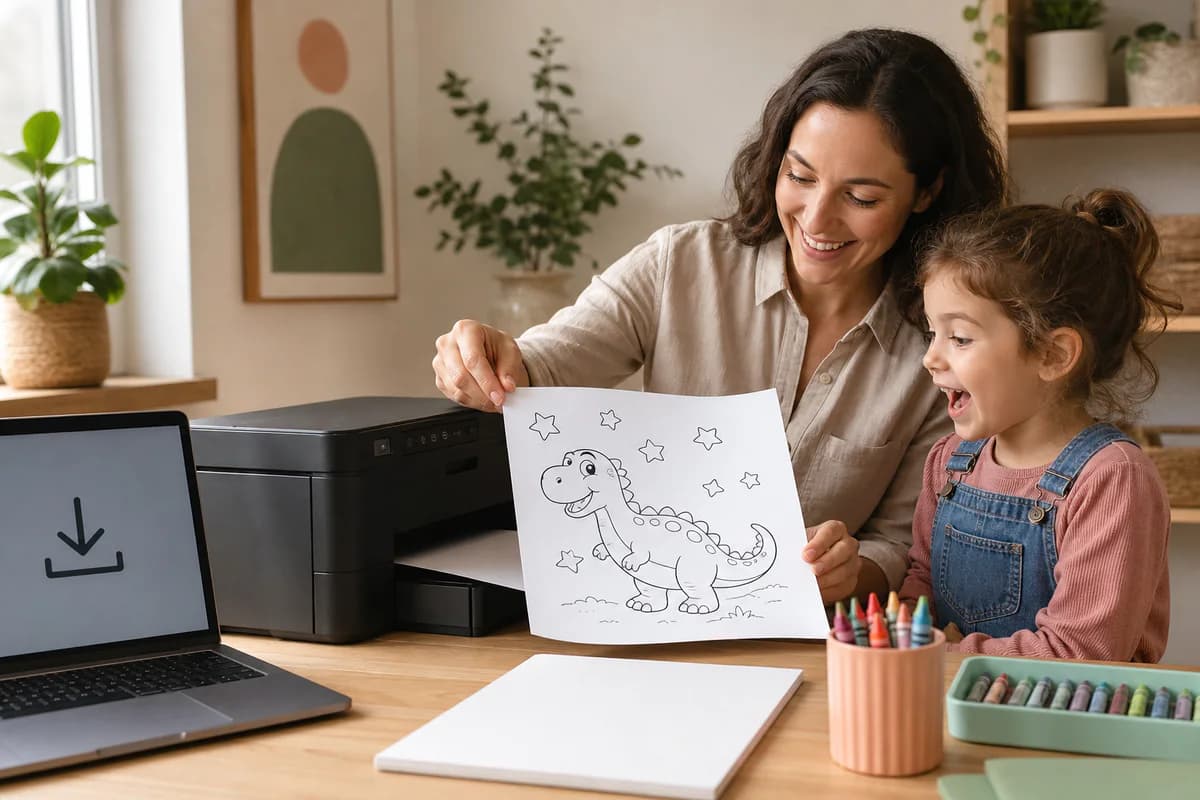
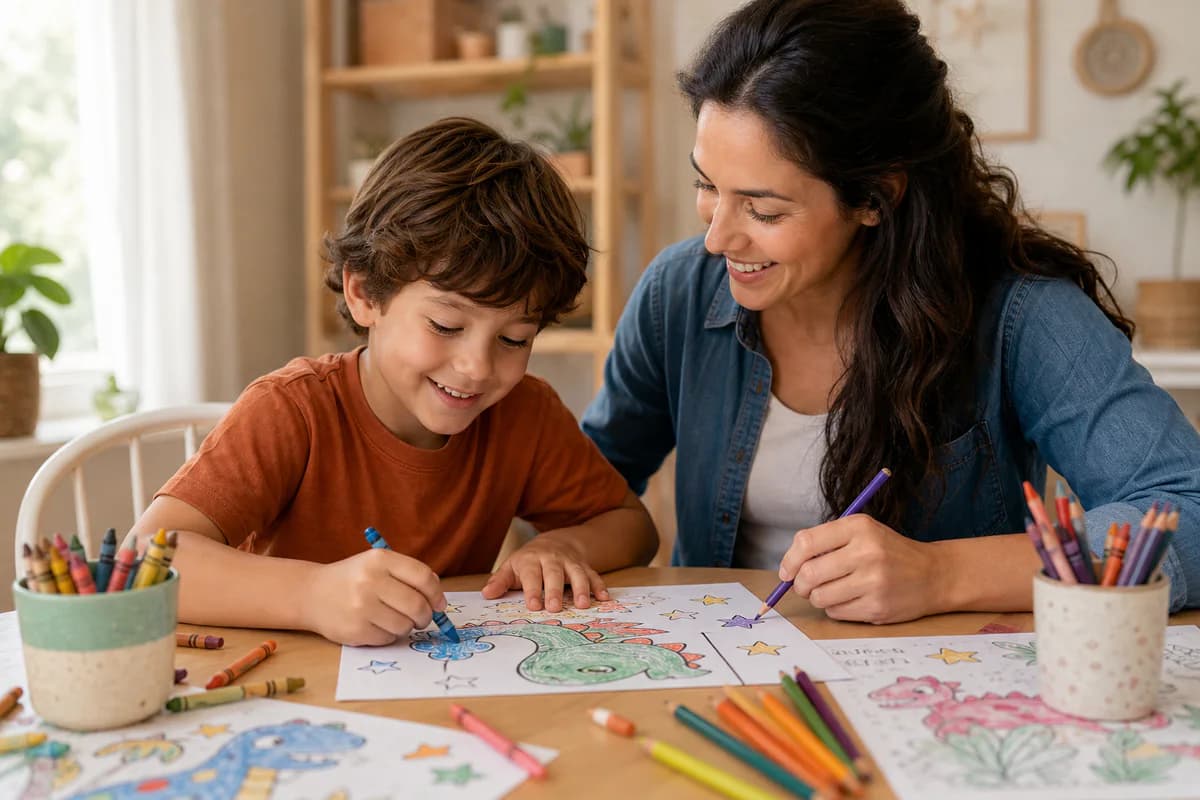
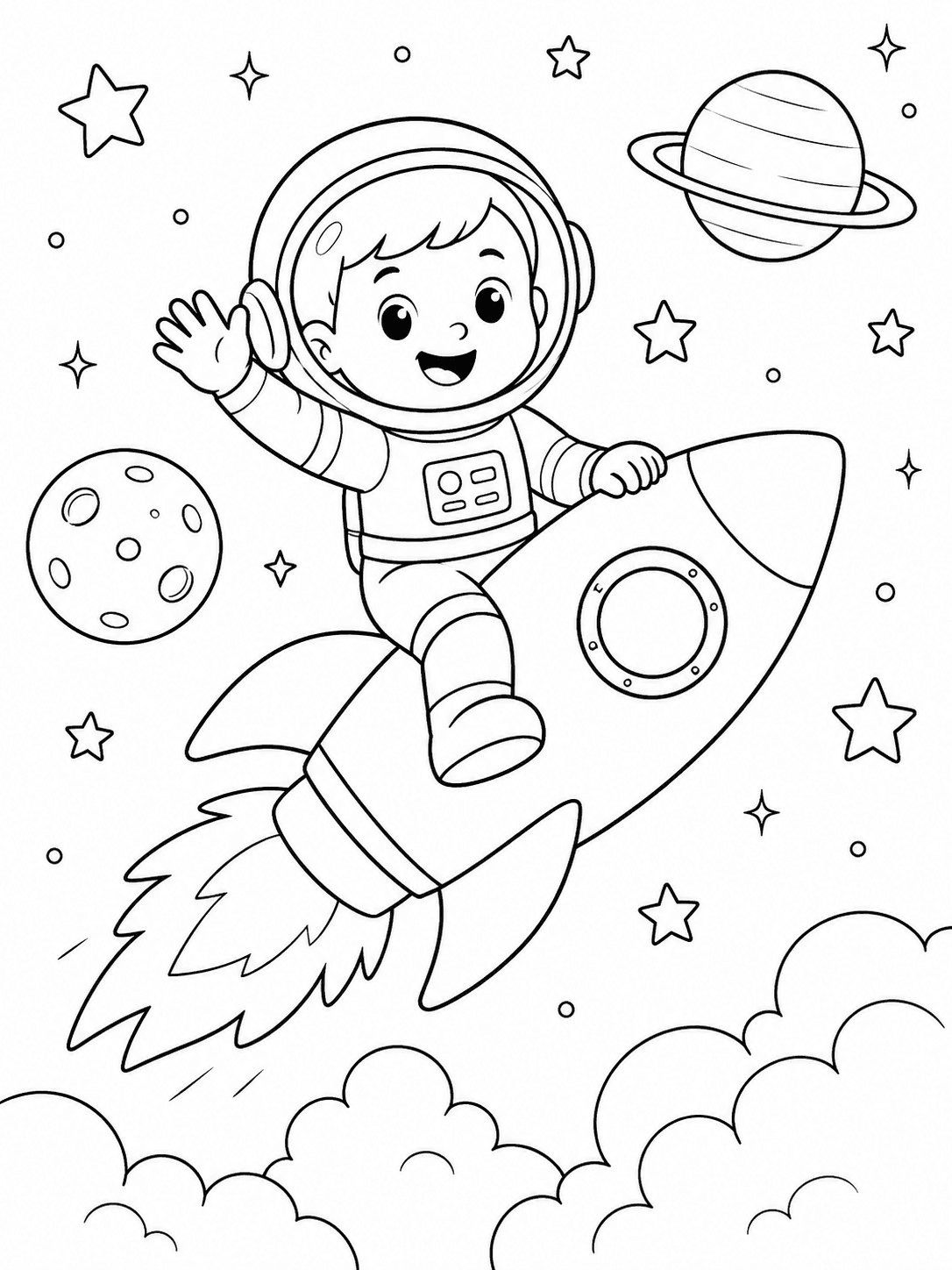
The images illustrate the activity sequence, not a guaranteed developmental or educational result. The adult’s review and the child’s preference still determine whether the page is a good fit.
Choose by what you want to do next
Choose an easy page
Start with a recognizable subject and large open spaces for a short transition or quick activity.
Browse easy pages →Make a custom page
Generate a dinosaur, pet, vehicle or imaginary scene when the right subject is not already in the gallery.
Create a kids page →Choose the right kind of page for the moment
A page for a three-minute transition is different from a page for a long family project. Start with the time, materials and attention you actually have. Simple animal, food, vehicle and holiday pages are easy to choose for a quick activity; a richer scene may suit an older child who wants more to explore.
The goal is a page that feels achievable without being empty. If a child spends most of the time asking what each tiny shape means, the design is probably too detailed for that moment.
Browse free coloring pages for kids · Find easy printable coloring pages
Match detail and line weight to age
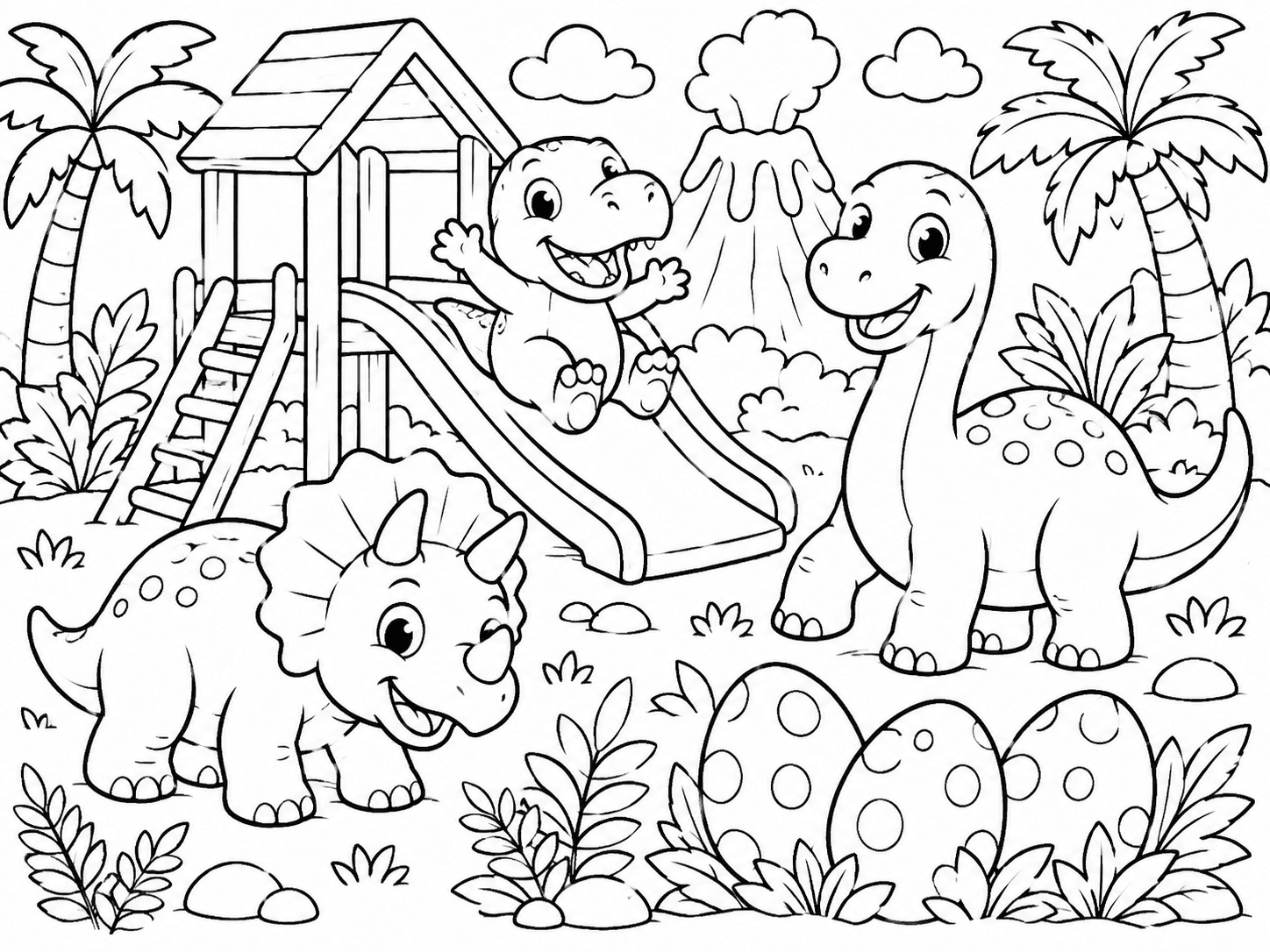
For preschool and early coloring experiences, look for one clear subject, bold outlines and large closed areas. Early elementary children can usually manage more objects and a little more background context. Older children may enjoy detailed animals, patterns or scenes, but they still need a recognizable subject and a page that fits the available time.
Age is only a starting point. Fine-motor experience, preferred tools and patience vary from child to child. Let the child choose between two levels when possible instead of treating a label as a rule.
Generate a custom page when the subject matters
A kids-focused generator is useful when a child wants a particular dinosaur, pet, vehicle, sport or imaginary scene that is not already in the gallery. Keep the request concrete: name the subject, the age range, the desired line weight and whether the background should be simple.
For a photo project, use the photo workflow instead and begin with a clear source image. For a general idea, text-to-coloring-page is the more direct path. In both cases, the generated image is a starting point that deserves an adult review.
Generate a coloring page for kids · Turn a photo into a coloring page · Create from a written idea
Review the result before giving it to a child
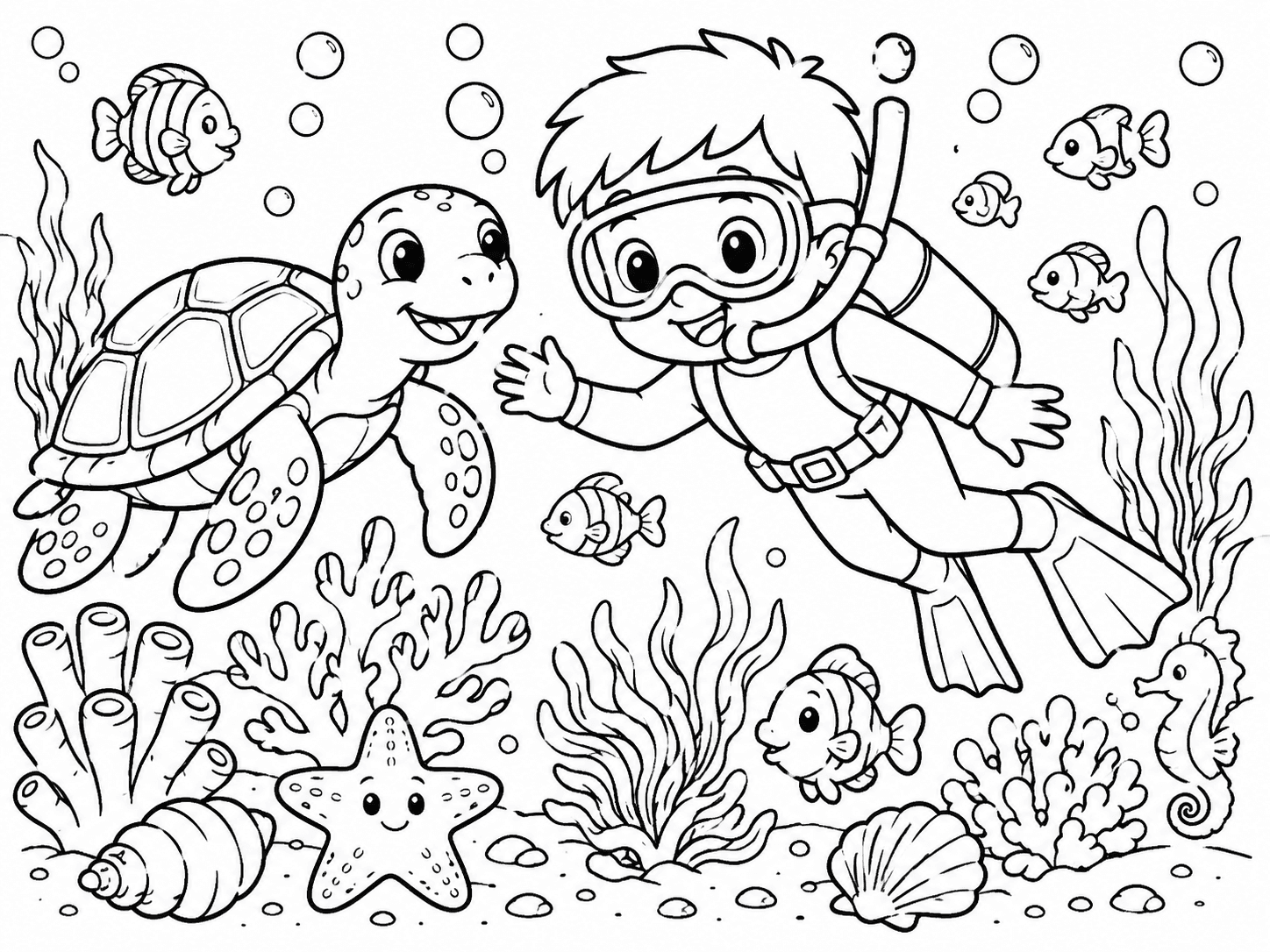
Look for details that could confuse the activity: distorted faces, strange hands or paws, accidental letters, tiny fragmented regions and backgrounds that overwhelm the subject. If a child is expected to recognize a plant, animal or object, make sure the generated page still shows the features that matter.
You do not need to chase a perfect copy of the prompt. The useful question is whether the page is clear, safe to print and comfortable to color. If it is not, choose a simpler direction or open a ready-made page from the public library.
Browse the full coloring page library · Make a color reference from line art
Make printing part of the activity
Print one page at the size the child will actually use. Check the margins, use the full file and avoid stretching a small preview. Pencils work well for smaller regions; crayons and broad markers need more open spaces and paper that can tolerate the material.
Keep a blank original and, when helpful, a separate color reference. The colorizer can create a guide from clean line art, but the black-and-white page should remain available so the child can make independent choices rather than copying every color.
Step by step
- 01Choose the activityDecide how long the child will color, which materials are available and whether the page needs a specific theme.
- 02Select the right sourceUse the kids generator for an idea, the photo tool for a personal image or the gallery for a ready-made page.
- 03Set a manageable detail levelAsk for large enclosed areas and clear outlines first; add detail only when it suits the child and the time available.
- 04Review before sharingCheck the subject, faces, text, small regions and background clutter from a child's point of view.
- 05Print and keep options openUse the full file, test the paper and keep a blank page available for the child's own color choices.
FAQ
Are AI coloring pages suitable for young children?
They can be, when the page has large areas, clear outlines and a recognizable subject. An adult should review custom output before printing and choose a simpler page when the result is confusing or too detailed.
Should I use a kids generator or the free gallery?
Use the generator when the child wants a specific custom subject. Use the gallery when you need a quick public page and want to choose from ready-made themes, difficulty levels or classroom uses.
What should I ask for in a kids coloring page prompt?
Name one main subject, the approximate age group, bold or medium outlines, large enclosed areas and a simple background. Fewer clear requirements are easier to review than a long list of tiny details.
Can children use a color reference with the coloring page?
Yes. A separate color reference can help explain one possible approach, while the original black-and-white page stays available for the child's own choices. It should be an option, not a required answer.