 BOTANICAL
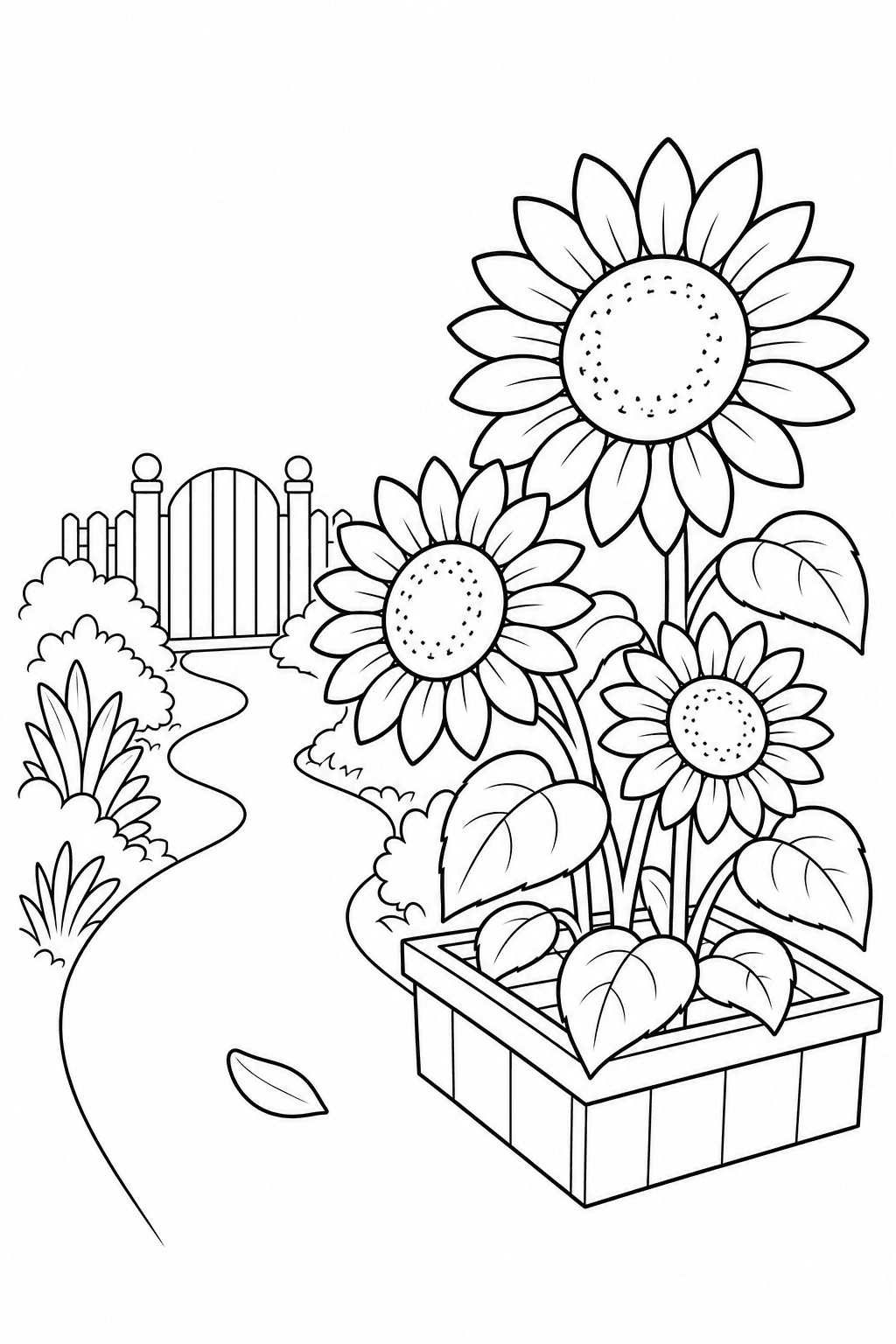
Draw a sunflower garden
A detailed botanical coloring page of three sunflowers at different stages of bloom, with broad leaves and a simple garden path, clean black outlines, white background, no gray shading.
Use this promptAI-GENERATED PRINTABLE LINE ART
Describe a subject, scene or coloring idea and turn it into original black-and-white line art. Shape the page for kids, a classroom activity or a more detailed coloring session, then review the preview before downloading.
Write a focused prompt, choose who the page is for, and set its detail and page shape in the existing generator.
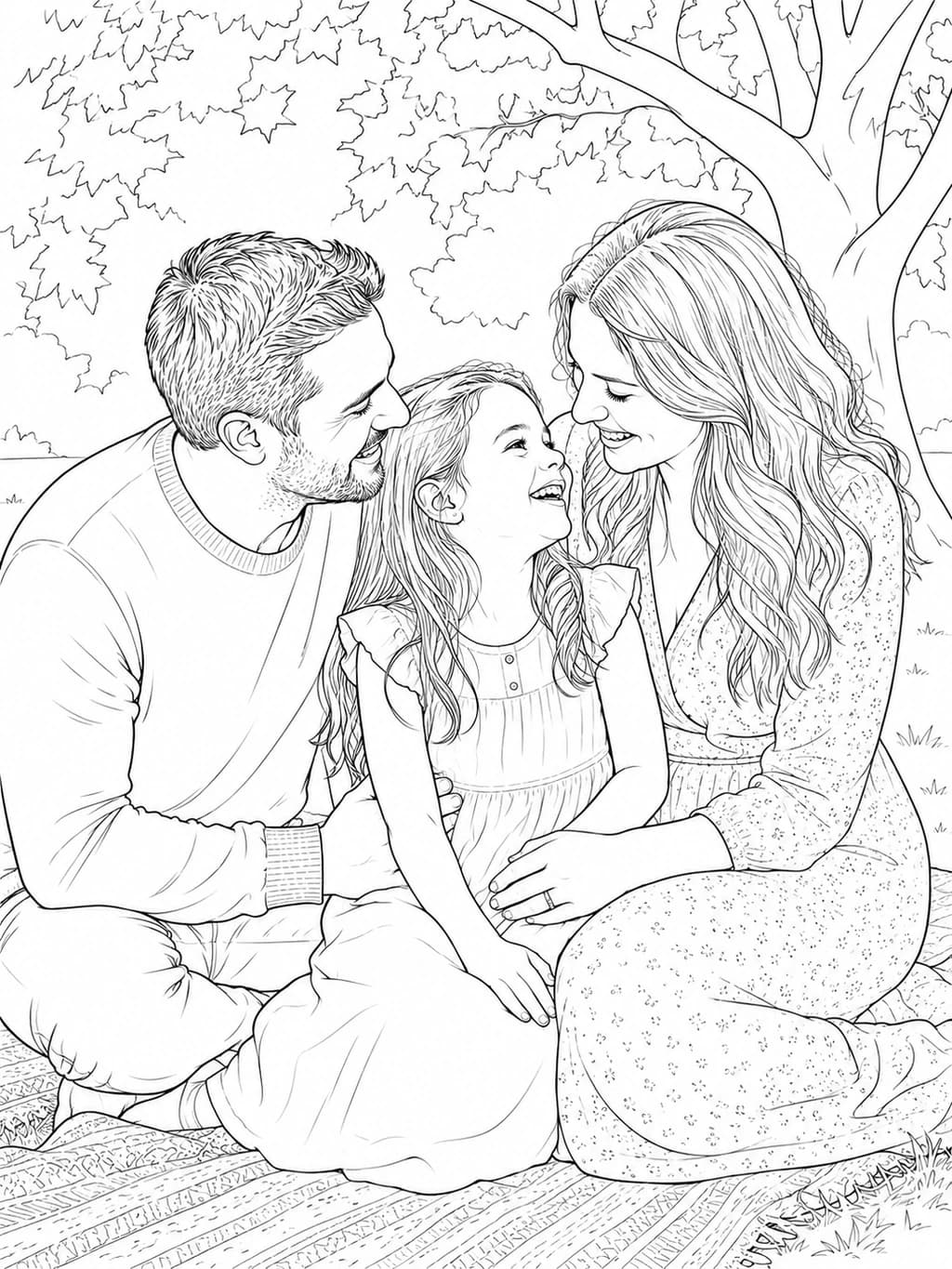
Use text when you are imagining a new scene. Choose the photo converter when you want to begin with a real person, pet, place or keepsake.
Open the photo-to-line-art converter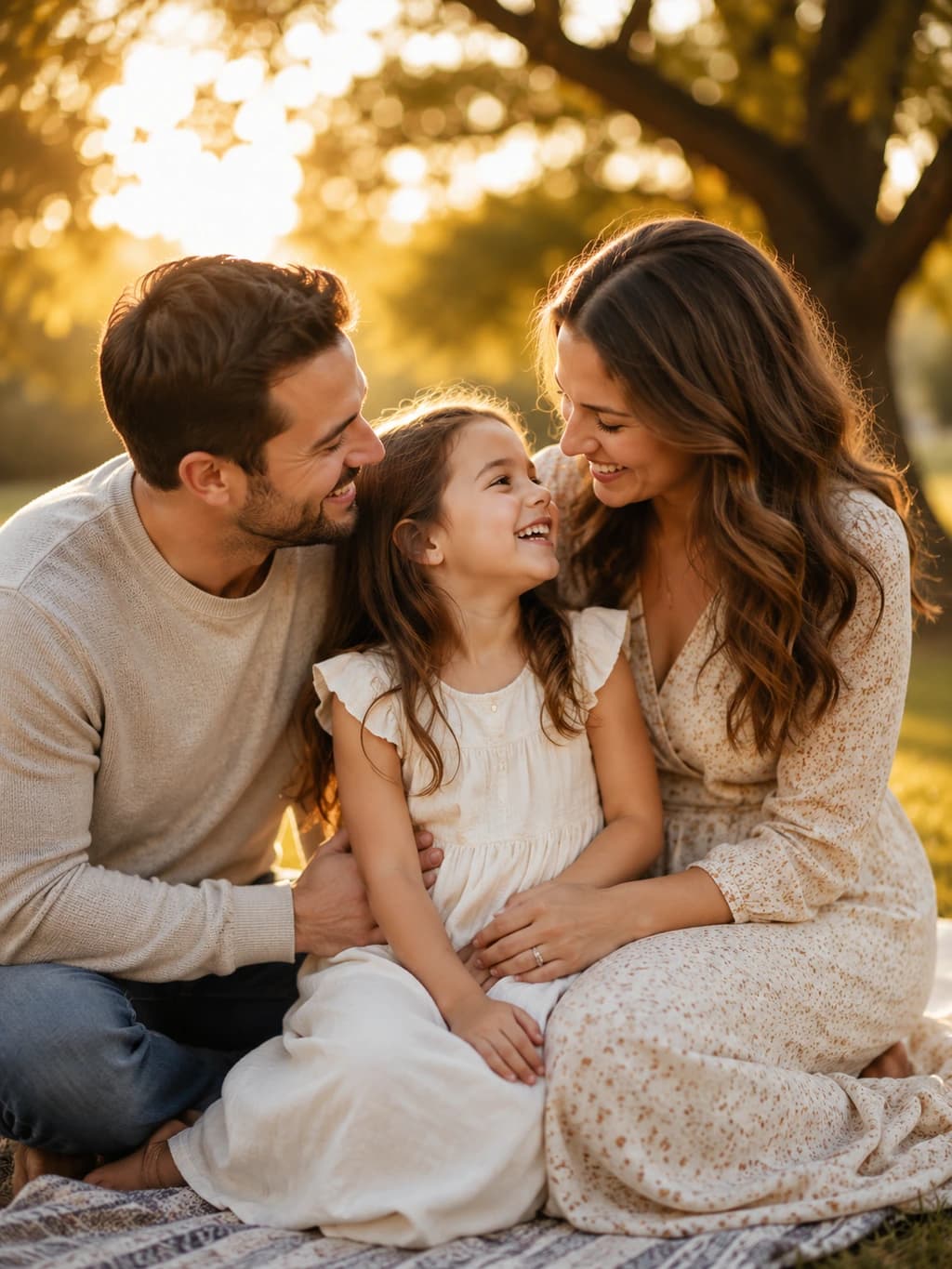
Choose an idea to send its prompt to the text generator. Adjust the subject or detail before creating your own page.
BOTANICALA detailed botanical coloring page of three sunflowers at different stages of bloom, with broad leaves and a simple garden path, clean black outlines, white background, no gray shading.
Use this prompt KIDS STORY
A friendly fox carrying a tiny lantern through a quiet woodland, with a mushroom and two trees nearby, bold clean outlines and large open spaces for young children to color.
Use this prompt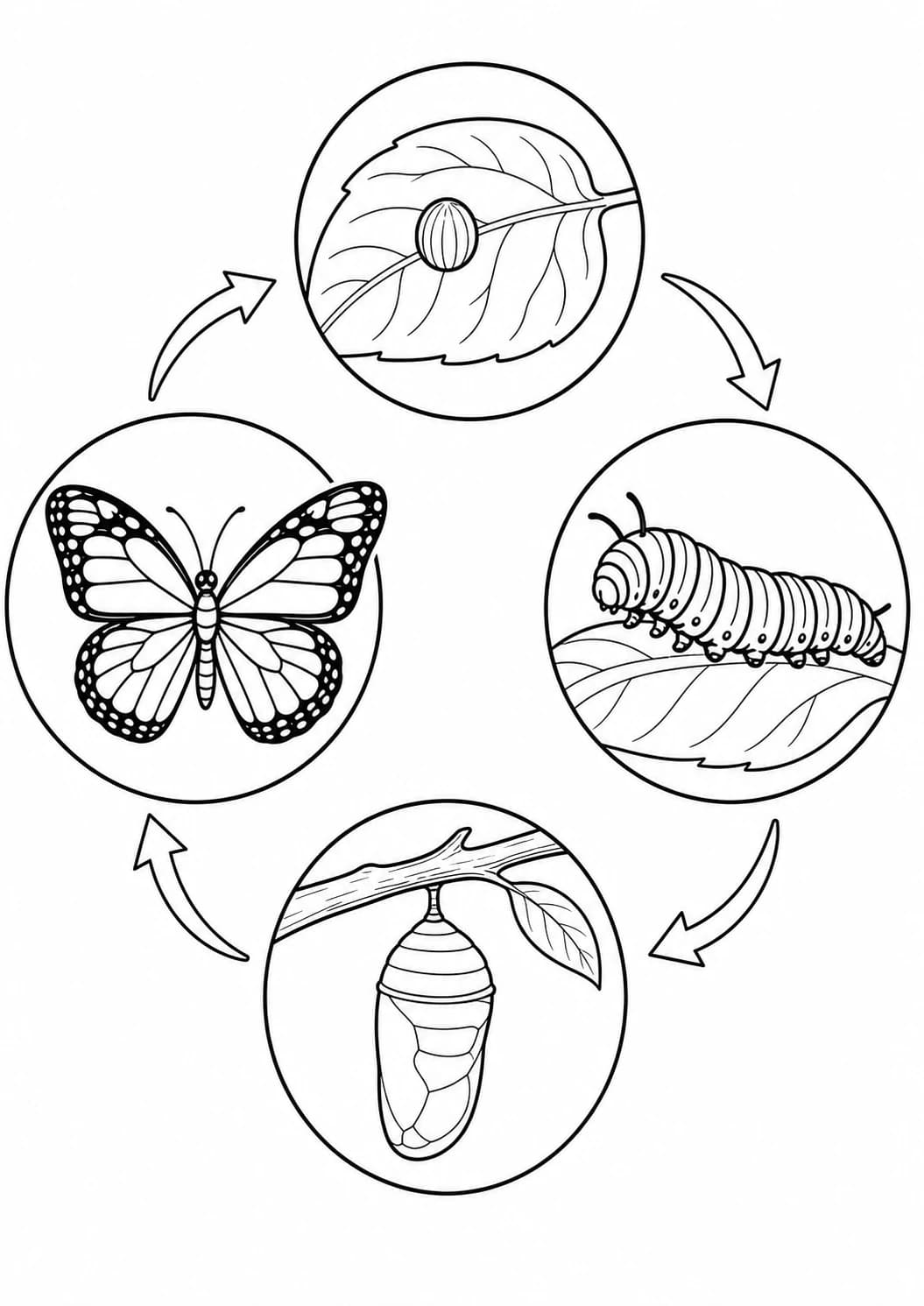 CLASSROOM SCIENCE
A classroom coloring page showing the four stages of a butterfly life cycle with one clear, simple illustration for each stage, balanced spacing, clean outlines, and no written labels.
Use this promptStart with the picture in your mind, then use the workspace to shape a page you can review and print.
Name a subject, an action and only the setting details that help explain the picture.
Set the creation mode and page format to suit the person who will use the line art.
Check the preview. Sign in to save and unlock an eligible first page for download or printing.
Describe one main subject and what it is doing, add a simple setting or visual direction, then choose the audience and detail level in the generator. Review the preview before deciding whether to unlock and download it.
Start with one subject, one visible action and only the setting details that matter. You can also mention clean black outlines, open coloring spaces or a botanical, storybook or classroom direction. Shorter focused prompts usually give the composition more room.
Create 1 free watermarked Standard 1K preview without signing up. Sign in to save and unlock an eligible first page. Sign in to save your page. Download and print require an unlocked page; continue with a one-time image or permanent credits.
Choose from 2:3, 3:2 or Square page shapes in the workspace. Review the generated composition first; the free Standard 1K preview is watermarked, and you must sign in to unlock an eligible page before downloading or printing.
No. It creates raster coloring-page artwork, not editable vector paths. Review the preview and choose an available image quality that fits your project before unlocking a download.
Yes. For a real person, pet, place or object that you want to keep recognizable, use the photo-to-line-art converter and start from an image instead of a written description.