
Home/Photo to Coloring Page
AI PHOTO TO COLORING PAGE

Photo to Coloring Page Converter for Printable AI Line Art

Upload a portrait, pet, family, building or object photo and turn it into a printable coloring page with clean black-and-white raster line art. Choose the background, line weight and level of detail for colored pencil, watercolor, markers or children's coloring.

Unlike a basic edge-detection filter, this AI converter simplifies photographic texture while preserving the main subject. Review faces, hands, paws and important structural details before downloading or printing.
1 free standard generationNo sign-in to generateJPG, PNG or WebPUp to 10 MB1024 × 1536 raster outputSign in to download
Birthday portrait before photo-to-coloring-page conversionOriginal photo
The same birthday portrait converted into printable coloring page line artPurpose-built line art
Raster line art—not SVG or editable vector paths.
1 Upload a source photo
2 Choose a style
3 Choose a background
Advanced settingsLine weight, detail and prompt controls
Line weight
Shading
Compiled prompt
Create clean printable line art using the photo as the sole source of truth for identity, pose, proportions and expression instead of applying an edge-detection filter. Fill the page; keep subjects complete within 5-8% print-safe margins. Margins are invisible: draw no page border, inset frame, paper edge or perimeter line. End naturally on pure white paper with intentional dark lines; remove photo noise, duplicate contours and fragments.

Optimize the result as a versatile drawing reference. Balance recognizable structure with clean, editable linework and moderate internal detail.

Identify the actual primary subject from the photo. Preserve its semantic category and identity-defining features without assuming it is a person or animal and without substituting another subject.

Strictly preserve identity, expression, pose, proportions, and distinctive features. Simplification must never reduce recognizability.

Preserve key structural details while removing minor photographic texture. Keep the image readable at normal print size.

Keep only two to five major background shapes needed to understand the setting. Render them with thinner, lighter, and much less detailed lines than the primary subject.

Use clean medium-weight outer contours with lighter internal and background lines. Keep every line crisp and continuous.

Do not use hatching, crosshatching, gray shading, gradients, or solid black shadow areas.

Closed coloring regions are not required. Preserve natural open contours where appropriate for a drawing underlay.

Avoid: edge-detection appearance, messy or construction lines, repeated contours, broken outlines, distorted anatomy, asymmetrical eyes, excess wrinkles, random hair or fur noise, photographic shading, grayscale fills, heavy black areas, tiny unusable regions, invented objects, changed pose, identity or subject category, rectangular page borders, inset boxes, perimeter lines, paper outlines, decorative frames, text, signature, and watermark.
Waiting for a photo
Source photograph
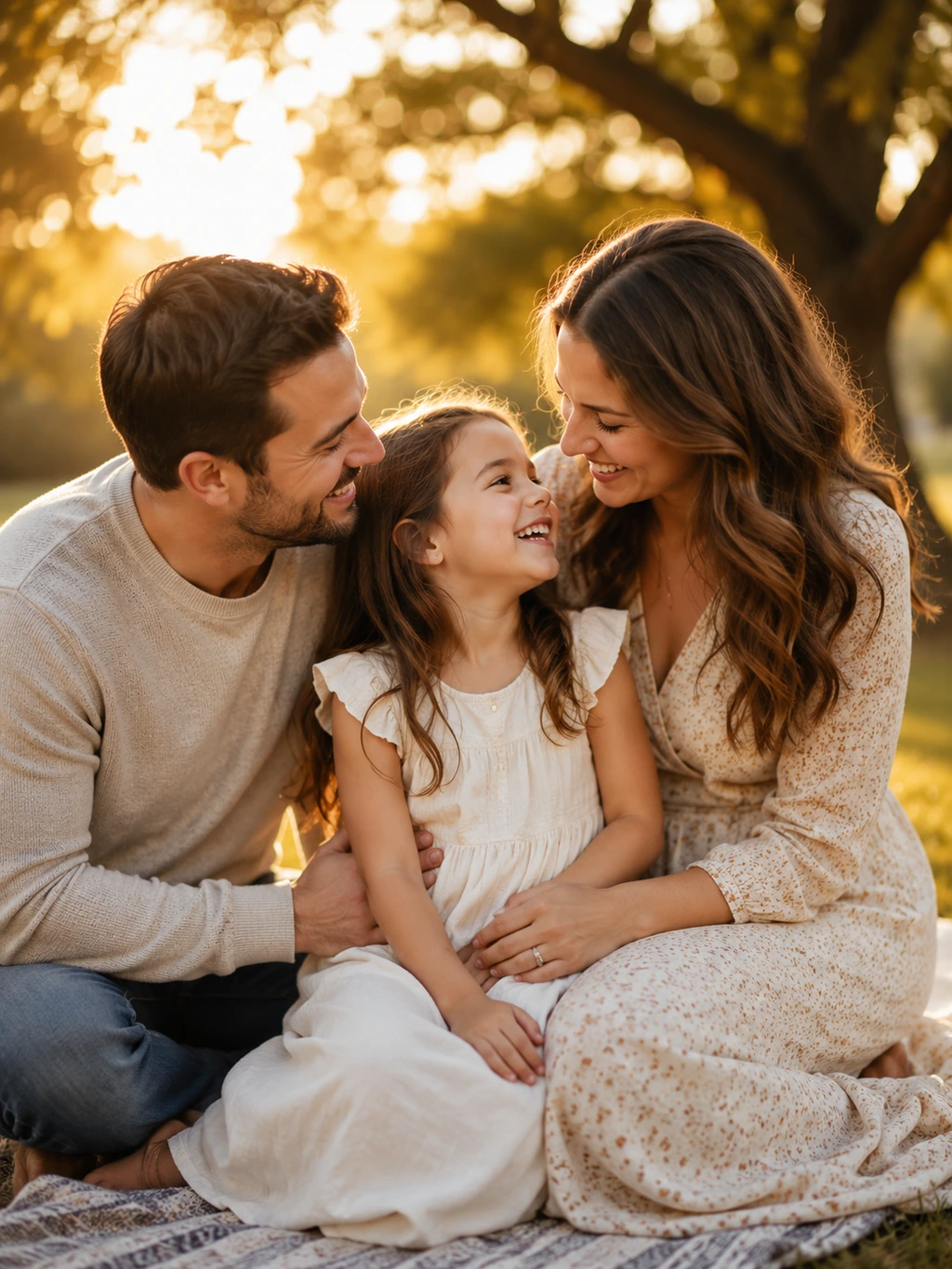
Sample photoSample family photograph
Professional drawing underlay
Sample line artSample family photo converted into professional line art
Free drawingStylebalanced detailDetail levelBackground simplifyBackground85% likenessSimilarity
High quality output 300 DPI Print ready
REAL CONVERSION EXAMPLES

Photo-to-Coloring-Page Before and After Examples

Compare portraits, pets, couples, weddings, family moments, birthdays and travel photos with their printable raster line-art results.

Romantic garden proposal photo before conversionOriginal photo
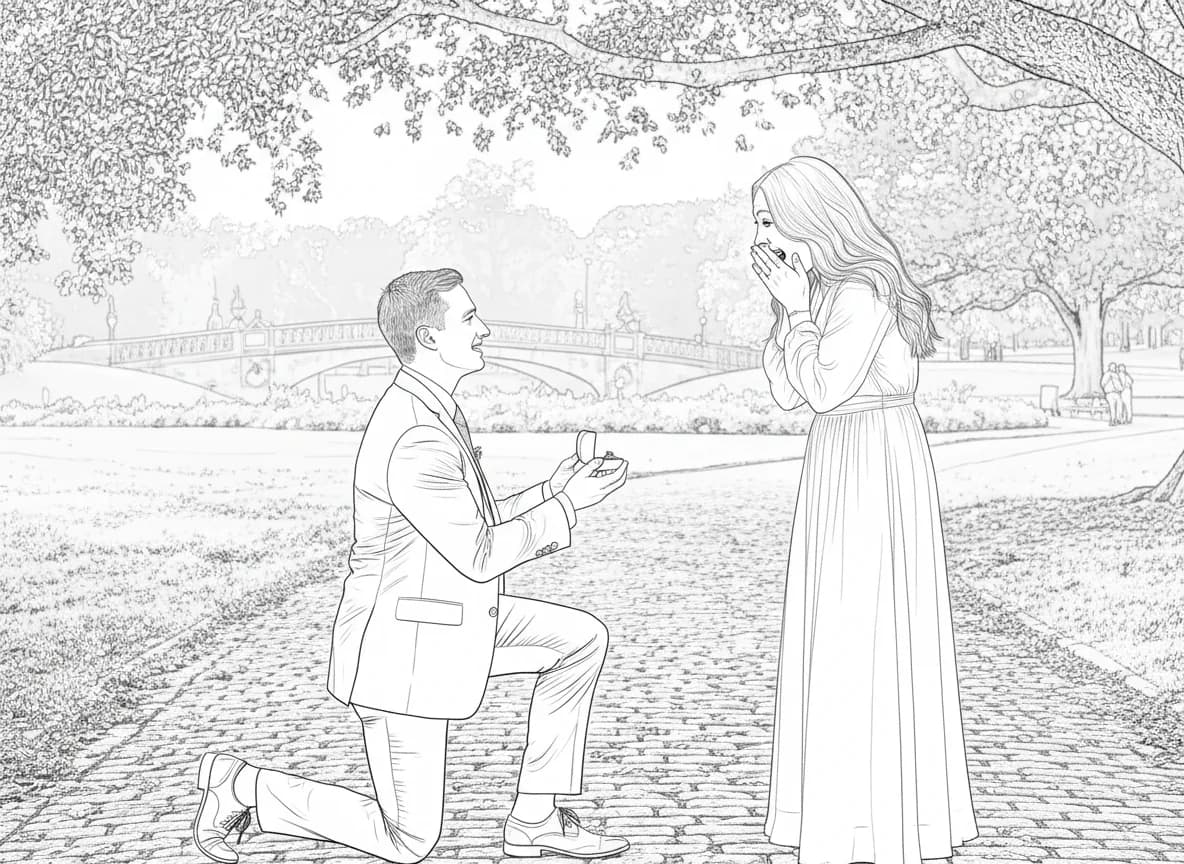
Proposal photo converted into a printable coloring pageLine art
Proposals

Proposal Photo to Coloring Page

The couple stays recognizable while busy park texture becomes lighter.

Couple walking on a beach at sunset before conversionOriginal photo
Couple beach photo converted into a printable coloring pageLine art
Couples & Romance

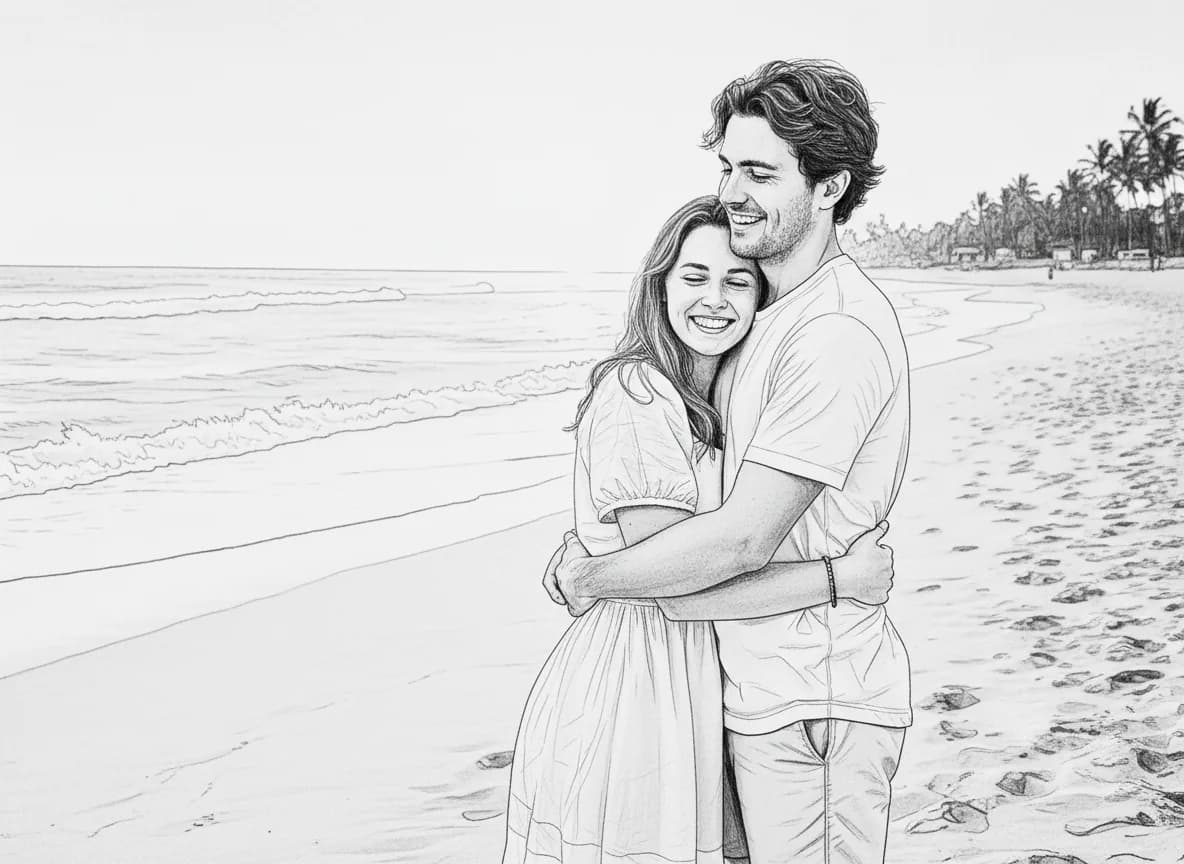
Couple Photo to Coloring Page

A two-person travel moment becomes a clean, personal coloring keepsake.

Bride and groom sharing their first dance before conversionOriginal photo
Wedding first dance photo converted into a printable coloring pageLine art
Weddings

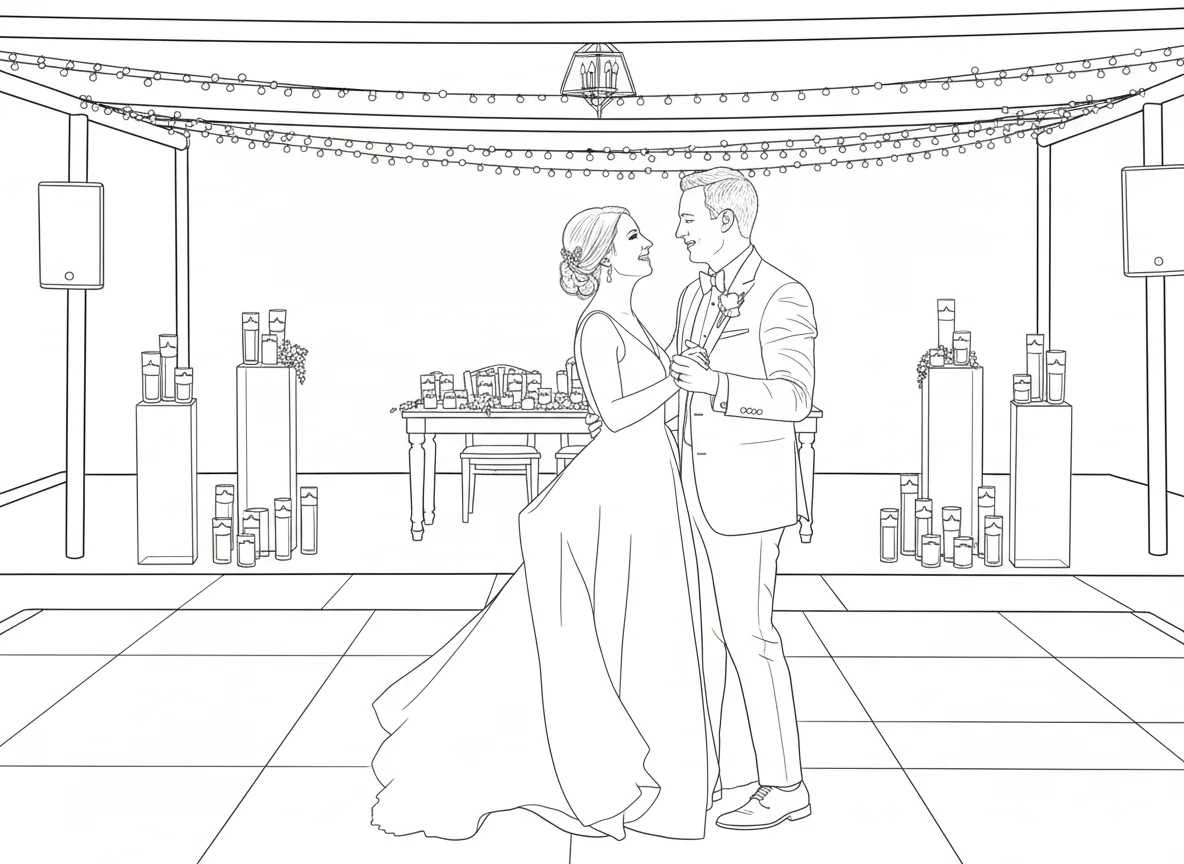
Wedding Photo to Coloring Page

The couple remains the focal point while decorative texture is reduced.

Mother holding her newborn baby before conversionOriginal photo
Newborn and mother photo converted into a printable coloring pageLine art
New Parents

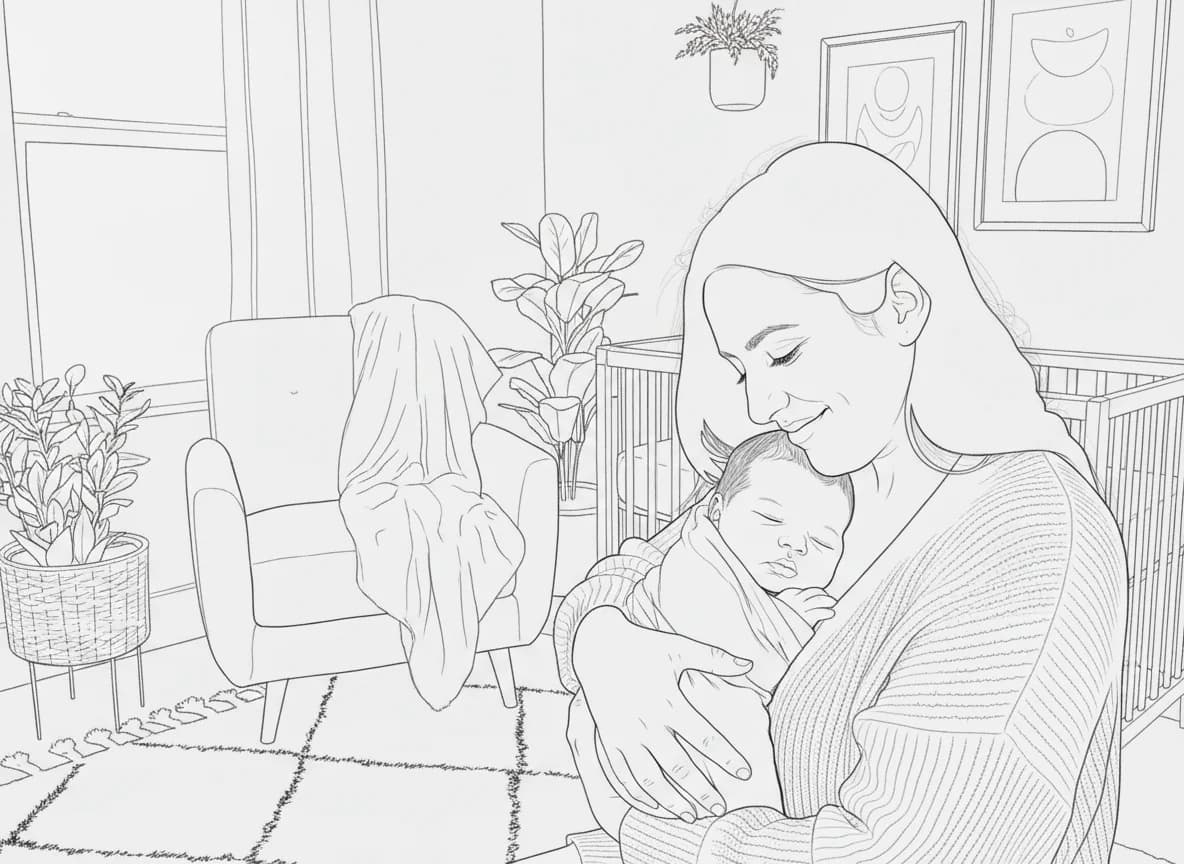
Baby Photo to Coloring Page

Gentle portrait details become open shapes for a personal coloring page.

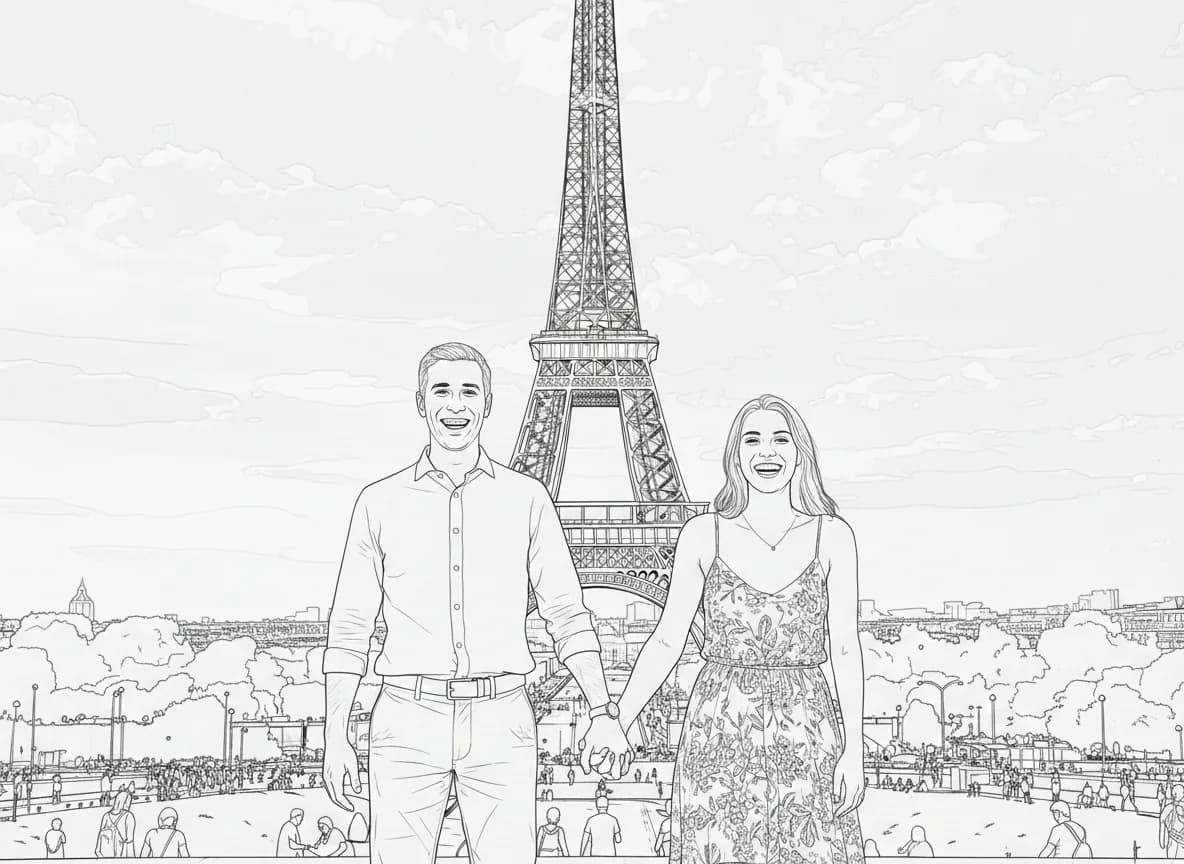
Friends posing near the Eiffel Tower before conversionOriginal photo
Paris travel photo converted into a printable coloring pageLine art
Travel Memories

Travel Photo to Line Drawing

People and the landmark remain visible while distant detail is softened.
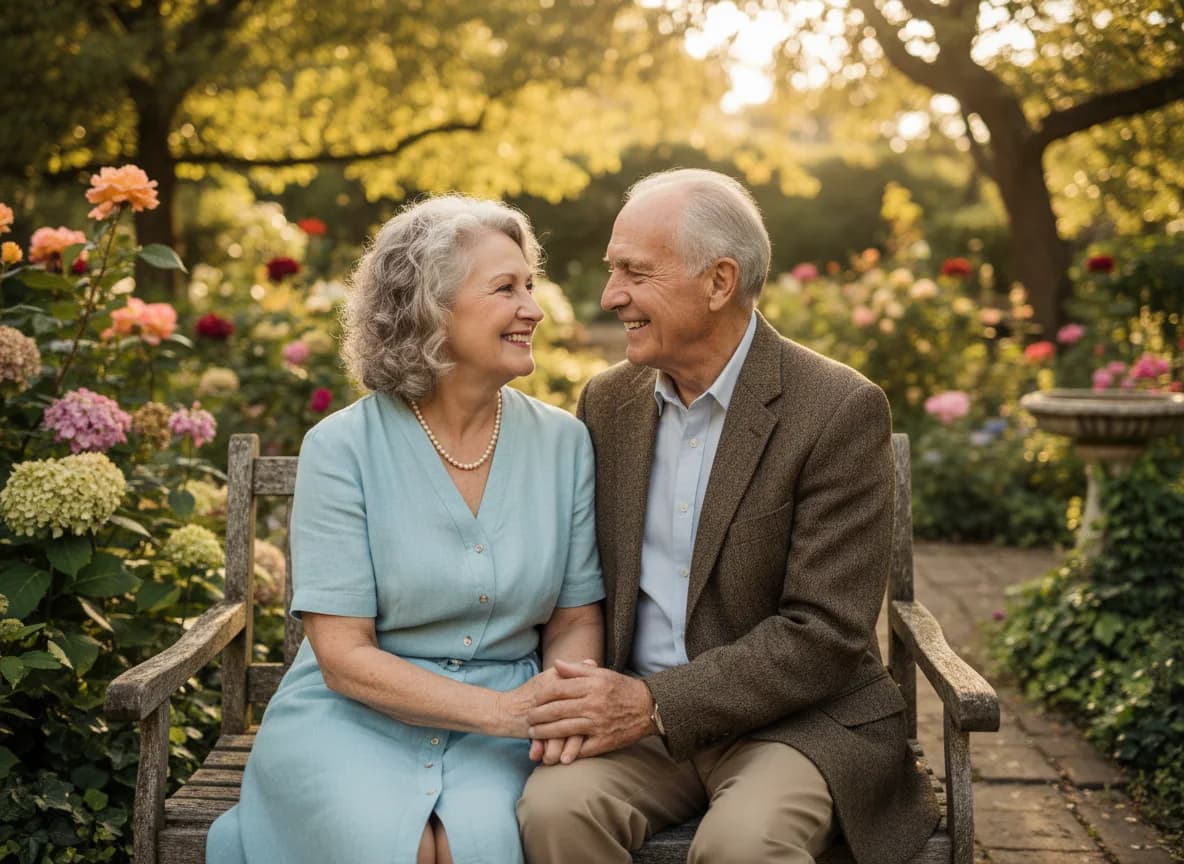
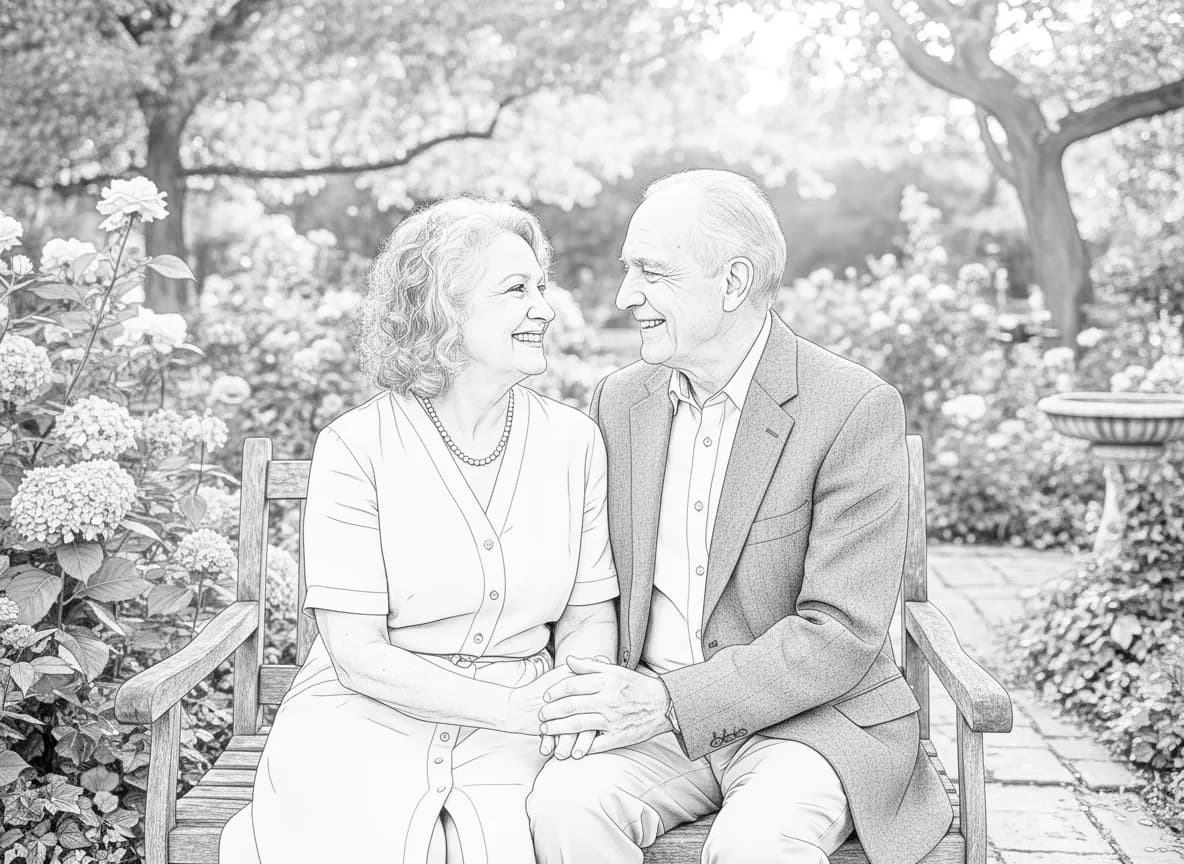
Older couple embracing outdoors before conversionOriginal photo
Older couple portrait converted into a printable coloring pageLine art
Anniversaries

Anniversary Photo to Coloring Page

Clear faces and close framing help preserve the character of the portrait.

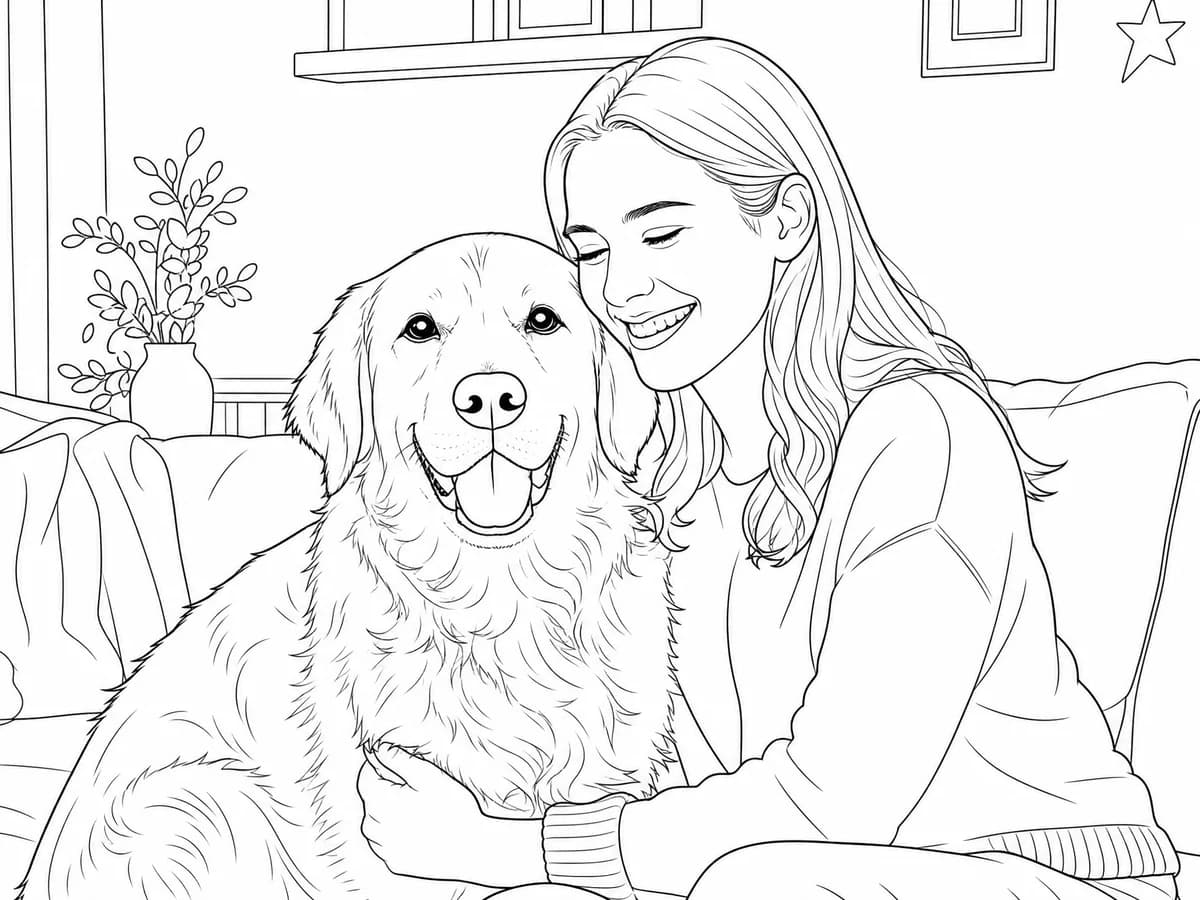
Woman hugging her golden retriever in a bright living roomOriginal photo
Pet and owner photo converted into a printable coloring pageLine art
Pets

Pet Photo to Line Art

The pet and owner stay central while the indoor scene becomes simpler.

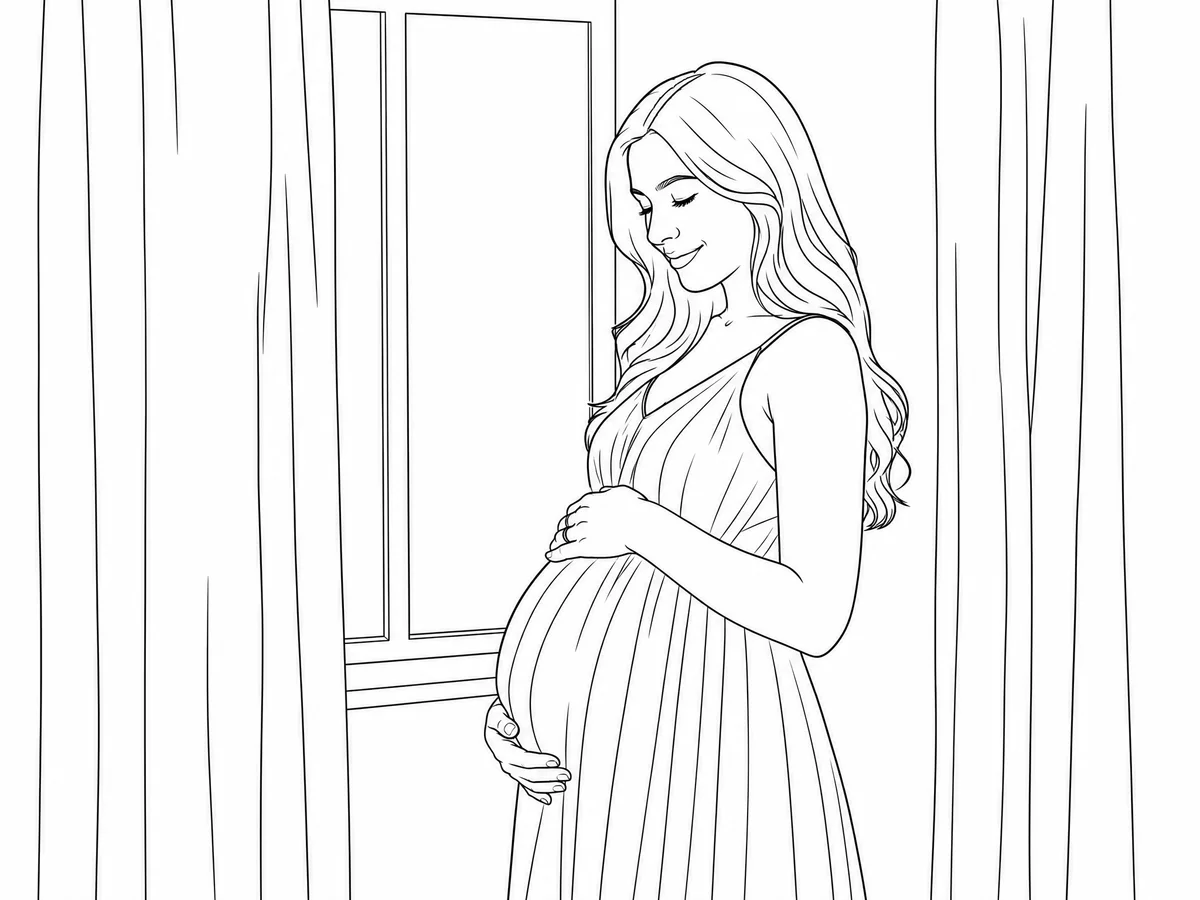
Expectant mother posing beside a softly lit windowOriginal photo
Pregnancy portrait converted into a printable coloring pageLine art
Pregnancy

Pregnancy Photo to Coloring Page

Soft portrait lighting converts into calm, uncluttered outlines.

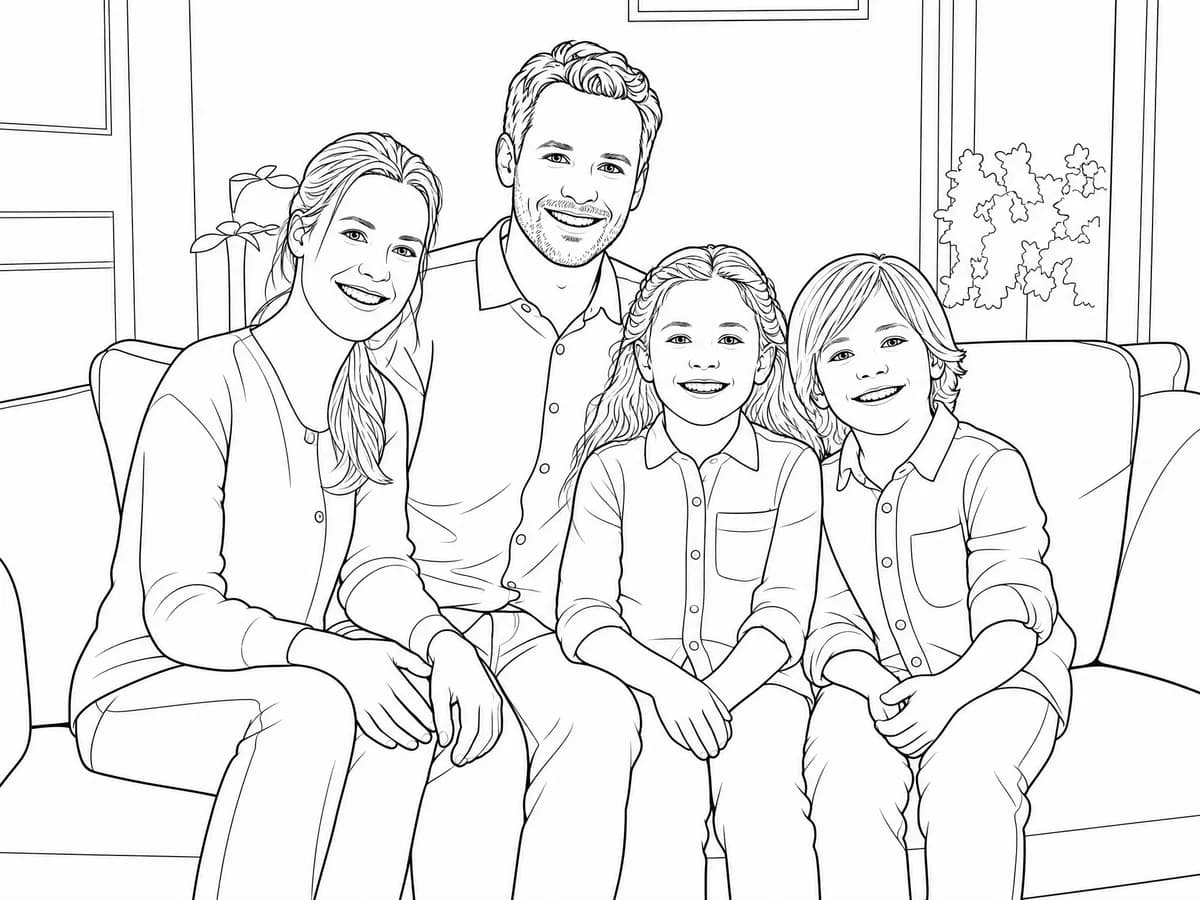
Parents and two children posing together on a sofaOriginal photo
Family portrait converted into a printable coloring pageLine art
Family

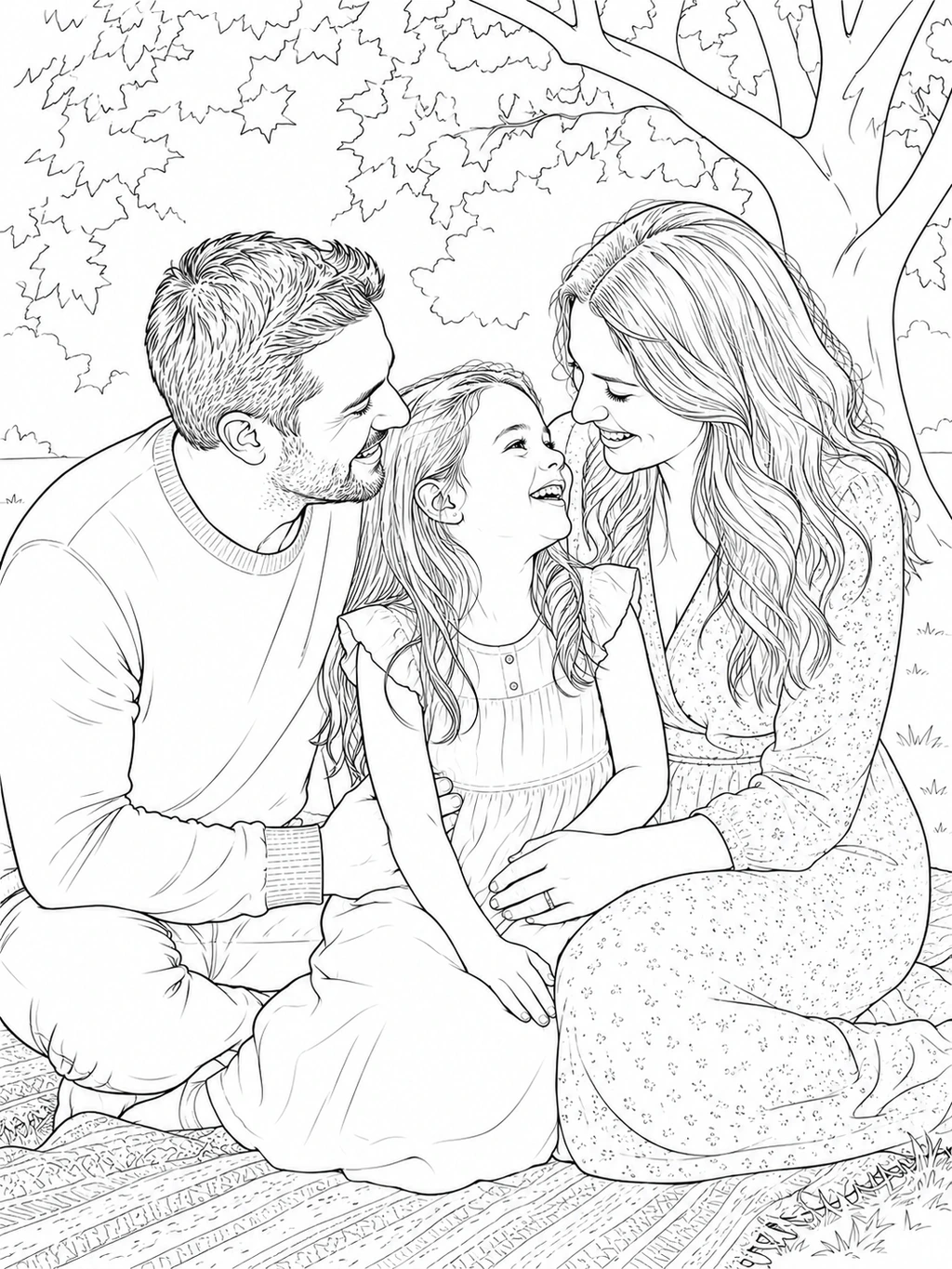
Family Photo to Coloring Page

The family remains central while smaller room details are simplified.

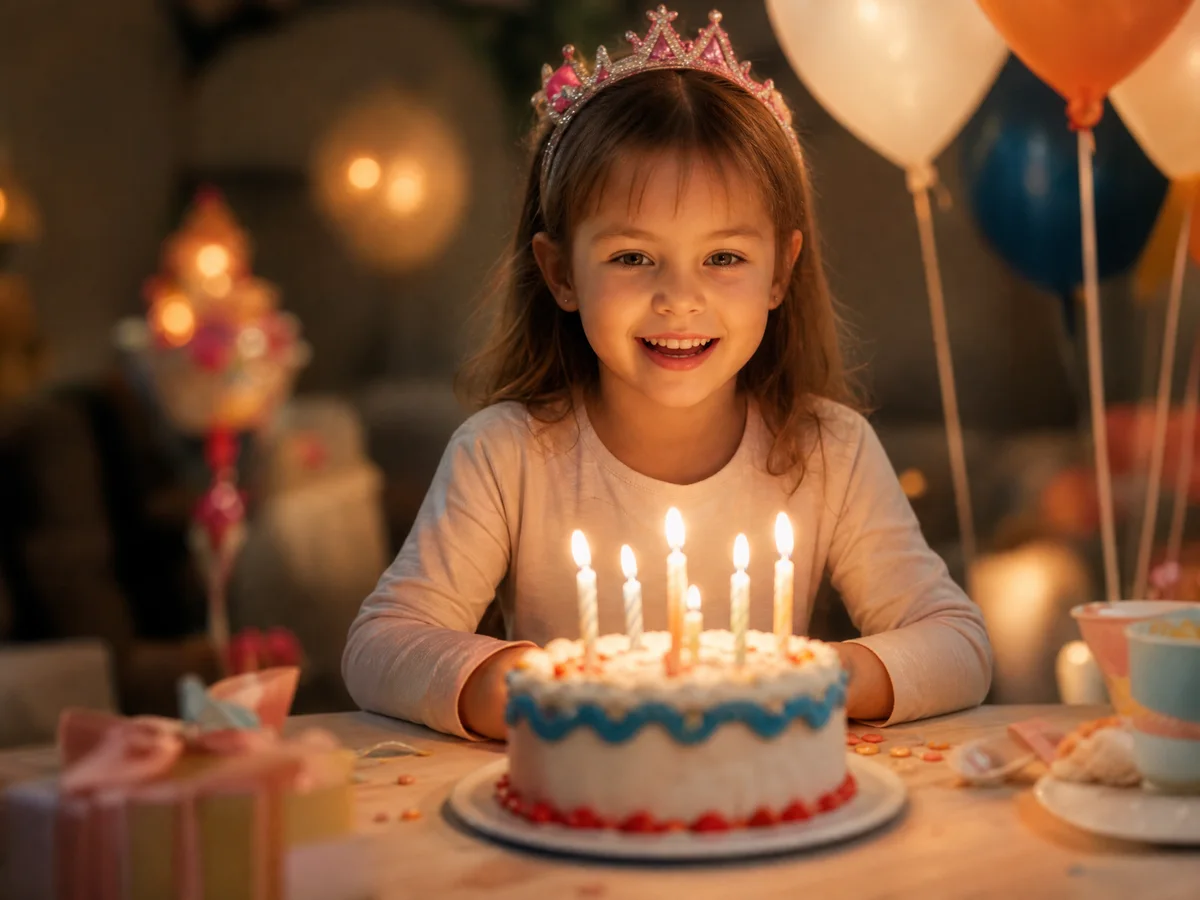
Smiling child with a birthday cake, candles and balloonsOriginal photo
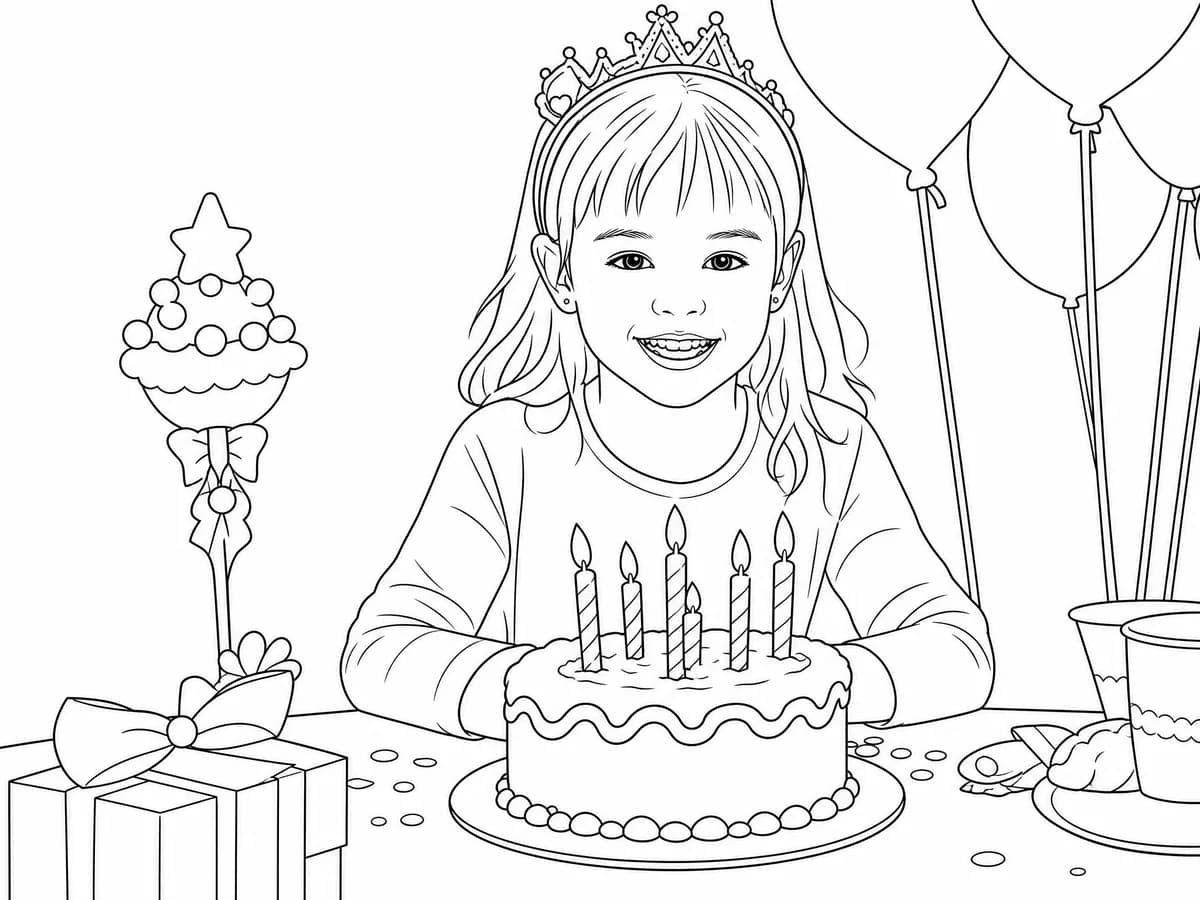
Child's birthday photo converted into a printable coloring pageLine art
Birthdays

Birthday Photo to Coloring Page

The child, cake and party details remain easy to recognize and color.

YOUR PHOTO, YOUR COLORING PAGE

Turn Your Own Photo into a Printable Coloring Page

Choose the background and line settings, then review the result before downloading or printing.

Convert your photo to a coloring page

AI may reinterpret small details. Review faces, hands, paws and important objects before printing.

FROM PHOTO TO COLORING PAGE

How to Turn a Photo into a Coloring Page

Upload one clear photo, choose the coloring style and background, then review the printable line-art result.

  1. Photo

    Add your photo

    Use one clear, well-lit JPG, PNG or WebP image.

  2. Purpose

    Pick the purpose

    Choose pencil, watercolor, marker, kids coloring or free drawing.

  3. Background

    Shape the background

    Remove it, simplify it or keep the scene.

  4. Linework

    Tune the linework

    Set line weight, shading and closed coloring regions.

  5. Result

    Review your result

    Check the line art, then download it or explore colors.

Go to the photo controls
PHOTO TO COLORING PAGE, EXPLAINED

What Is a Photo-to-Coloring-Page Converter?

A photo-to-coloring-page converter uses AI to simplify a picture into clean black-and-white raster line art that can be downloaded, printed and colored.

Keeps the main subject Reduces texture and clutter Creates raster—not vector—line art
ORIGINAL PHOTORASTER LINE ART
A candlelit wedding photo, simplified rather than edge-traced.
BETTER INPUT, CLEANER COLORING PAGES

What Photos Work Best for a Photo-to-Coloring-Page Converter?

Clear, well-lit photos with one main subject and complete framing give the converter stronger shapes for clean, recognizable coloring pages.
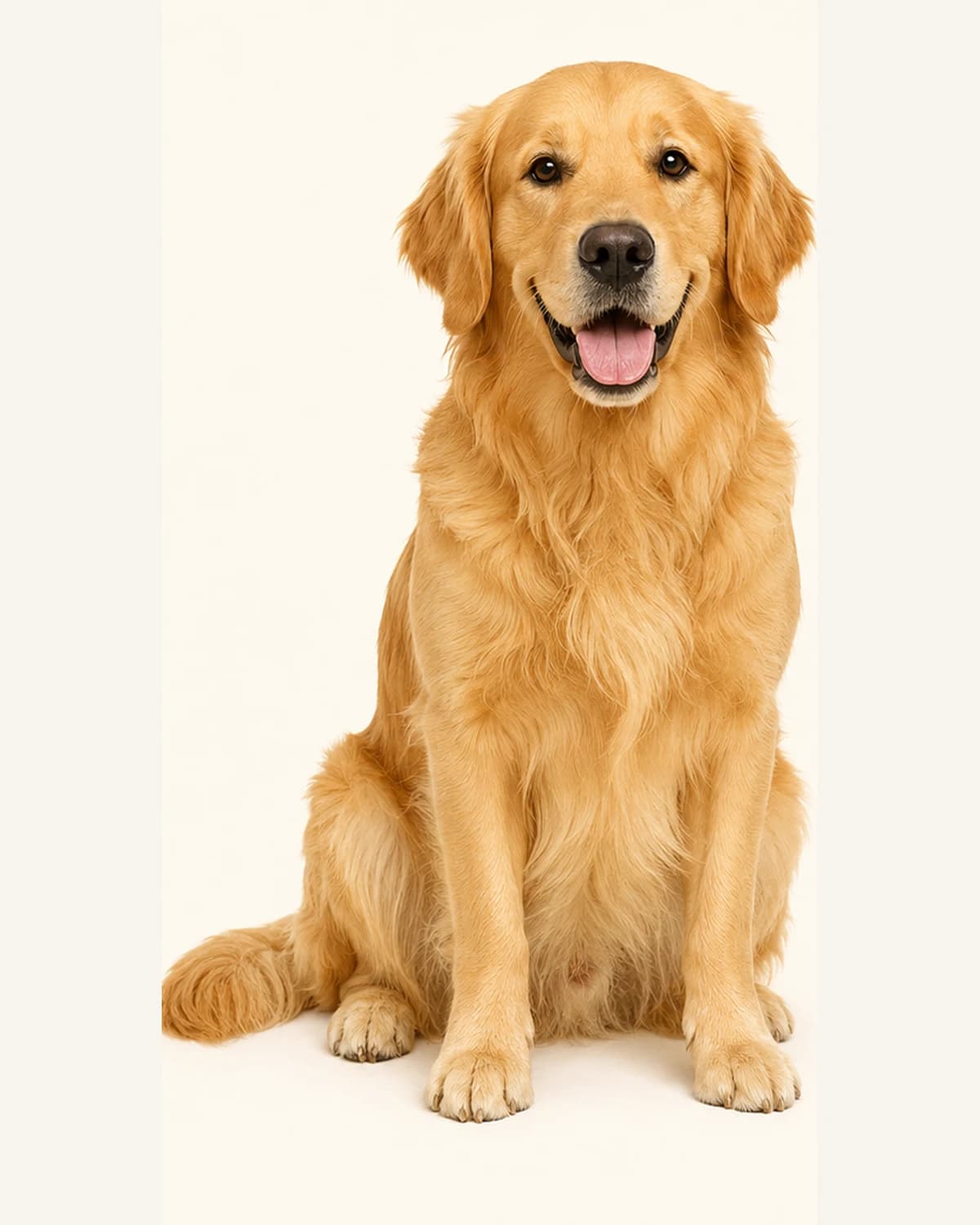
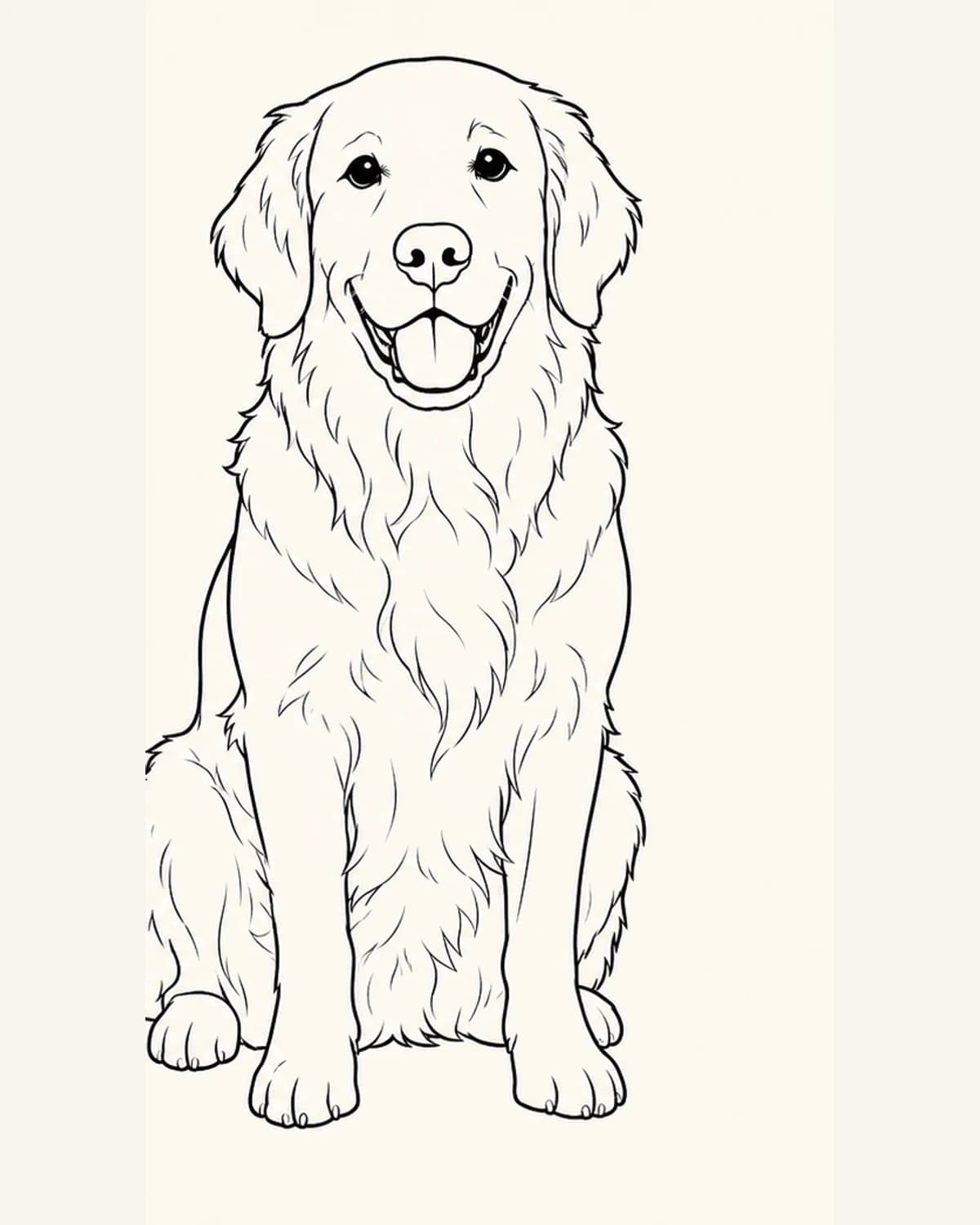
Source photoReal golden retriever photo used as a coloring page source
Real source photo: clear pet, natural light
Raster line artGolden retriever photo converted into printable line art
Generated result: recognizable printable line art
CHECK YOUR SOURCE PHOTO

Four Signs Your Photo Is Ready

  • One clear subjectA visible person, pet or object is easier to recognize.
  • Good lightingClear edges help preserve the features that matter.
  • Simple backgroundLess clutter creates larger, cleaner coloring areas.
  • Complete framingAvoid cutting off faces, paws, hands or important objects.
HOW PHOTO UPLOADS ARE HANDLED

How We Store and Process Your Photo

Your source photo is stored under a random, non-indexed path so an external image model can process it. We do not publish personal uploads or generated results in the public coloring-page gallery.

Not published in the appYour photo and result are not shared automatically or added to public discovery pages.Used for image processingThe selected external image model receives the upload to create your line art.Deletion requestsYou can contact support to request deletion of your account images.
QUESTIONS ABOUT PHOTO CONVERSION

Photo to Coloring Page Converter FAQ

Clear answers about using the AI photo-to-coloring-page converter, including uploads, photo quality, privacy, printing and printable raster line art.

01How can I turn a photo into a coloring page?

Upload a JPG, PNG or WebP photo, choose how to handle the background, select the quality and optionally describe what to preserve. Then select Convert photo.

02Which photos work best?

Use a sharp, well-lit photo with one clearly visible person, pet or object. A simple background and complete framing usually produce cleaner, more recognizable coloring-page outlines.

03How is this different from a phone filter or Photoshop edge detect?

A basic edge filter traces every visible texture. Love to Color uses AI to simplify distracting detail, preserve the main subject and create cleaner black-and-white line art for coloring.

04Can I convert pet and portrait photos?

Yes. Clear photos of dogs, cats, people, toys and familiar objects work well. The converter simplifies fine texture while keeping the main features recognizable.

05Will my uploaded photo stay private?

Your photo is stored under a random, non-indexed path and sent to an external image model for processing. It is not published in our gallery or shared with other users through the app. You can contact us to request deletion.

06Can I make a coloring book from family photos?

Yes. Convert each family photo into an individual printable page, then download the line art and optional guides to assemble your own family coloring book.

07What should I check before printing?

Check that the subject is recognizable, important features are complete, lines are clean and the page has comfortable white margins.